We Offer Assistance and Support
For assistance, click this button:
Template File Structure: Overview
Template files are organized for easy asset access. Subdirectories contain specific elements:
-
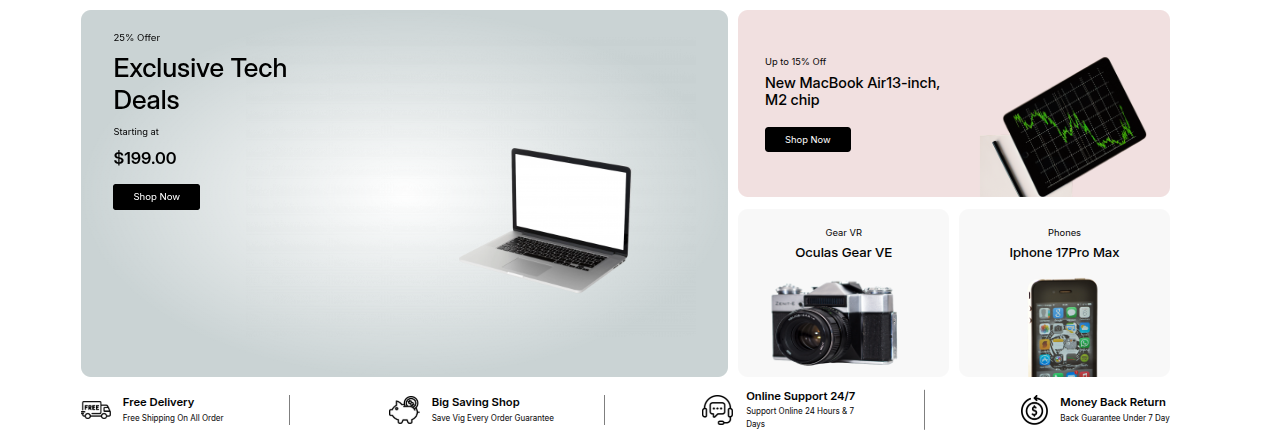
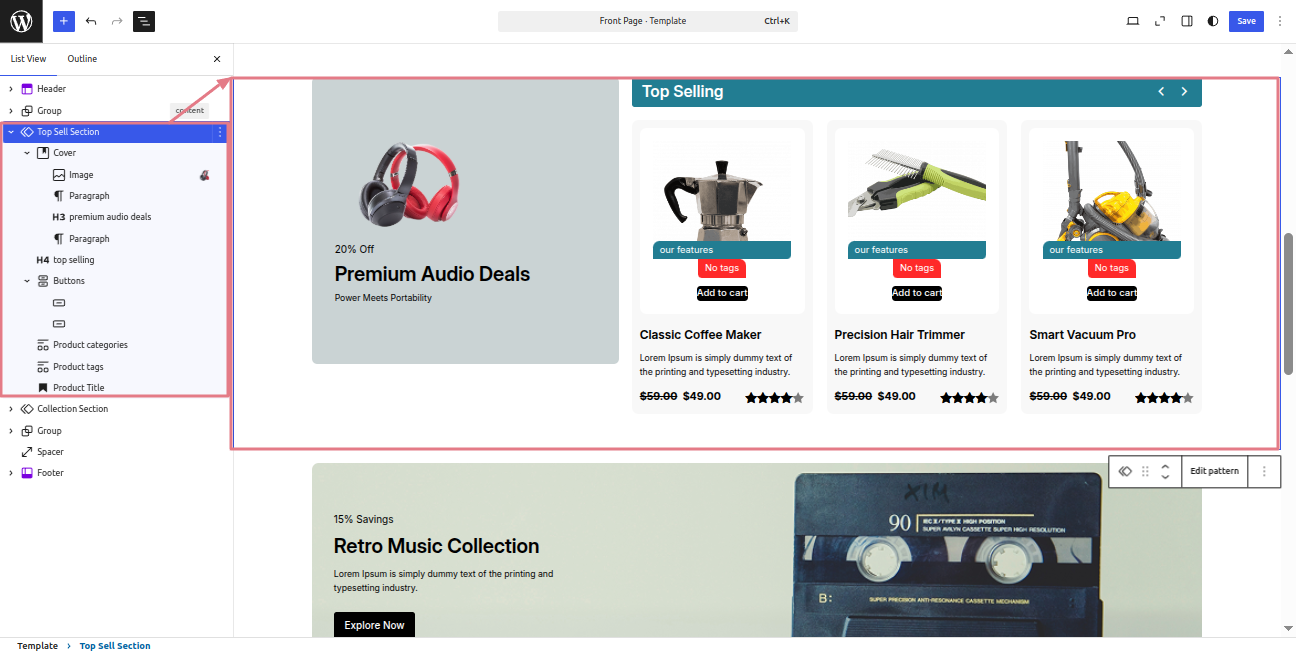
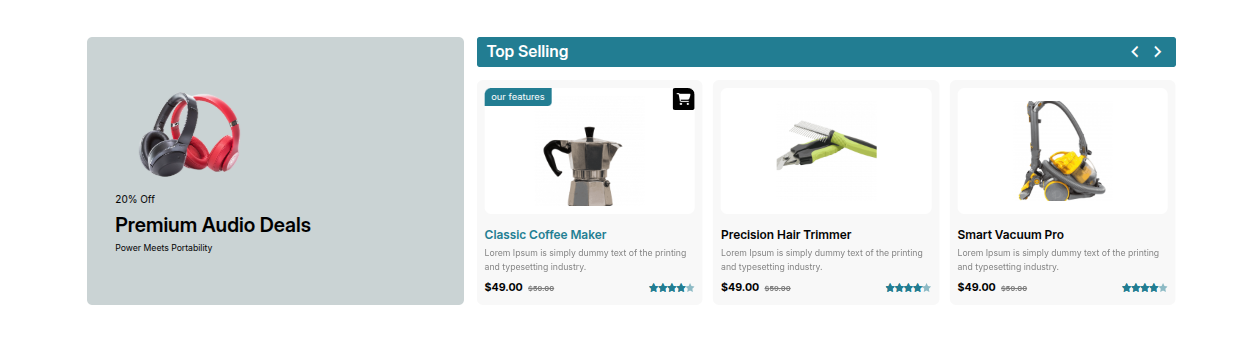
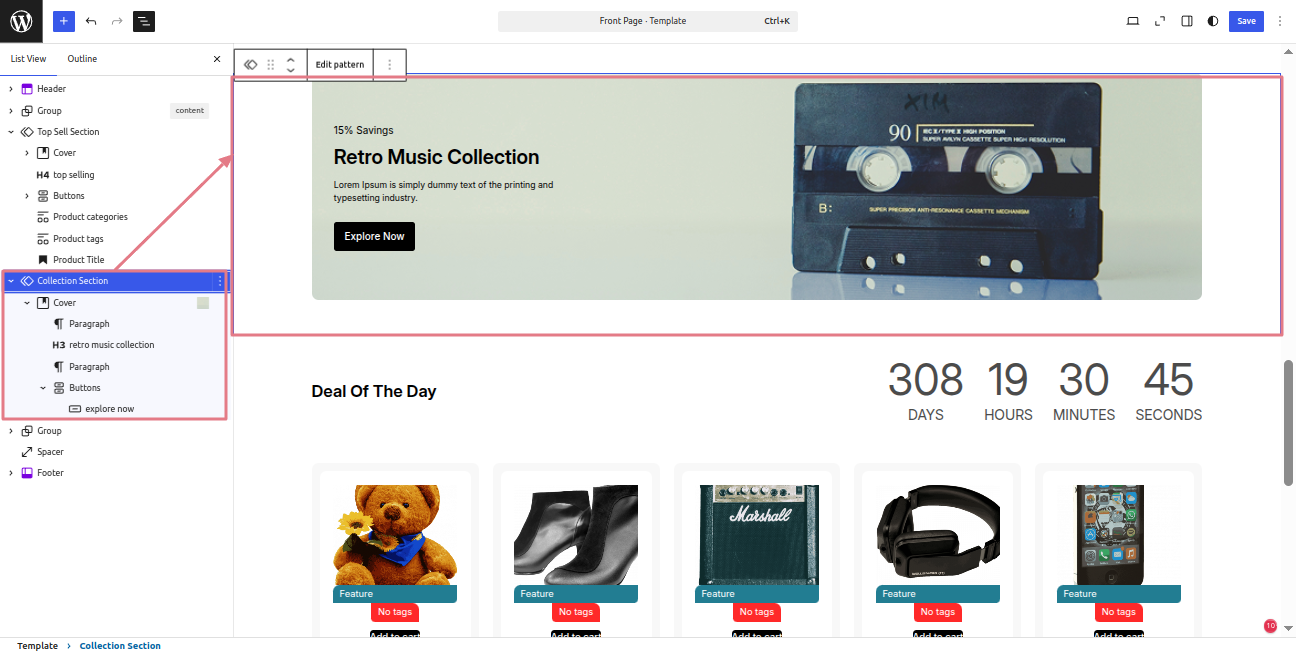
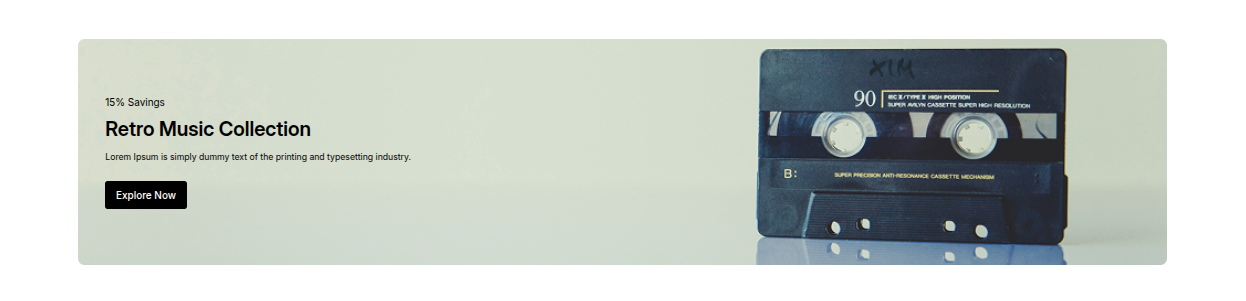
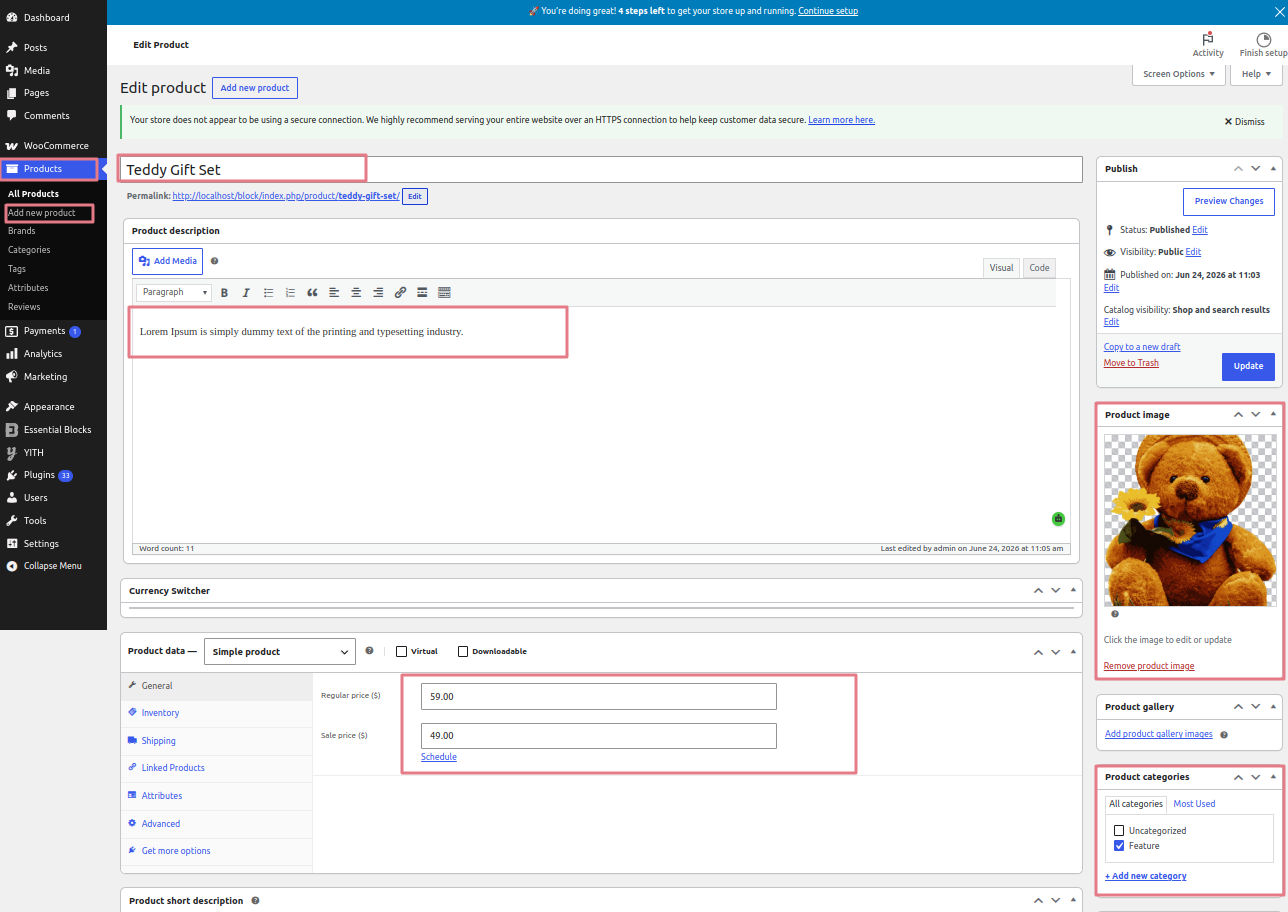
Screenshot: - The "Screenshot" folder shows template usage examples for inspiration. These images are illustrative, not for production use..
-
Theme : WordPress theme materials are included in the theme.
-
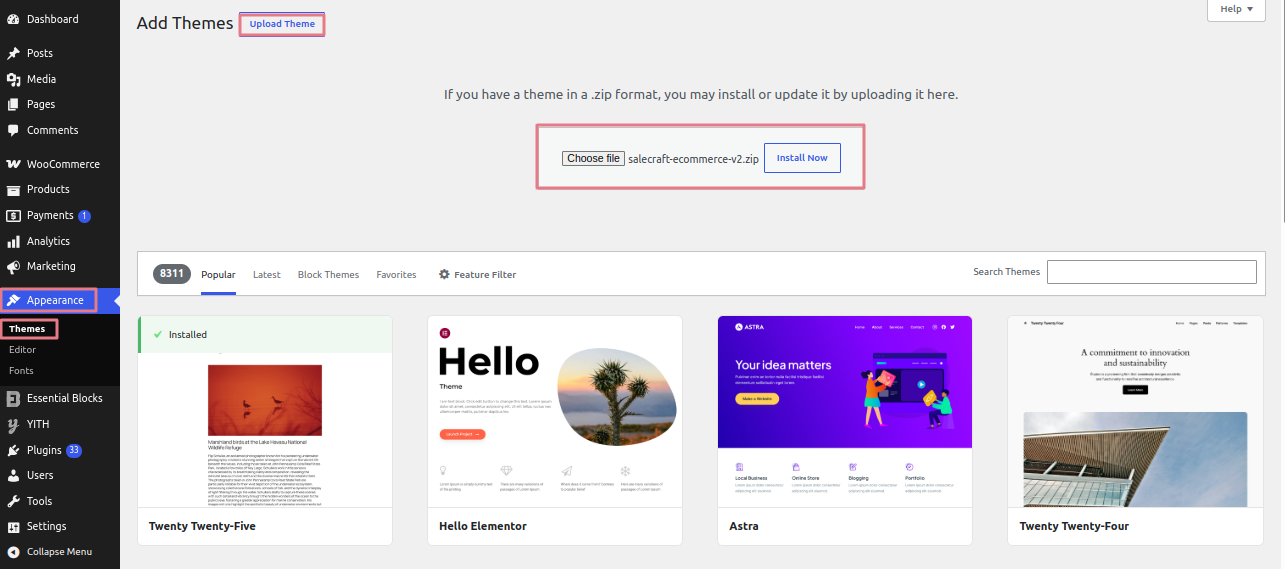
salecraft-ecommerce-v2.zip: This folder contains every file required for the theme.
-
license.txt :contains information on licenses
-
readme.txt : This file contains details regarding the theme's font, usage script, and images.
My own website utilized to work well. How were the files' permissions changed?
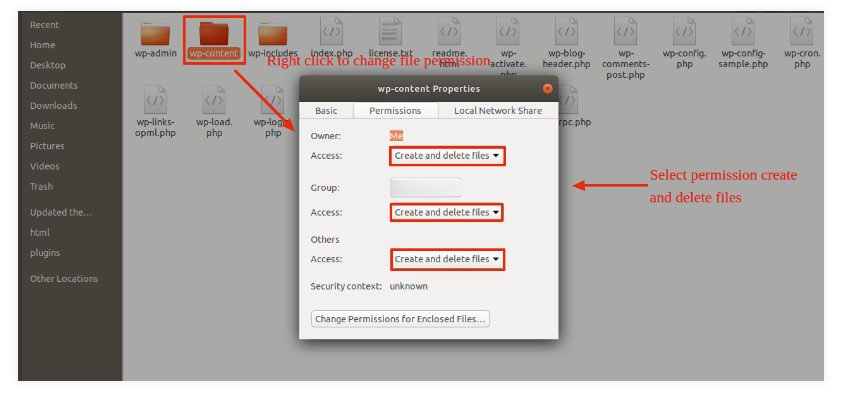
WordPress may not be able to run scripts, upload images, or create directories if file permissions are incorrect.
Permission is needed for WordPress to create directories and manage files on the server.
The context menu will show up when you right-click on any folder in the main directory. From there, select File Permissions.
-
wp-config
-
dialog window for permissions
-
Select the checkbox. read and write
-
Click OK to continue..
Use the same procedures for the wp-content subfolder.