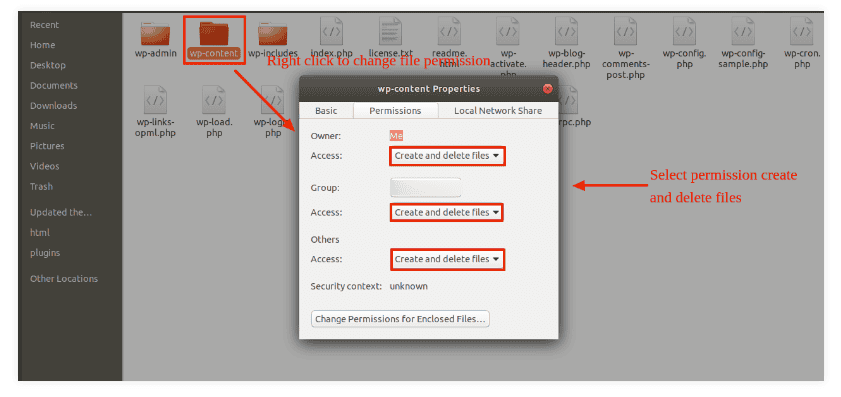
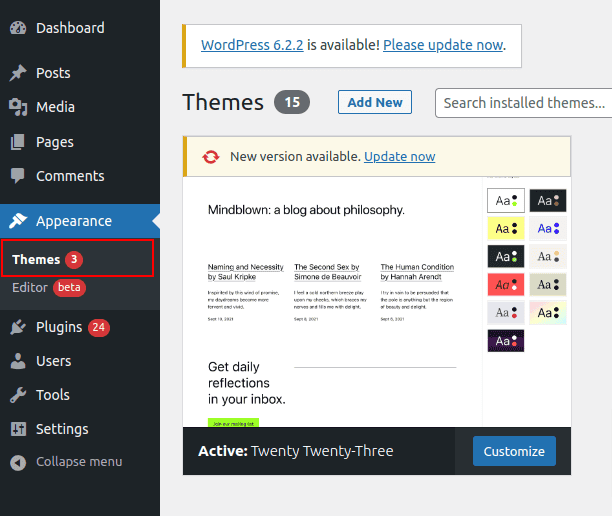
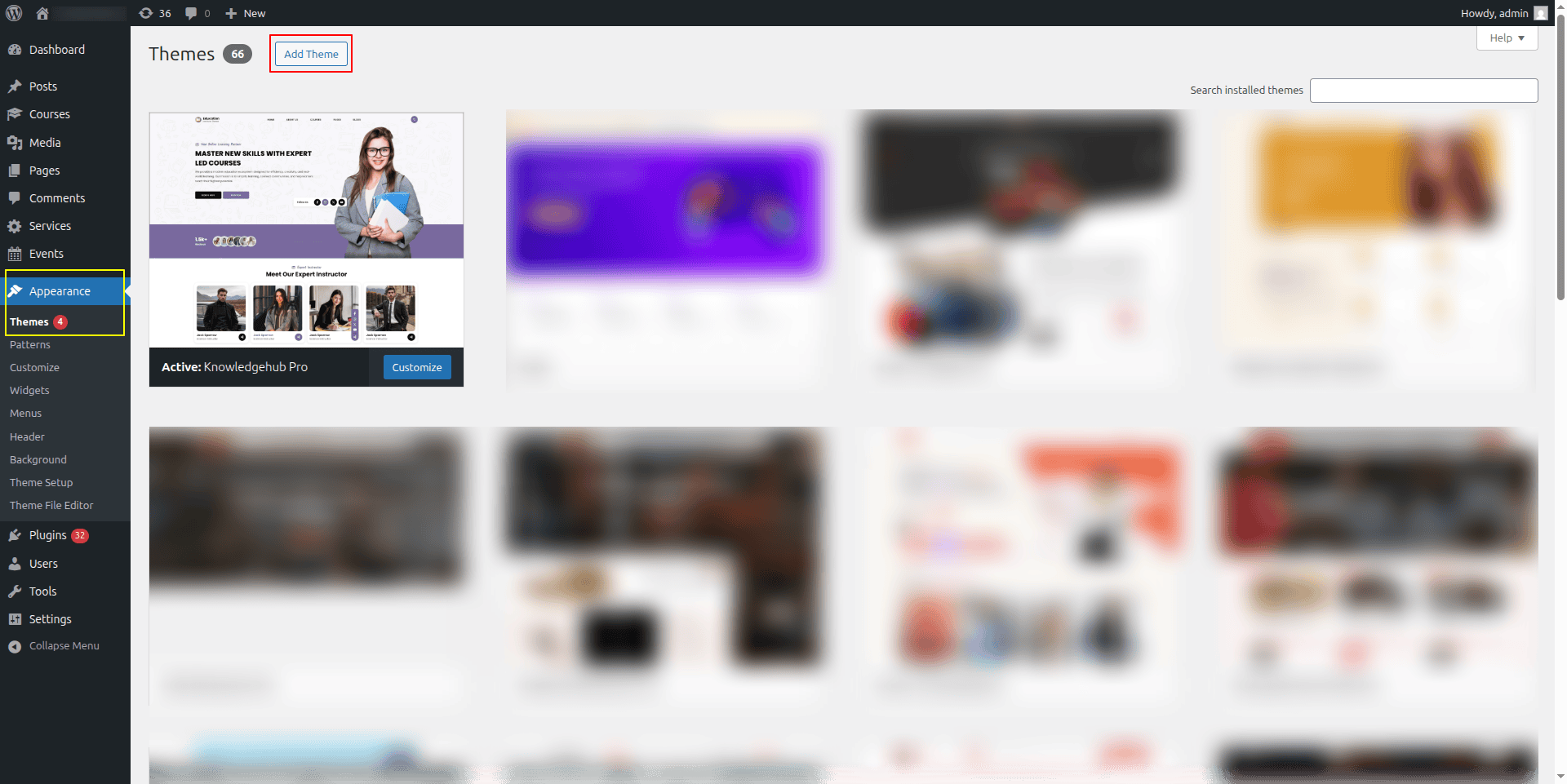
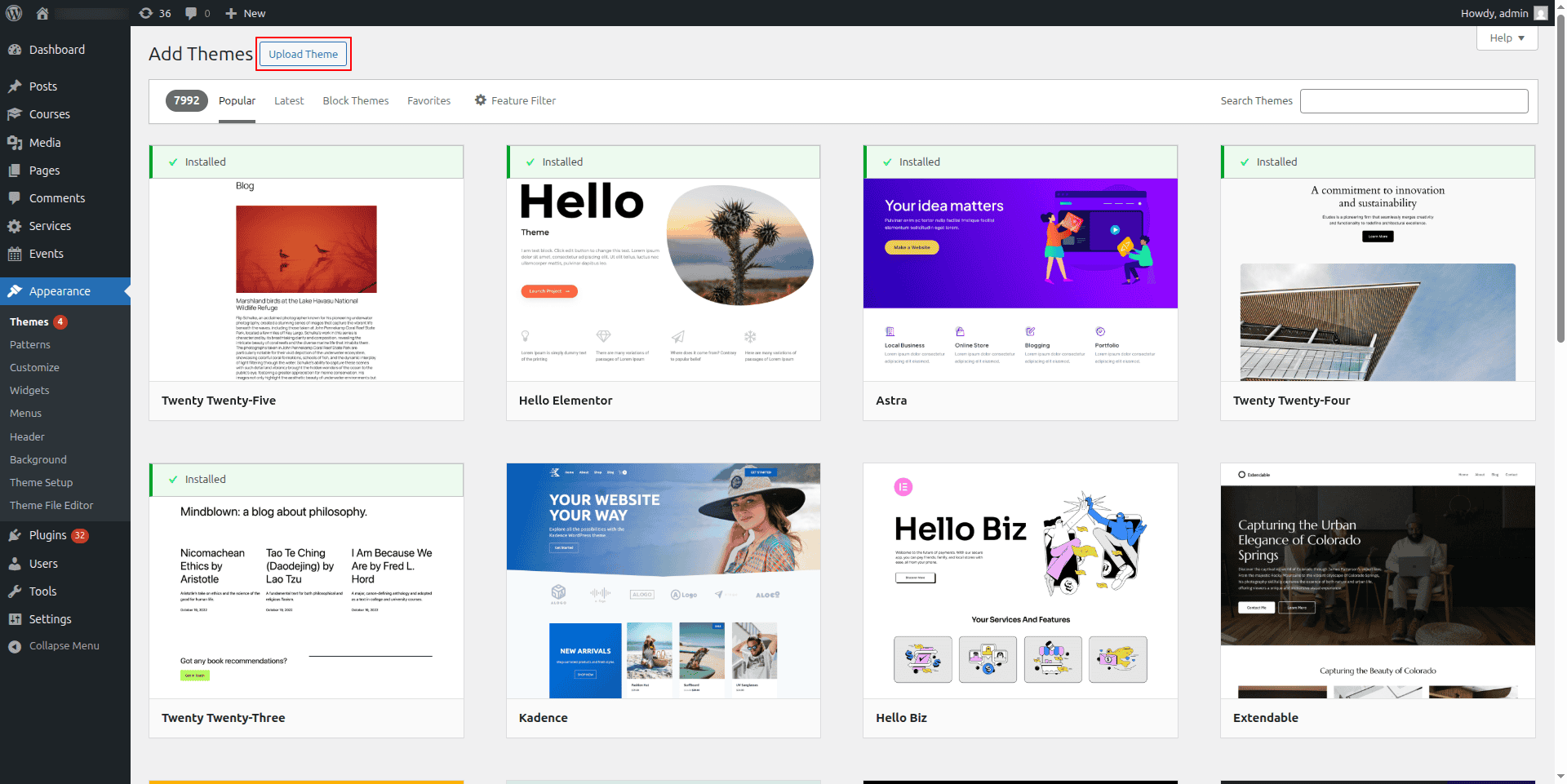
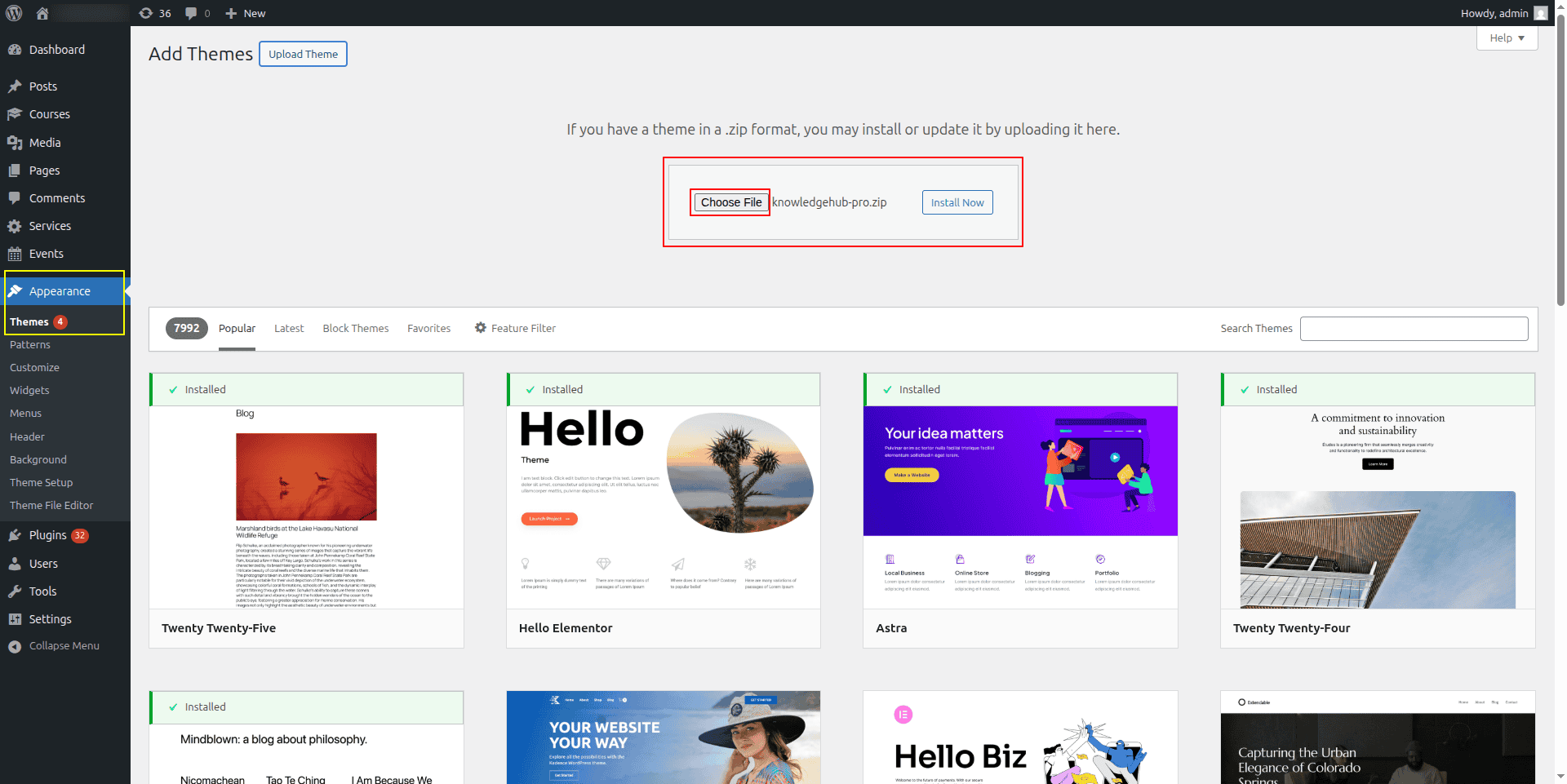
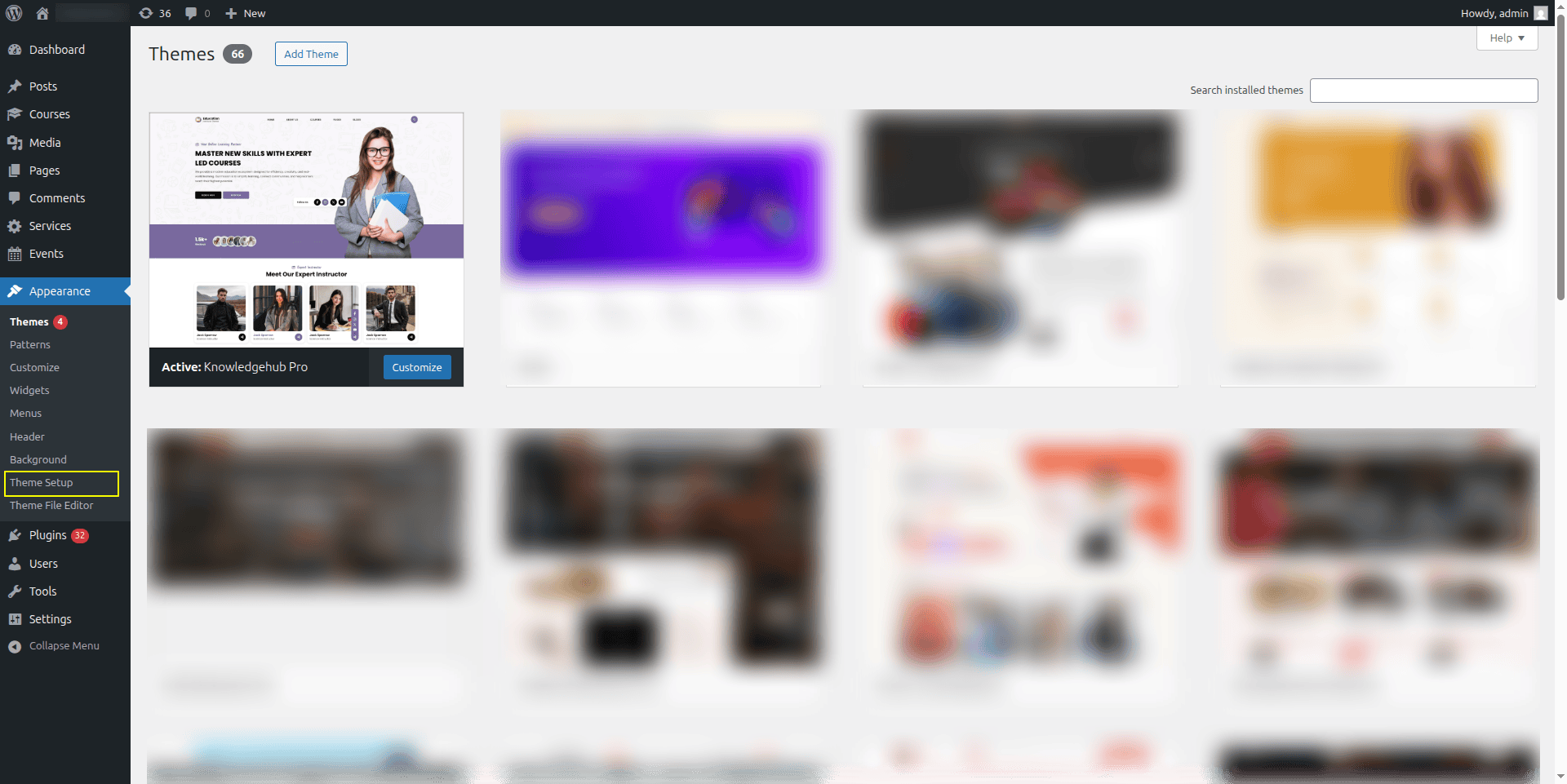
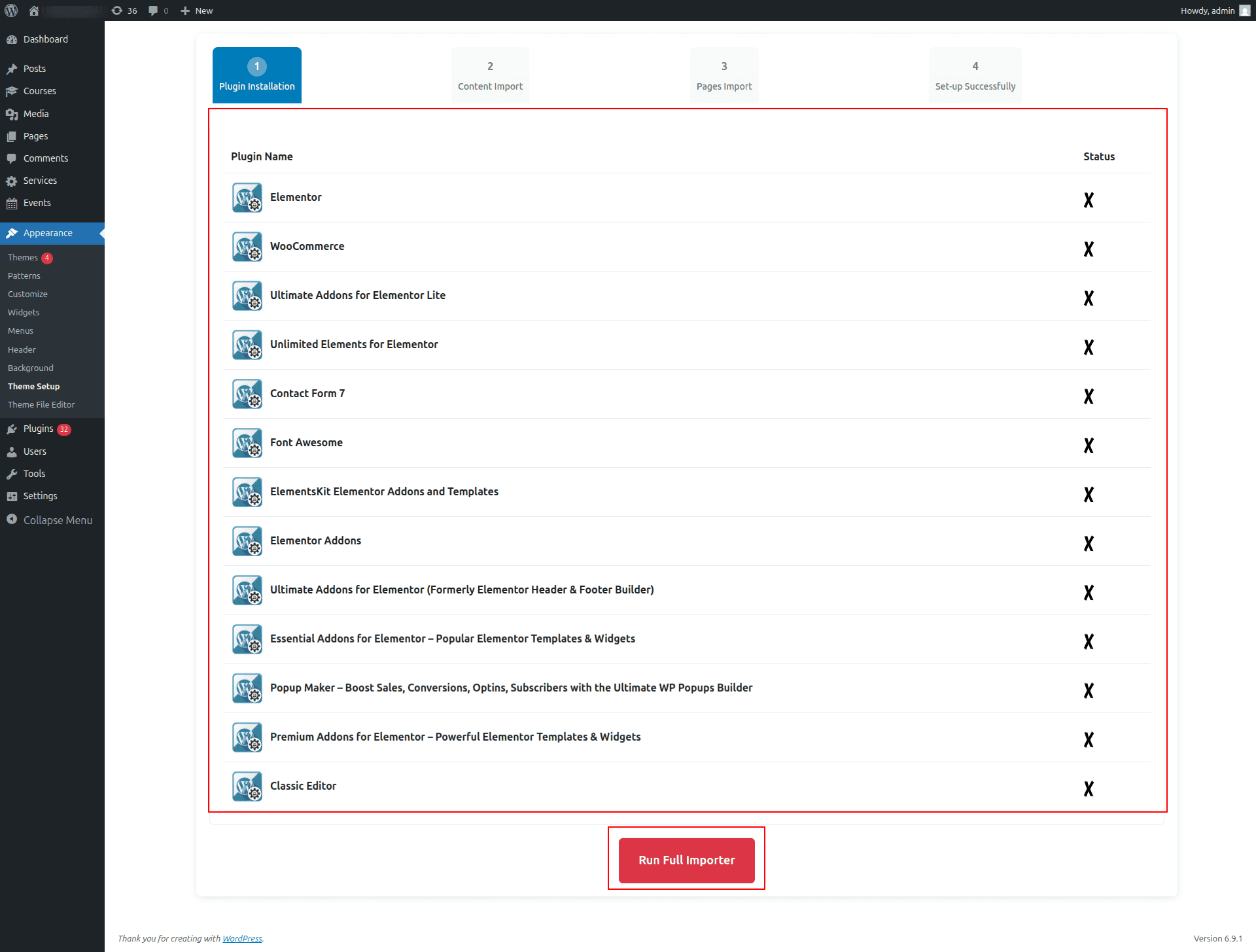
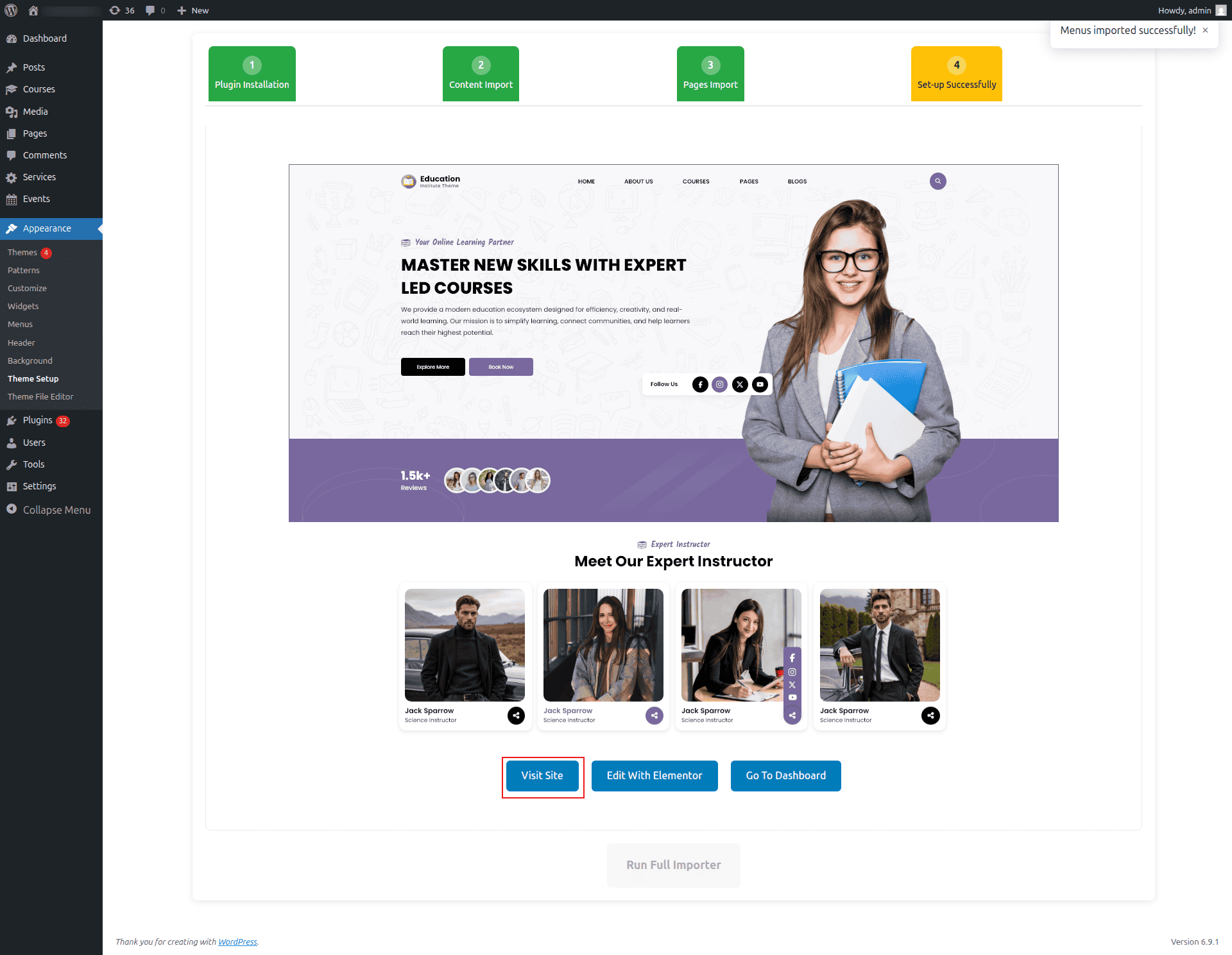
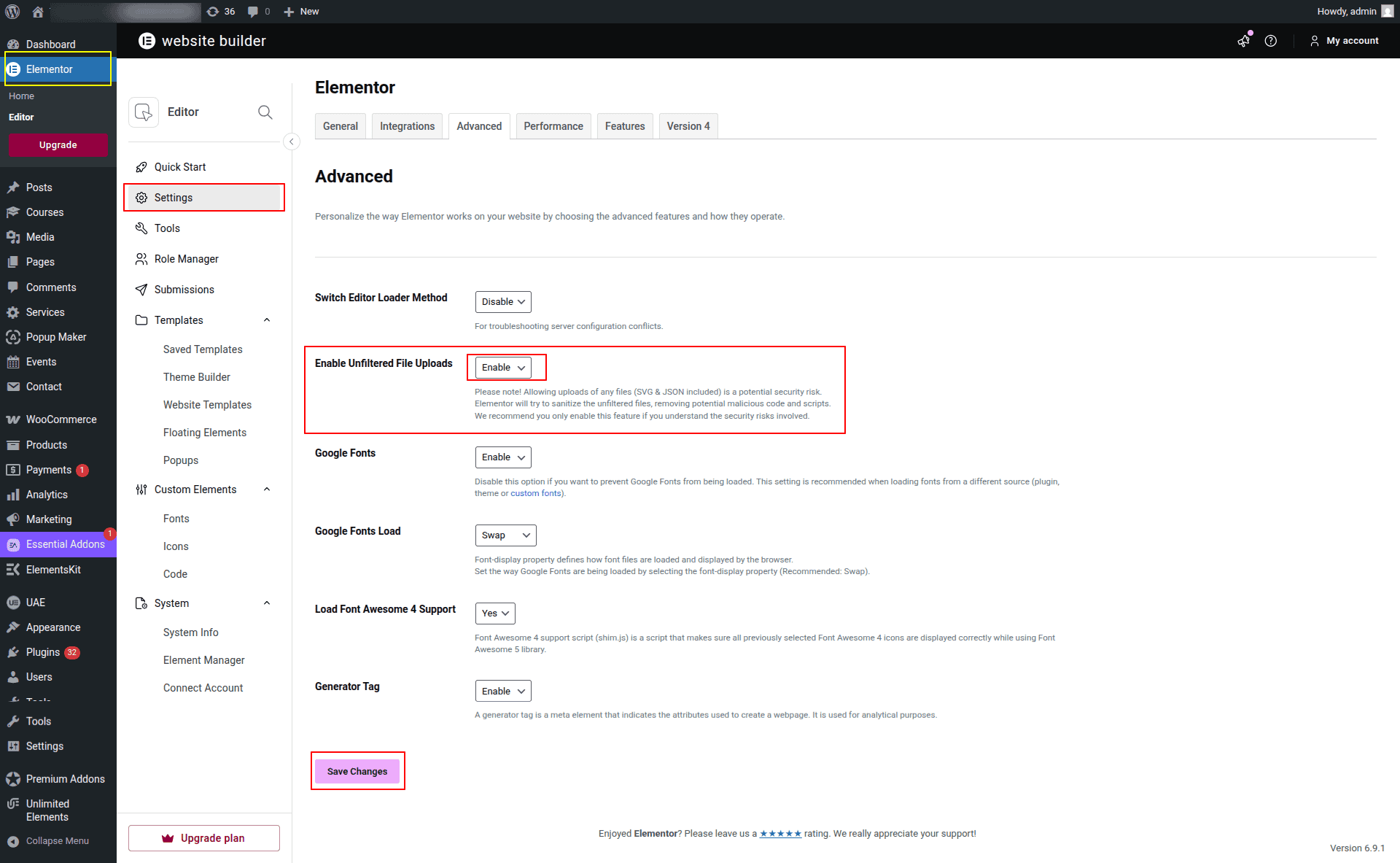
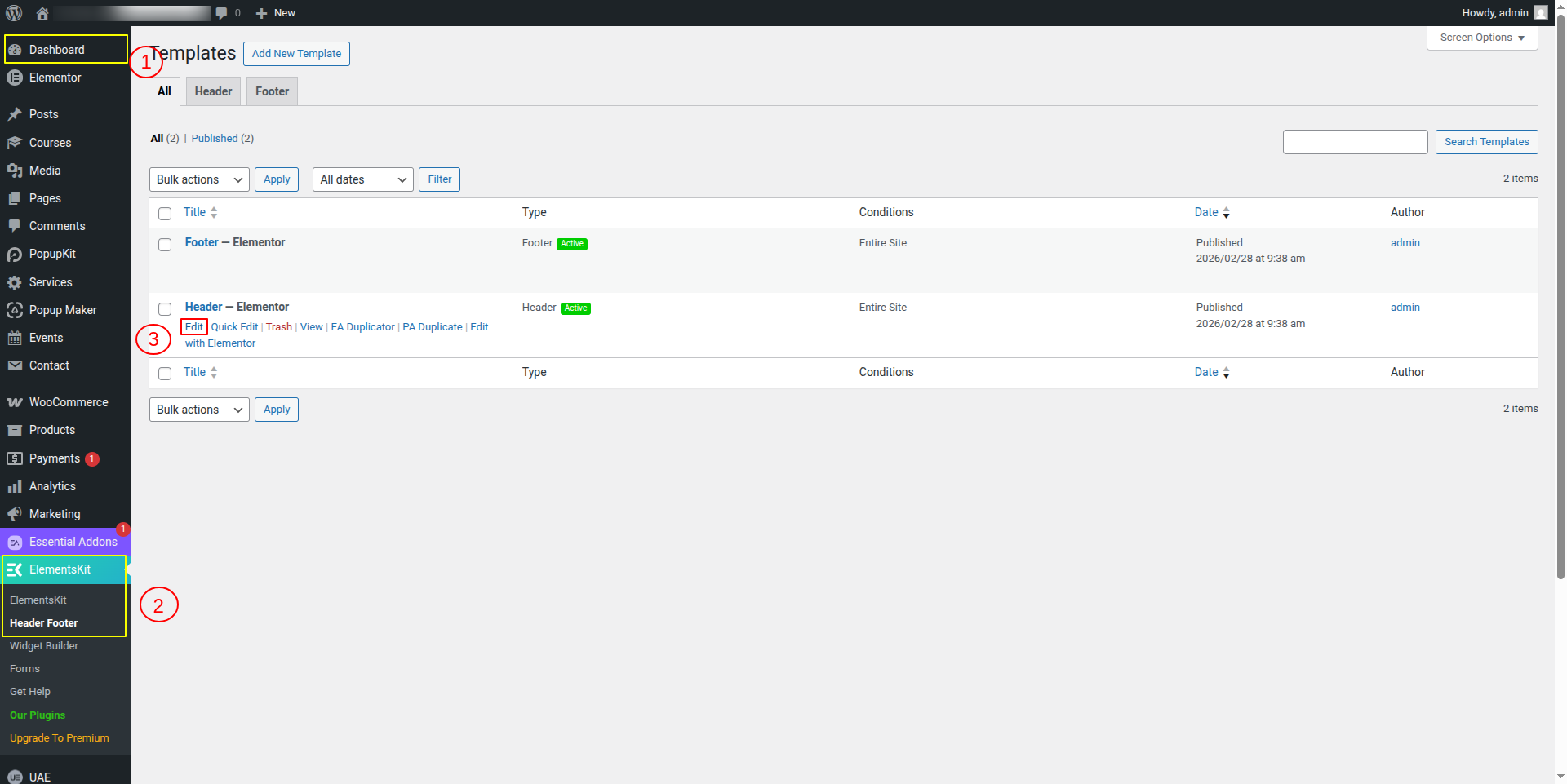
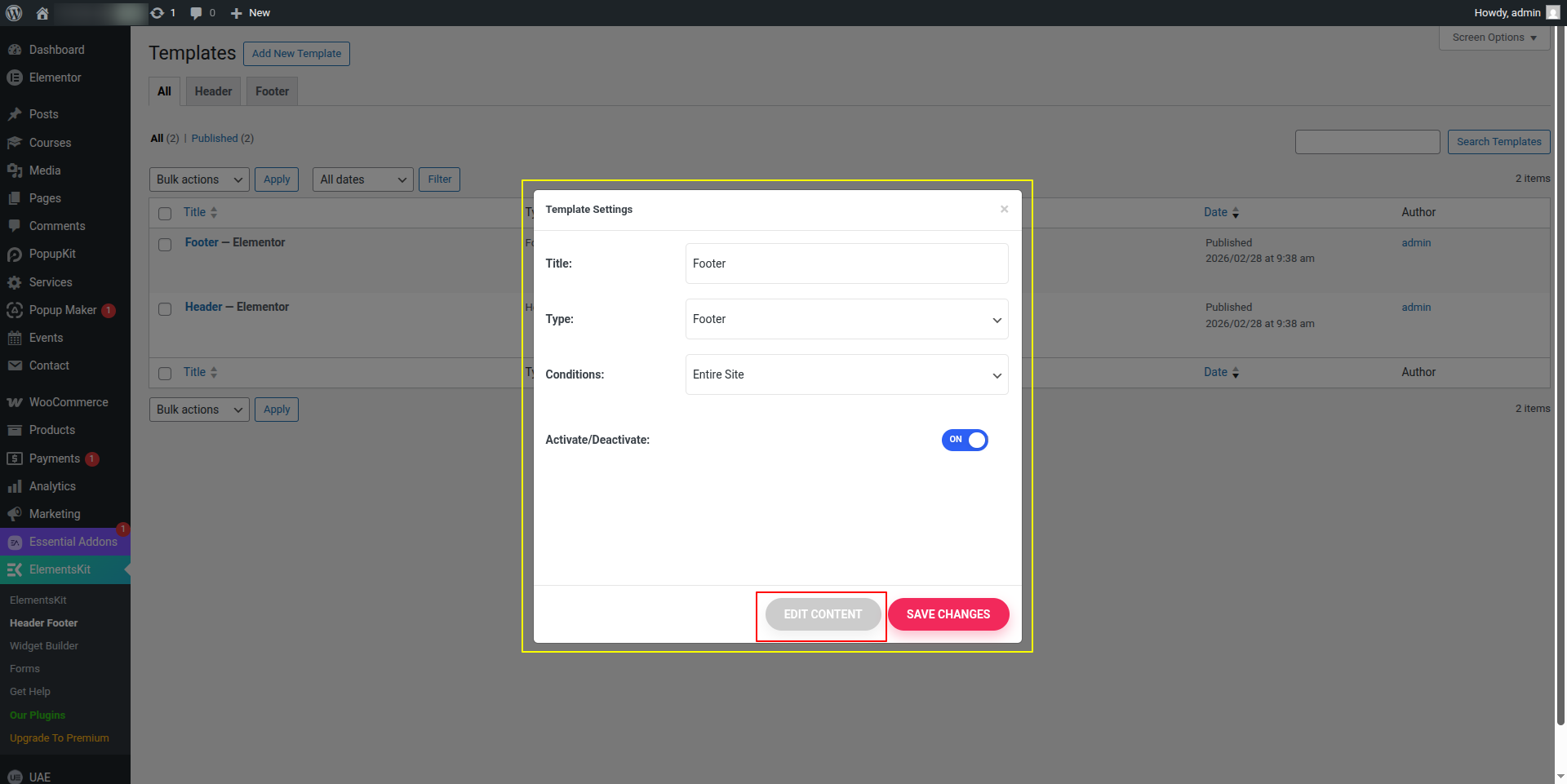
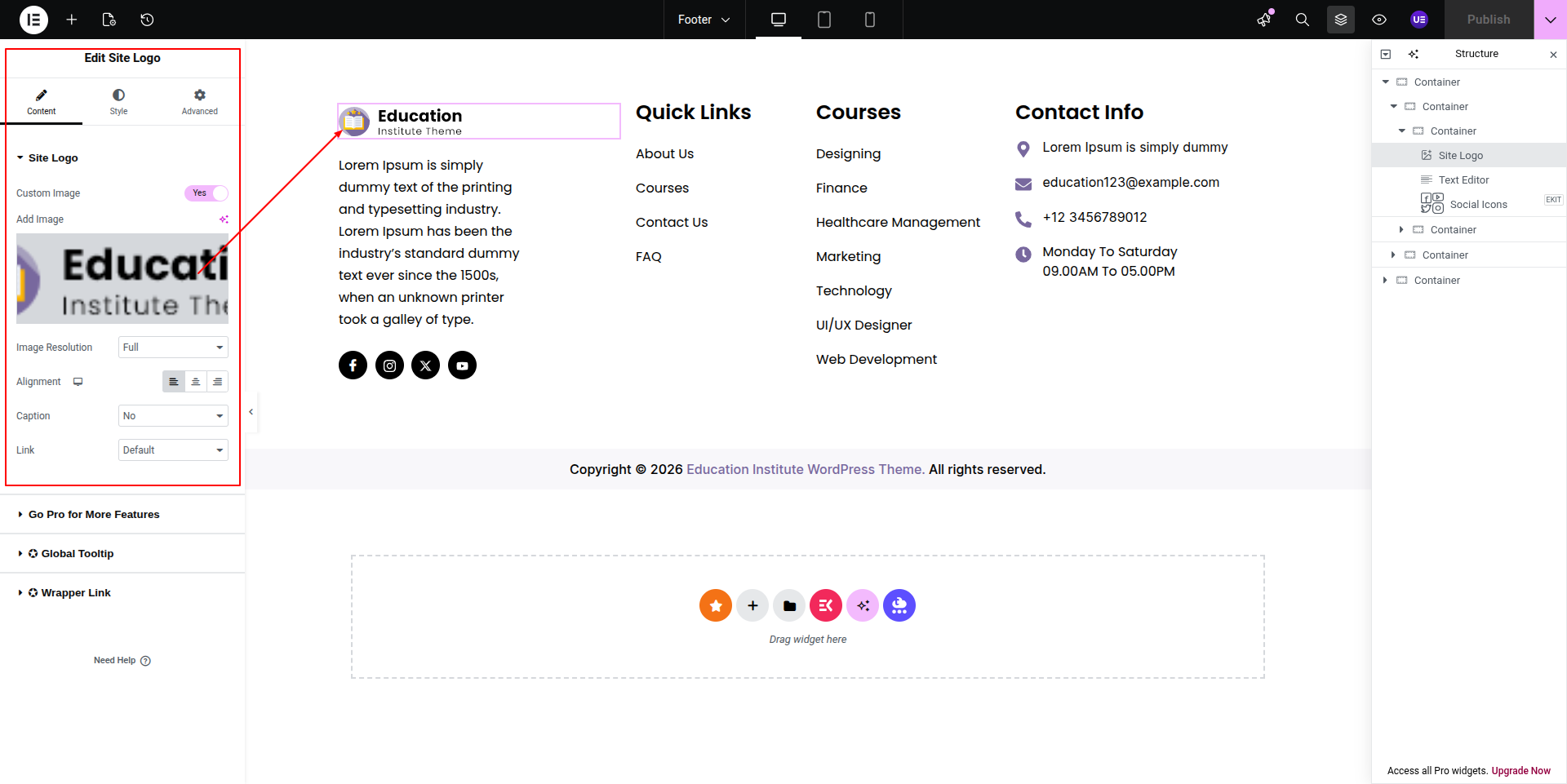
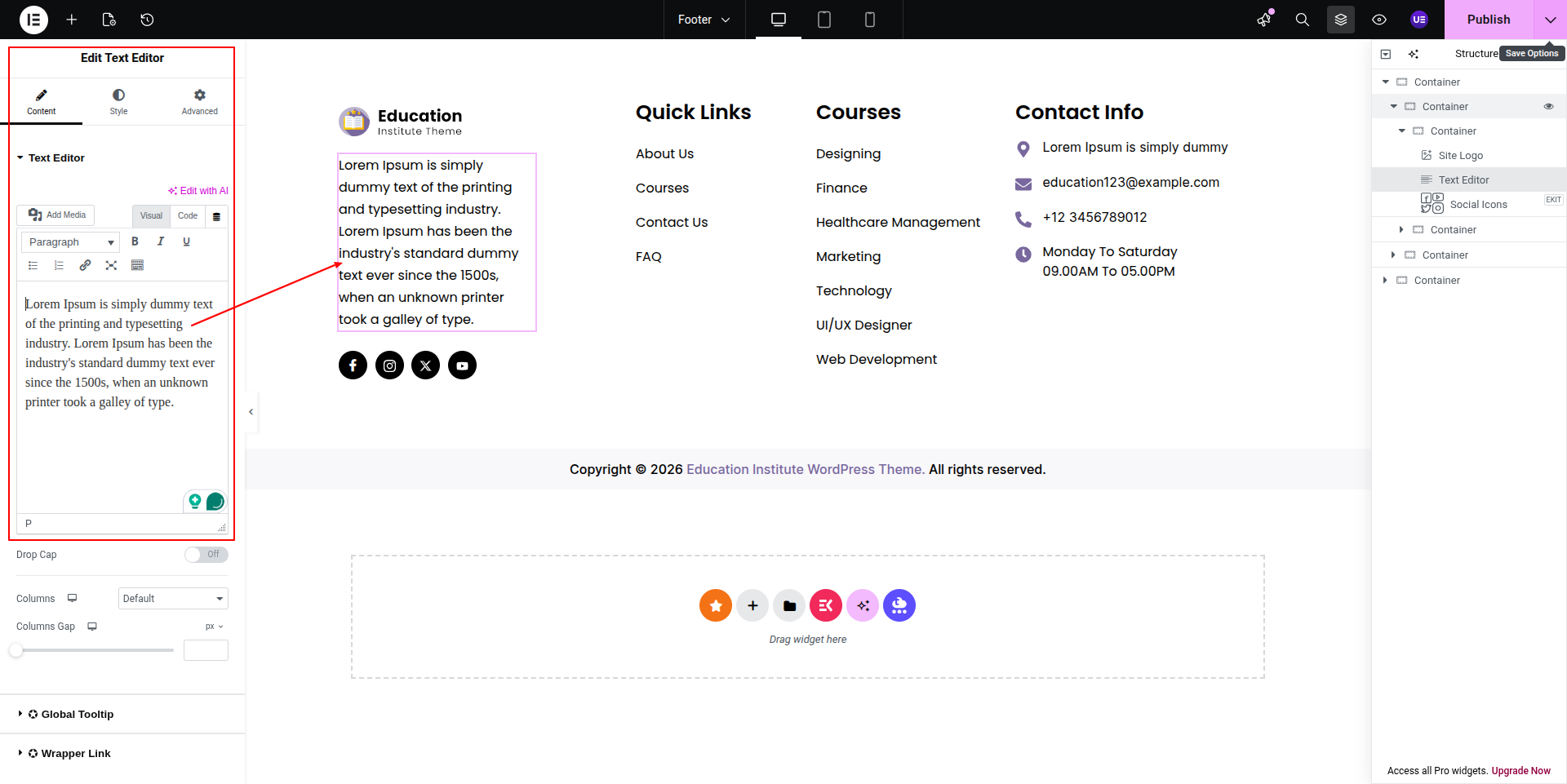
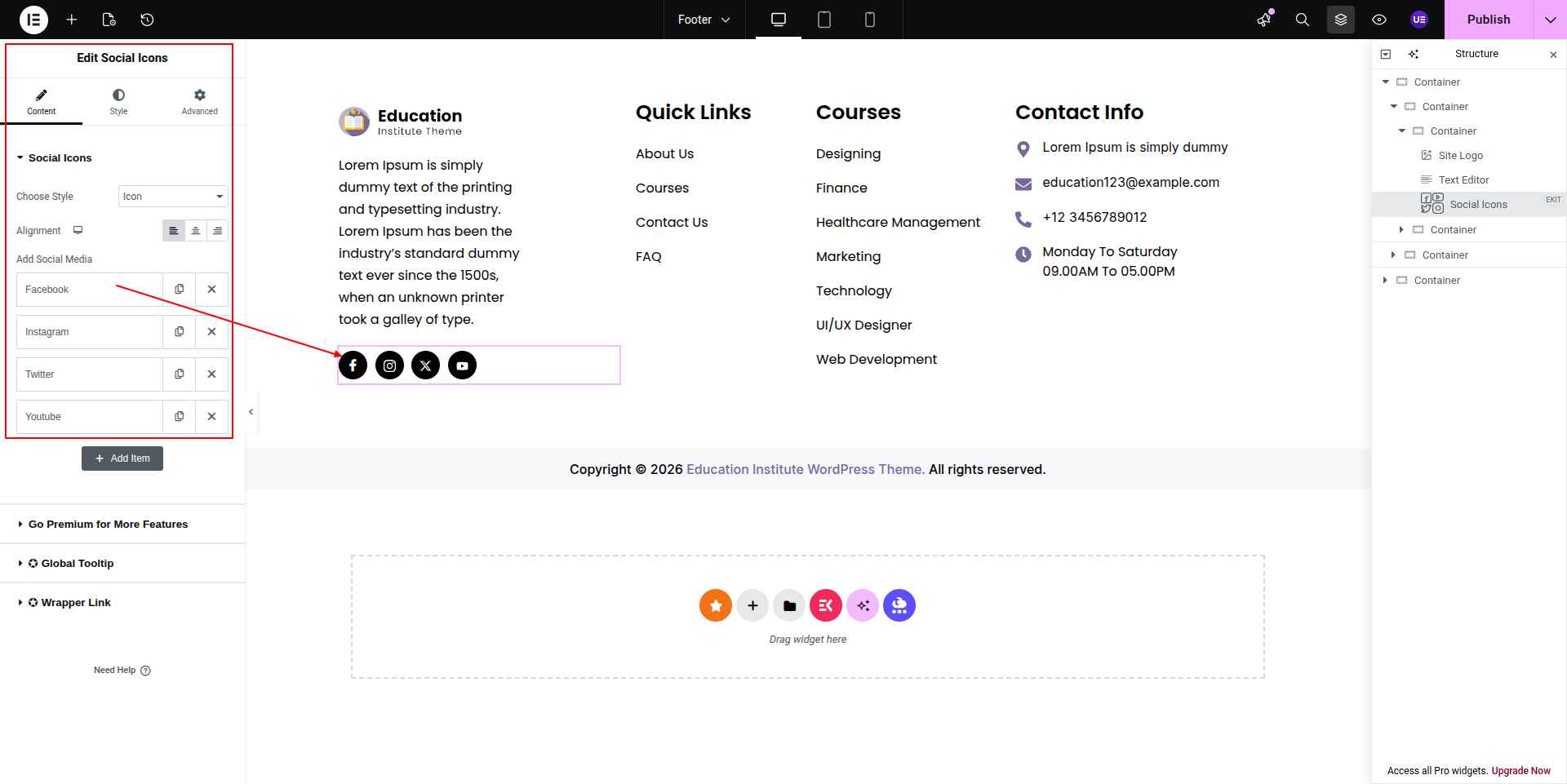
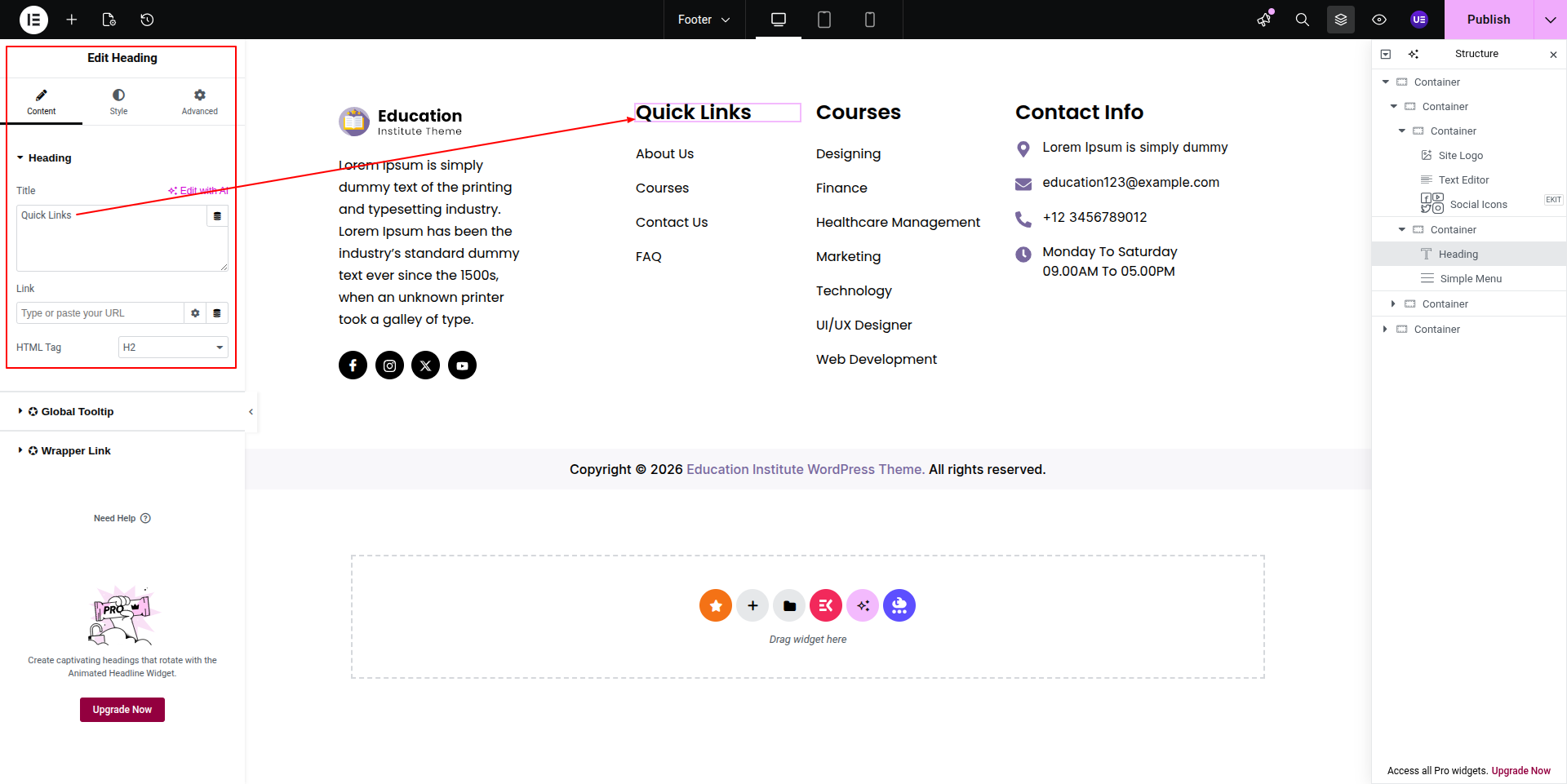
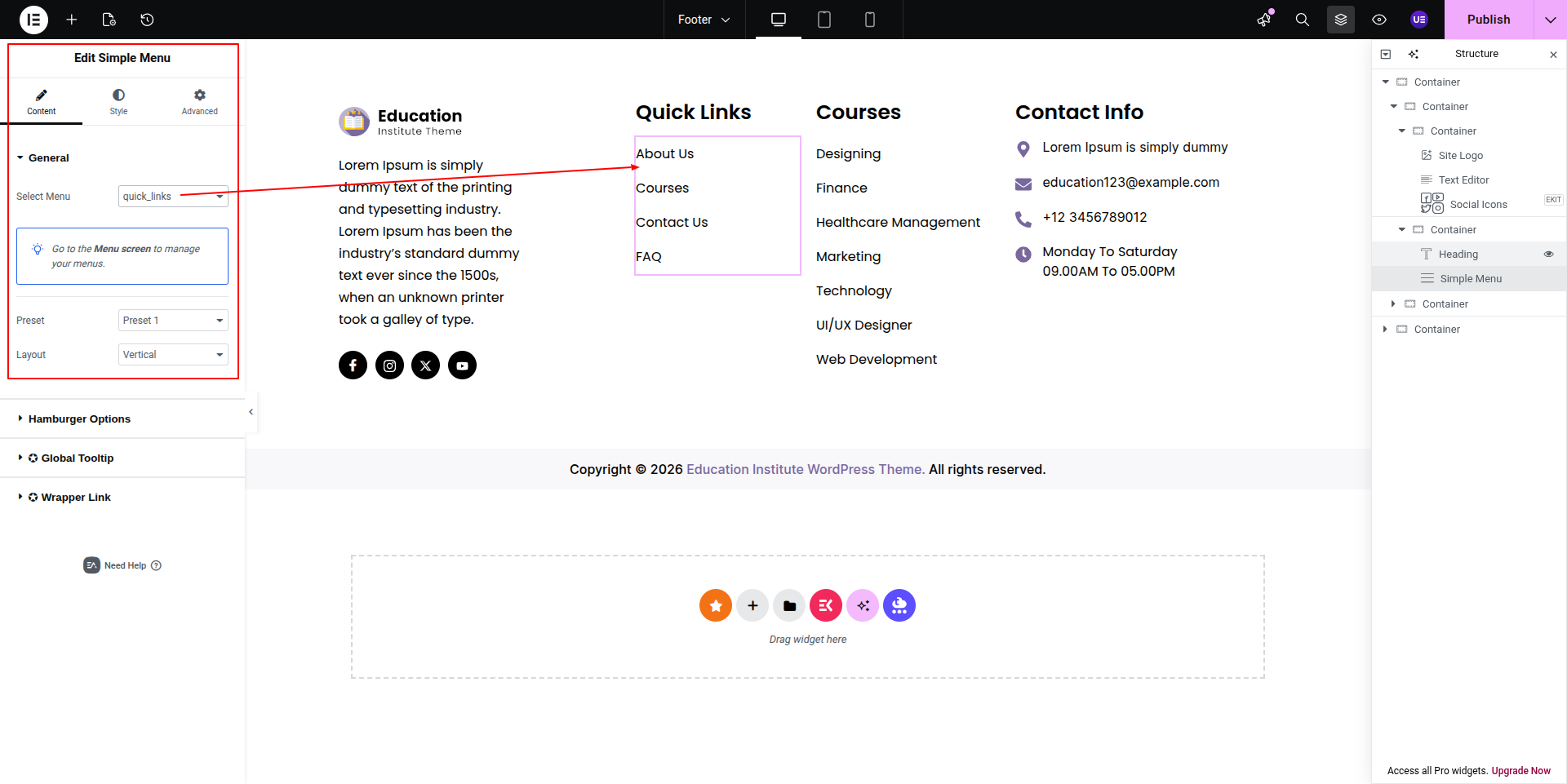
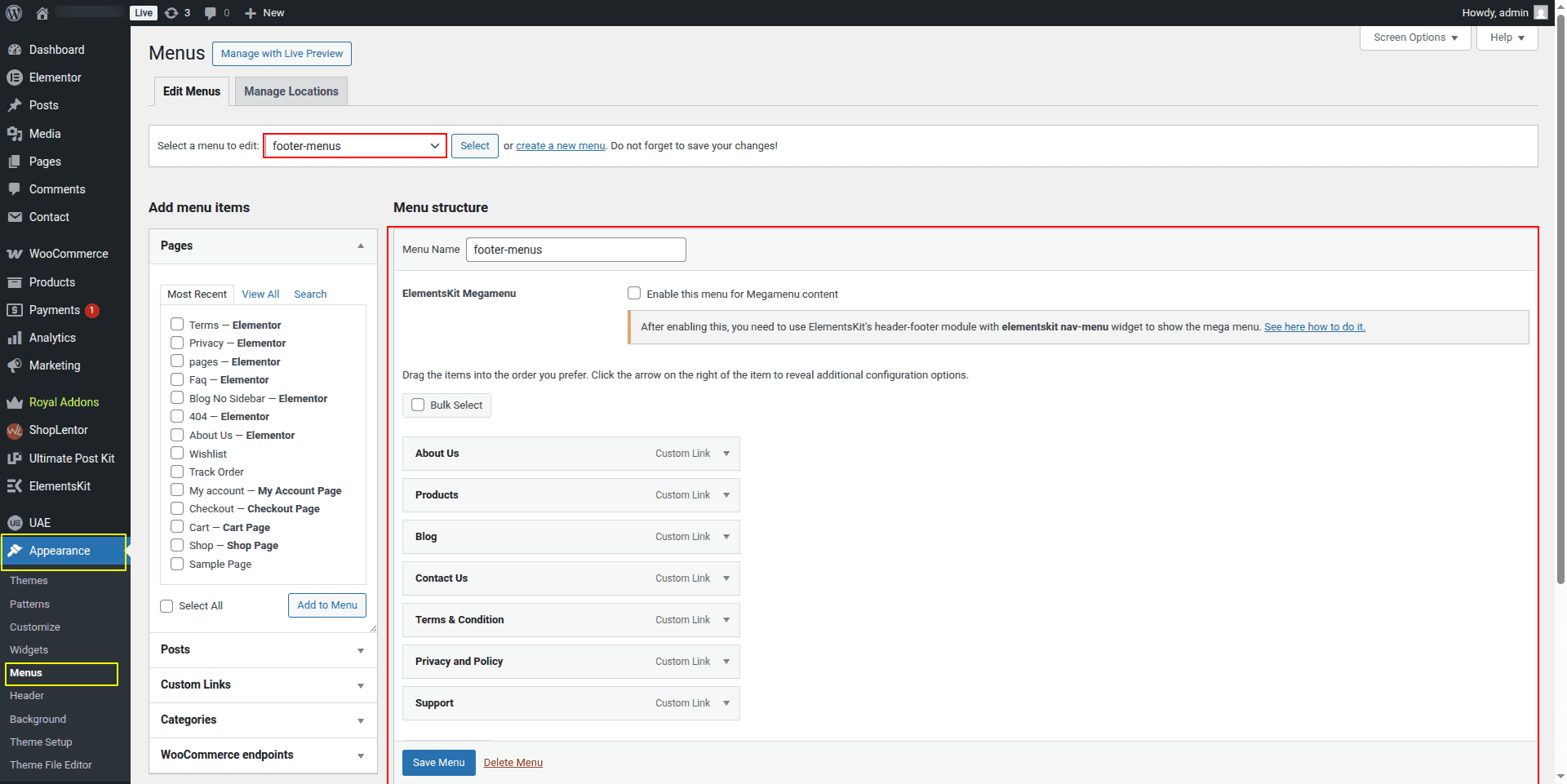
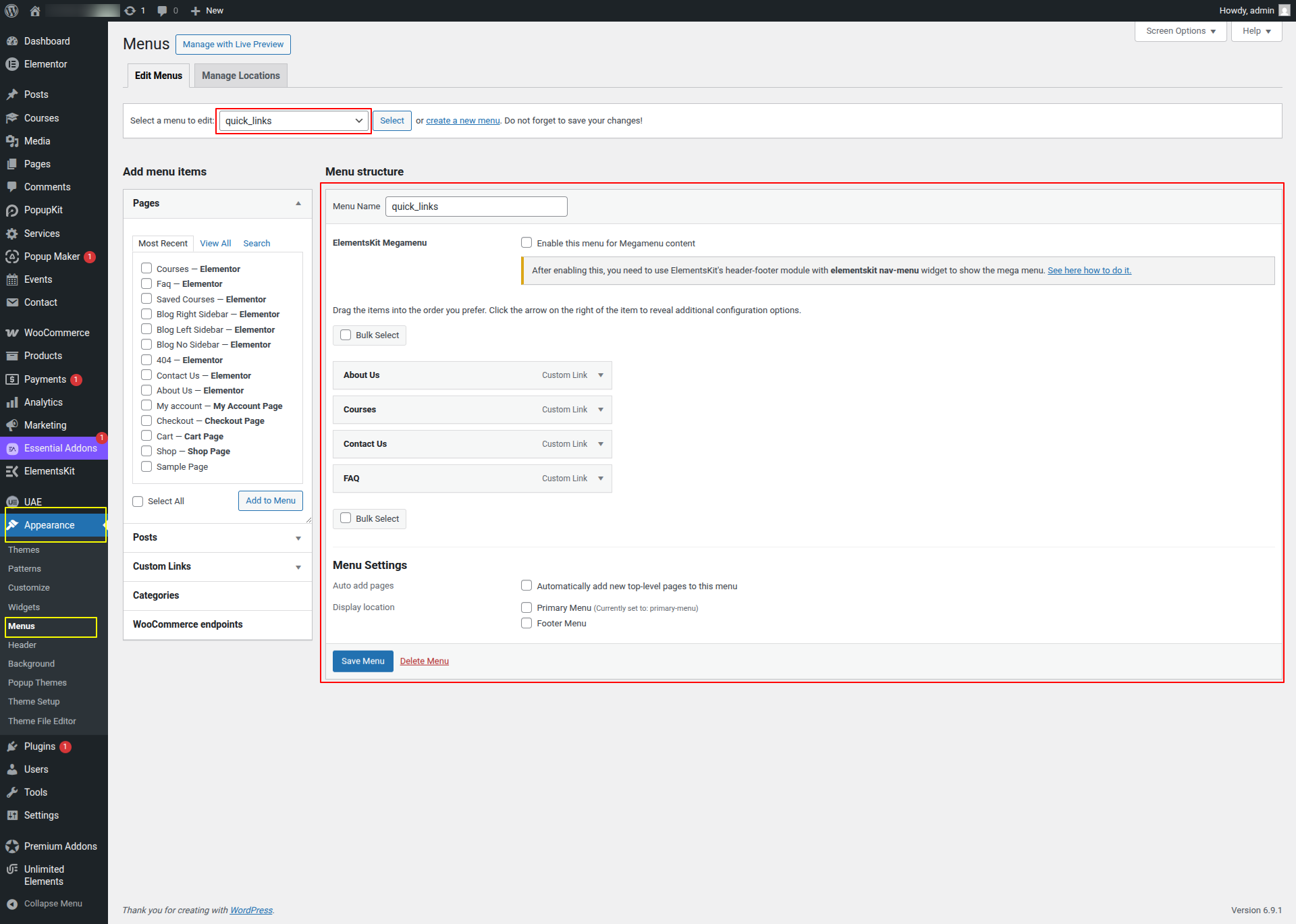
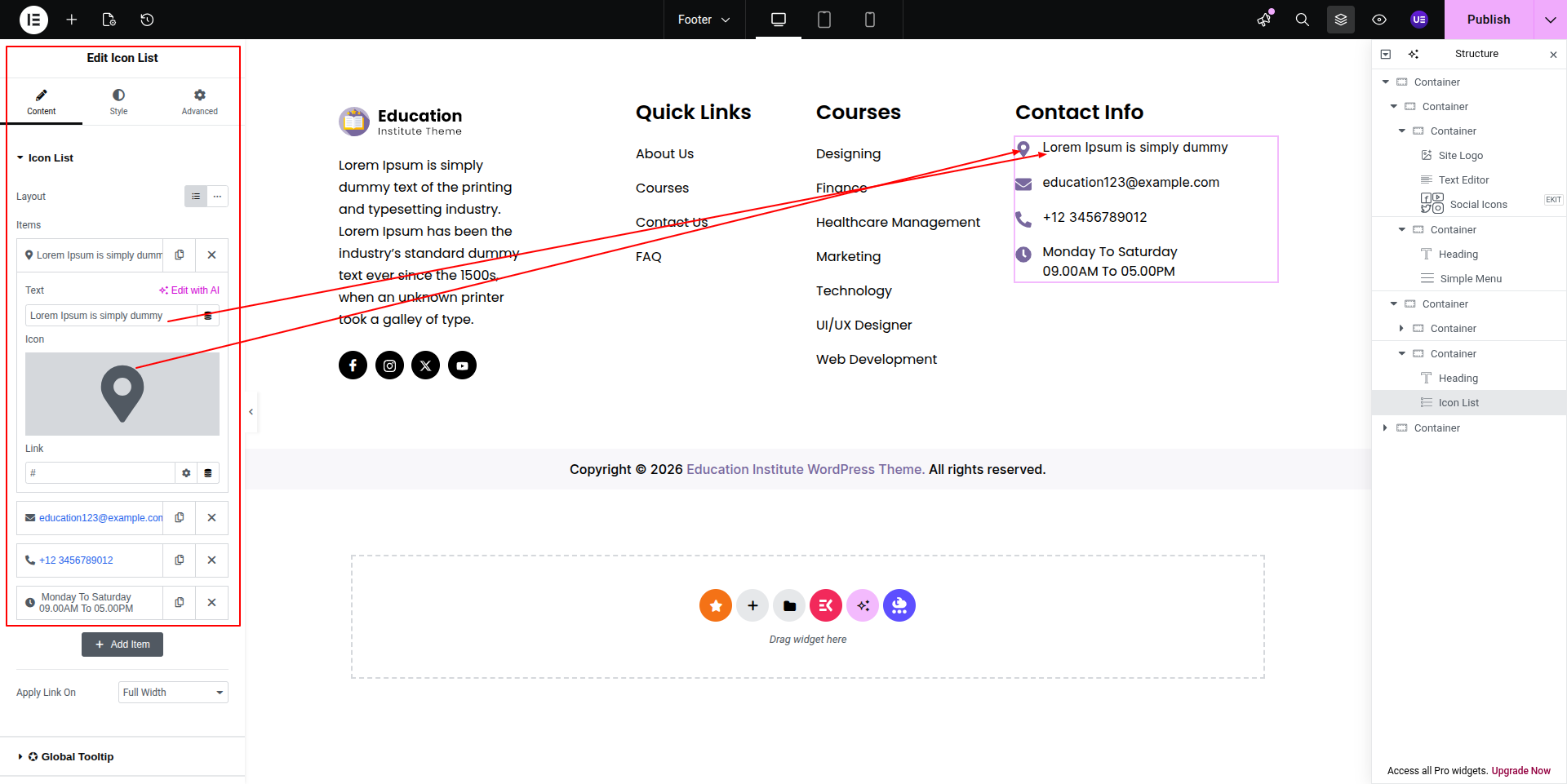
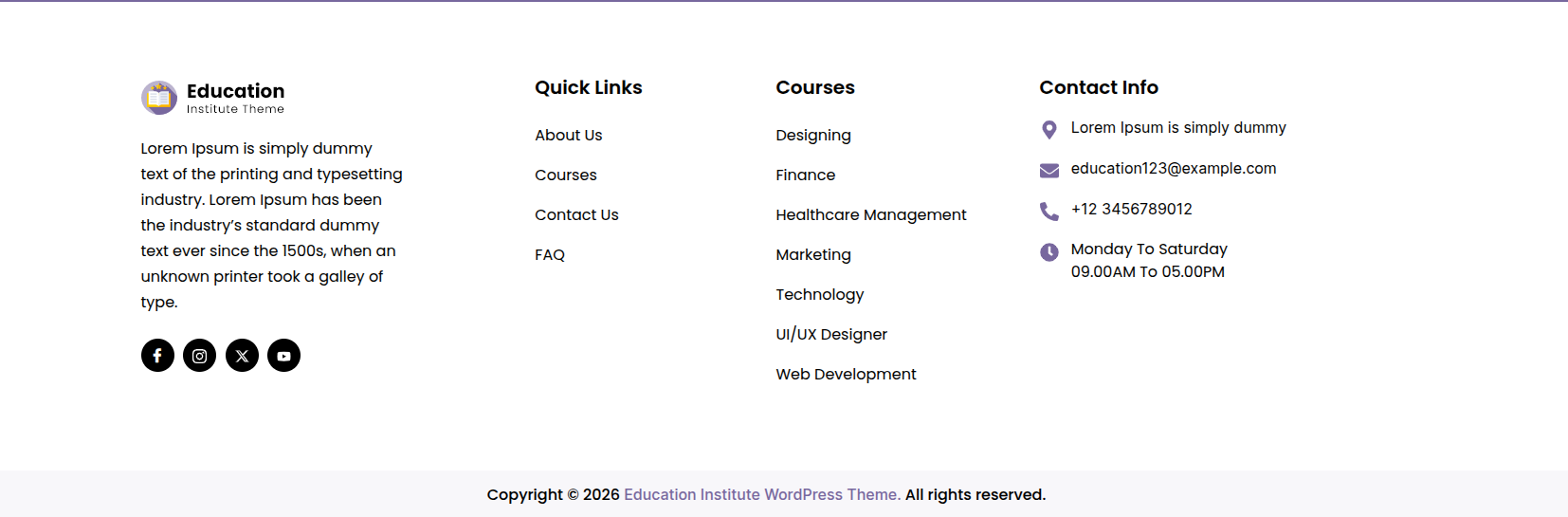
The process of establishing a template is quick.
The installation can be finished via the WordPress interface. As a result,
the process is speedier and more comfortable.
Two methods of implementation are available.
The Utilization Regarding A Theme
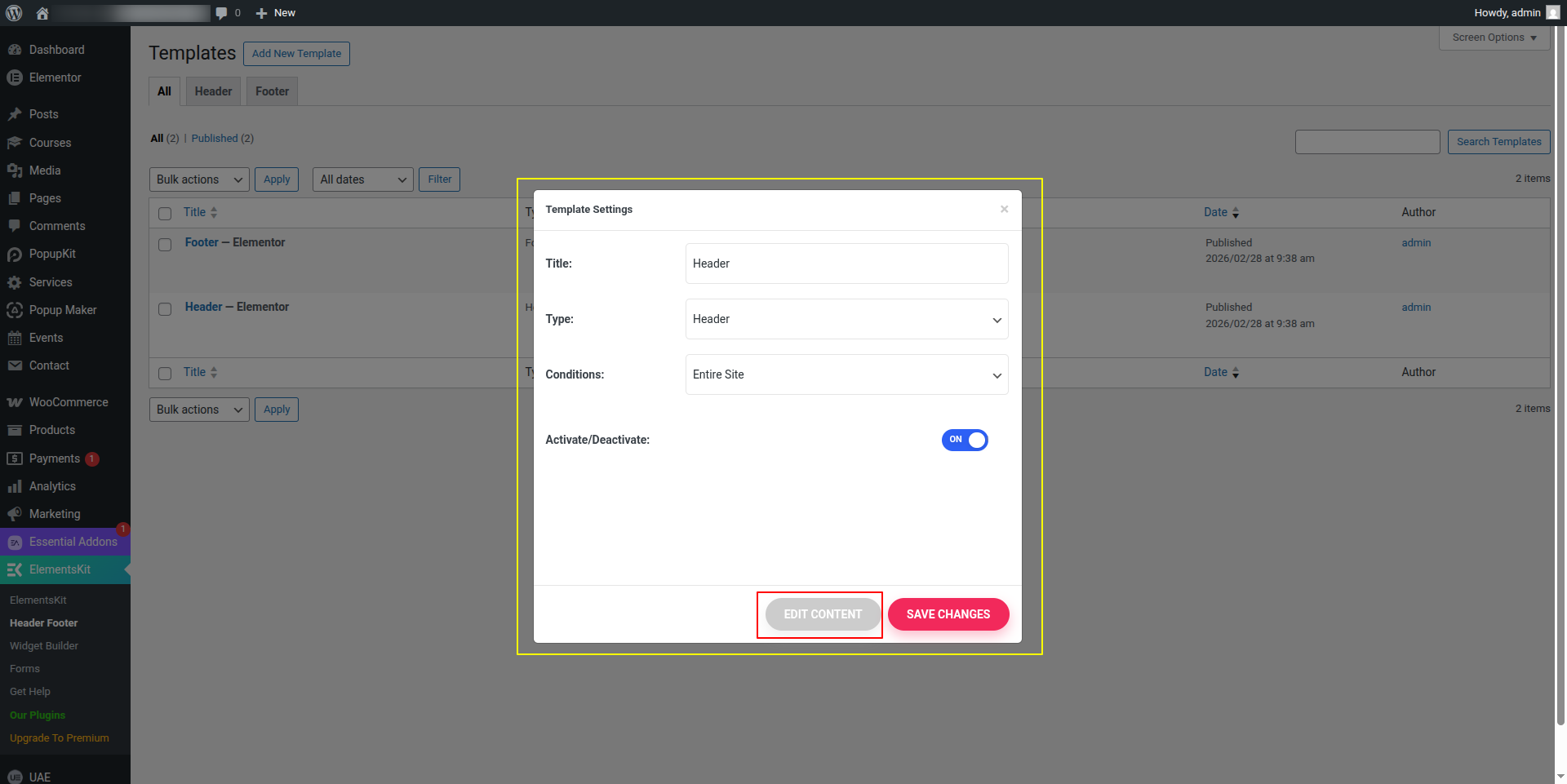
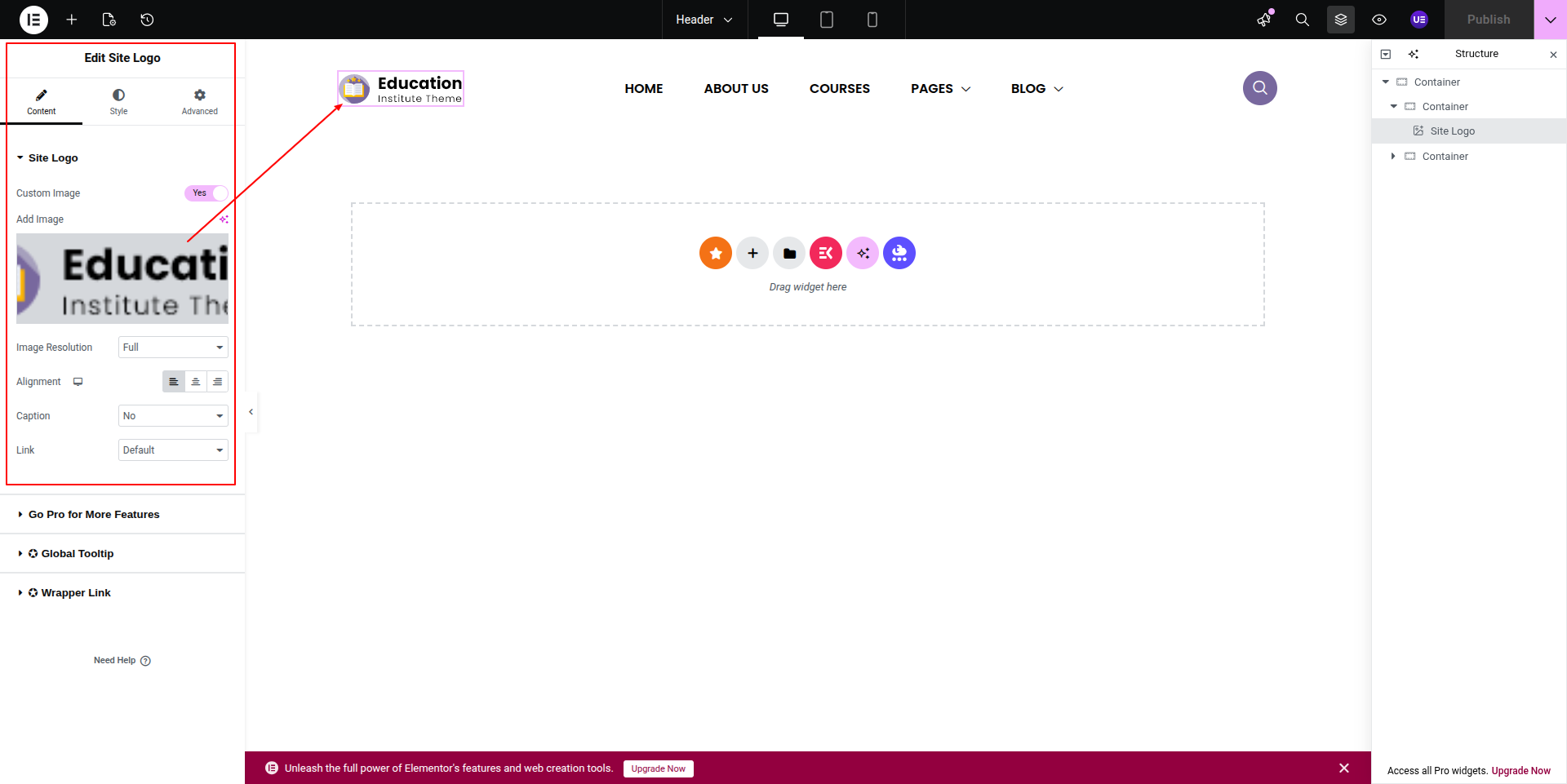
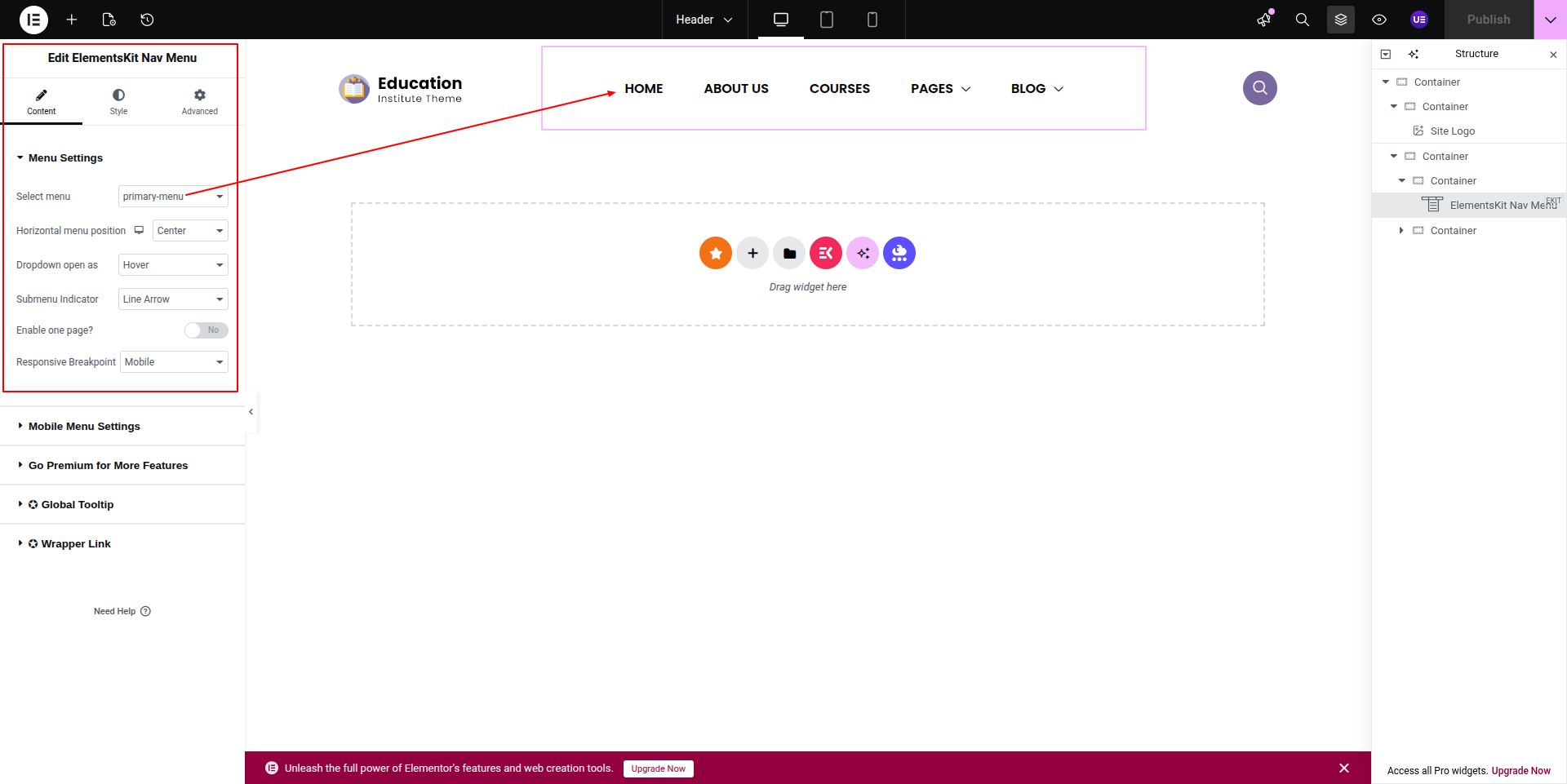
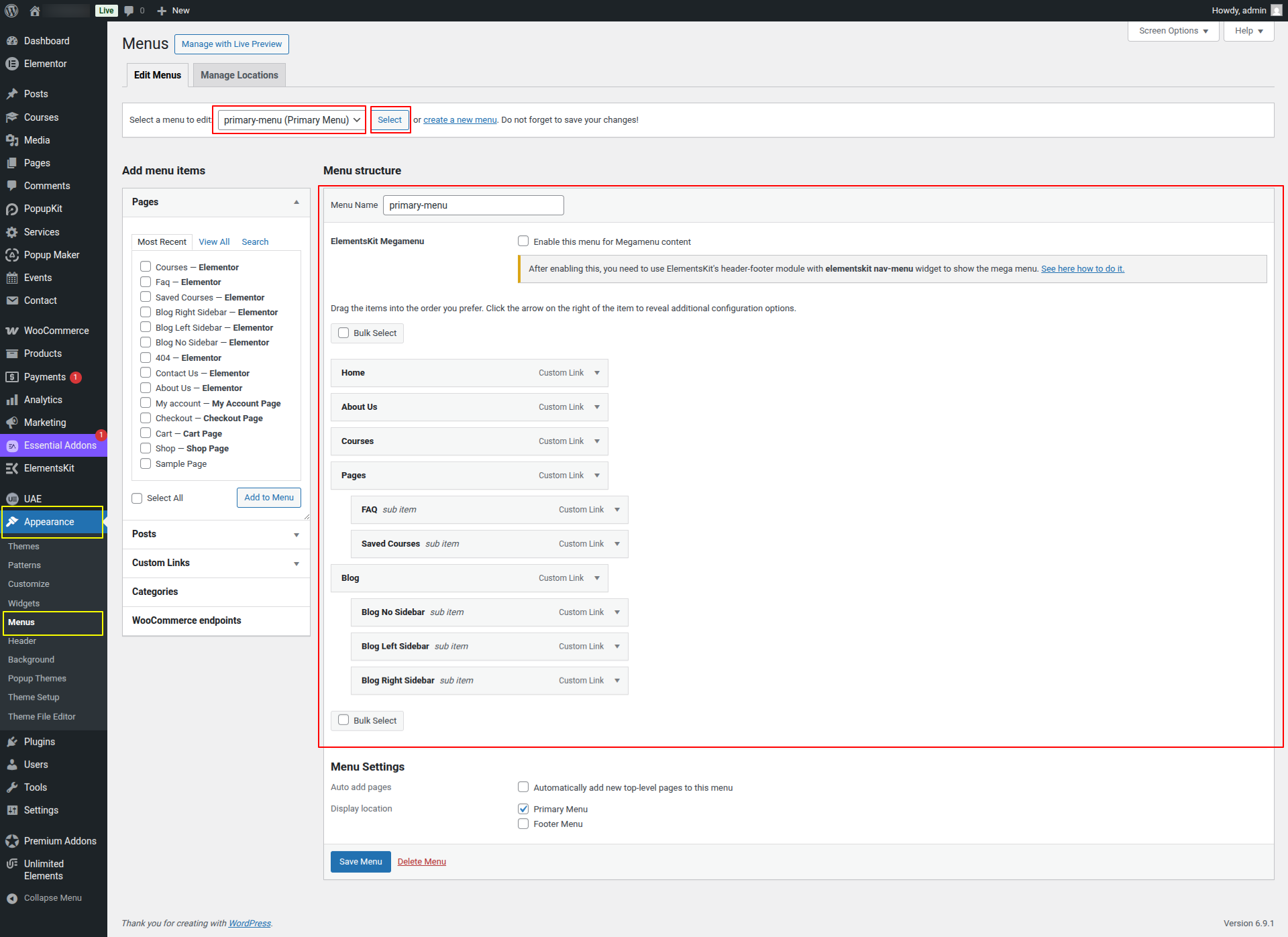
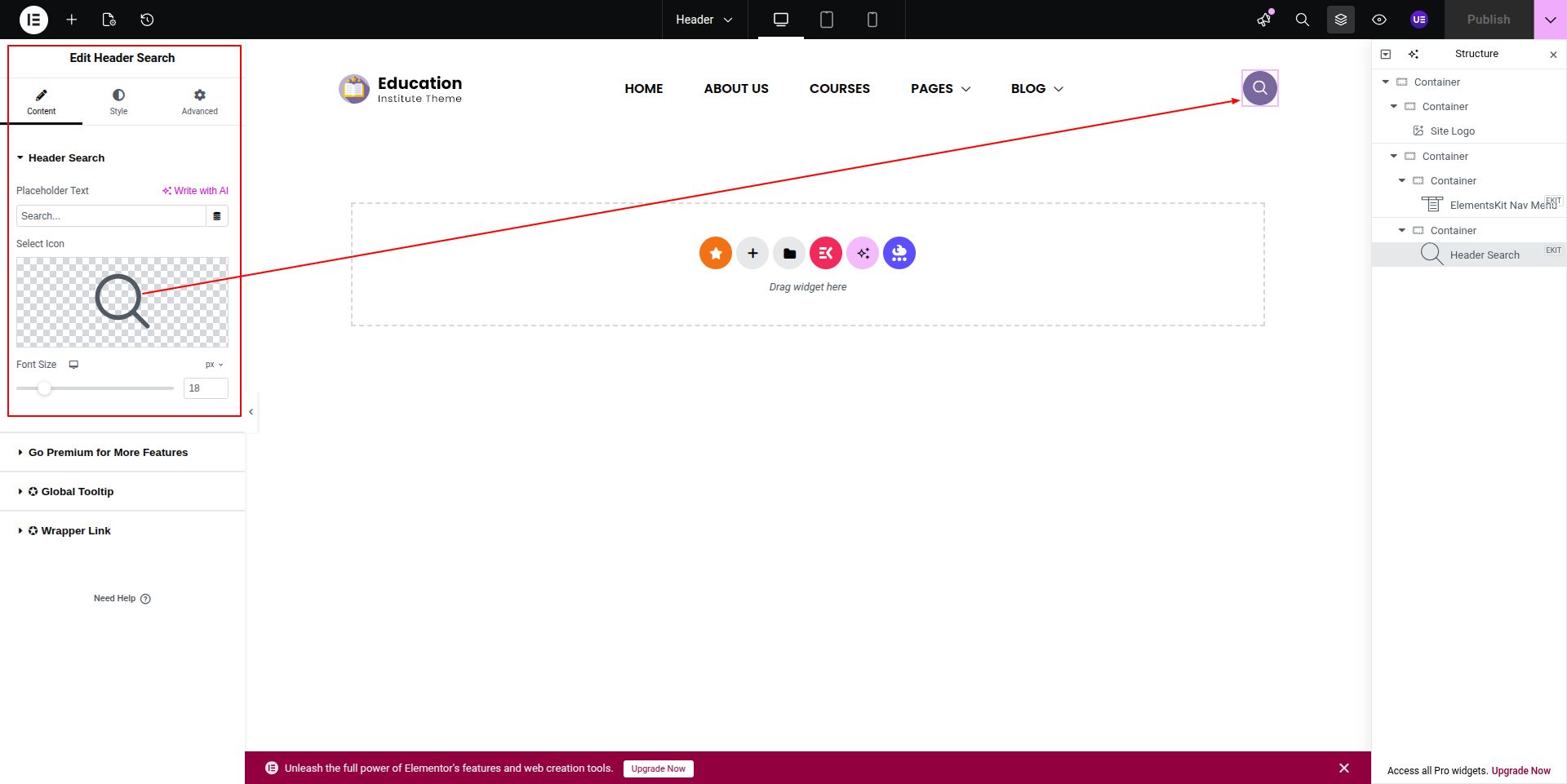
This represents how a header can be added and set up.
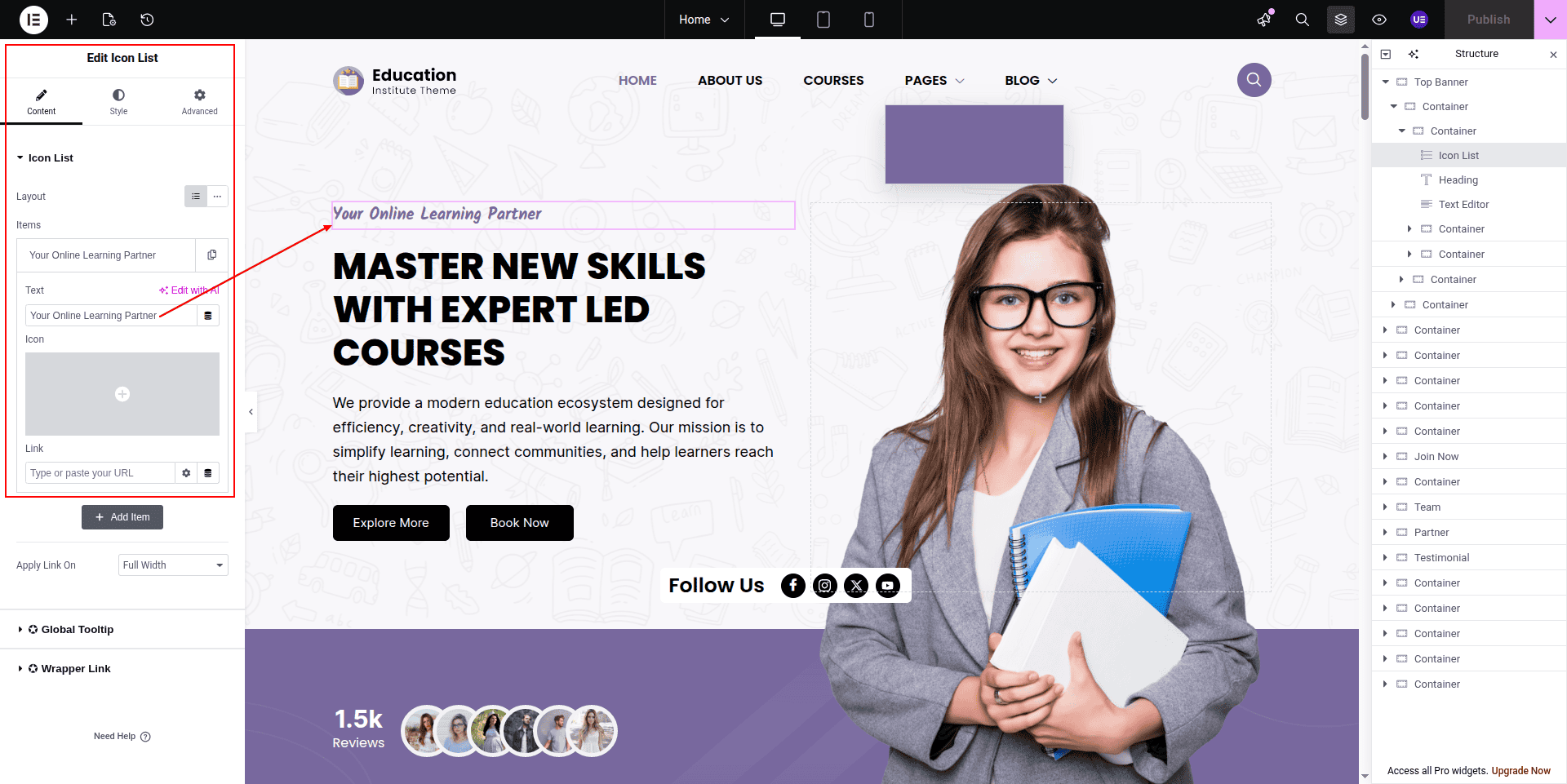
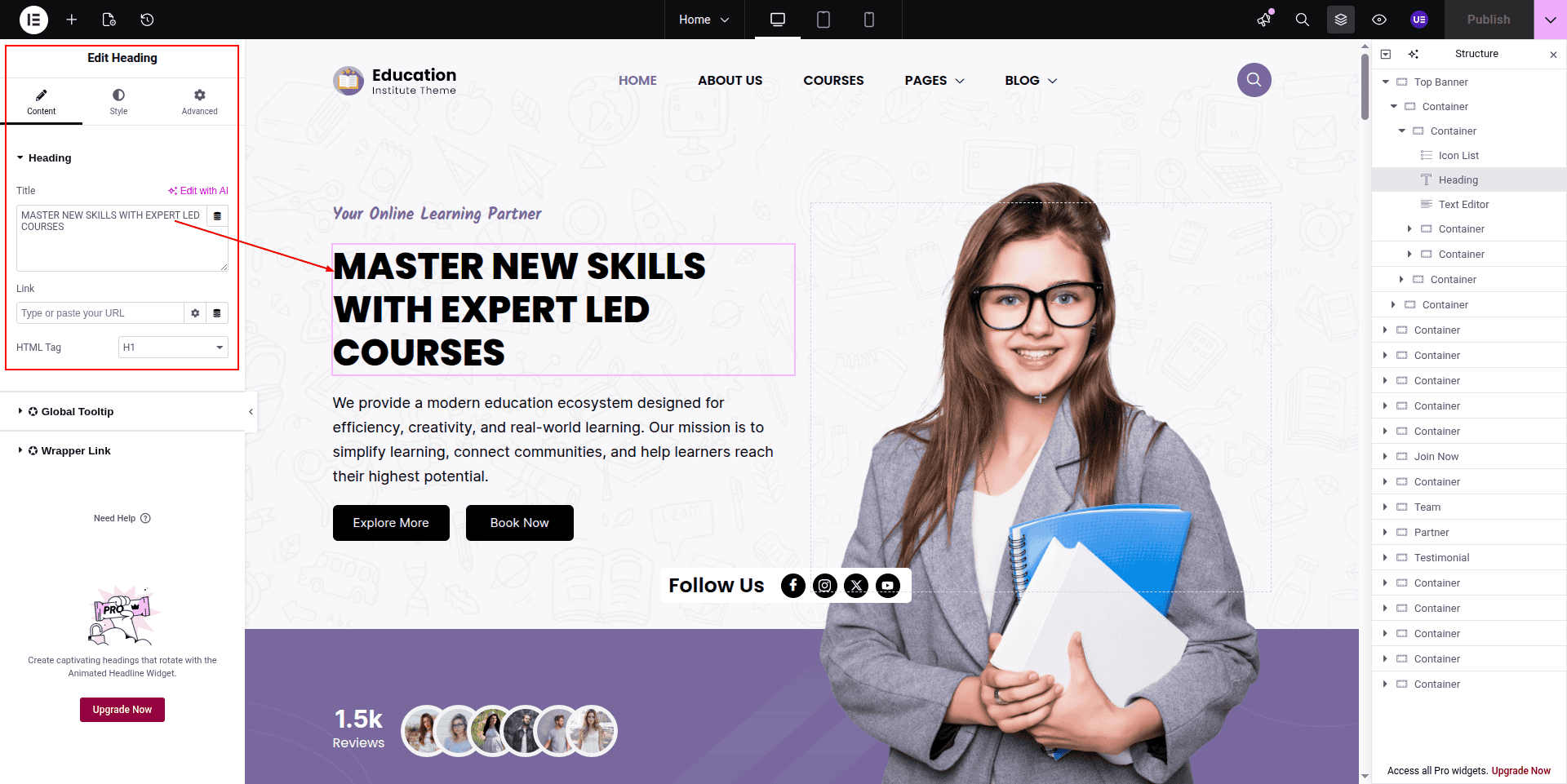
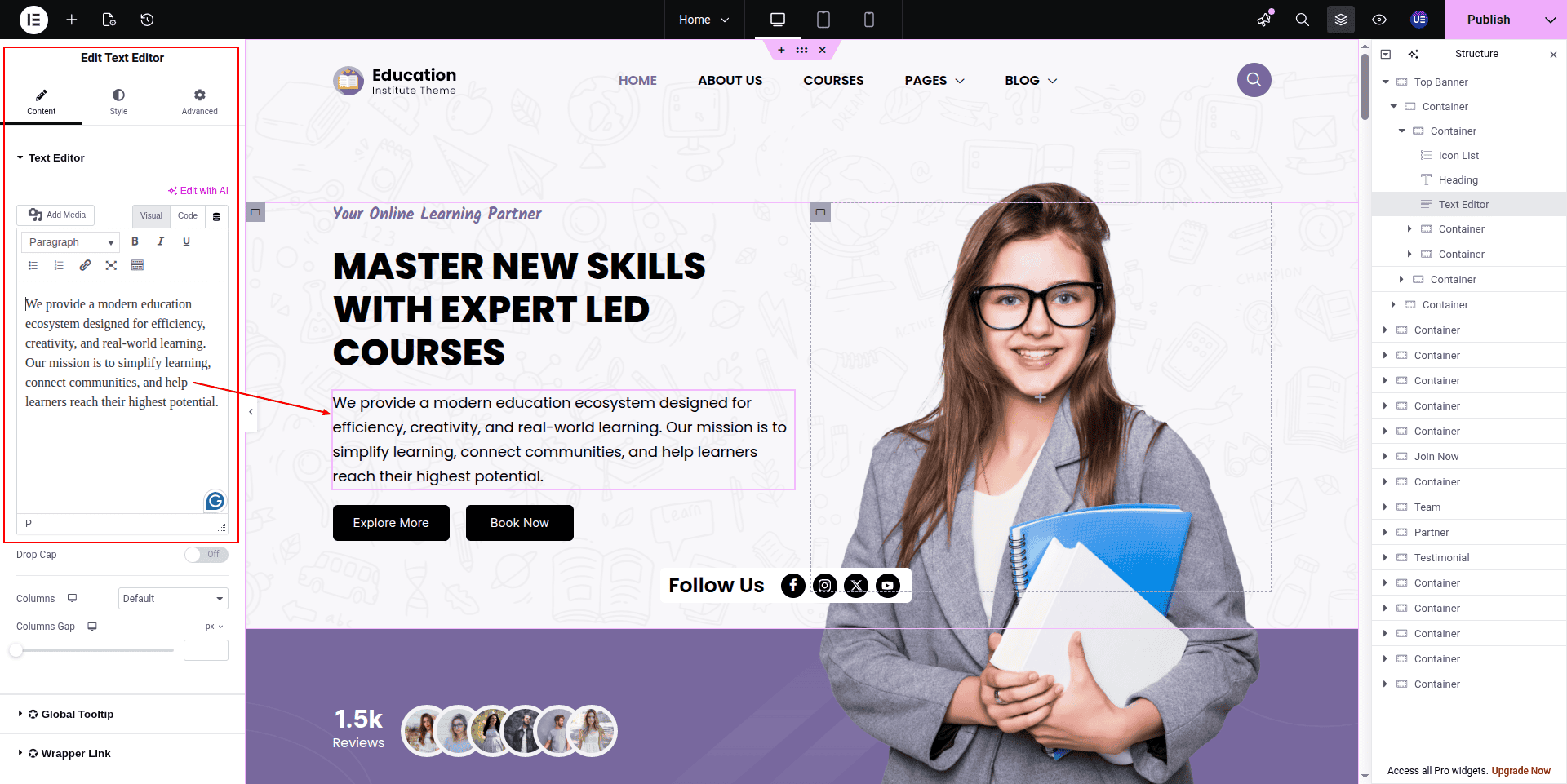
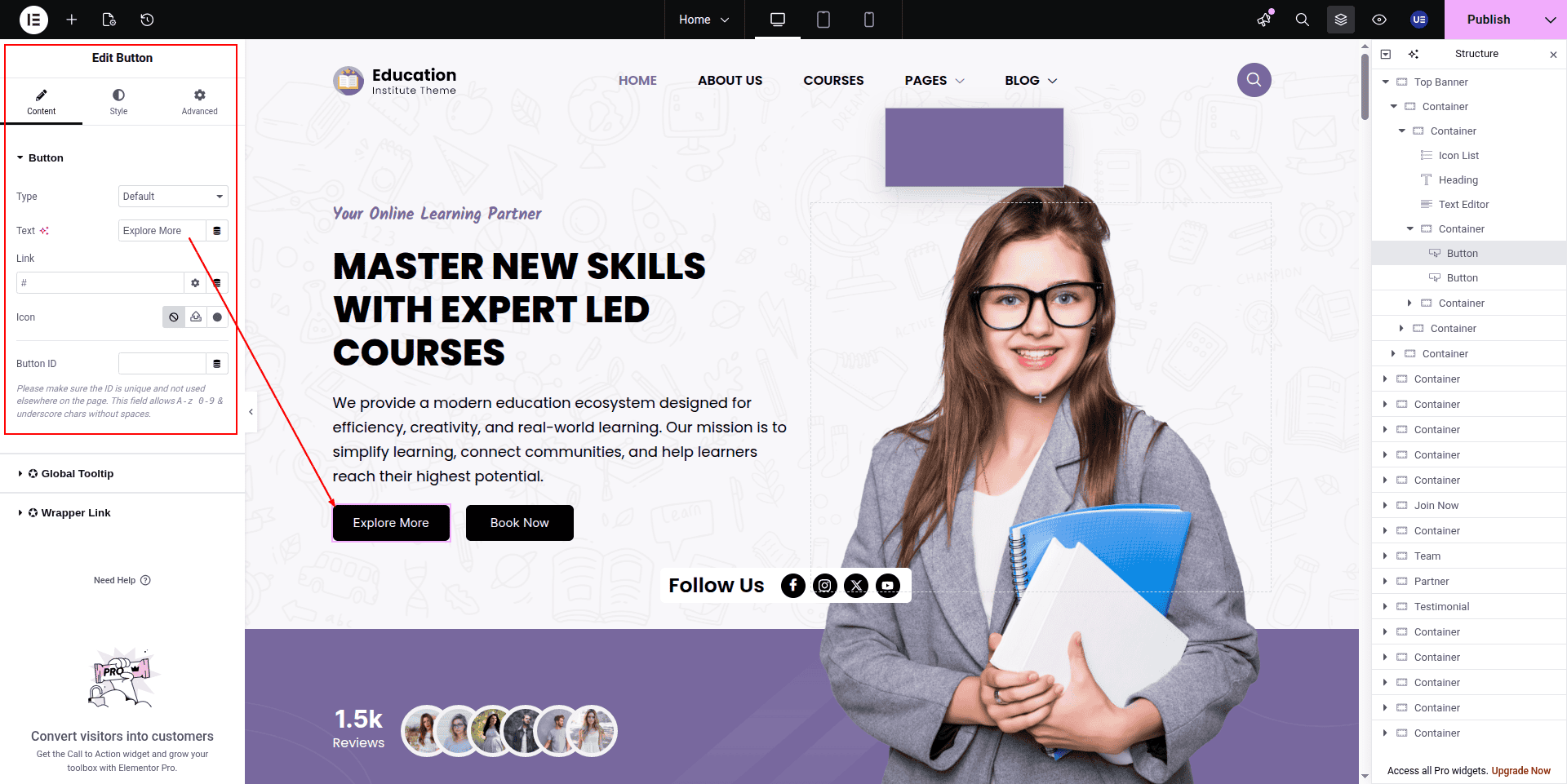
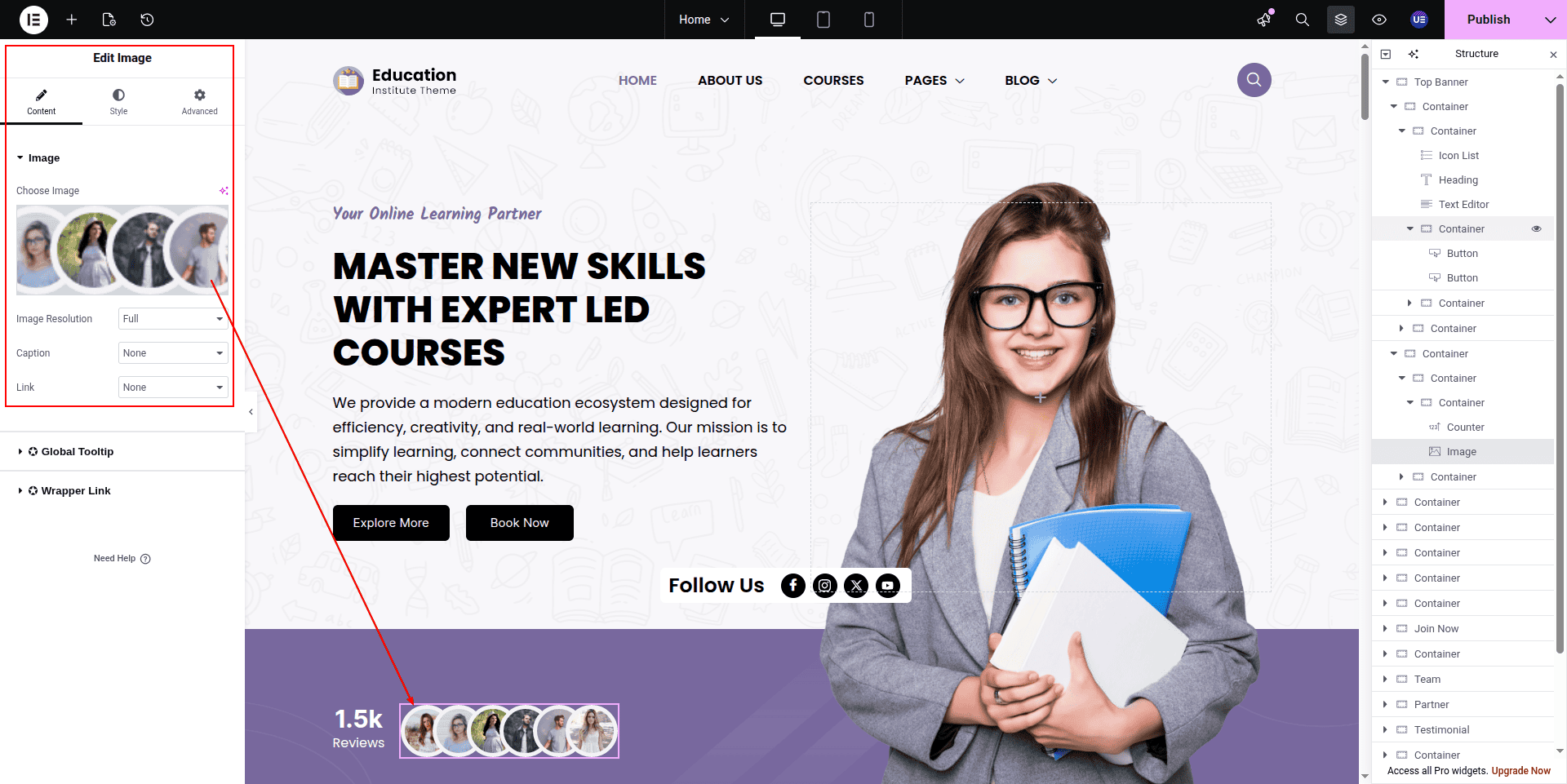
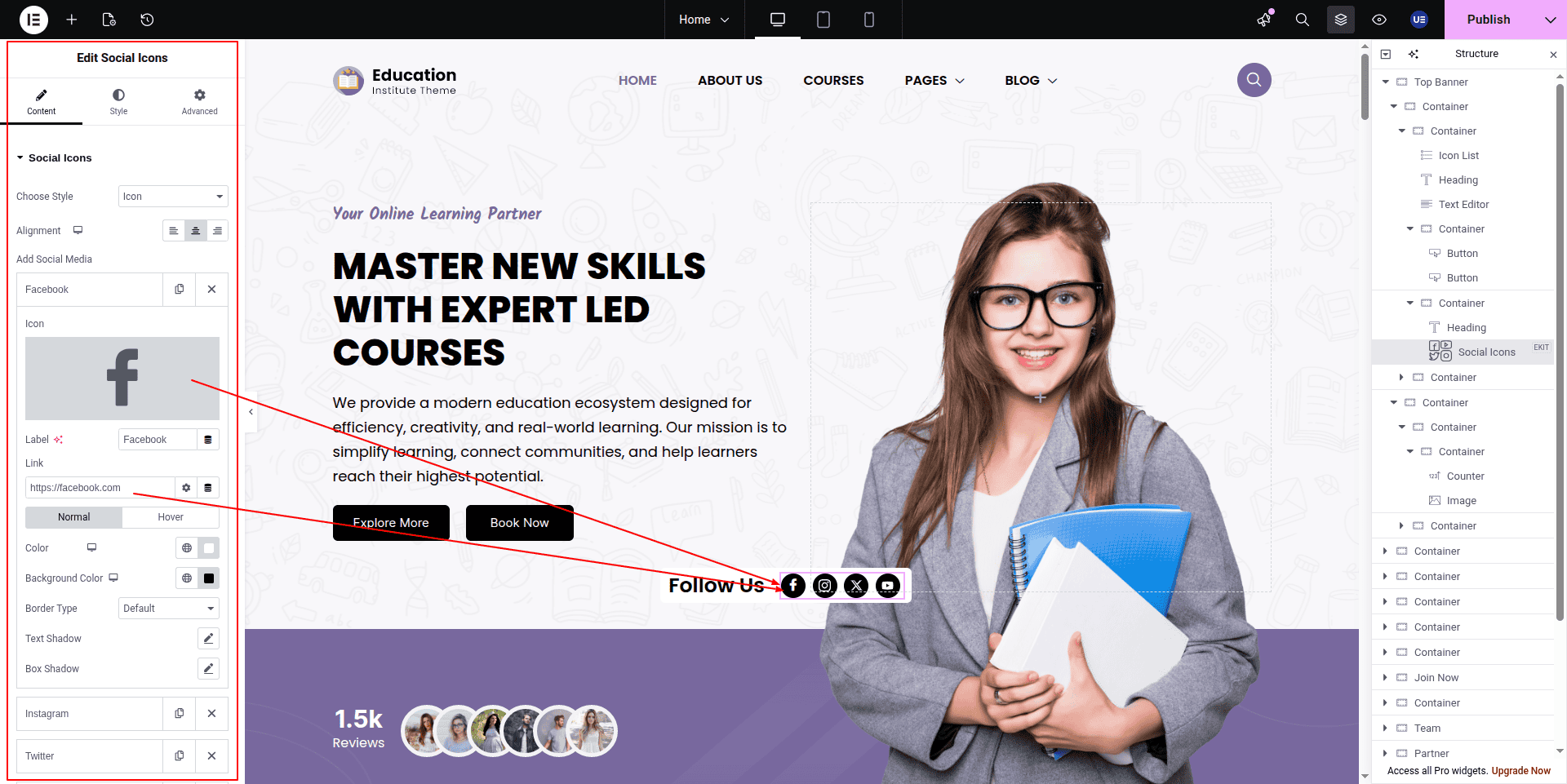
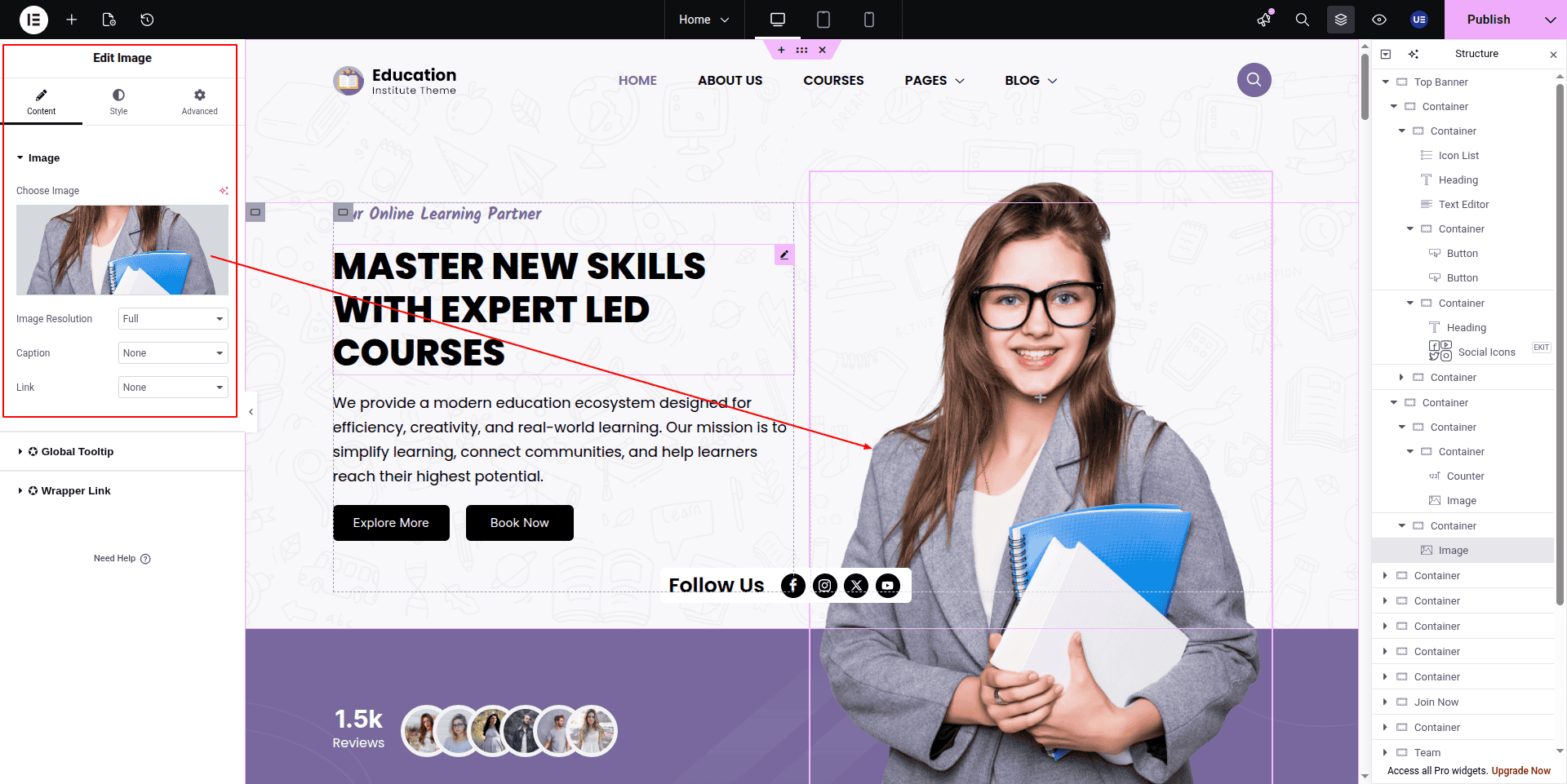
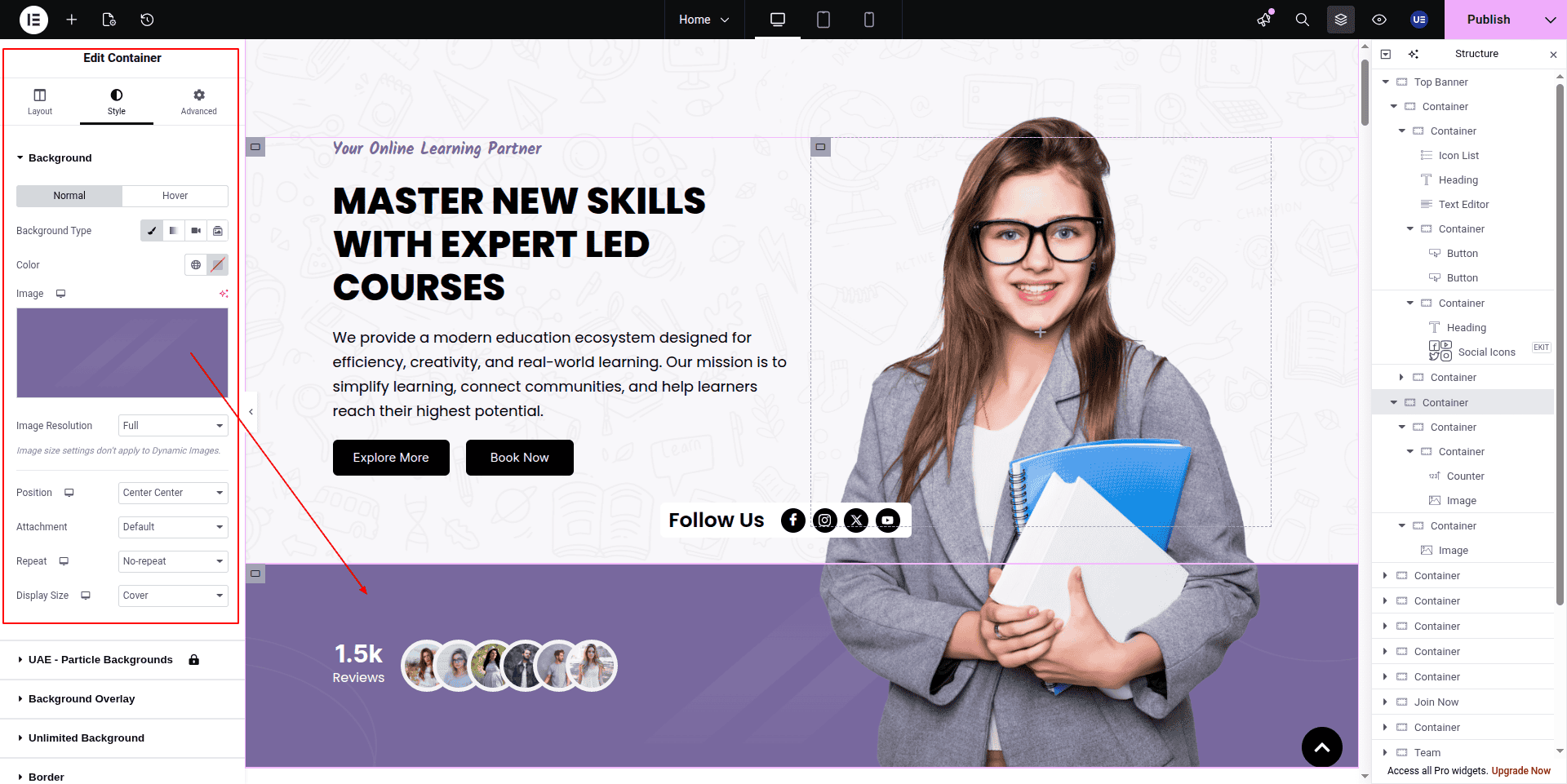
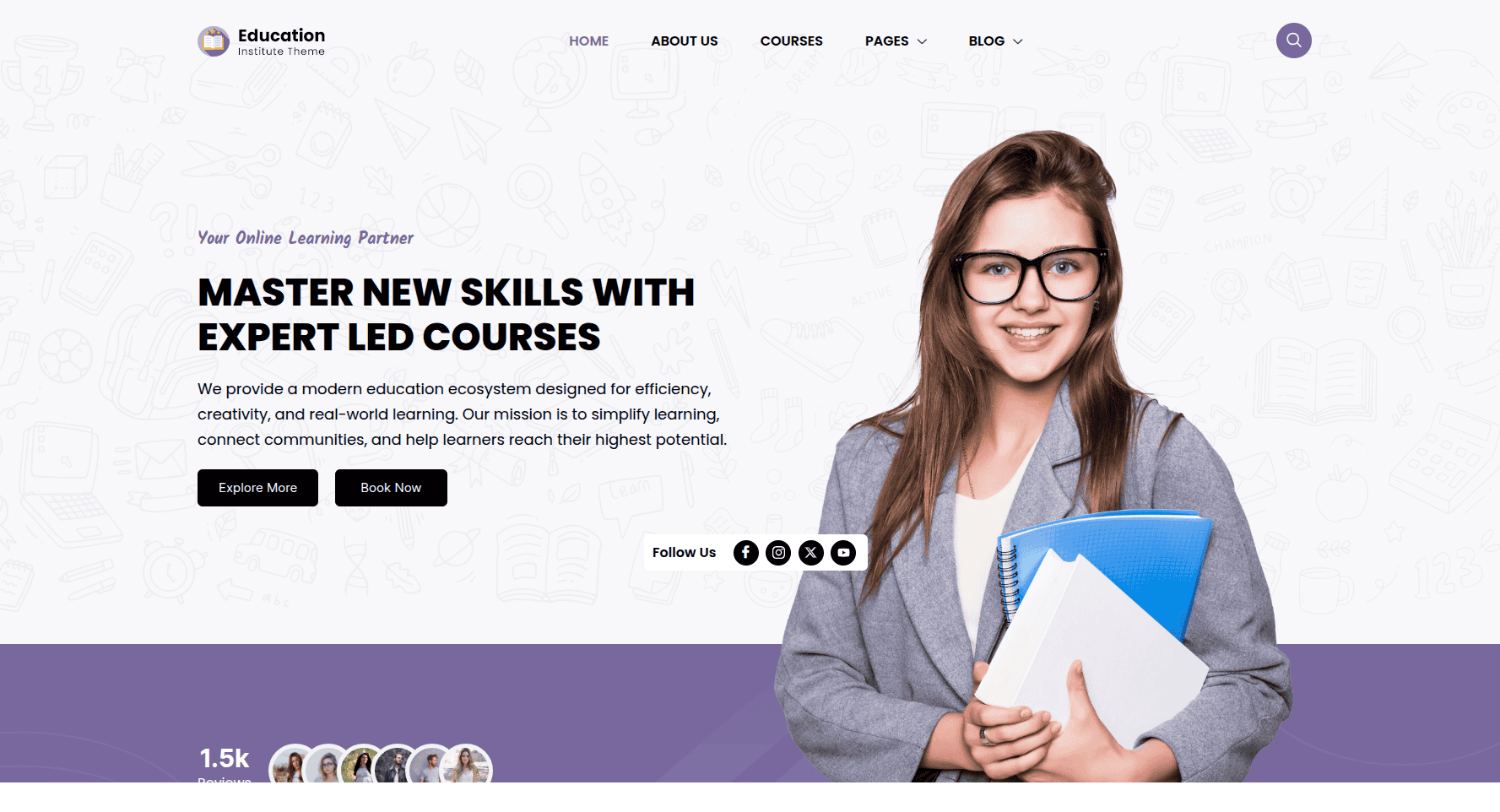
Here you can edit the top Banner section
This represents how a top banner section can be added and set up.
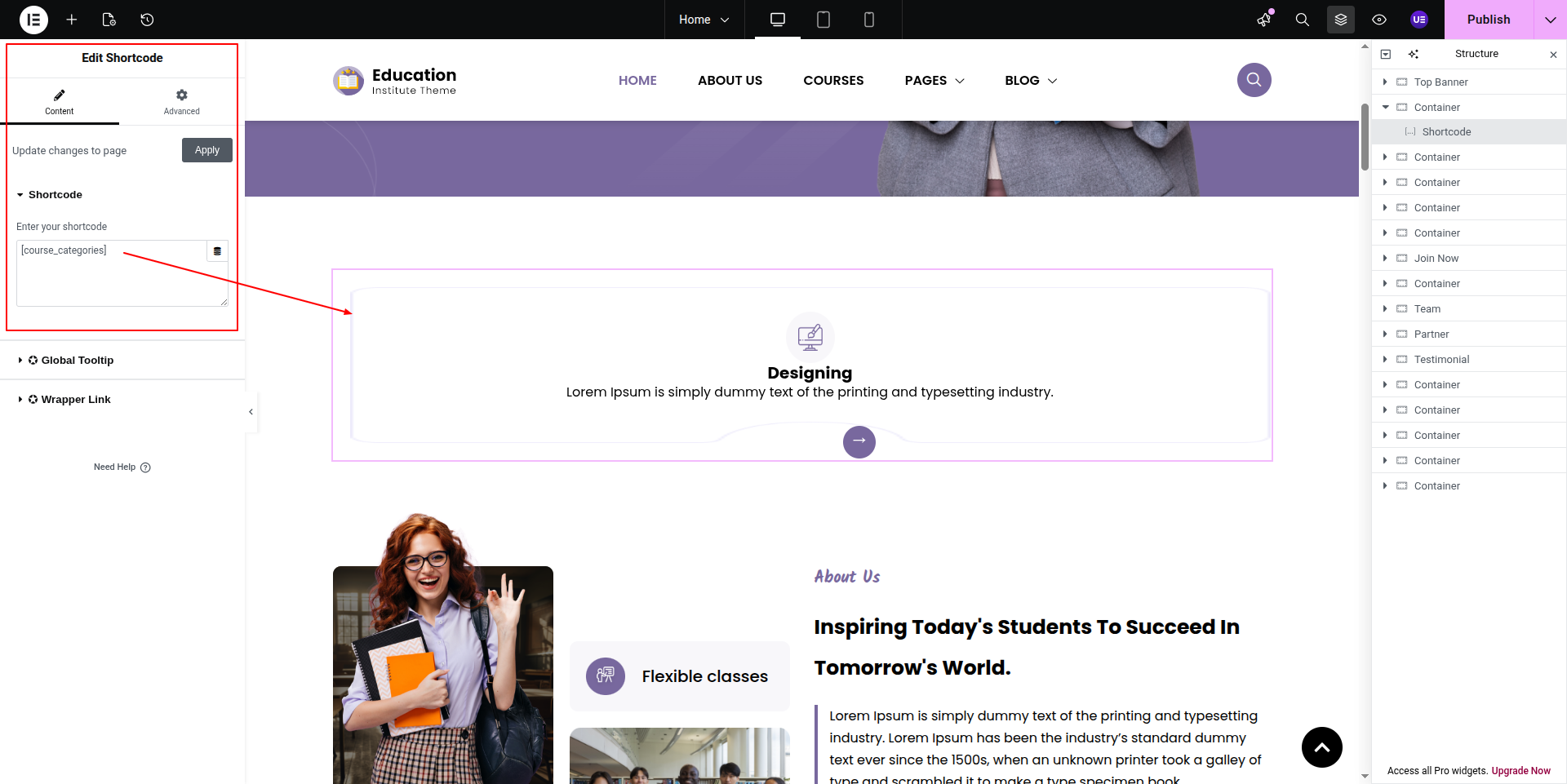
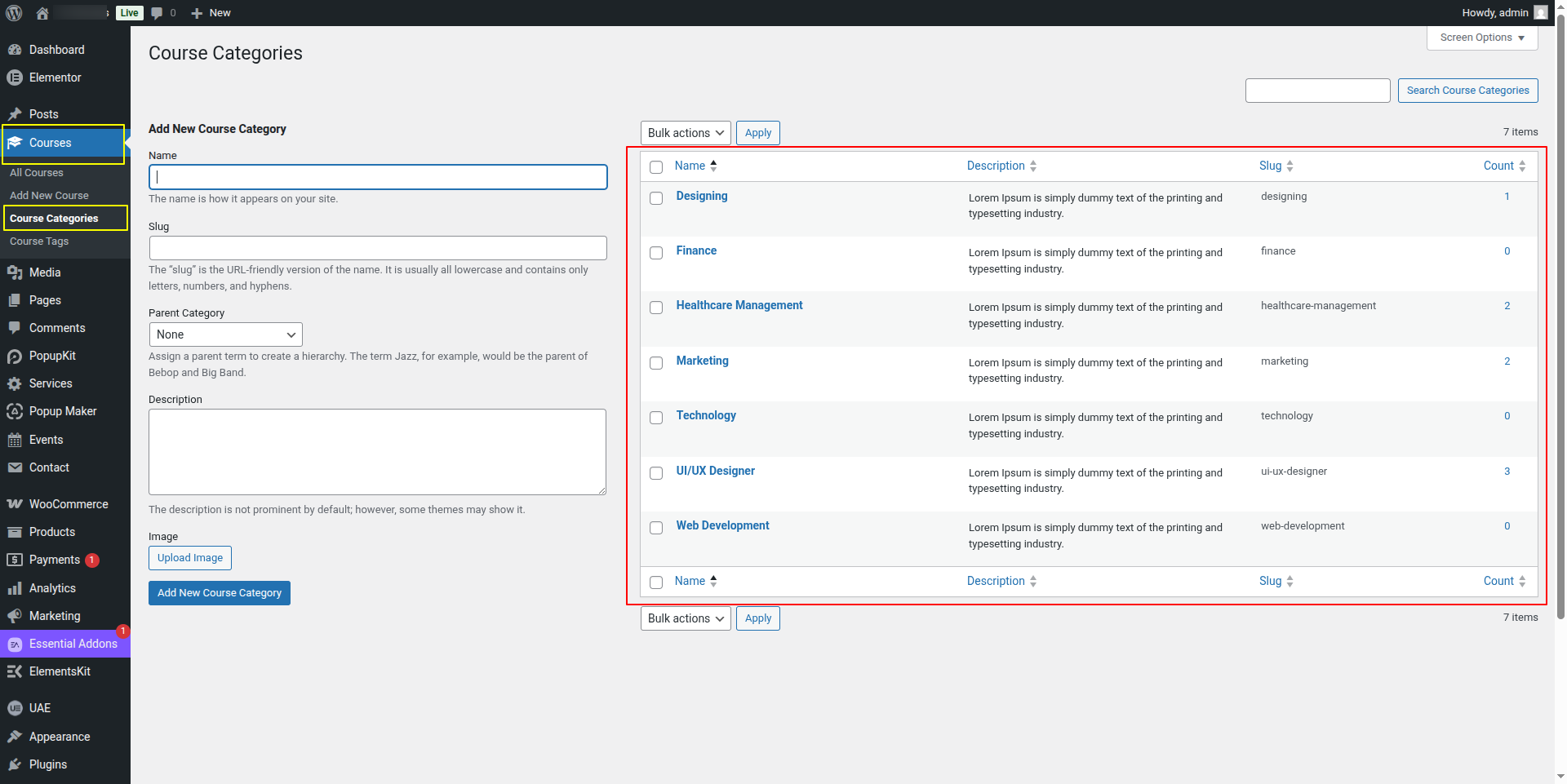
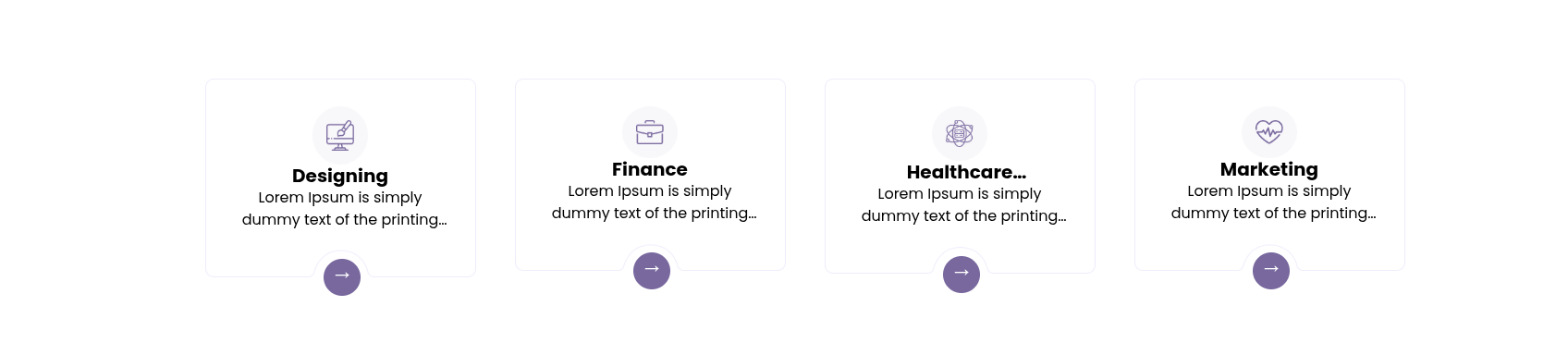
To configure the Course Category section
Set up the Course Category section according to the instructions below.
To Edit this Section, Click On the "Edit With Elementor" Button which will open the Elementor Widget editor.
This represents how a course category section can be added and set up.
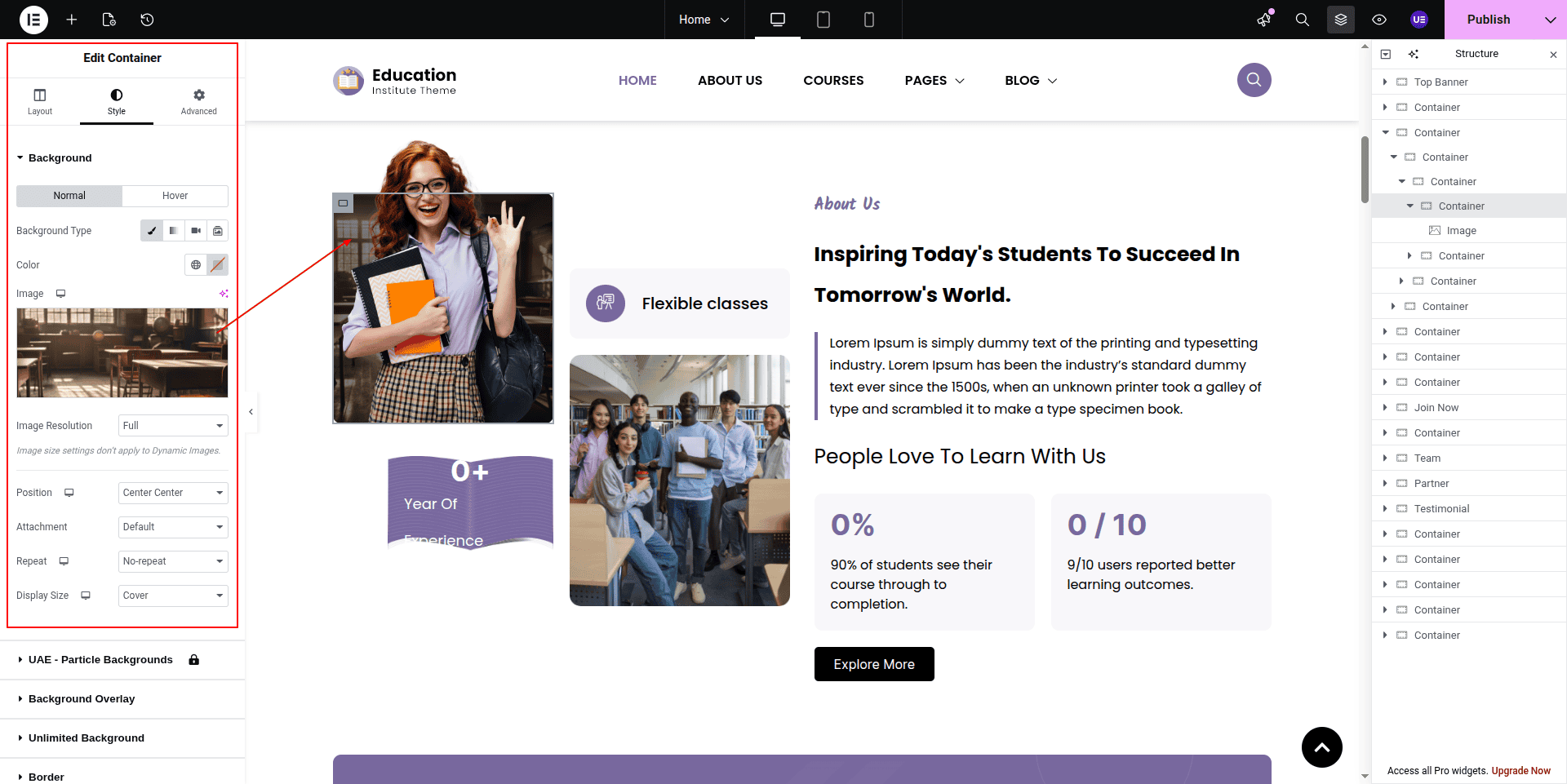
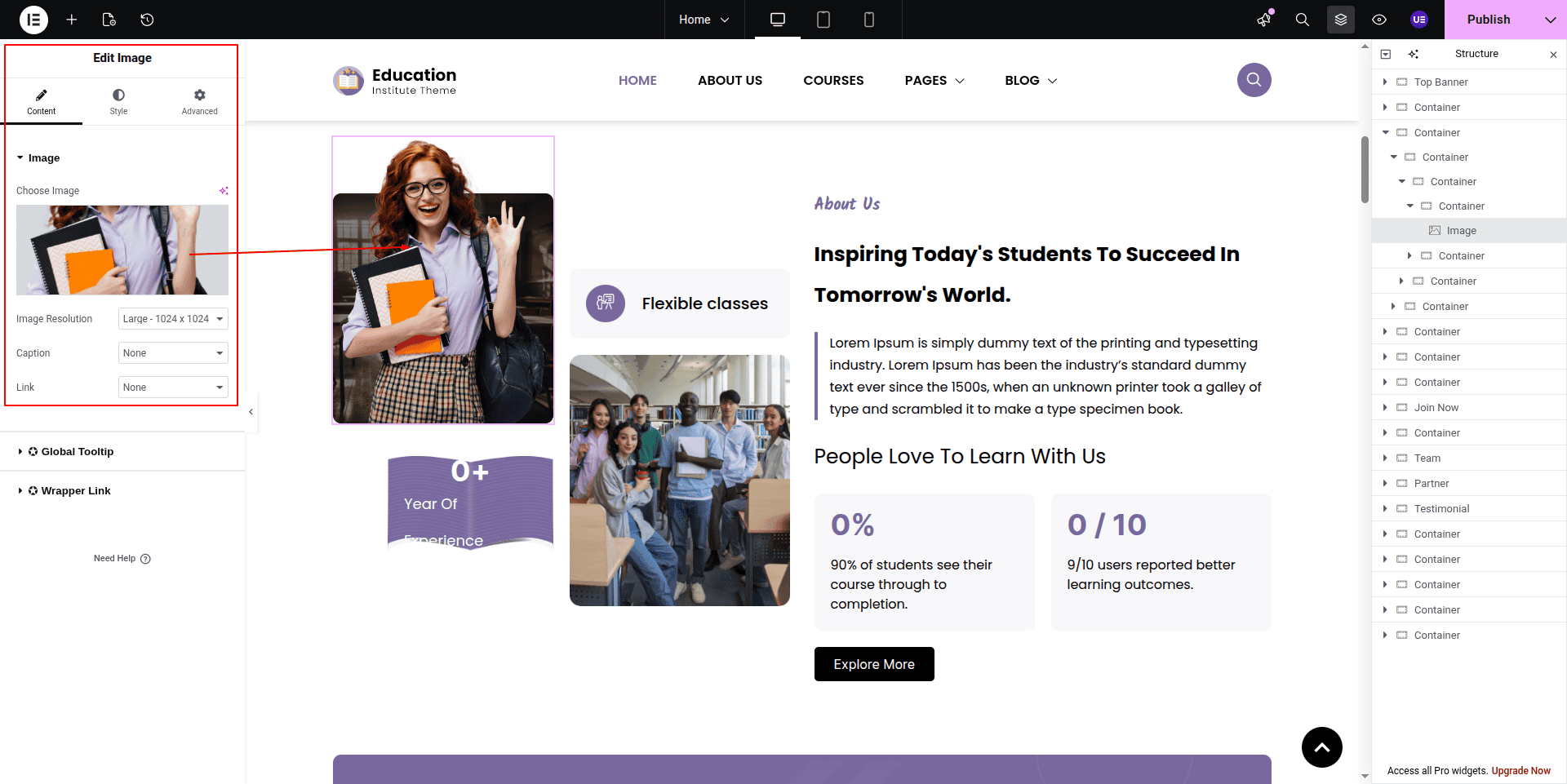
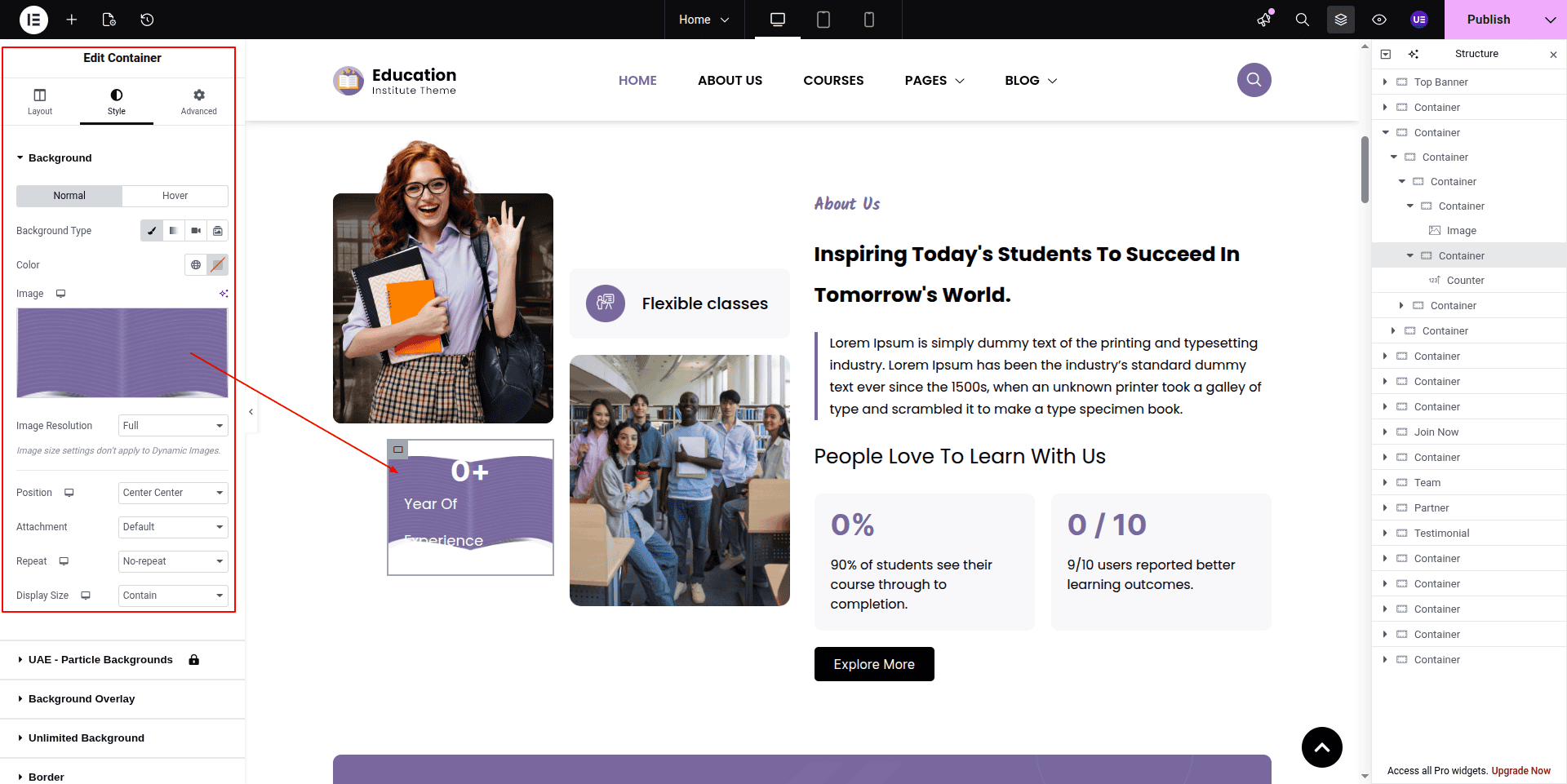
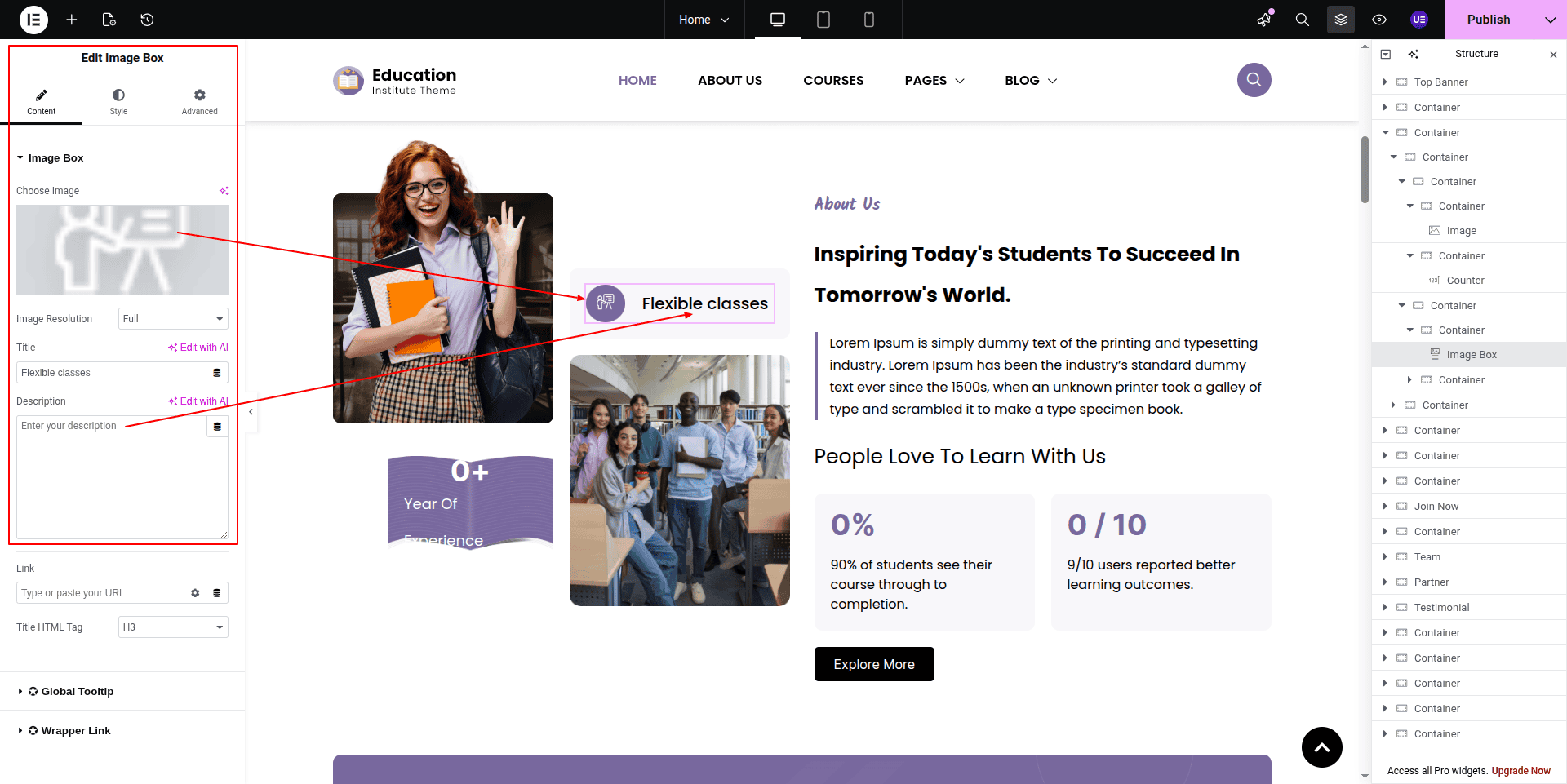
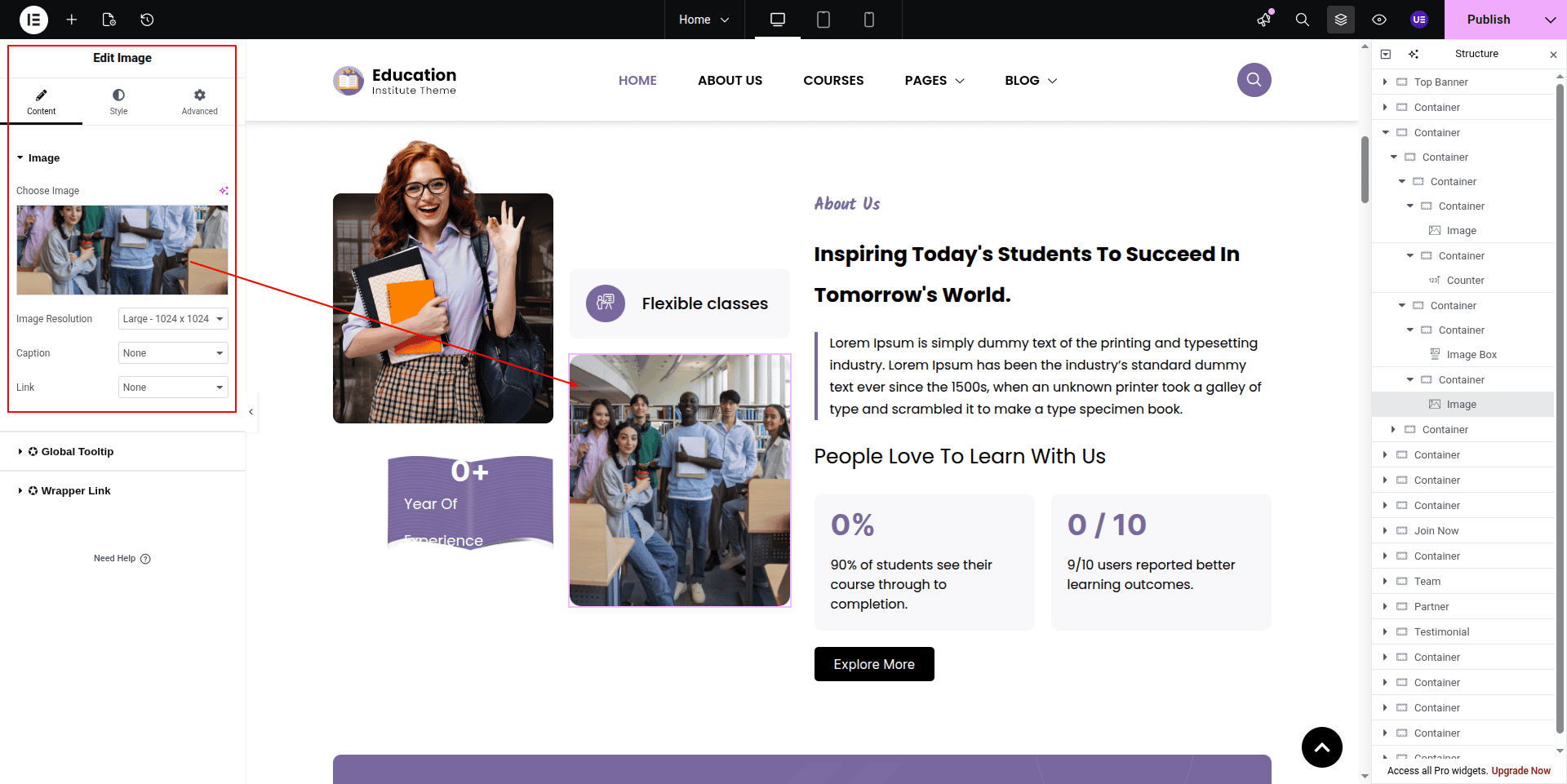
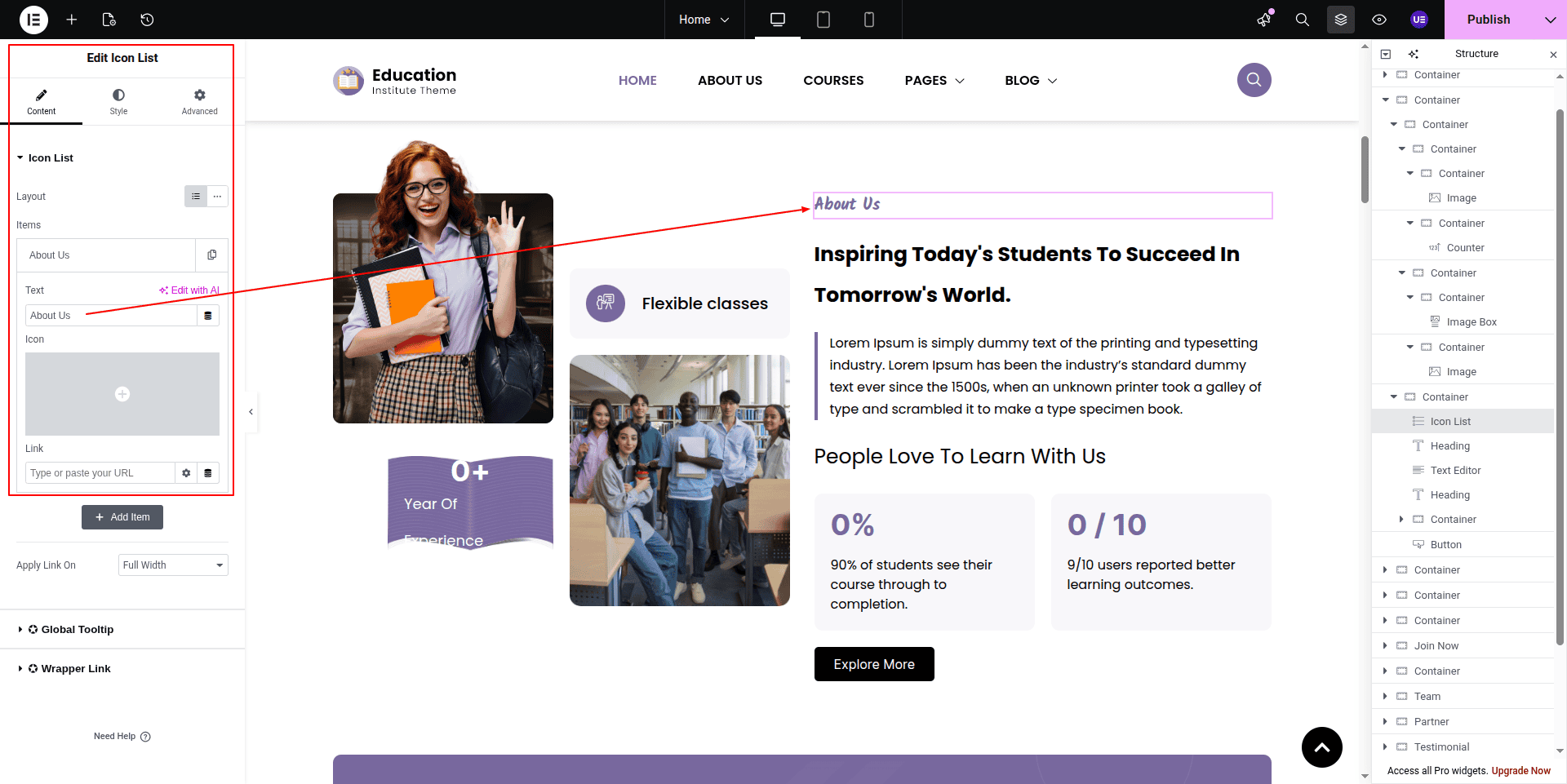
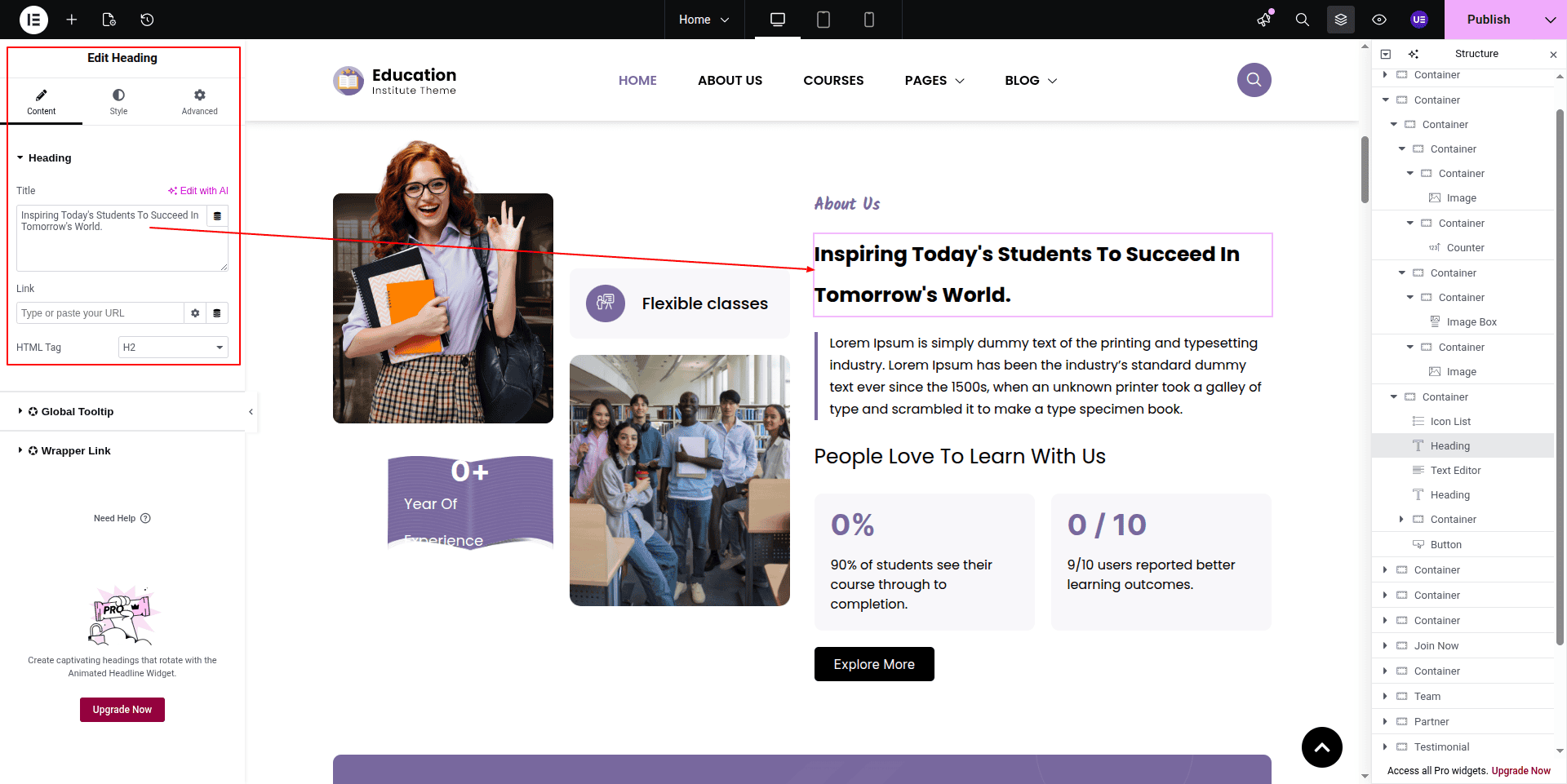
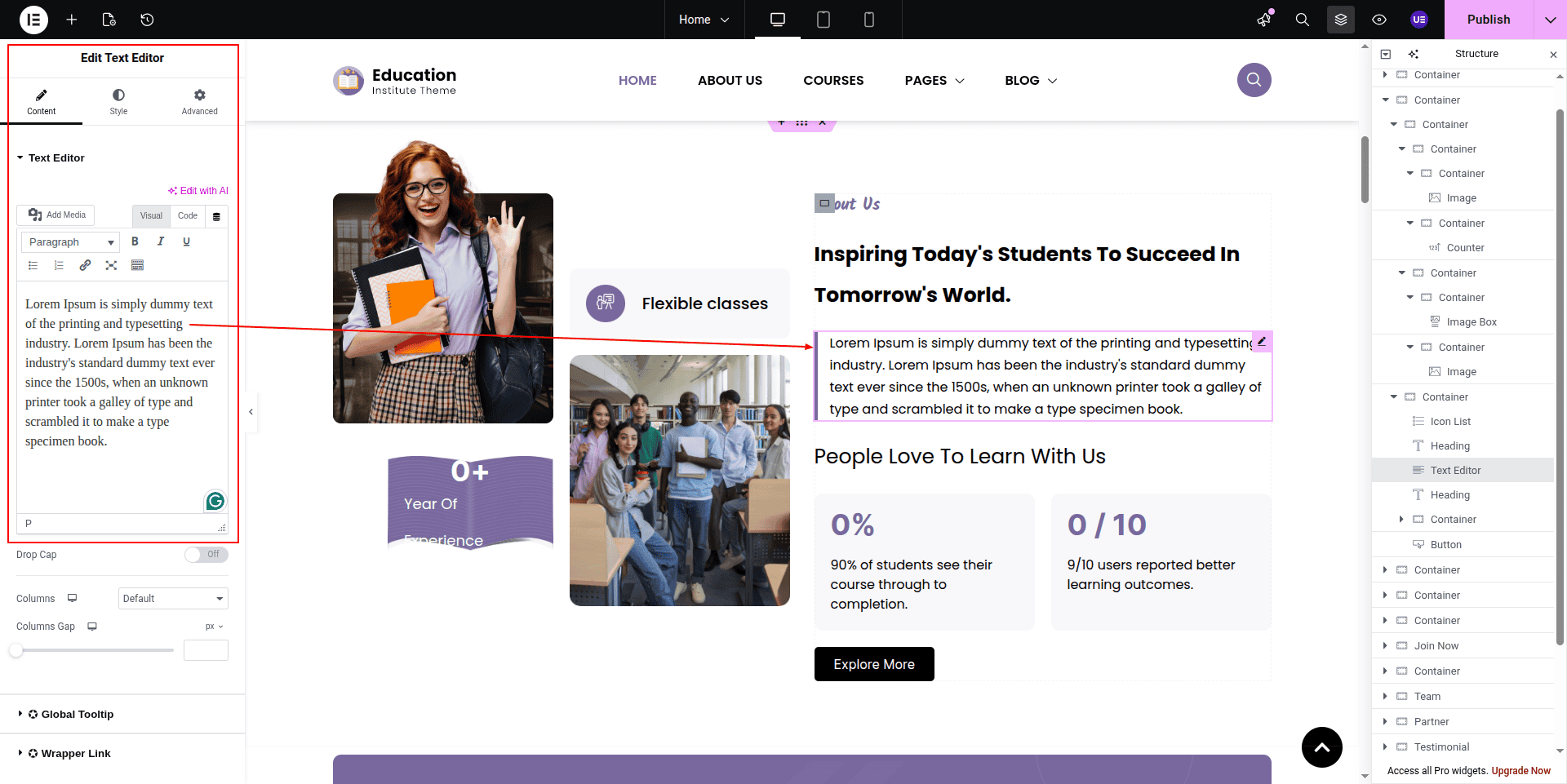
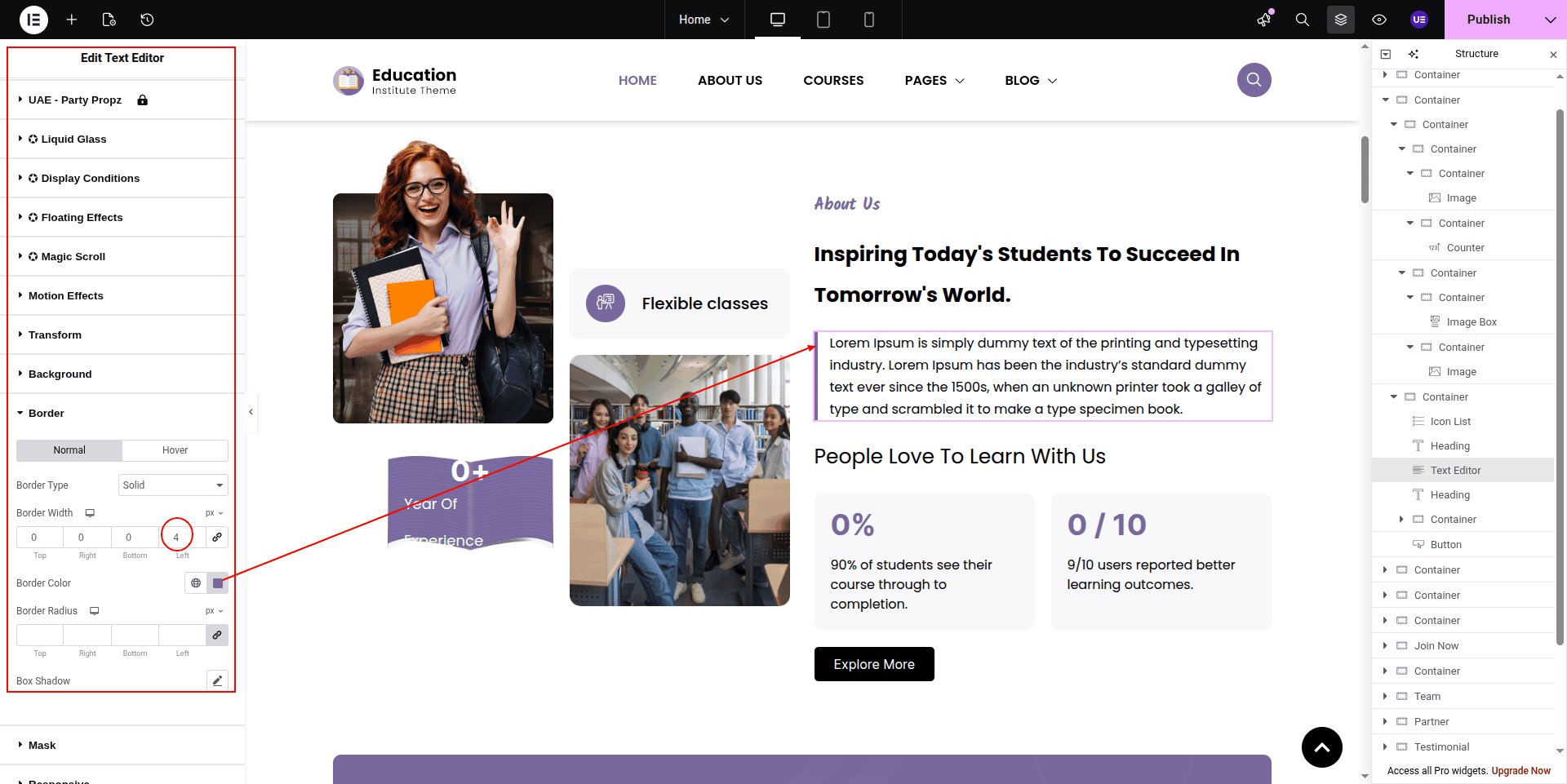
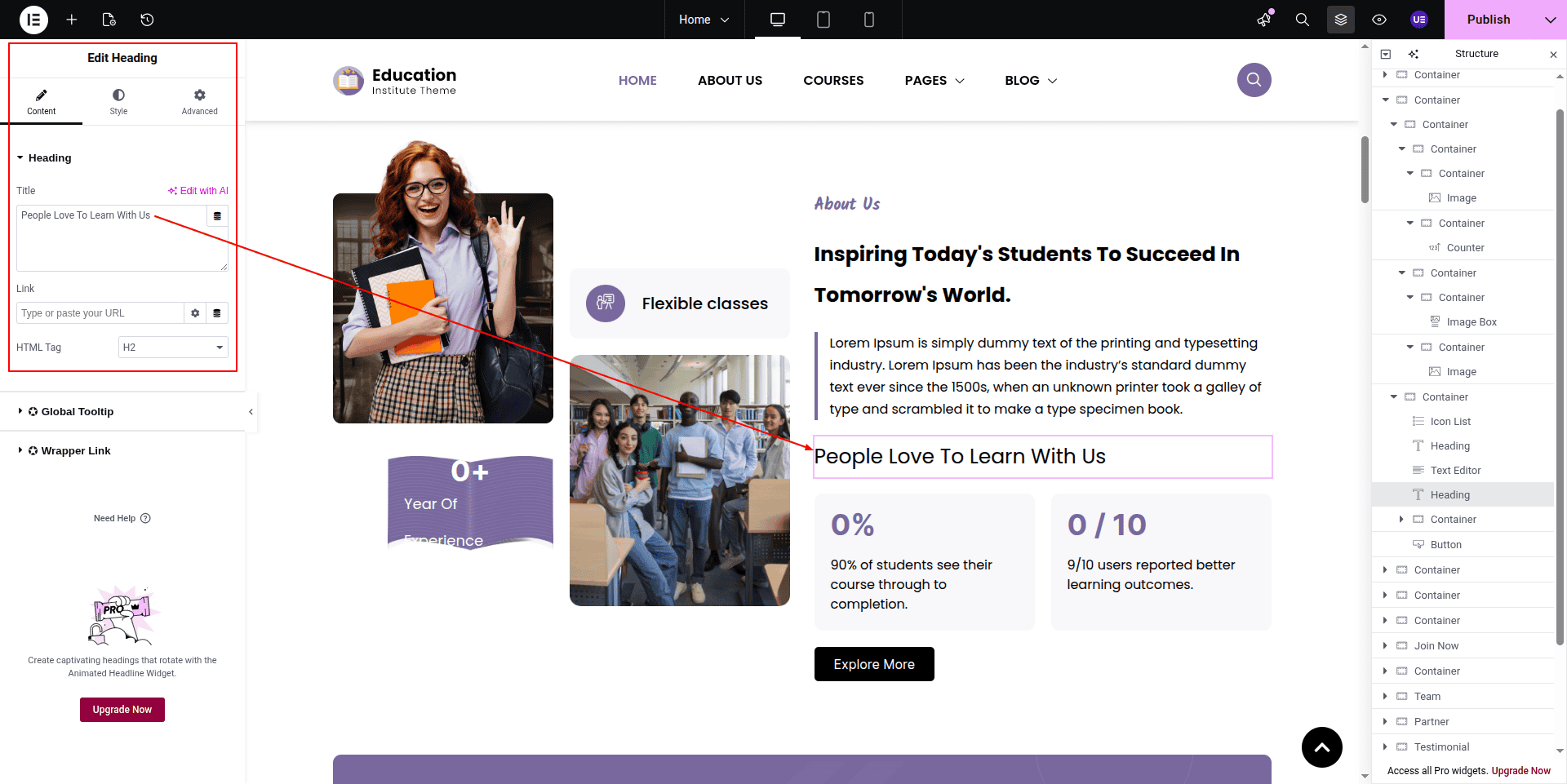
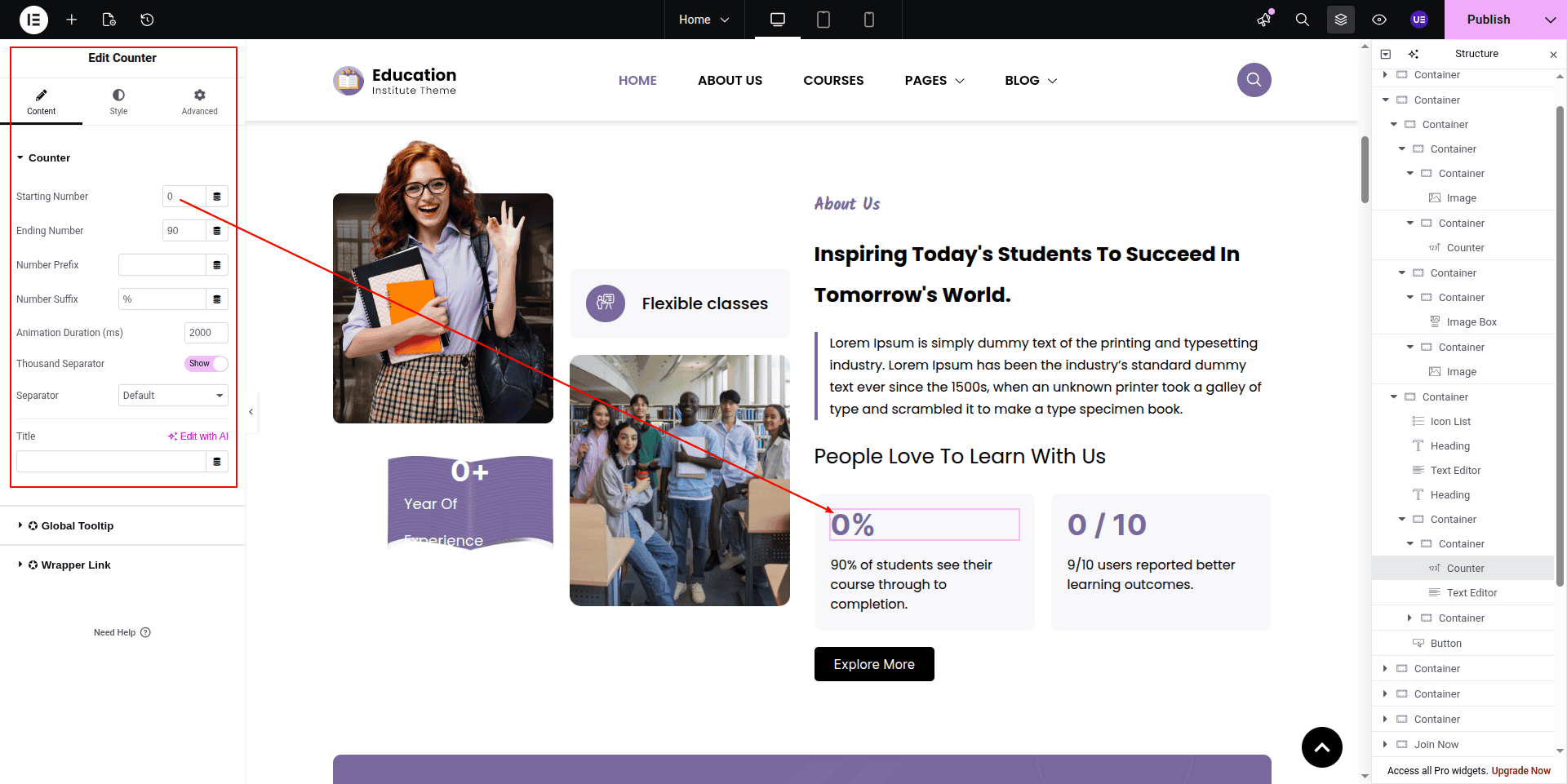
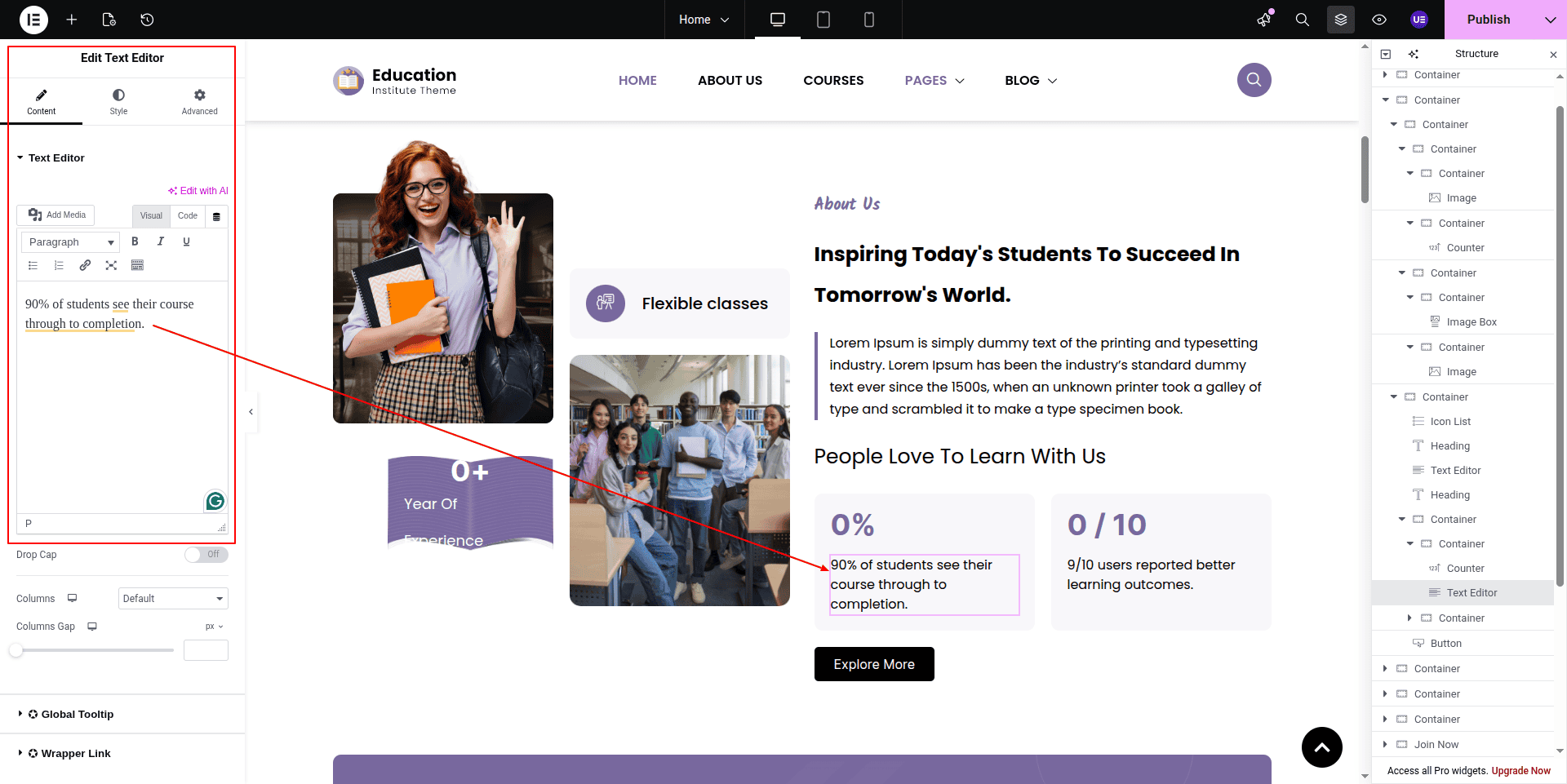
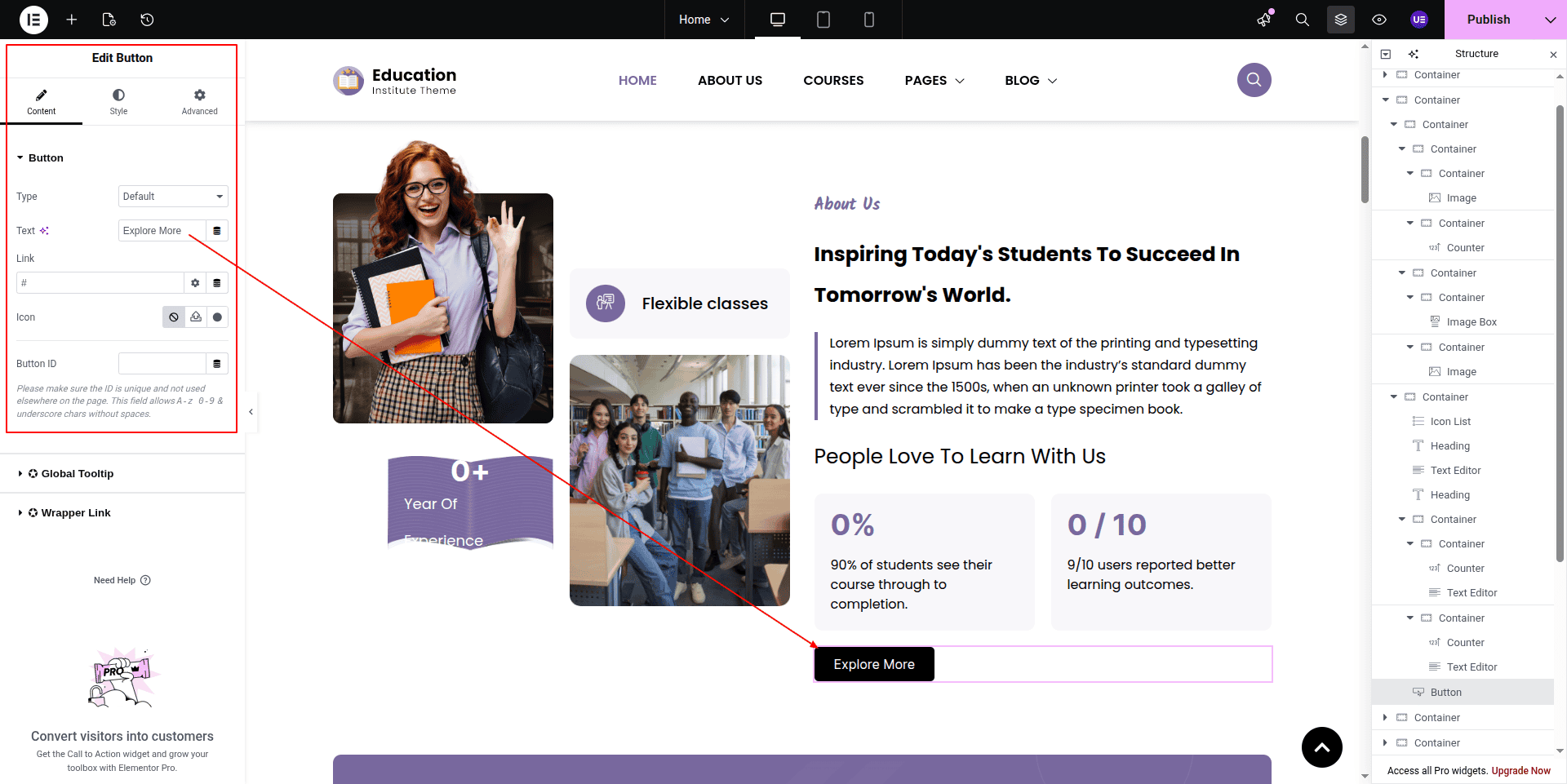
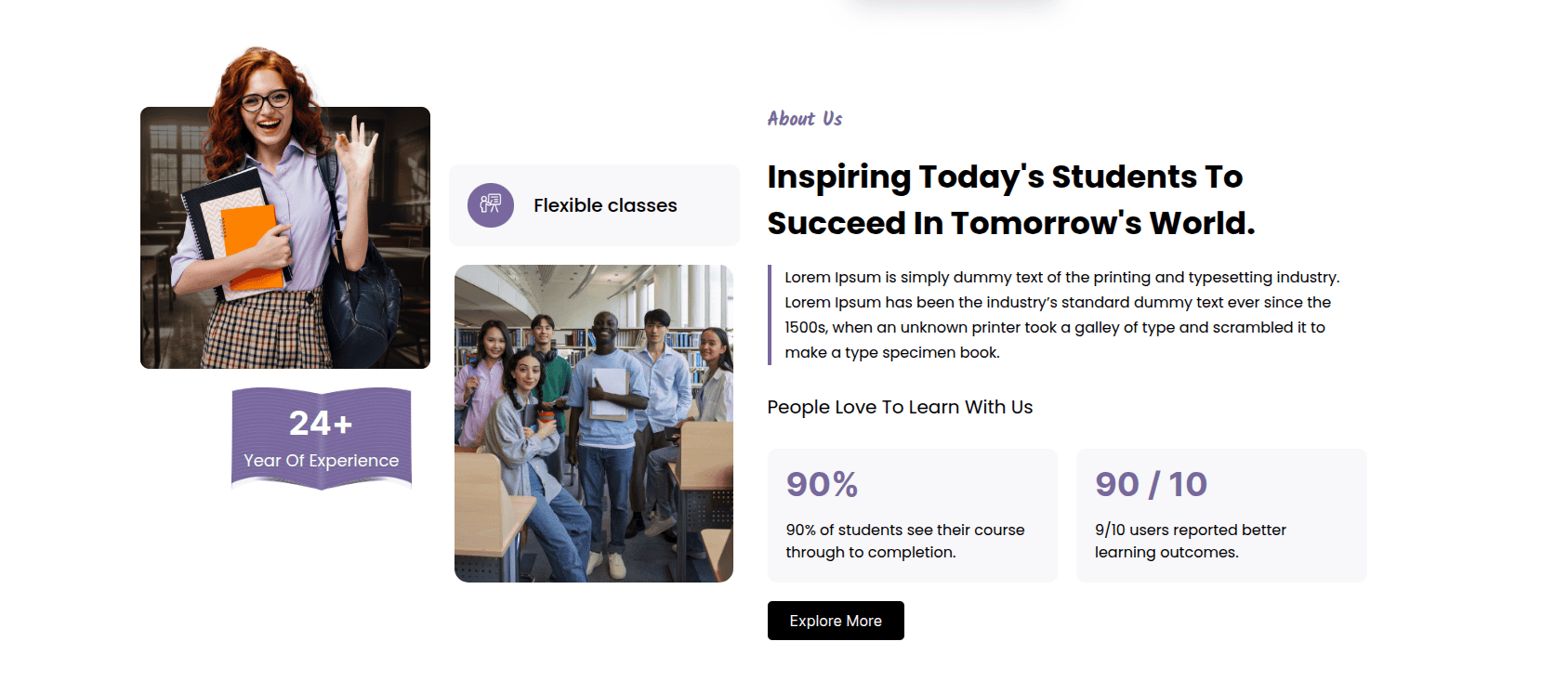
To configure the About Us section
Set up the About Us Section according to the instructions below.
To Edit this Section, Click On the "Edit With Elementor" Button which will open the Elementor Widget editor.
Products shown in this section come directly from the dashboard.
Products can be easily edited from the admin dashboard.
Products can be easily edited from the admin dashboard.
Products can be easily edited from the admin dashboard.
Products can be easily edited from the admin dashboard.
Products can be easily edited from the admin dashboard.
Products can be easily edited from the admin dashboard.
Products can be easily edited from the admin dashboard.
Products can be easily edited from the admin dashboard.
Products can be easily edited from the admin dashboard.
Products can be easily edited from the admin dashboard.
This represents how a About Us section can be added and set up.
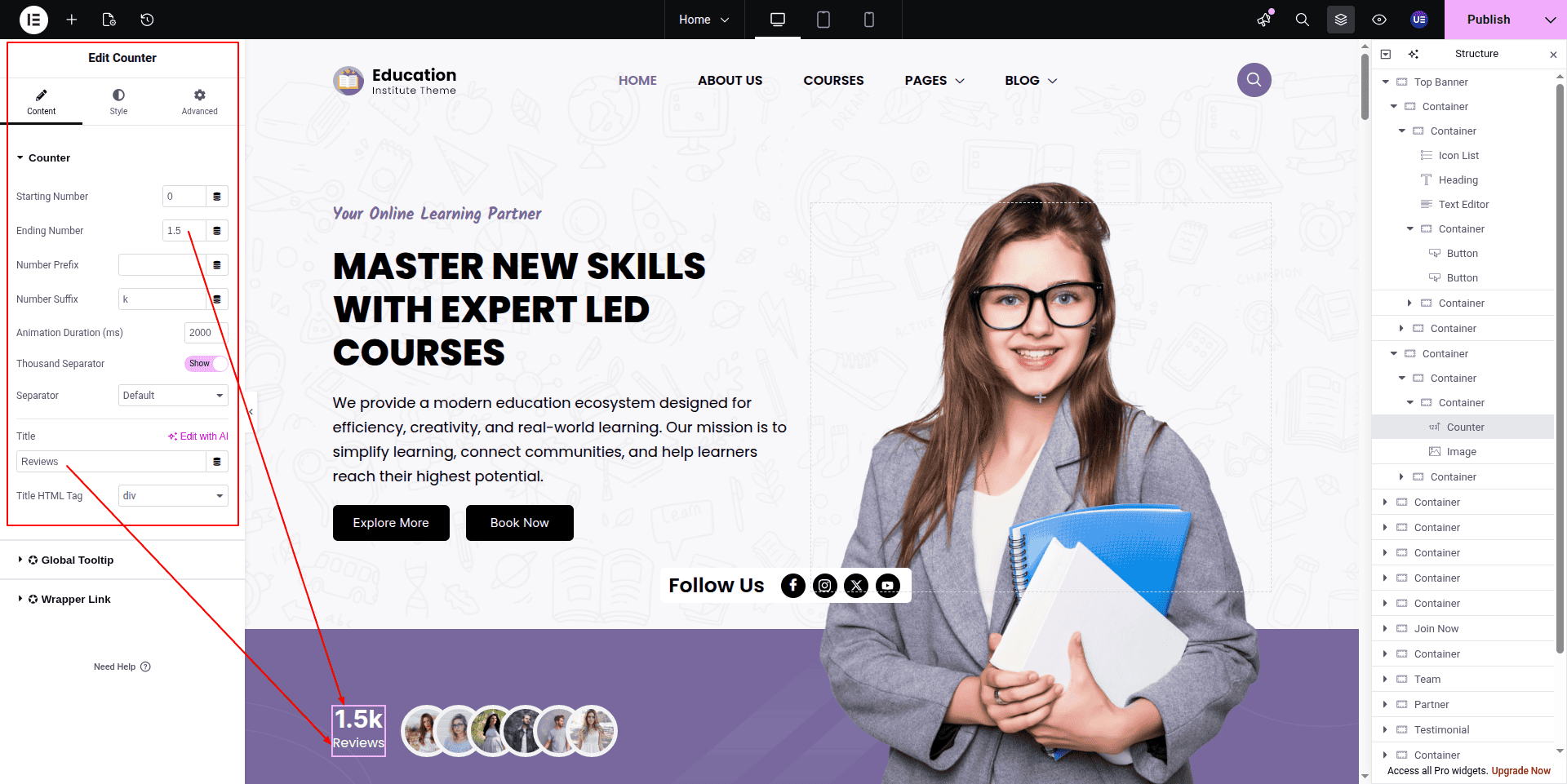
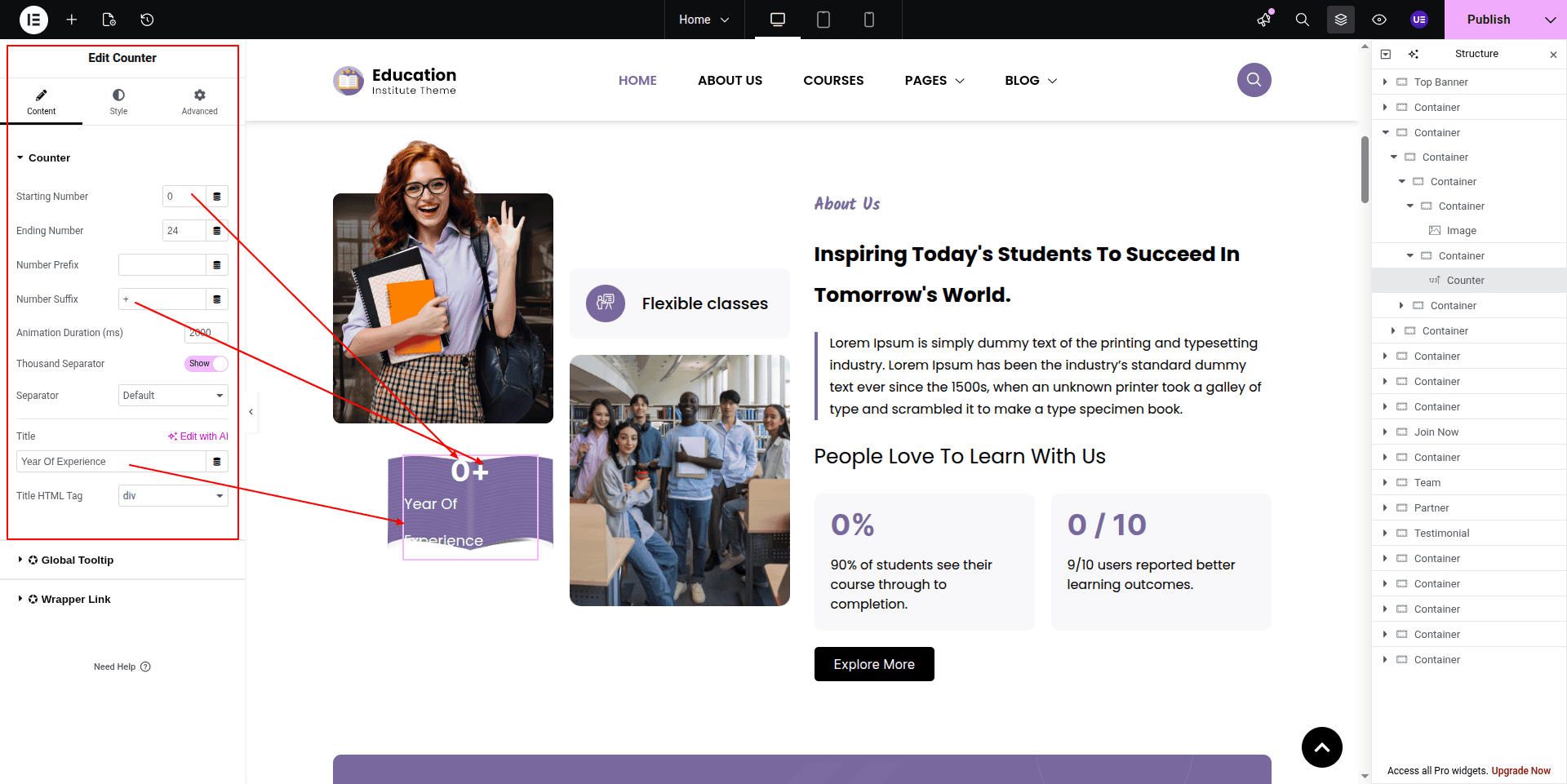
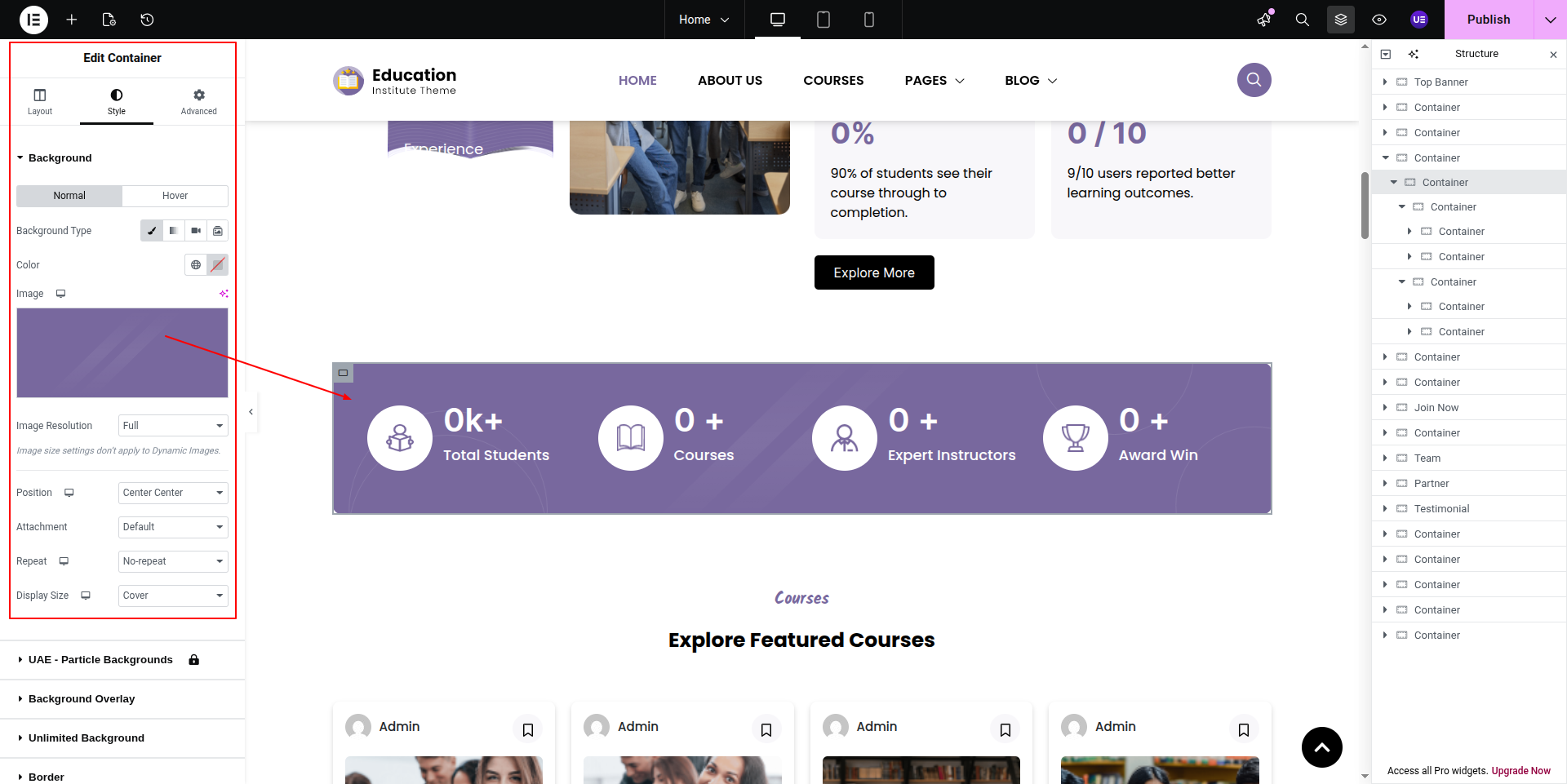
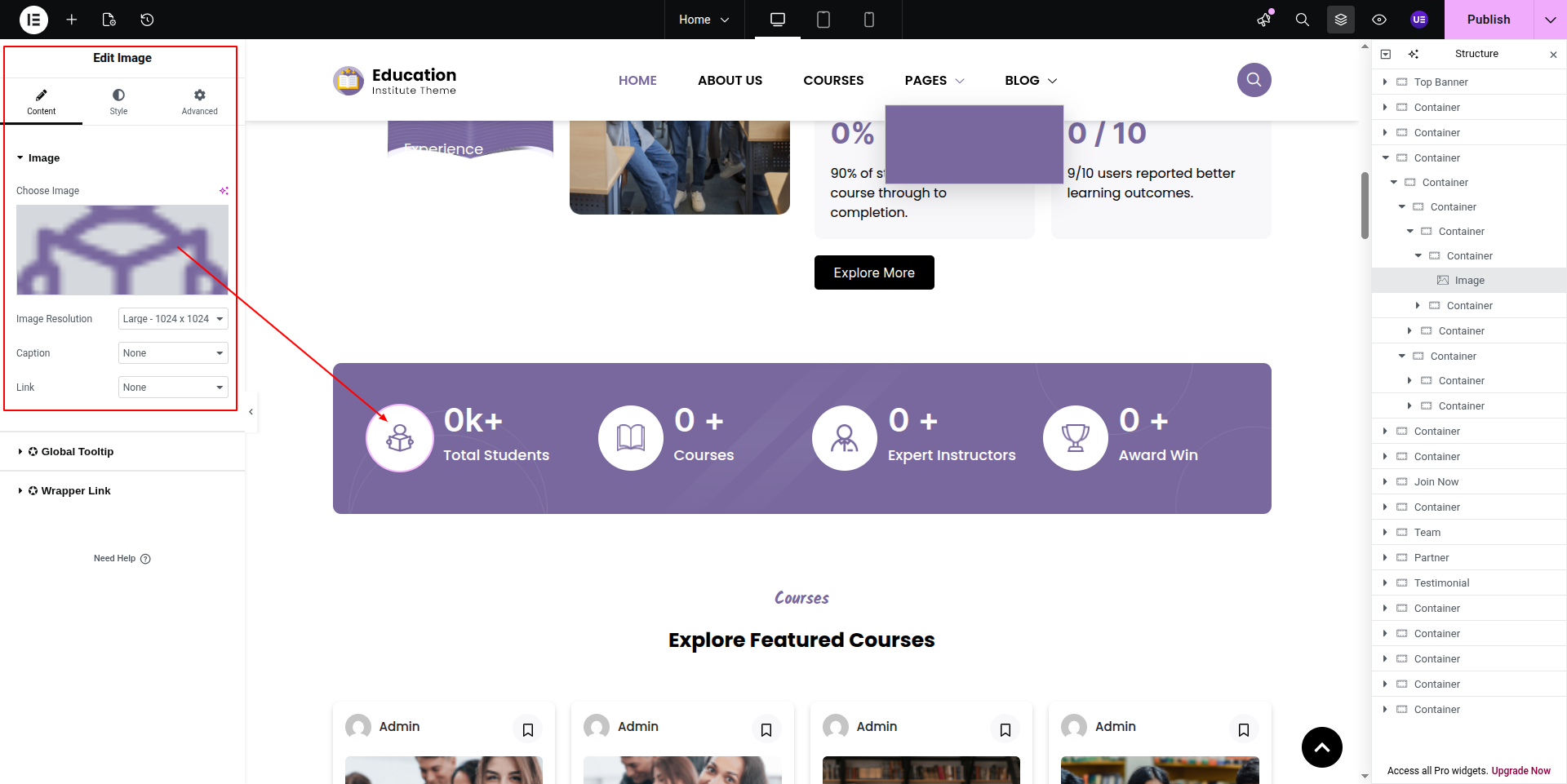
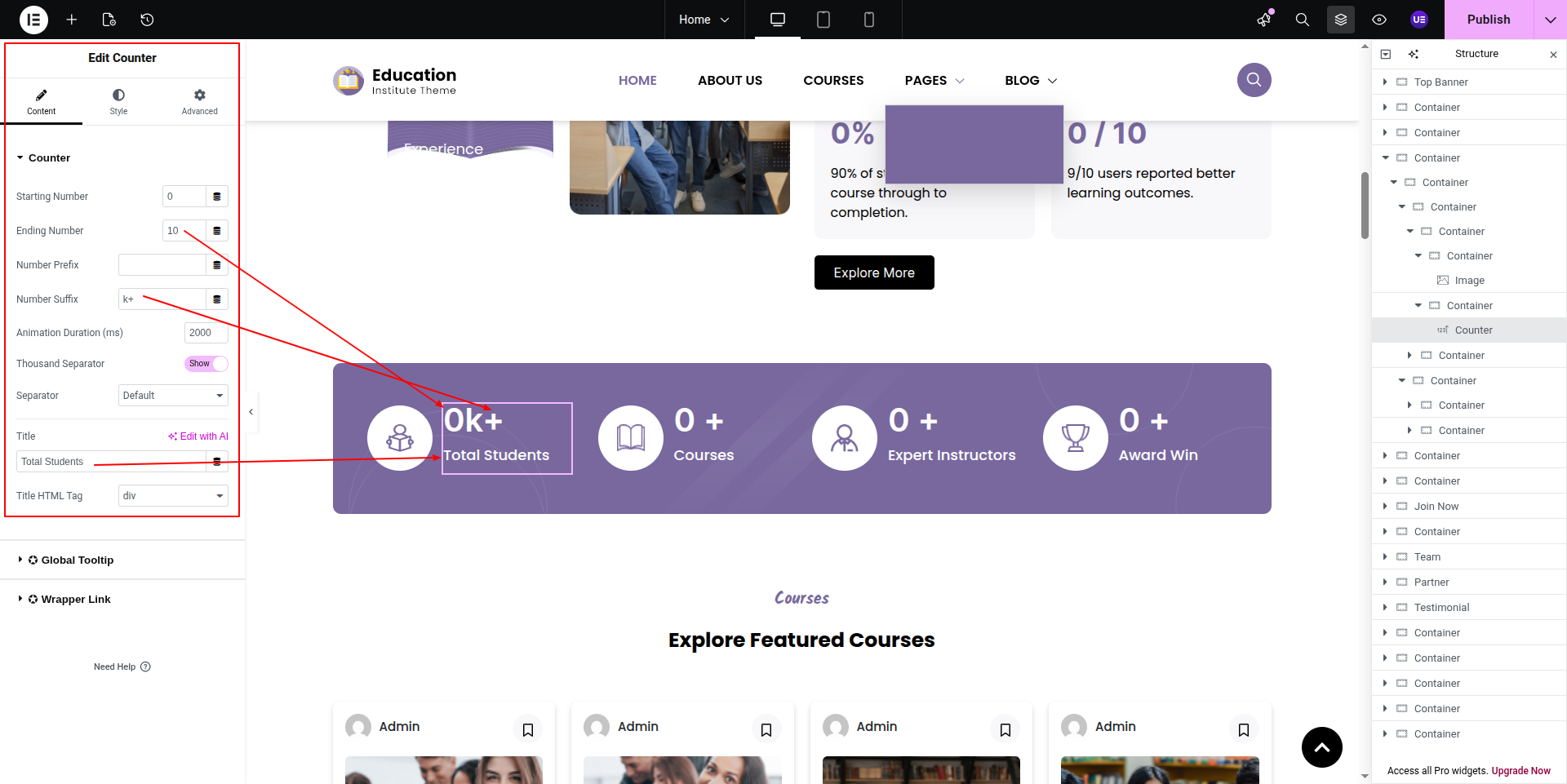
To configure the Counter Section section
Set up the Counter Section Section according to the instructions below.
To Edit this Section, Click On the "Edit With Elementor" Button which will open the Elementor Widget editor.
This represents how a Counter Section section can be added and set up.
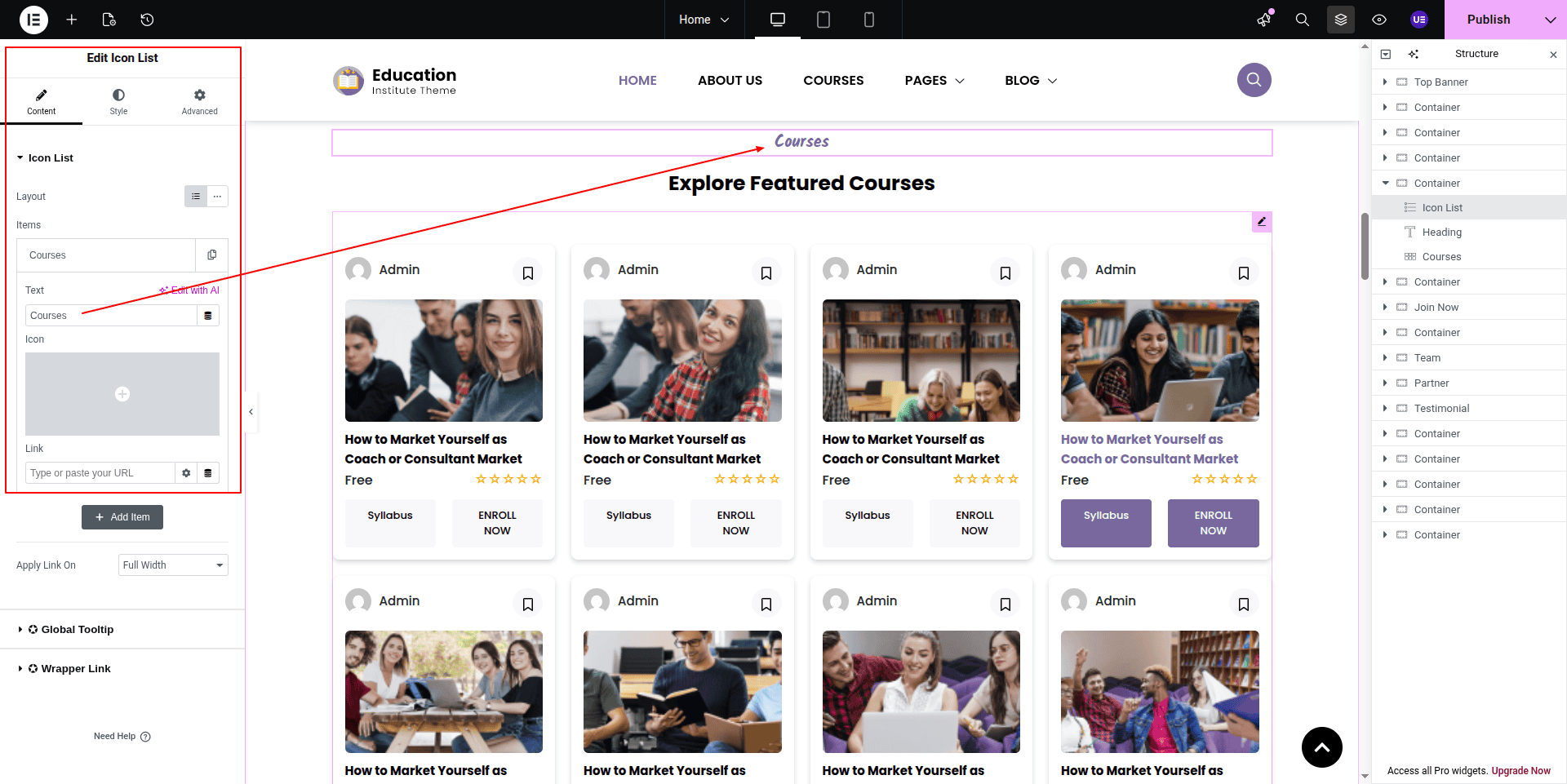
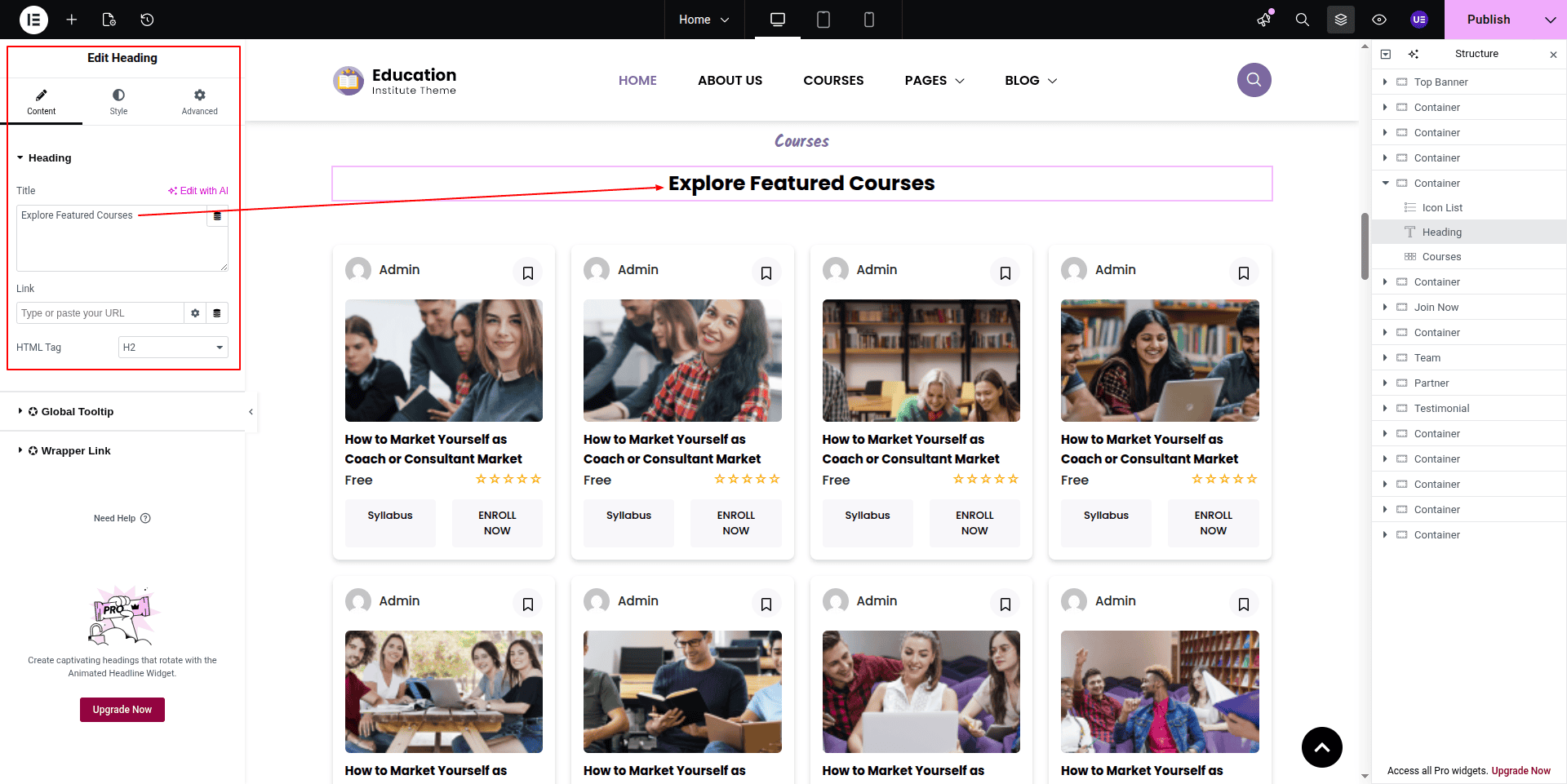
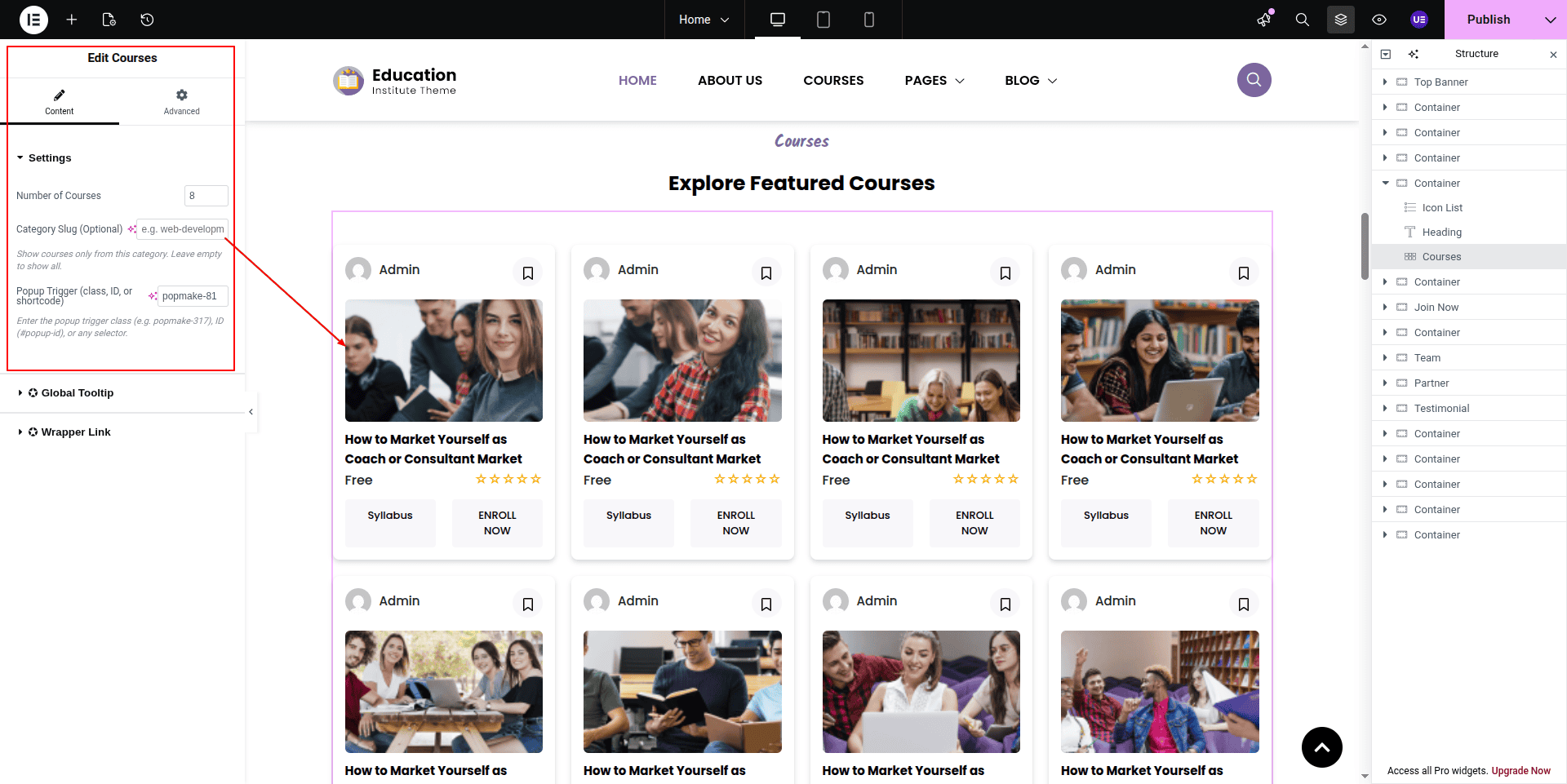
To configure the Featured Courses section
Set up the Featured Courses Section according to the instructions below.
To Edit this Section, Click On the "Edit With Elementor" Button which will open the Elementor Widget editor.
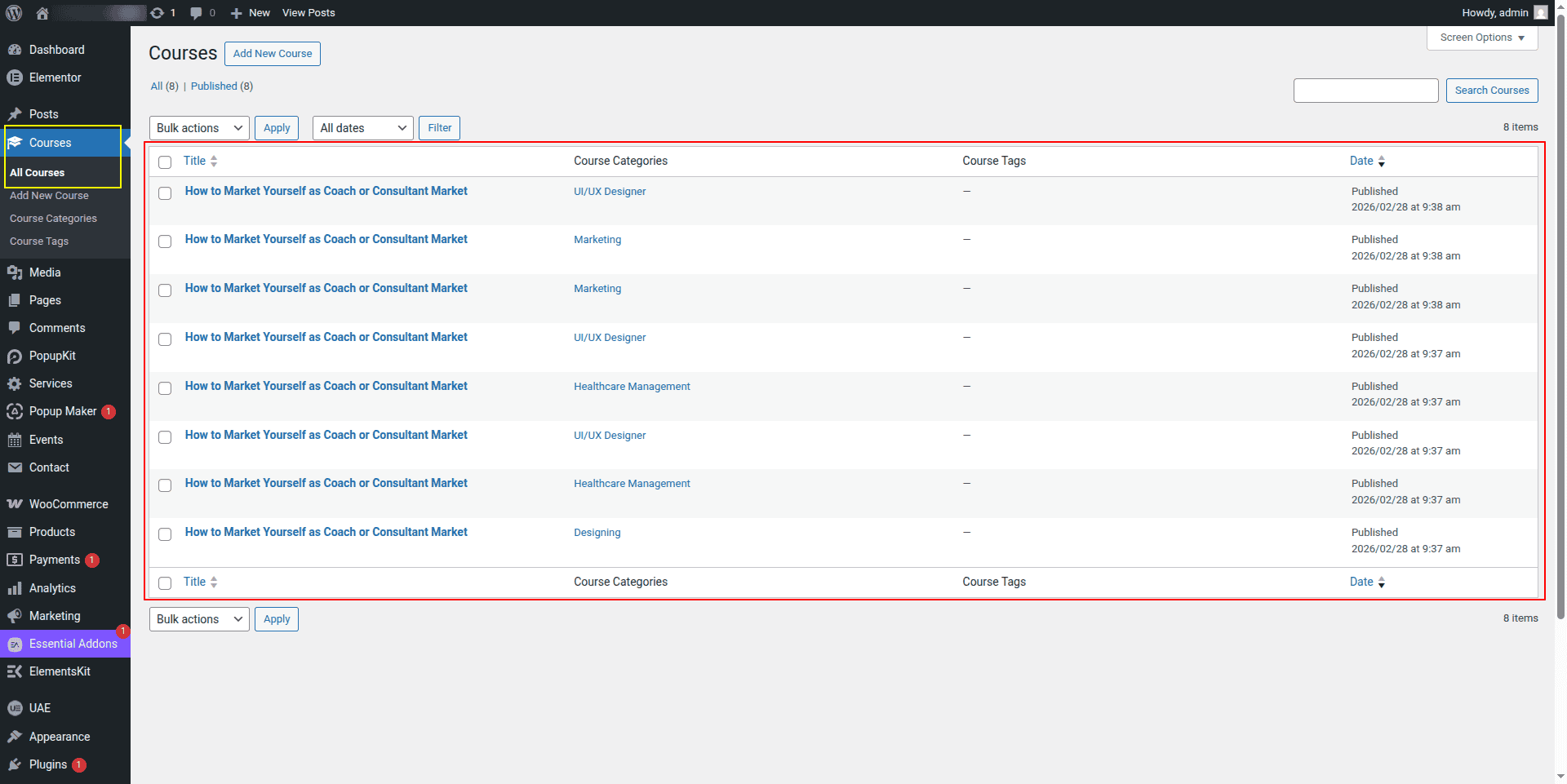
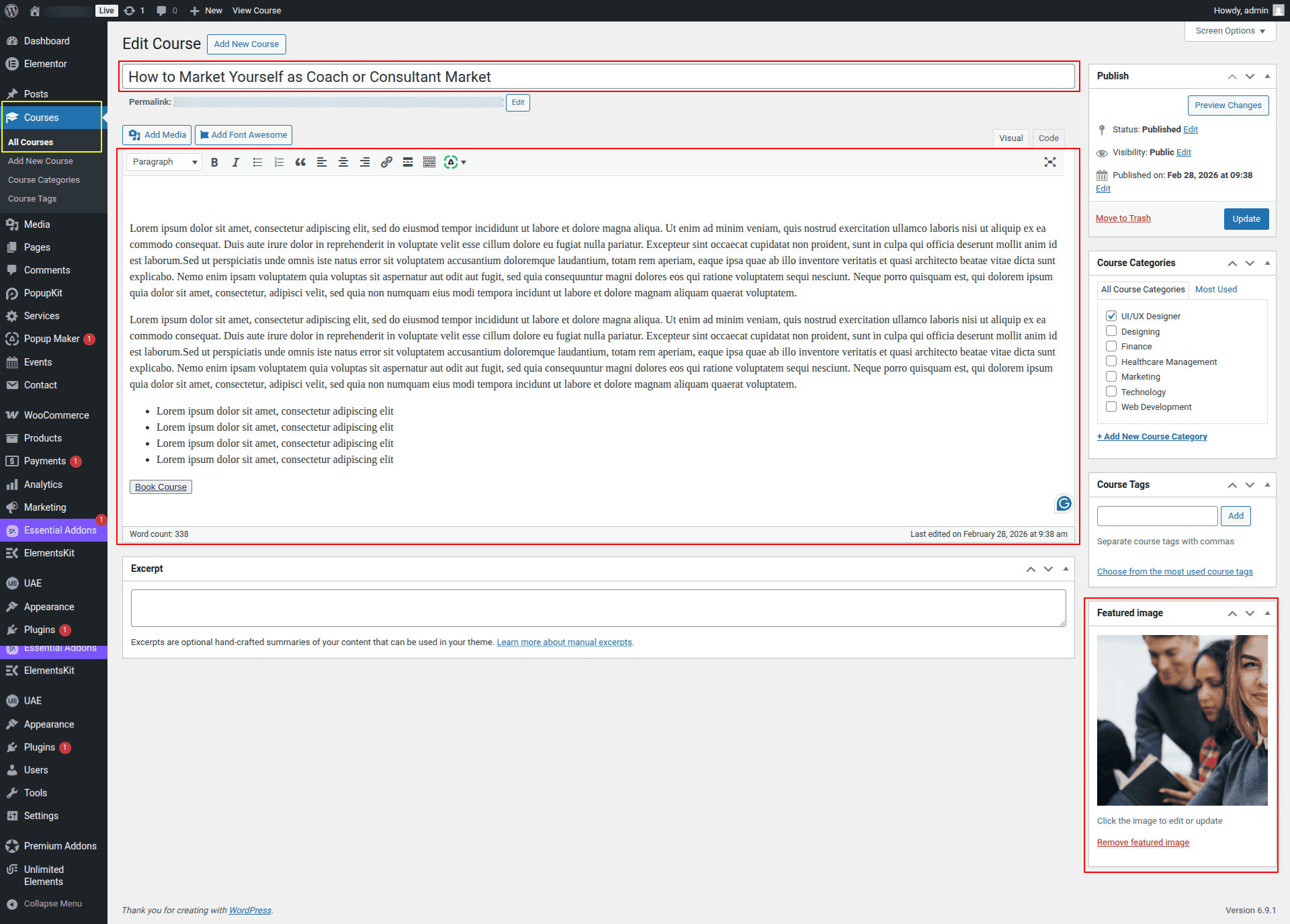
The Courses section comes from the dashboard.
Here you can edit the Courses from the dashboard.
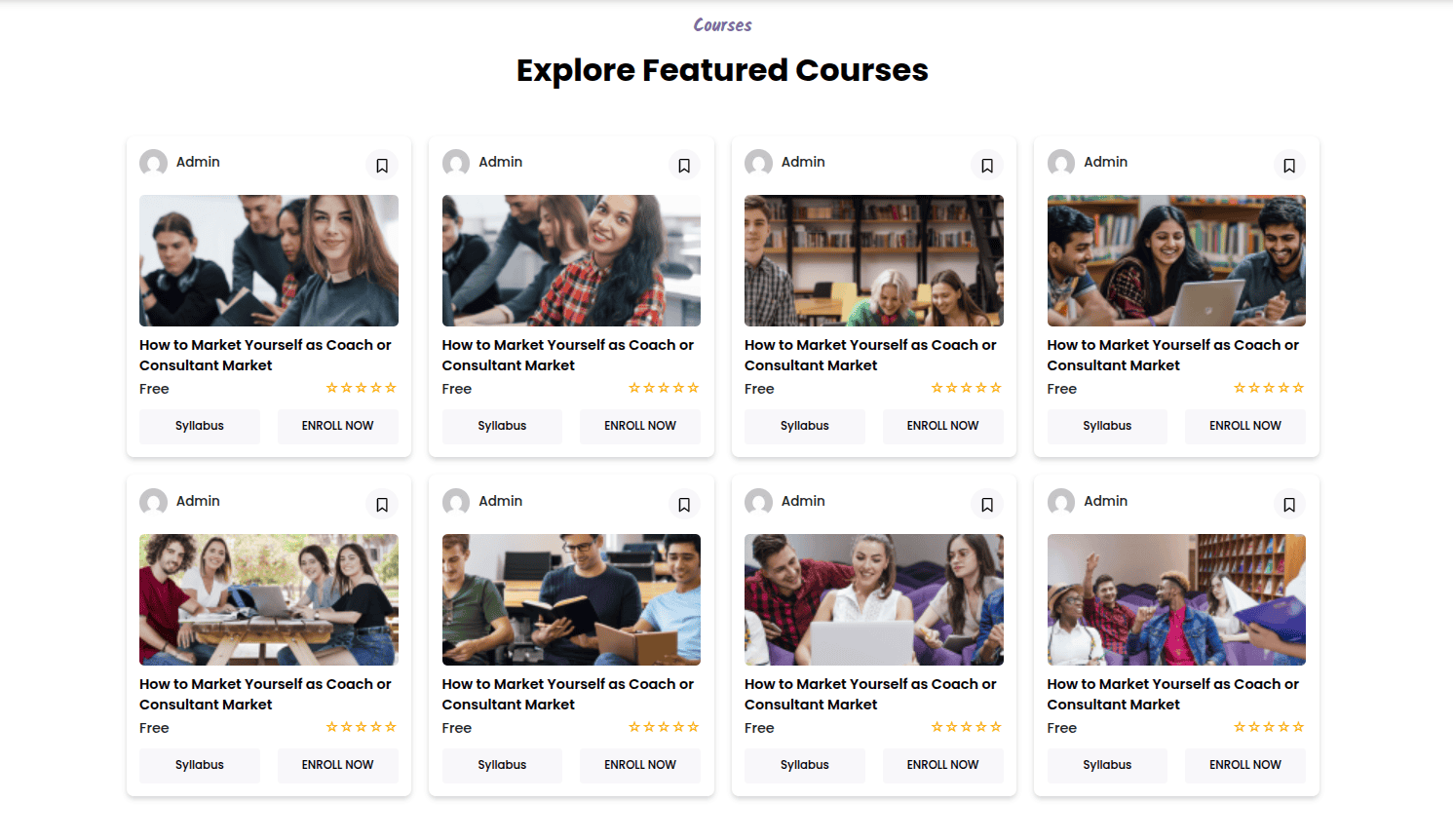
This represents how a Featured Courses section can be added and set up.
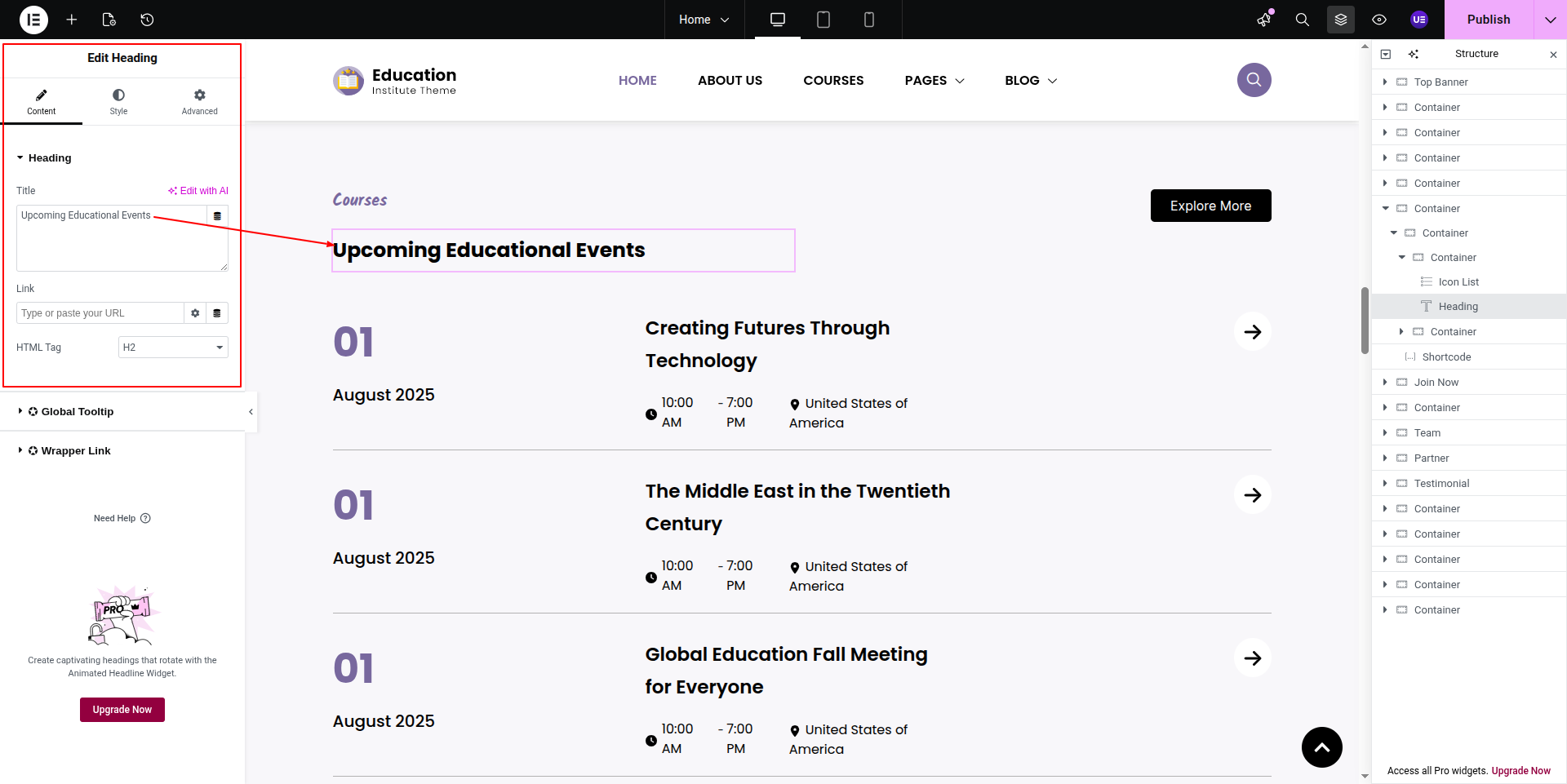
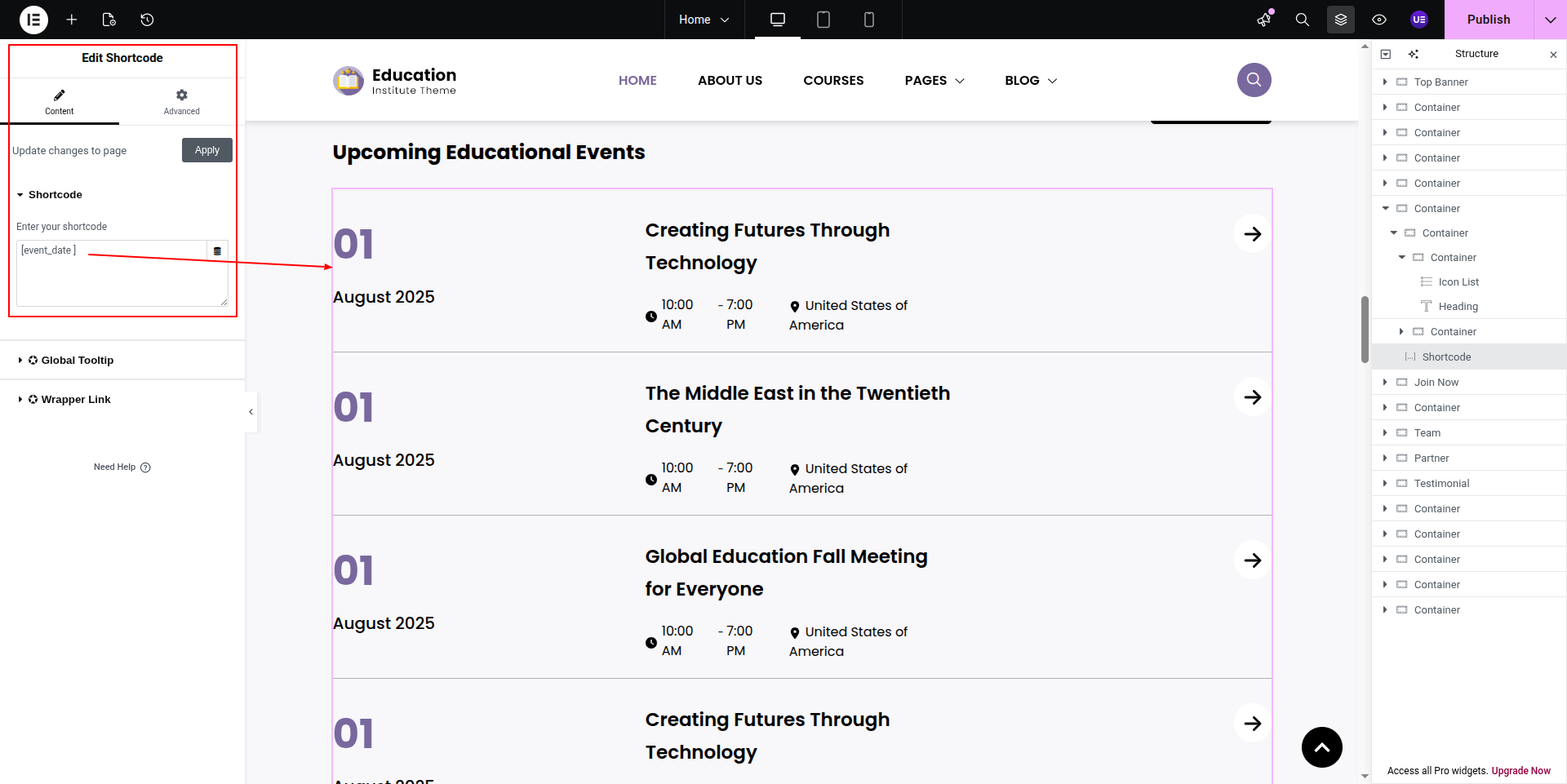
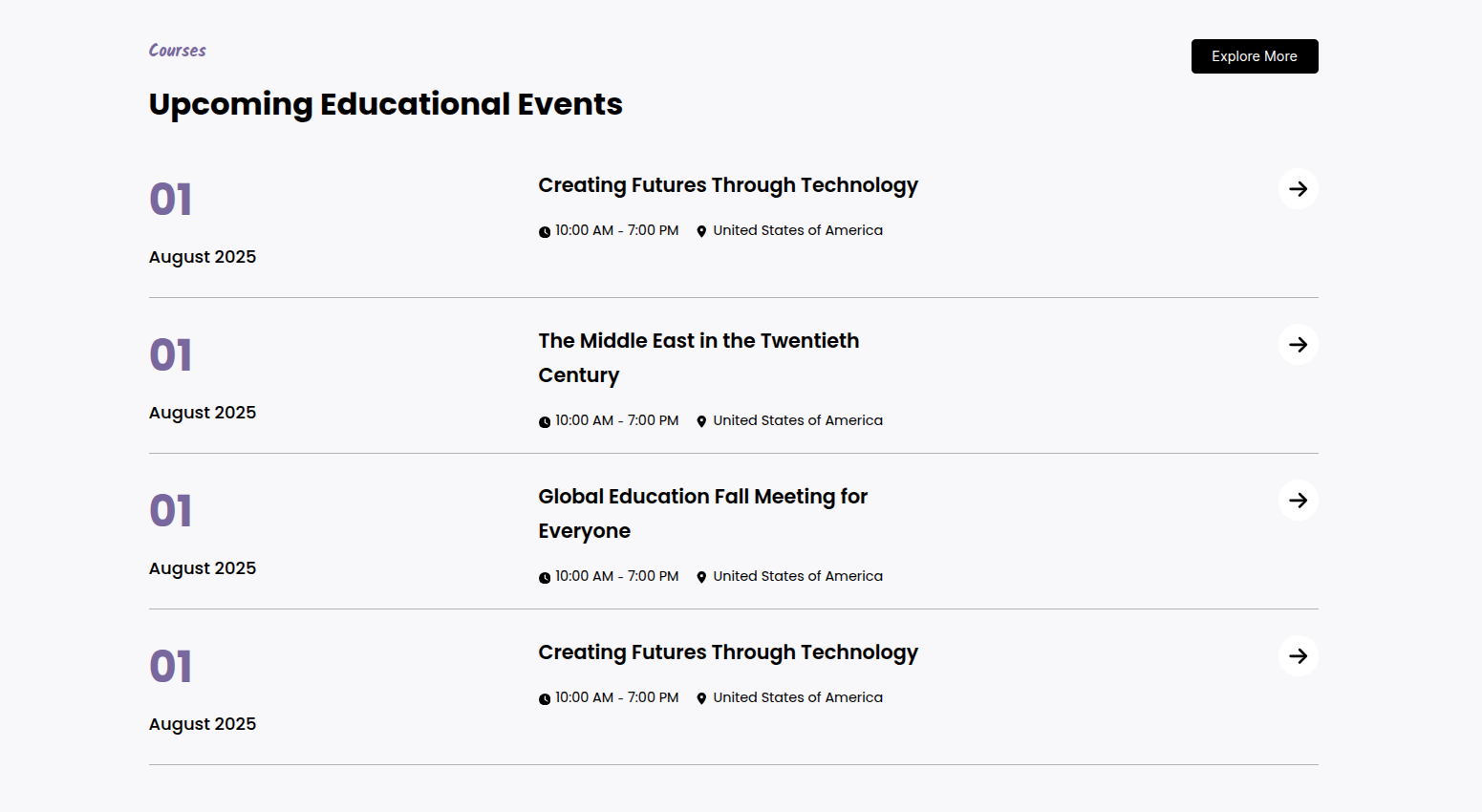
To configure the Educational Events section
Set up the Educational Events Section according to the instructions below.
To Edit this Section, Click On the "Edit With Elementor" Button which will open the Elementor Widget editor.
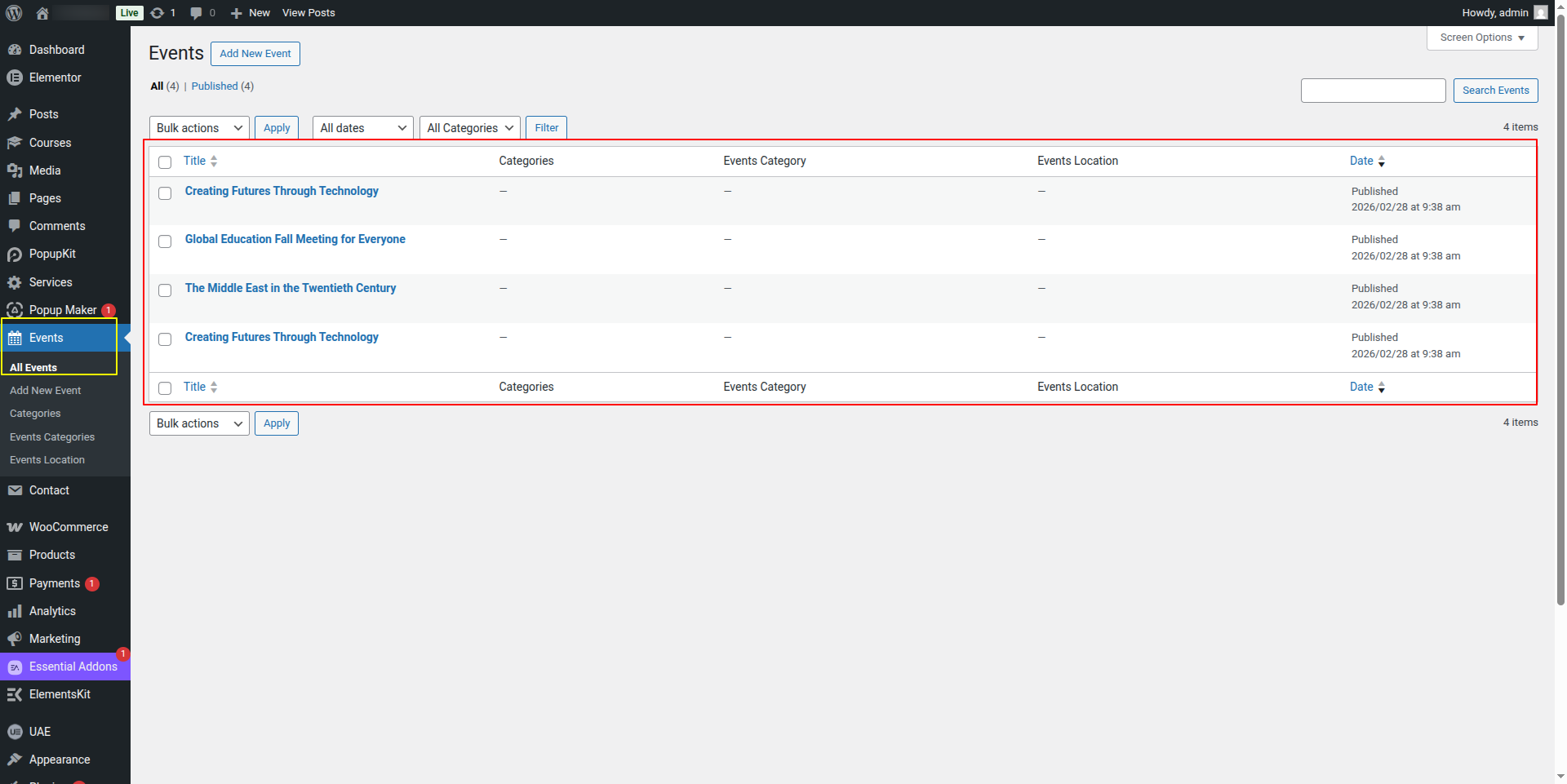
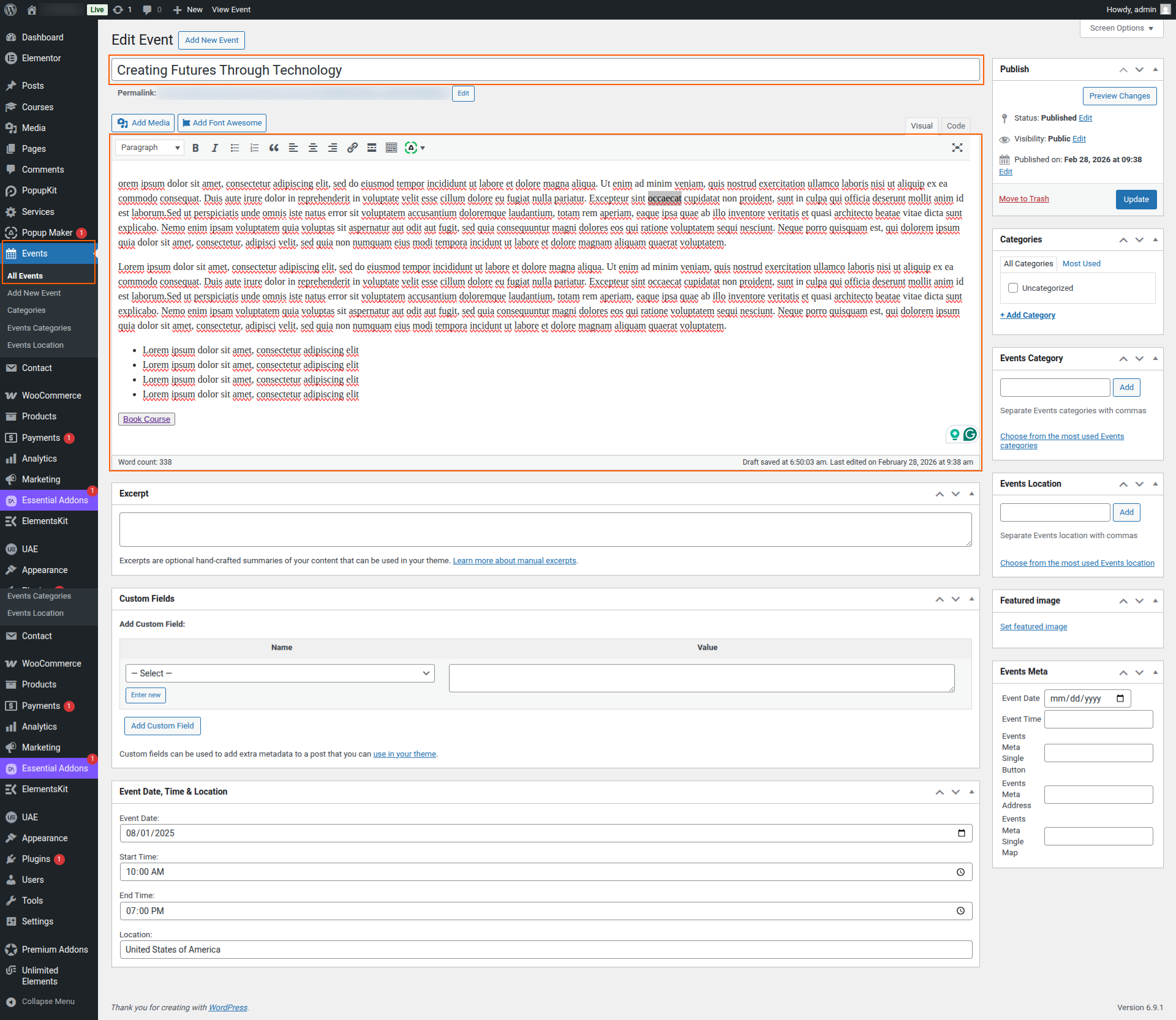
The Events comes from the dashboard.
Here you can edit the Events from the dashboard.
This represents how a Educational Events section can be added and set up.
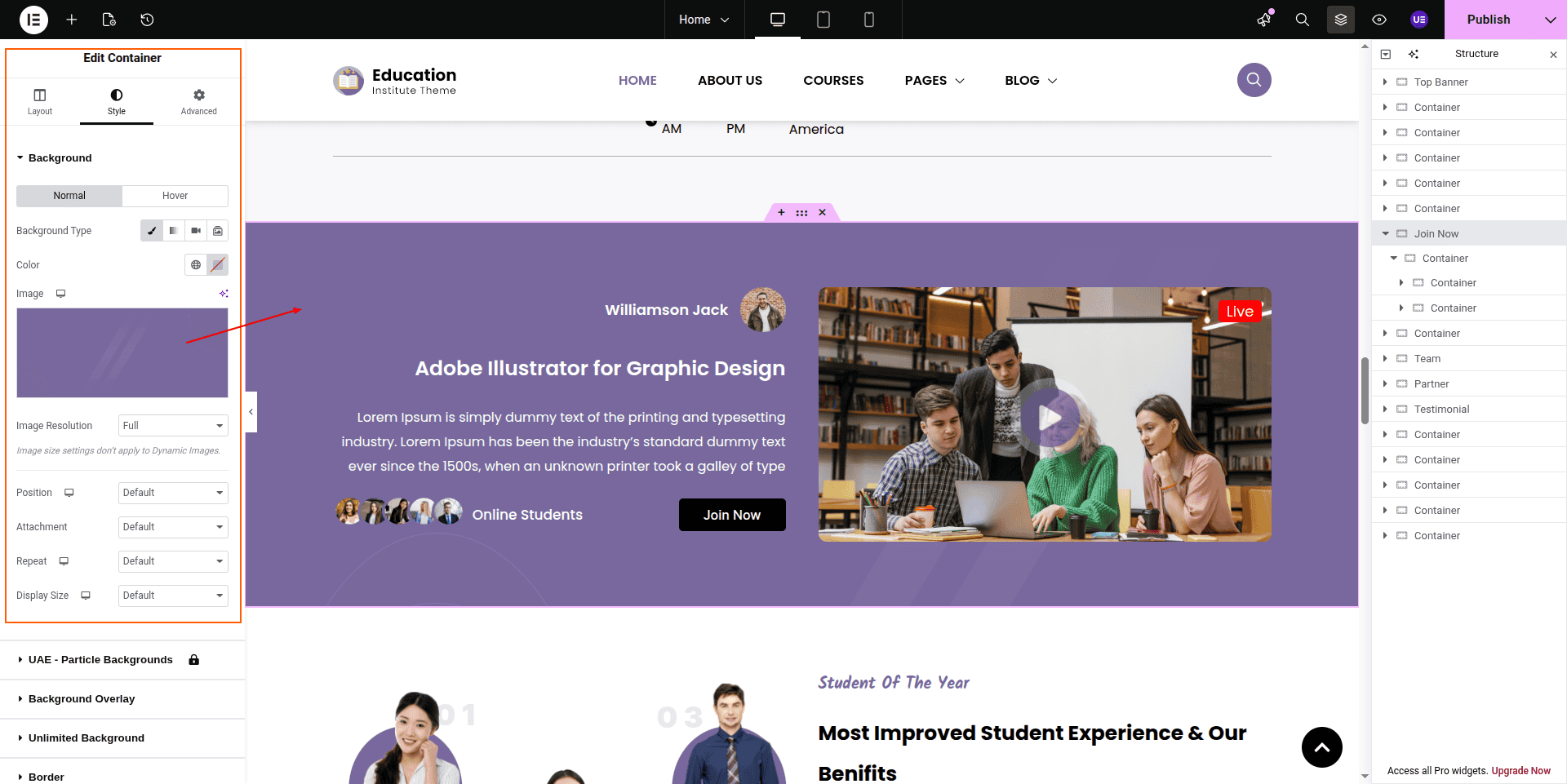
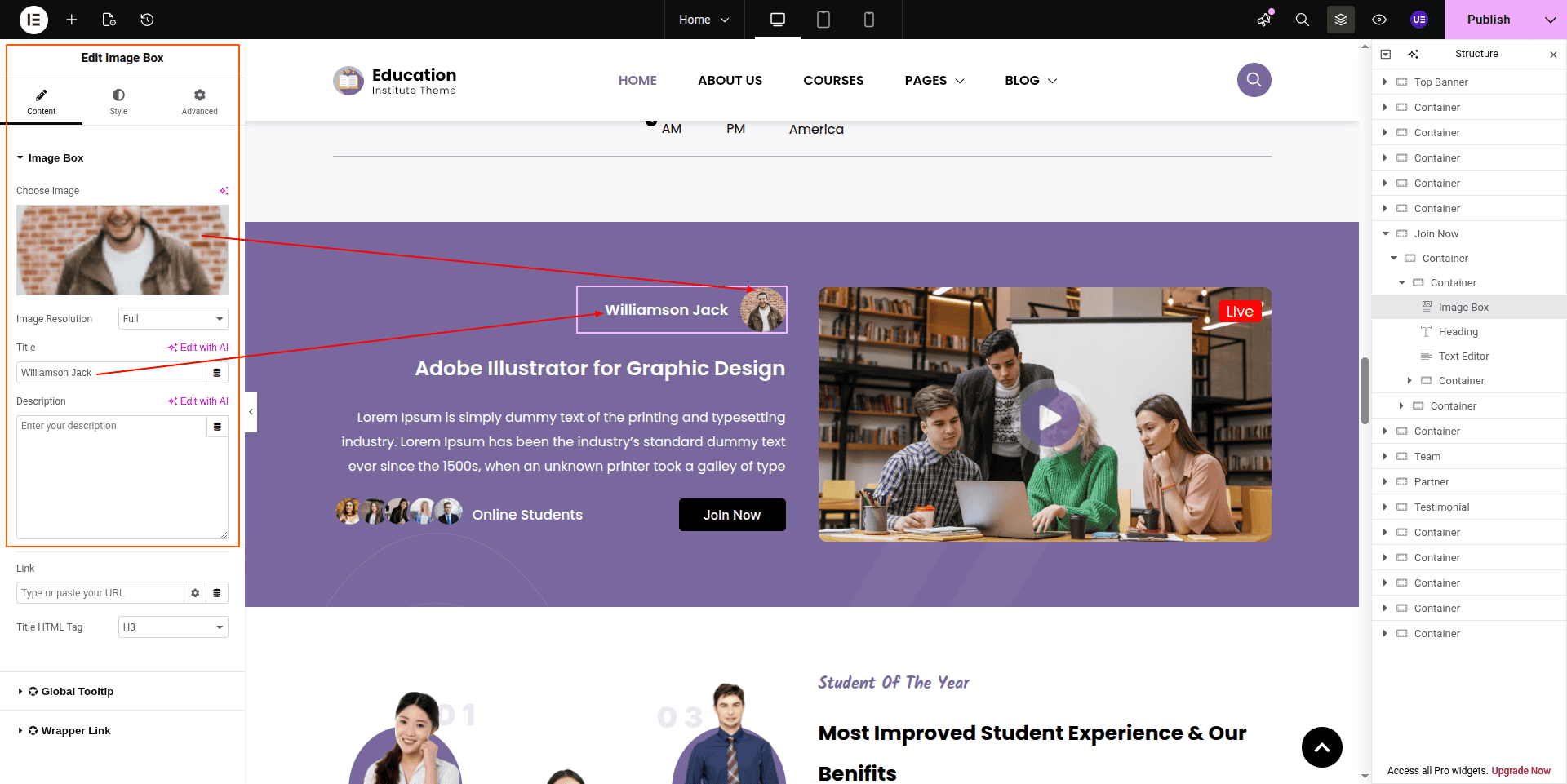
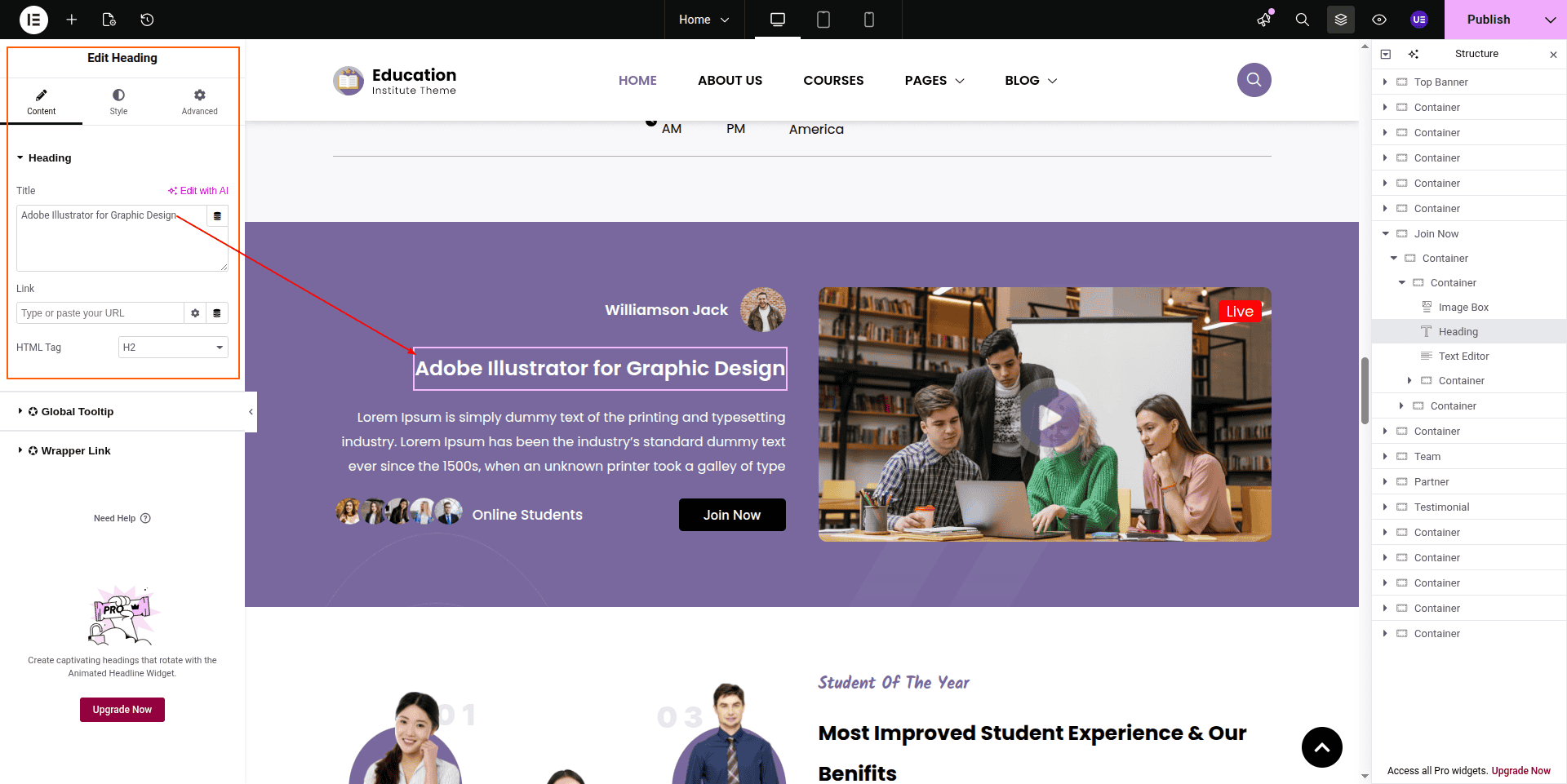
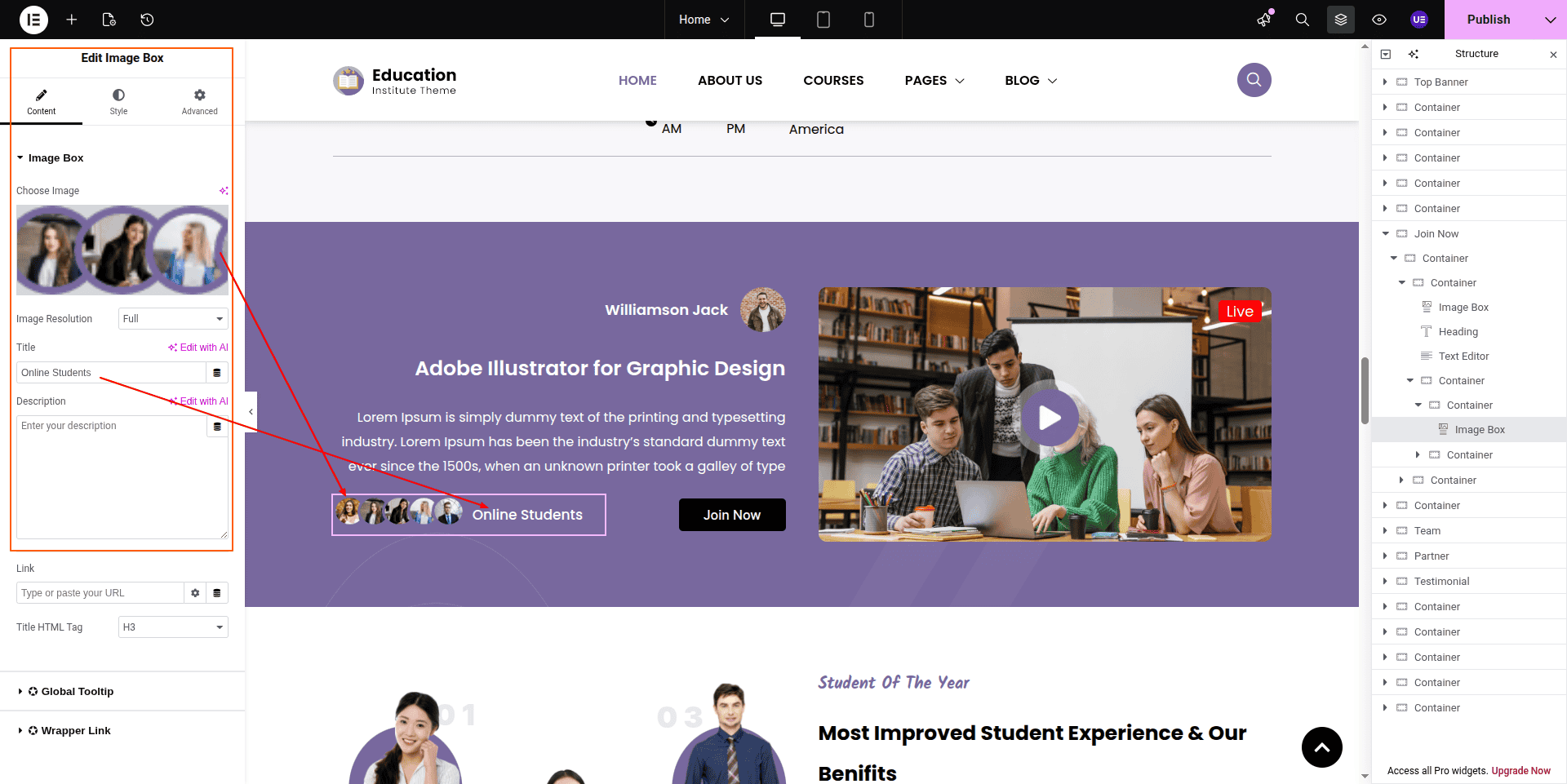
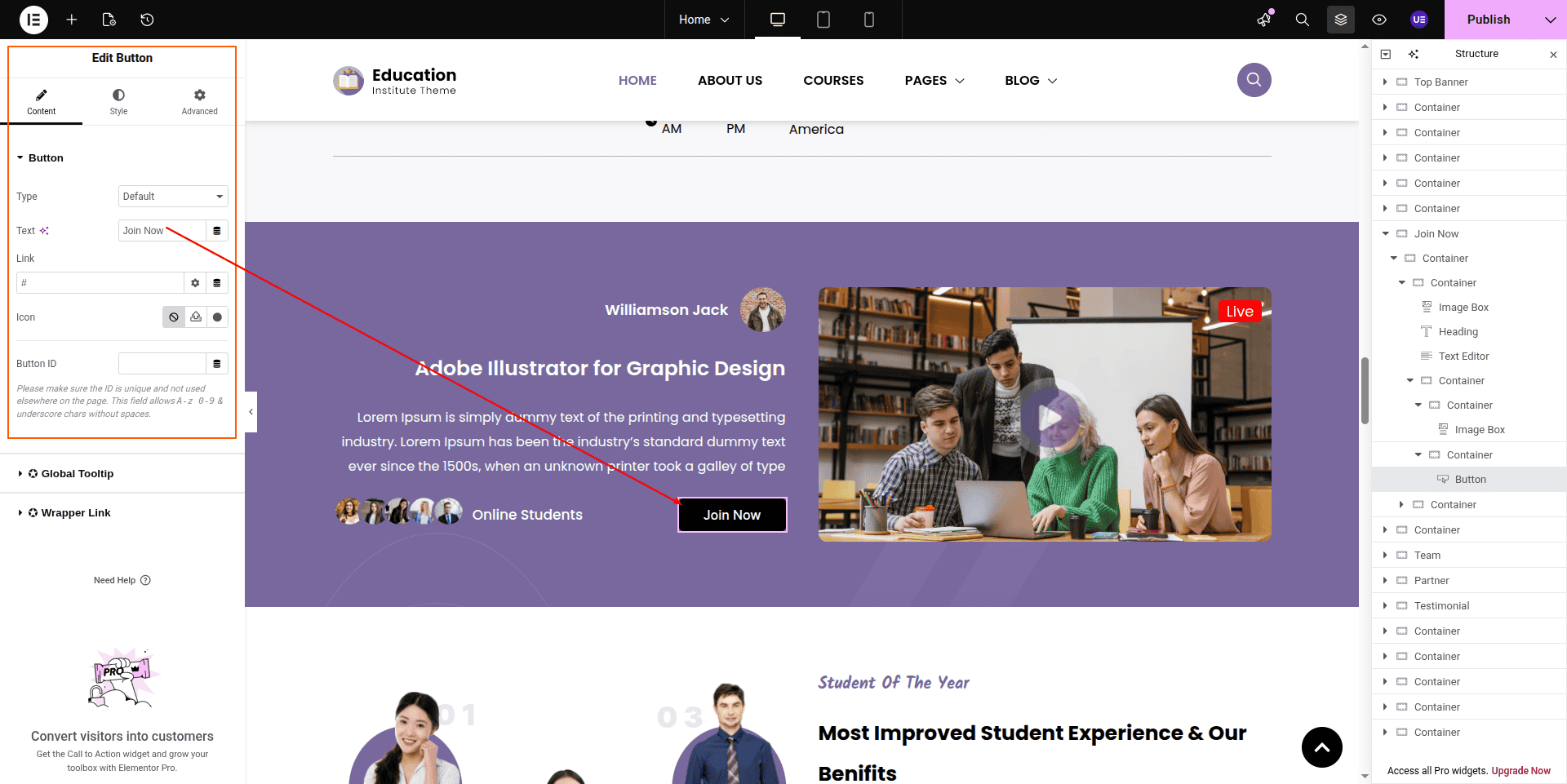
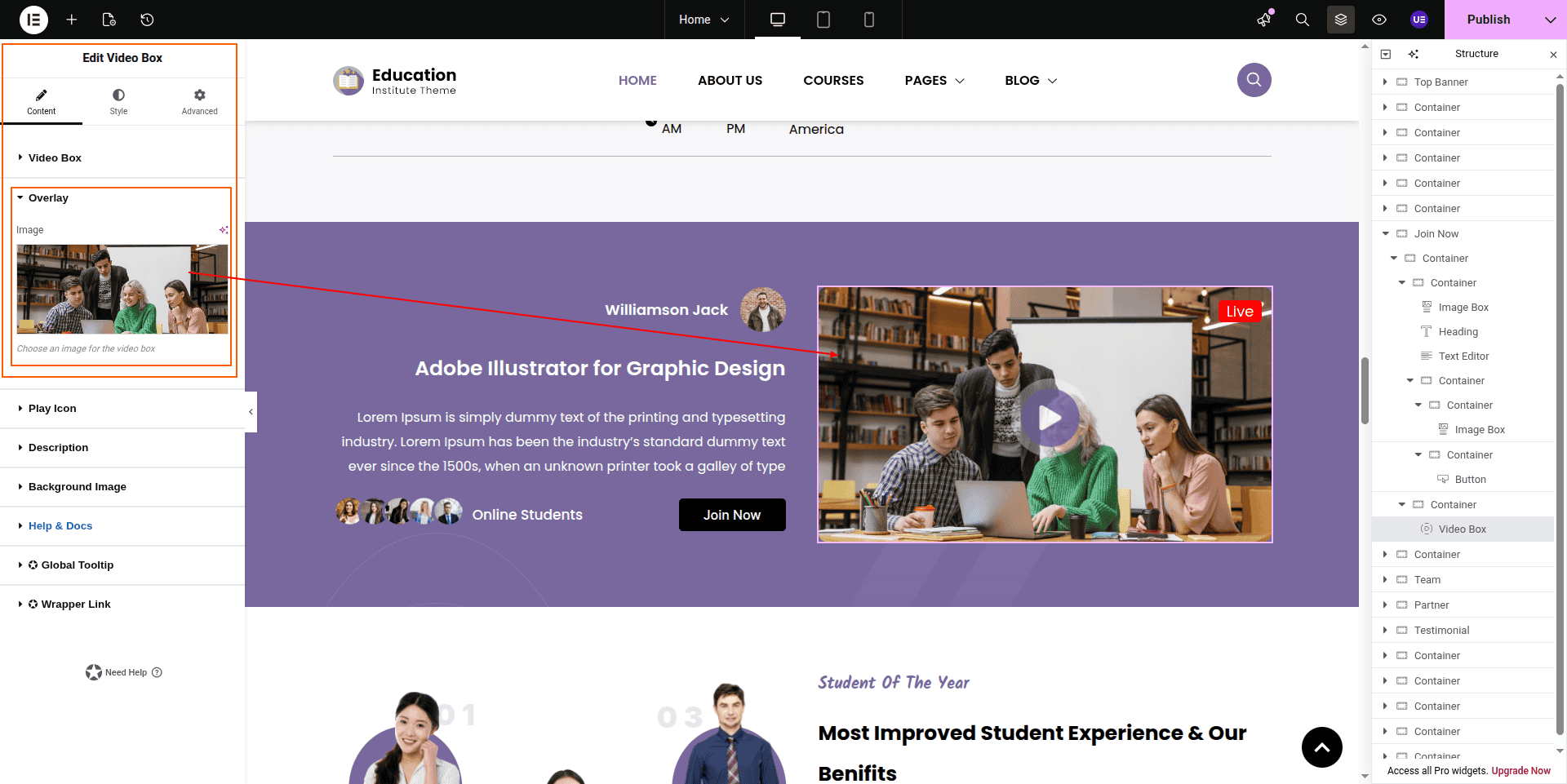
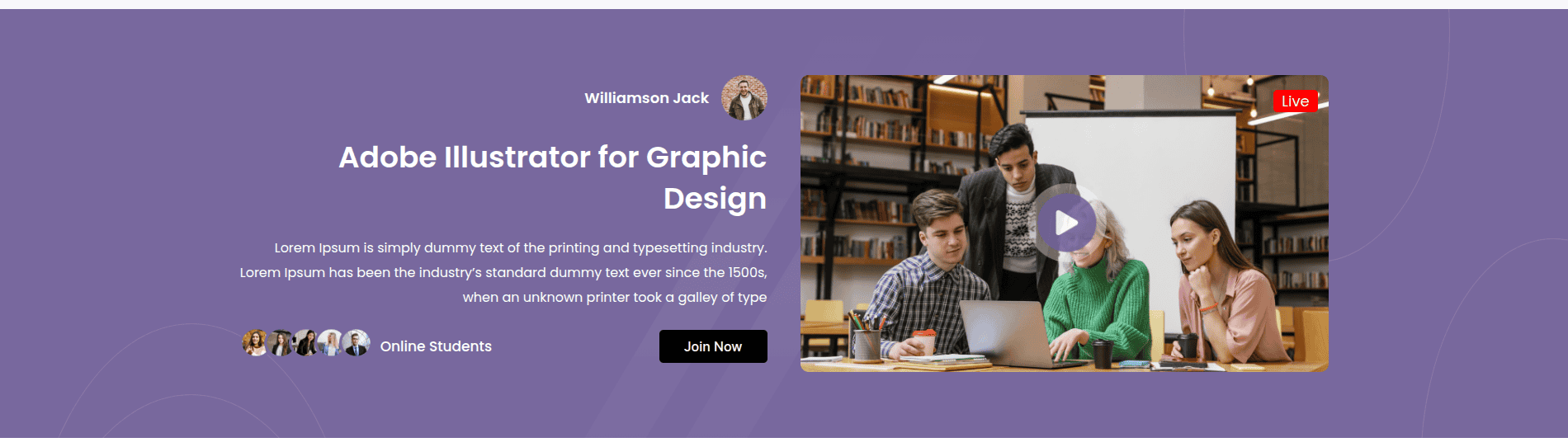
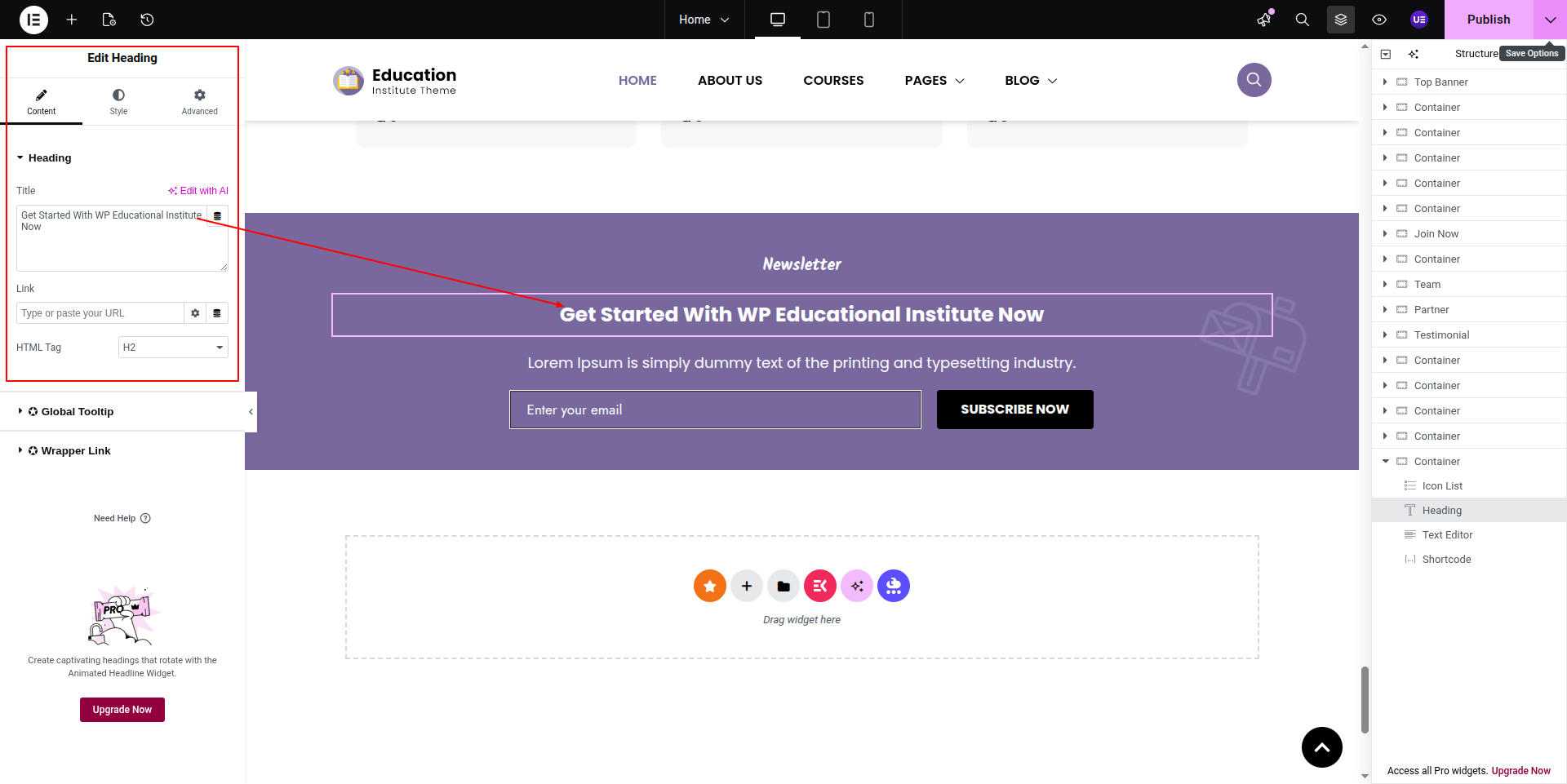
To configure the Join Now section
Set up the Join Now Section according to the instructions below.
To Edit this Section, Click On the "Edit With Elementor" Button which will open the Elementor Widget editor.
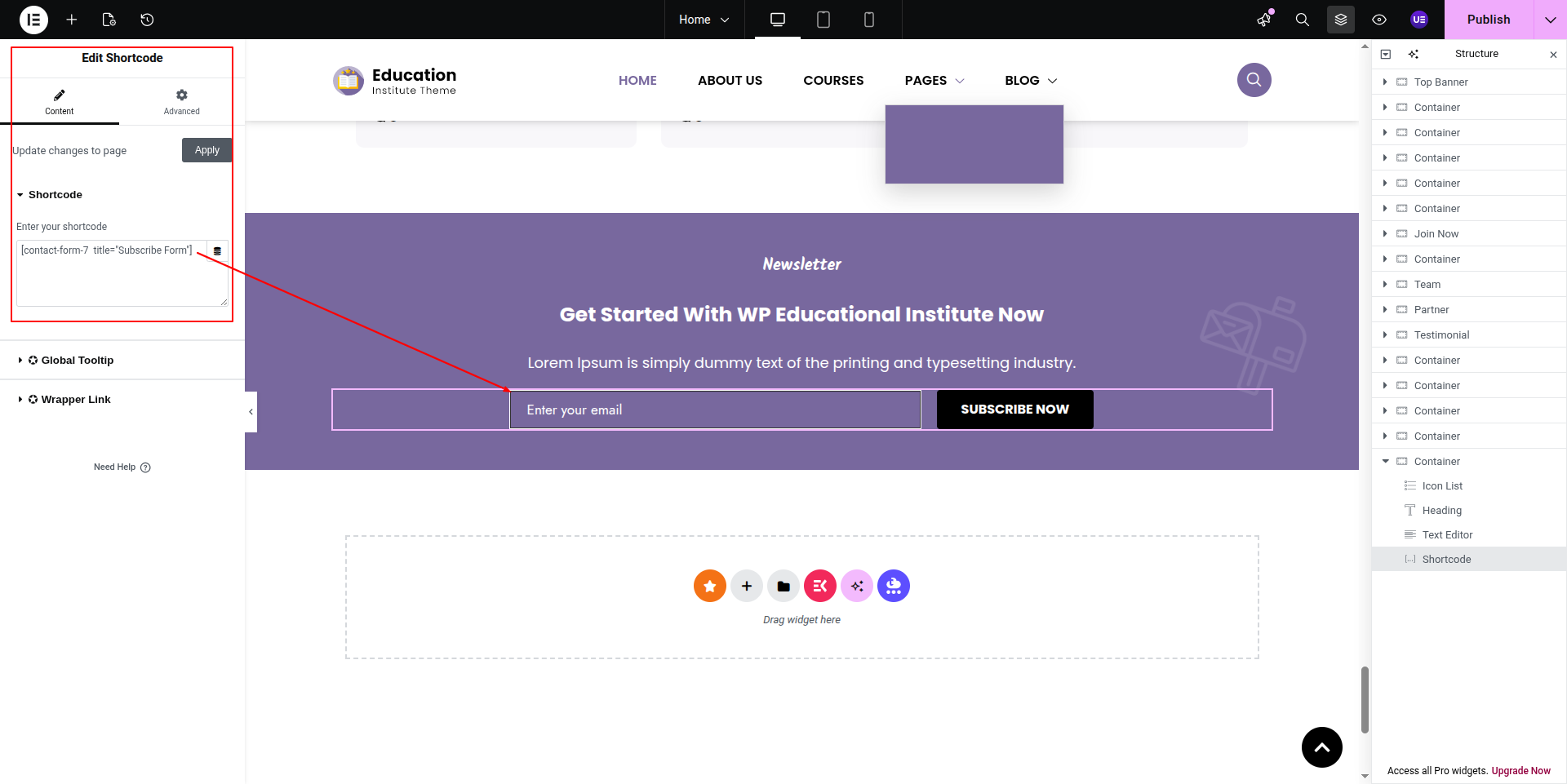
Newsletter form shortcode comes from dashboard.
This represents how a Join Now section can be added and set up.
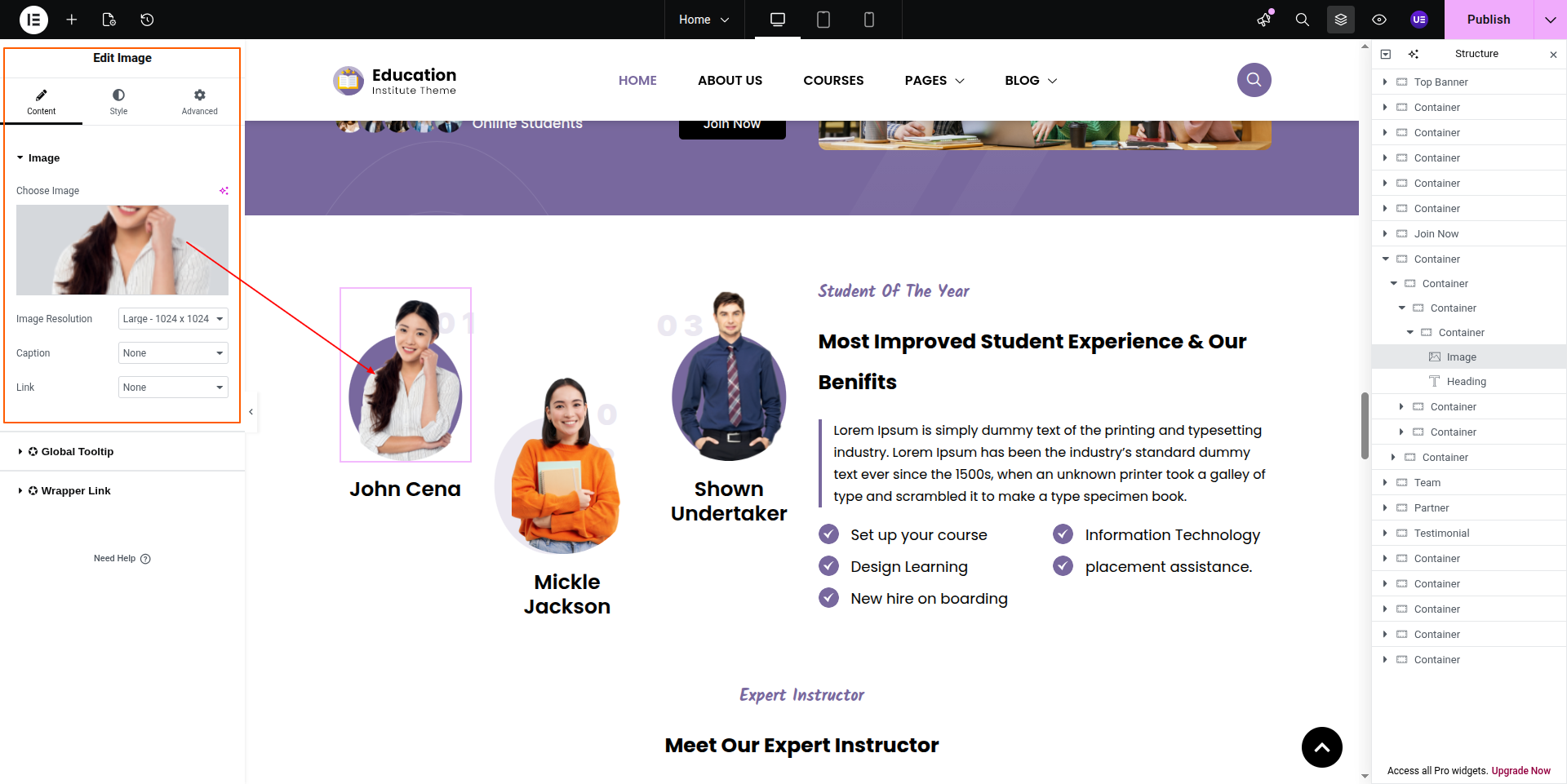
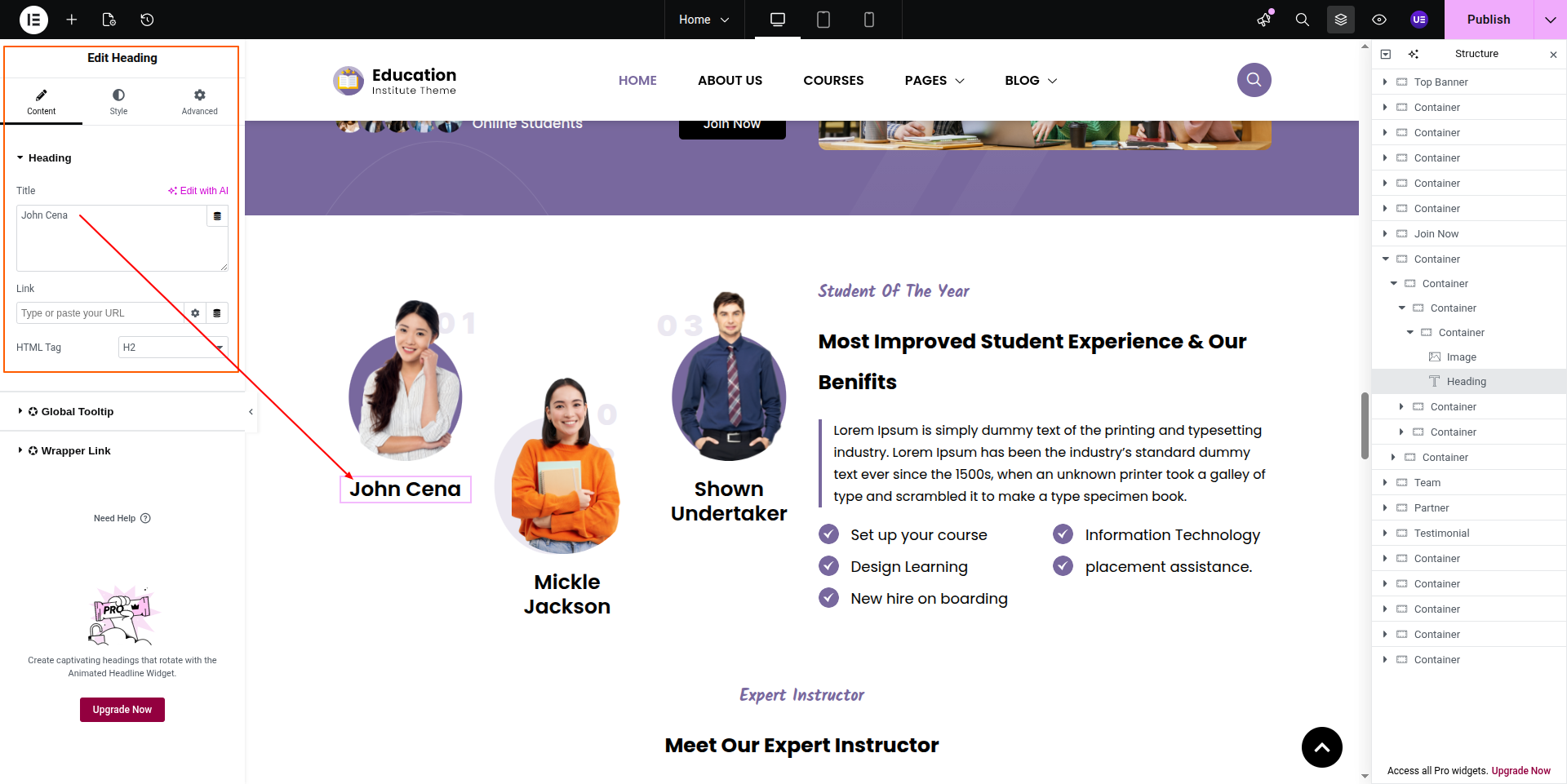
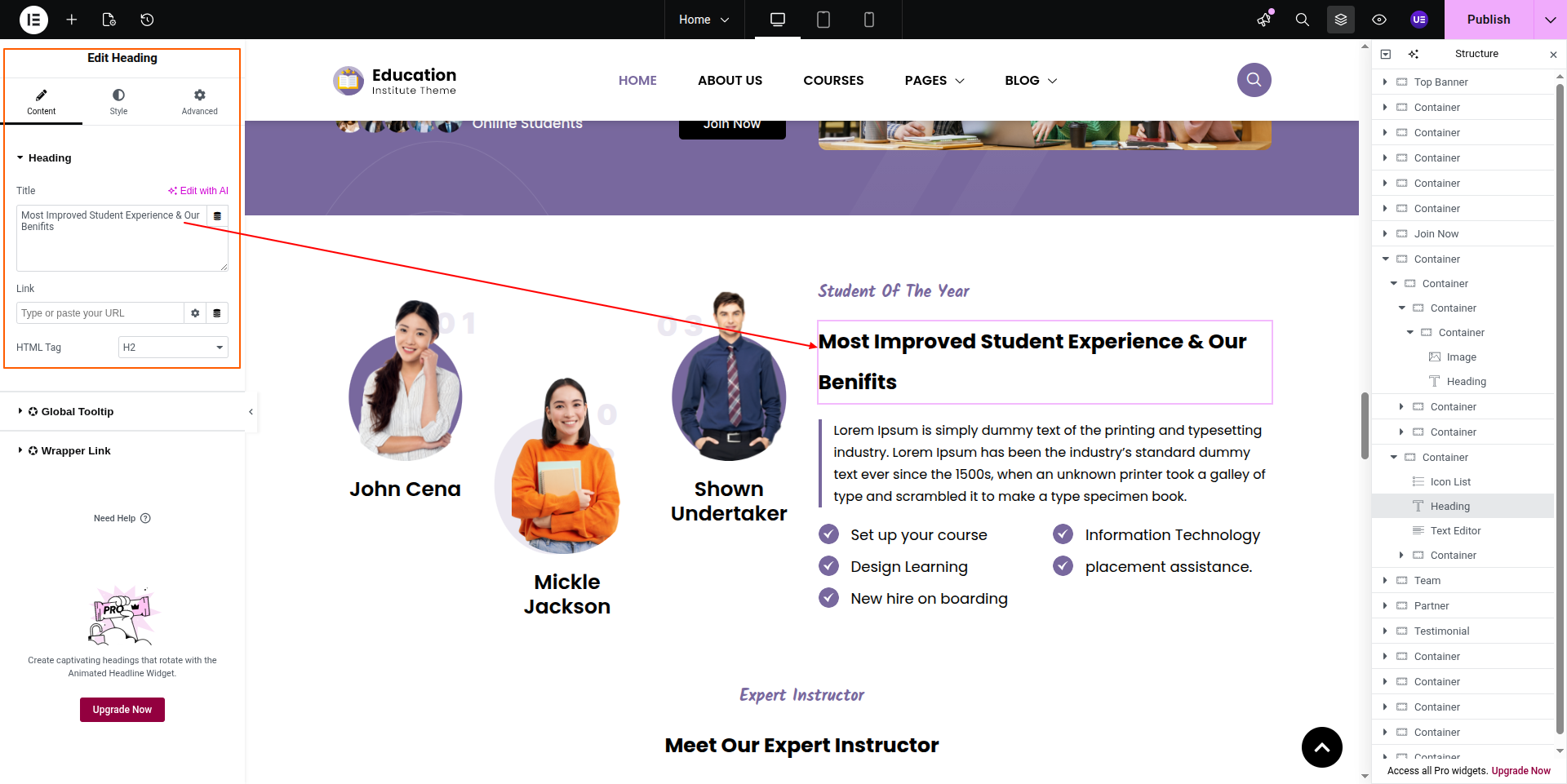
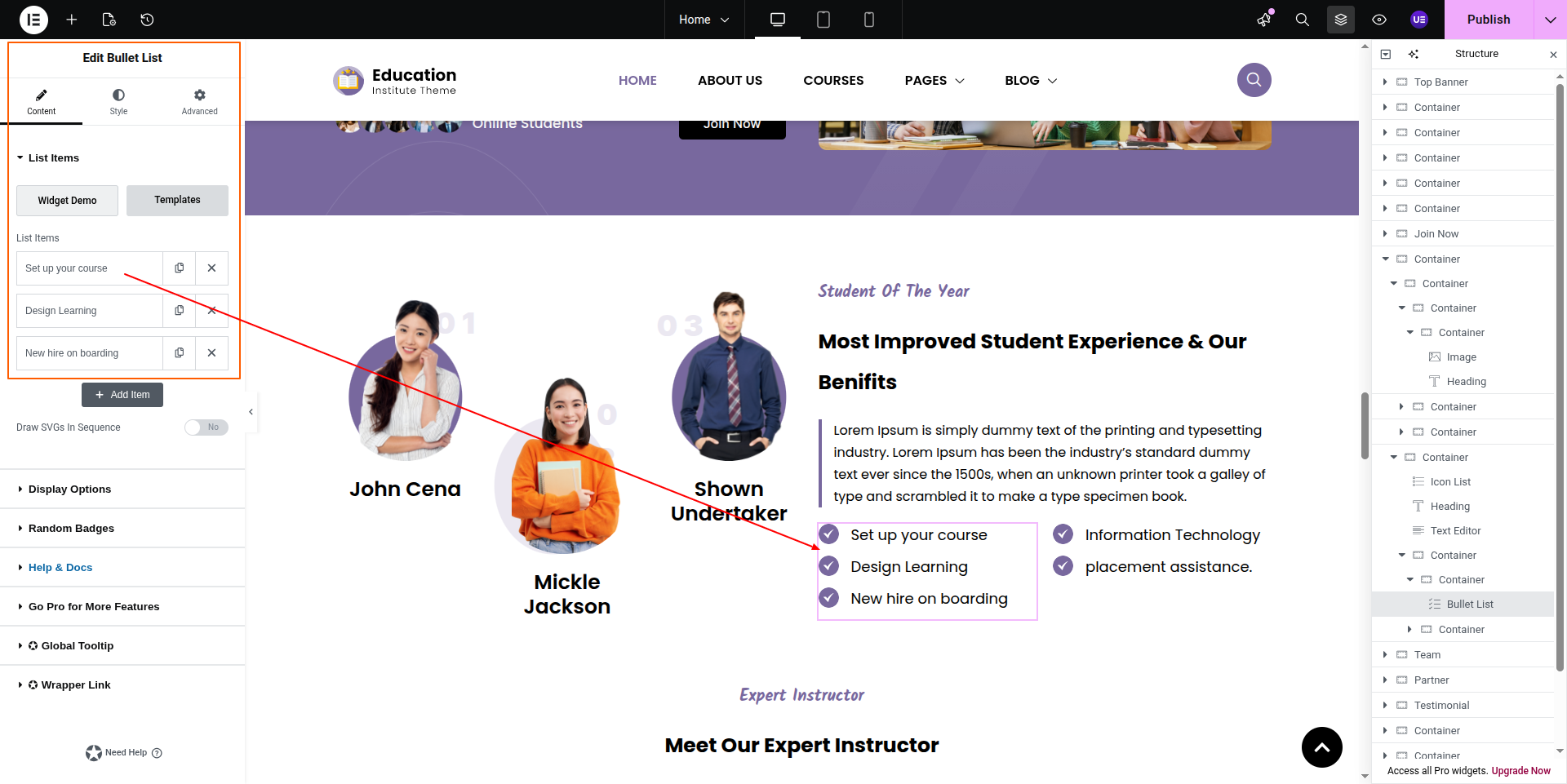
To configure the Student Of The Year section
Set up the Student Of The Year Section according to the instructions below.
To Edit this Section, Click On the "Edit With Elementor" Button which will open the Elementor Widget editor.
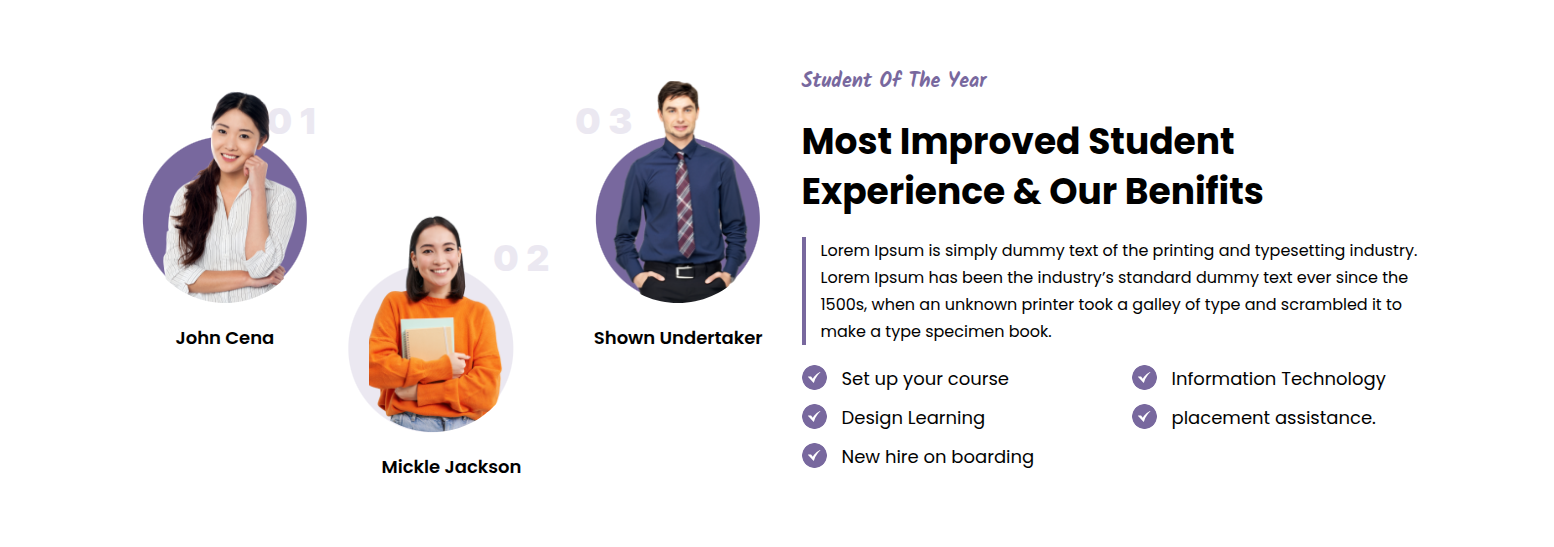
This represents how a Student Of The Year section can be added and set up.
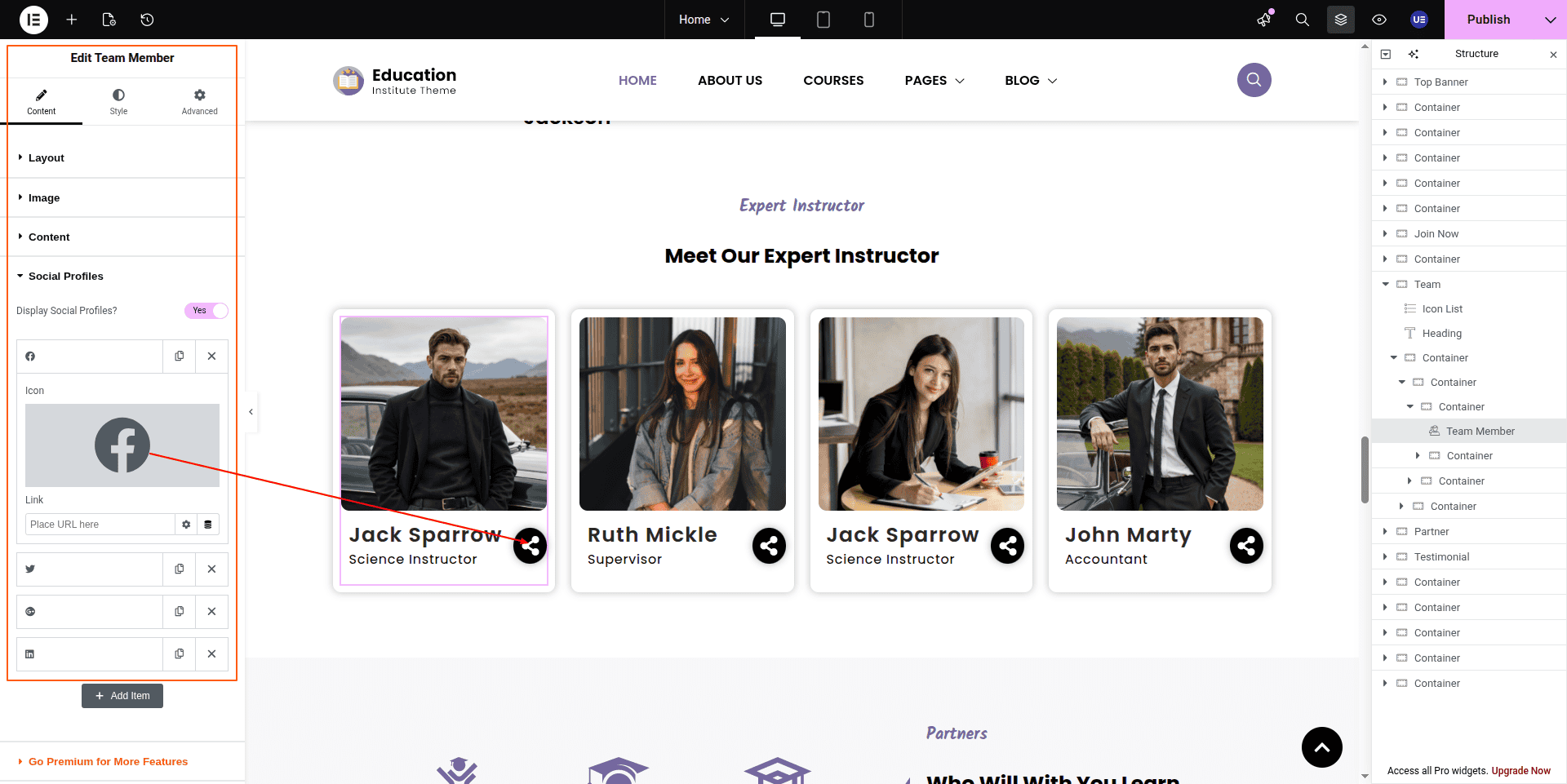
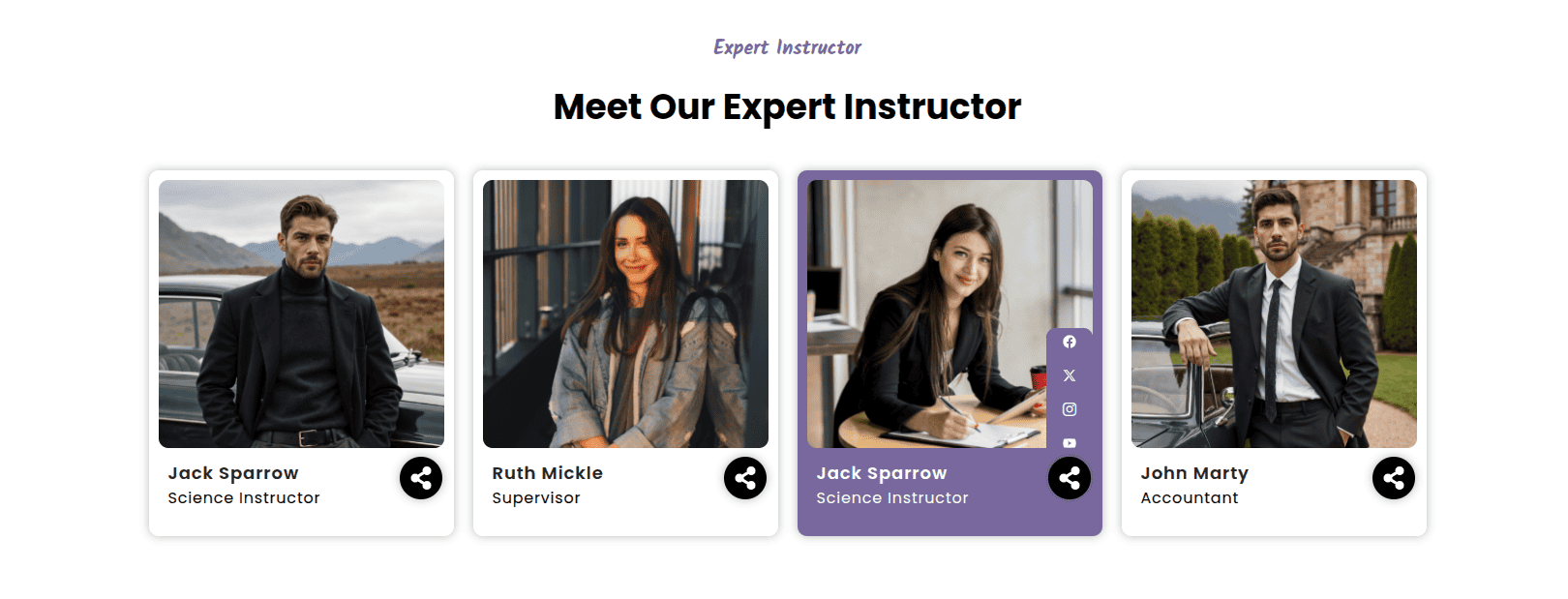
To configure the Expert Instructor section
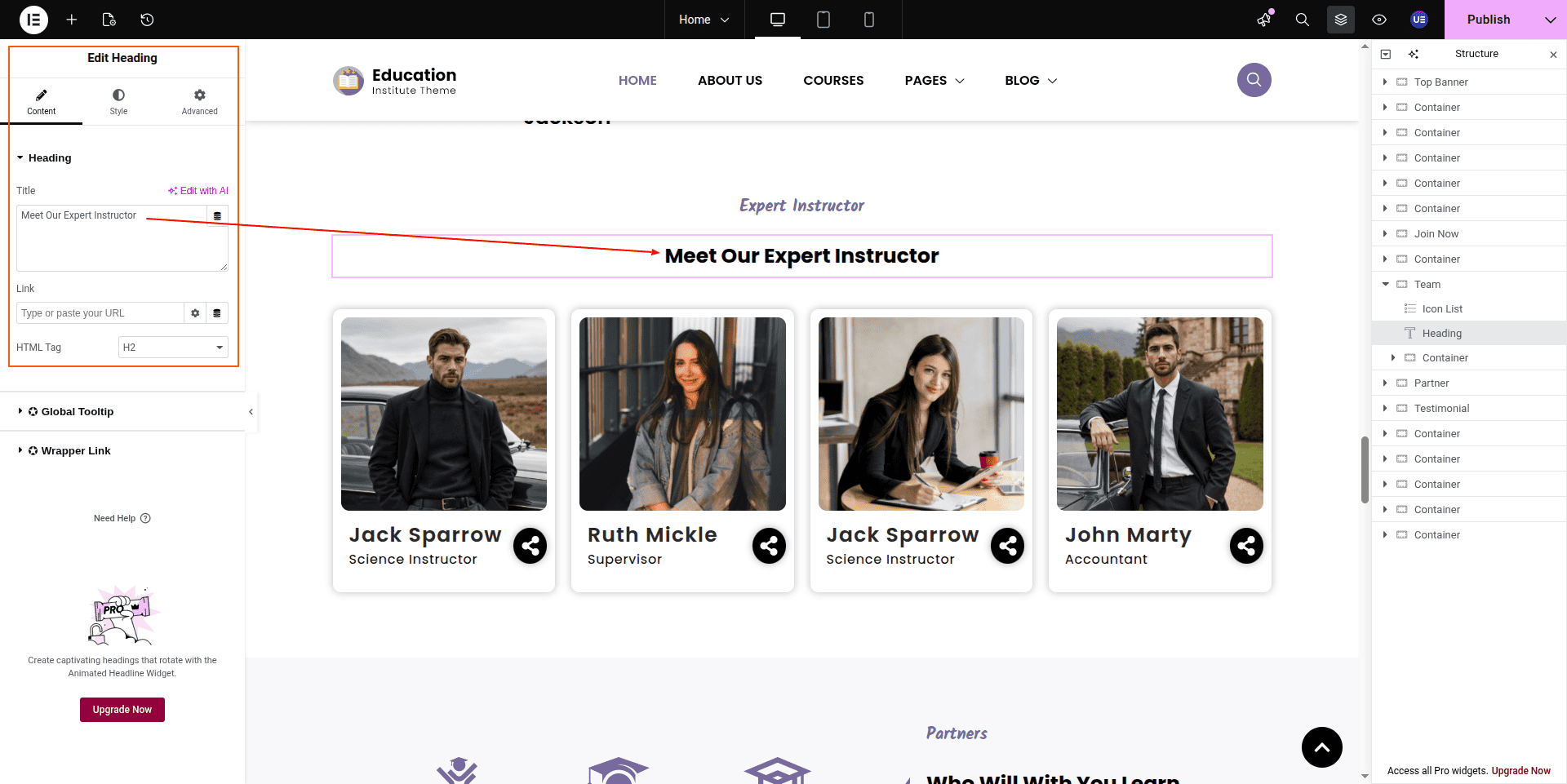
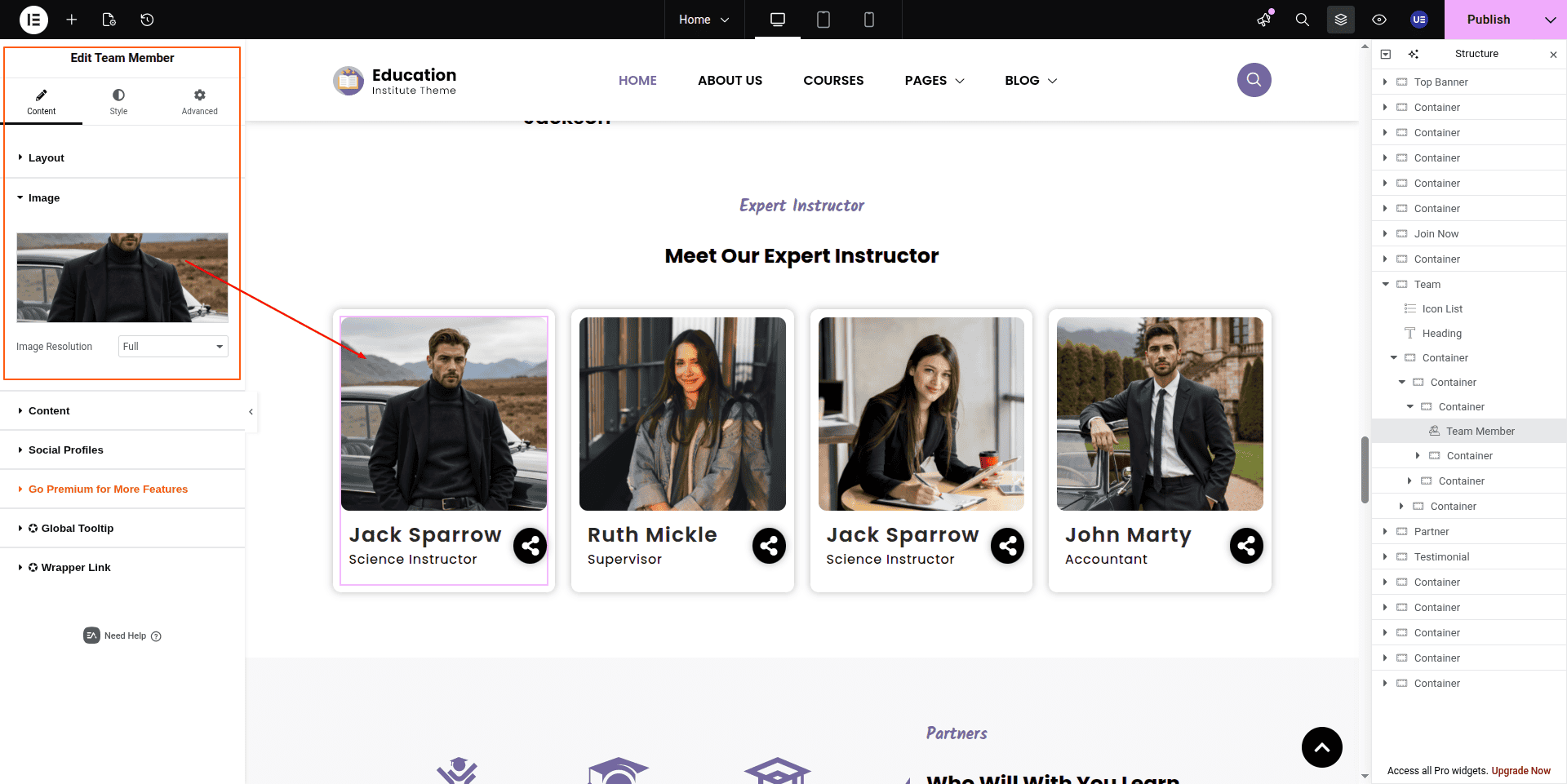
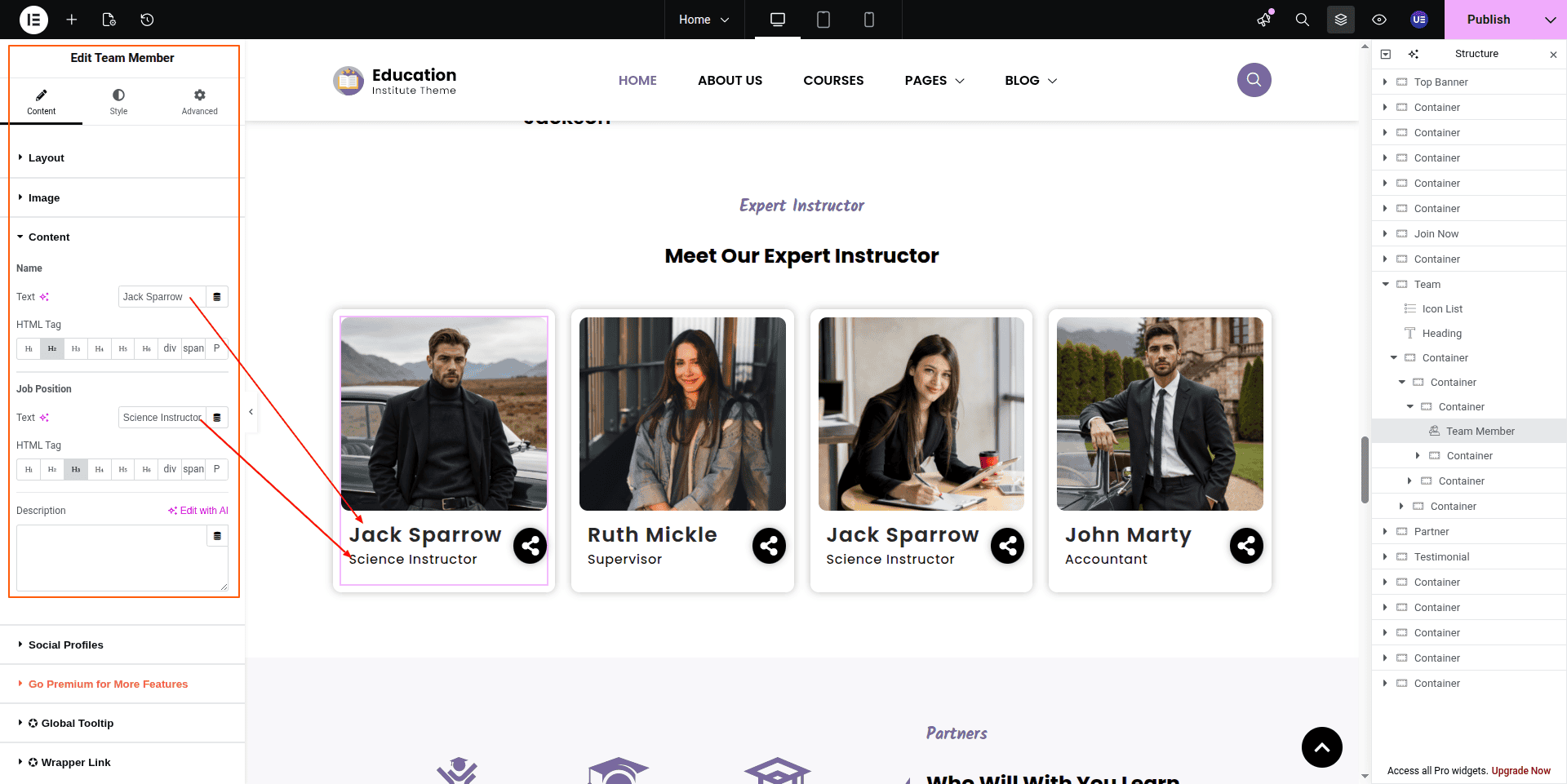
Set up the Expert Instructor Section according to the instructions below.
To Edit this Section, Click On the "Edit With Elementor" Button which will open the Elementor Widget editor.
This represents how a Expert Instructor section can be added and set up.
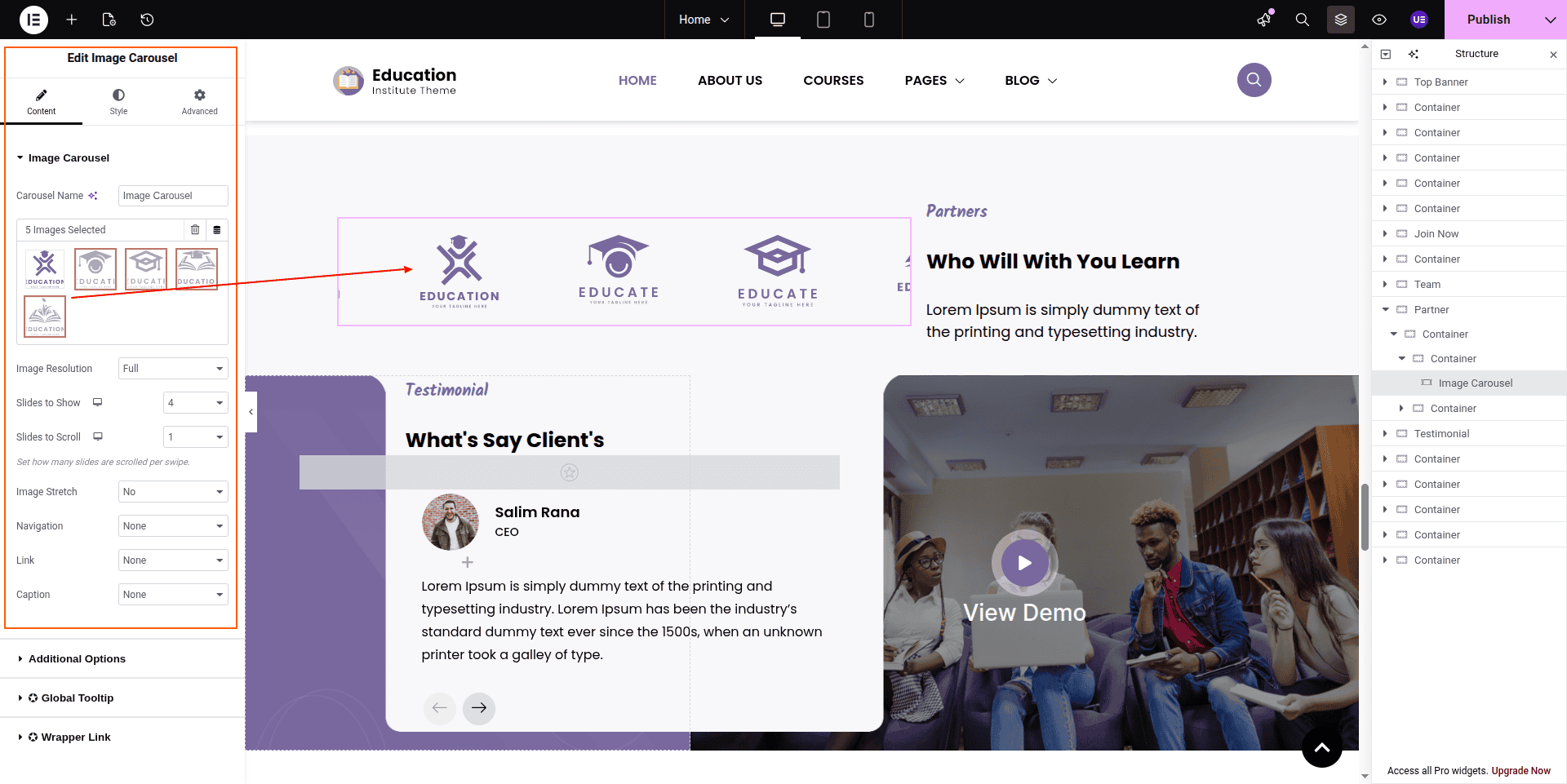
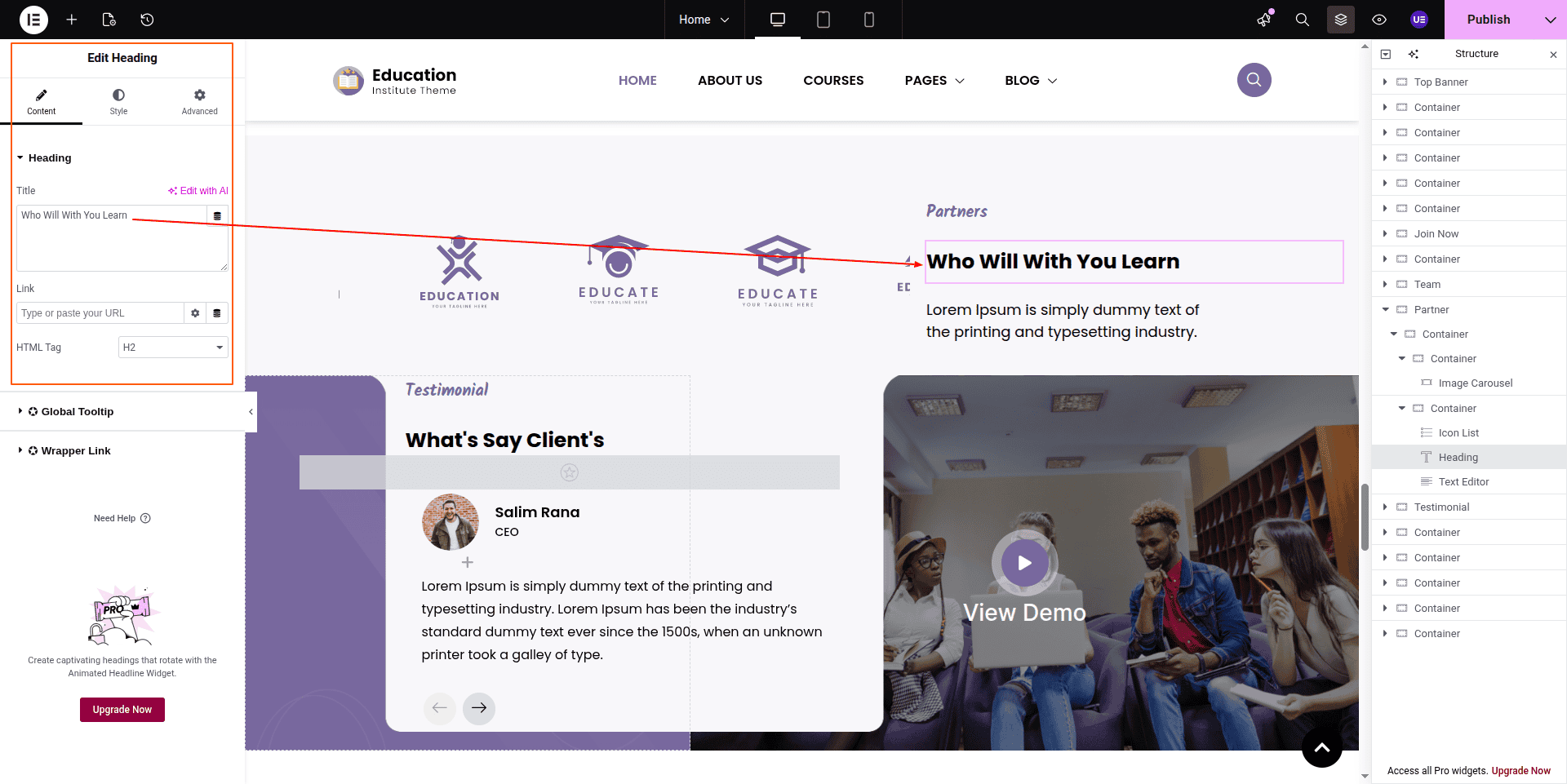
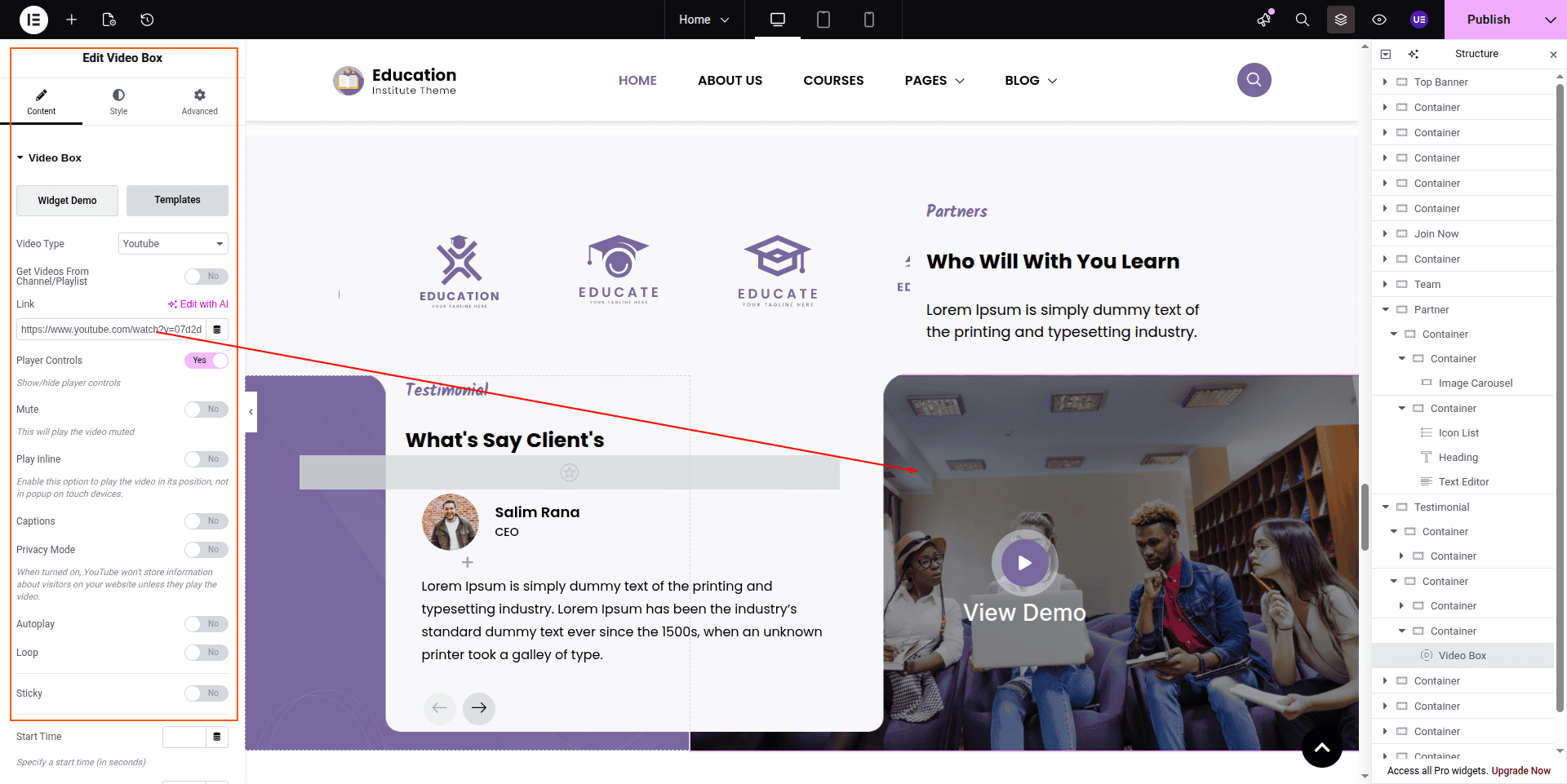
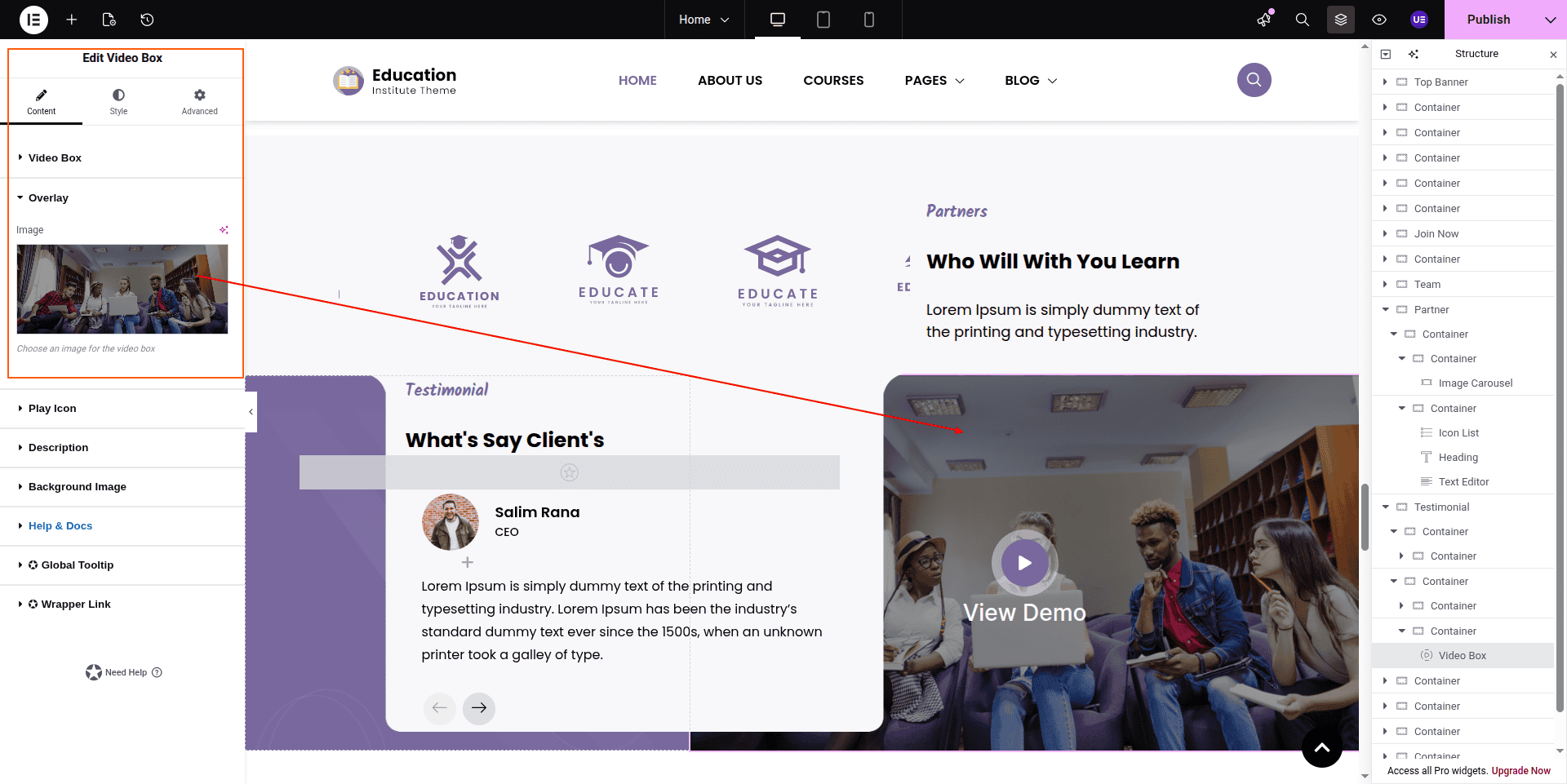
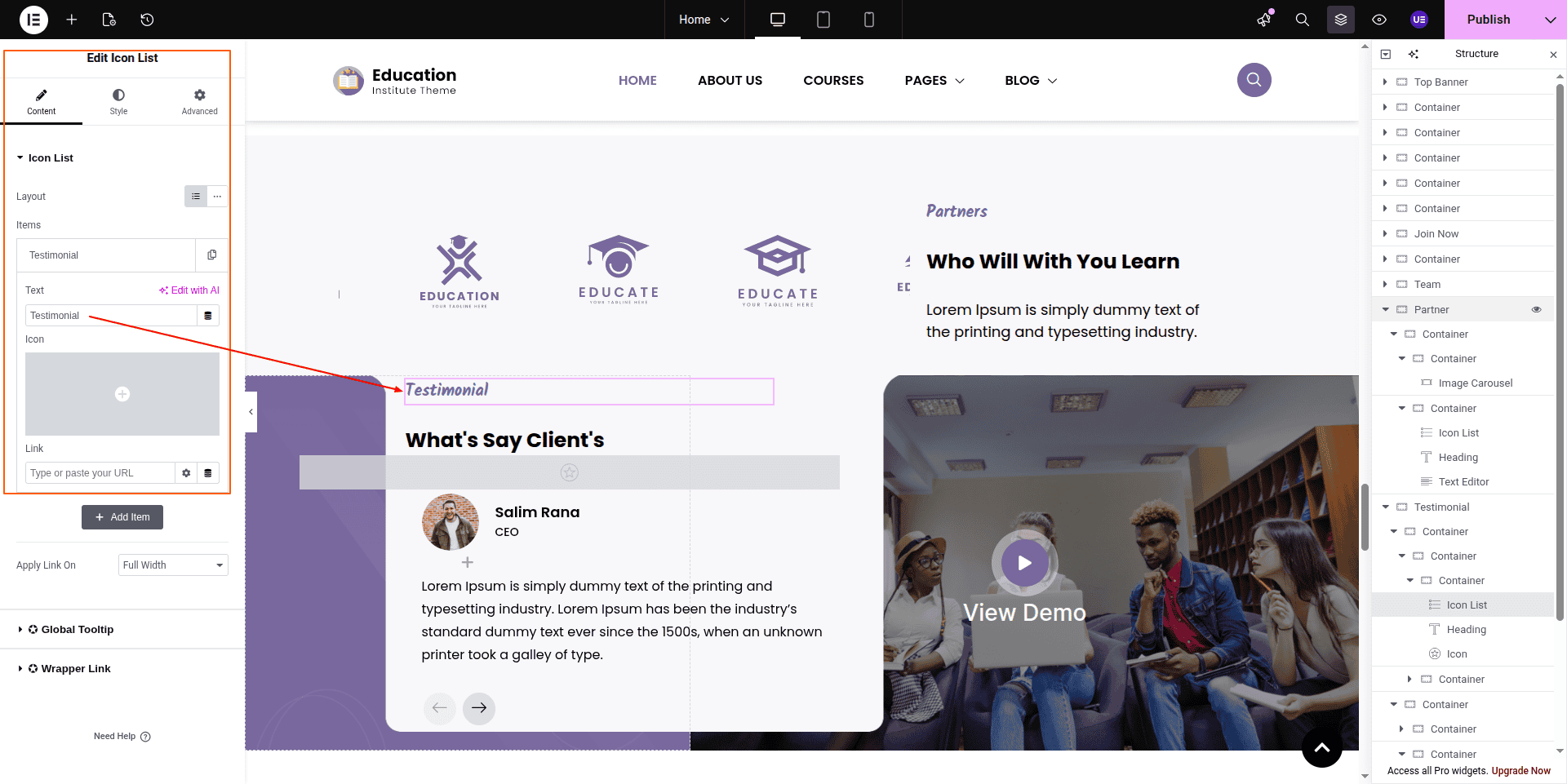
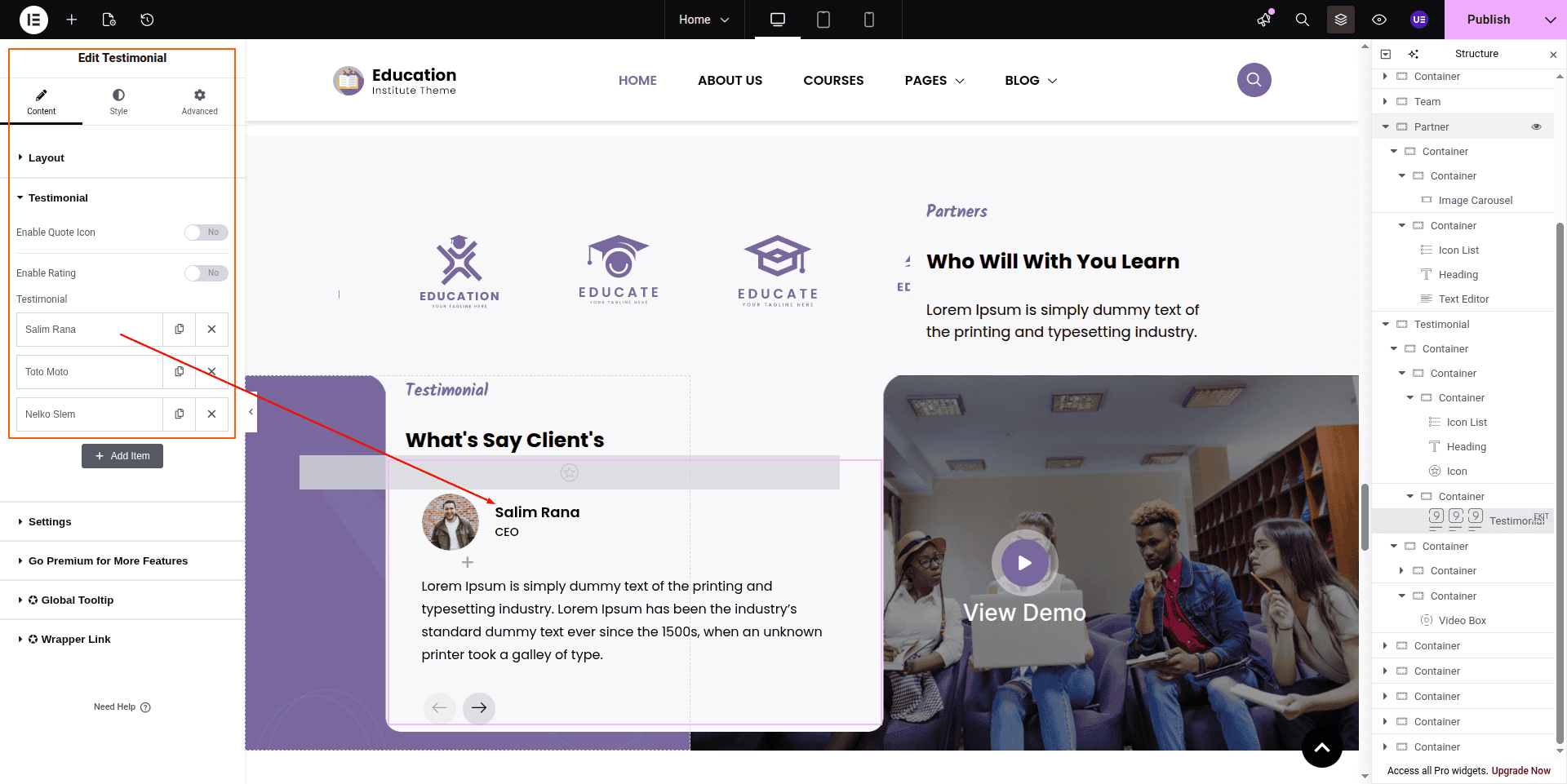
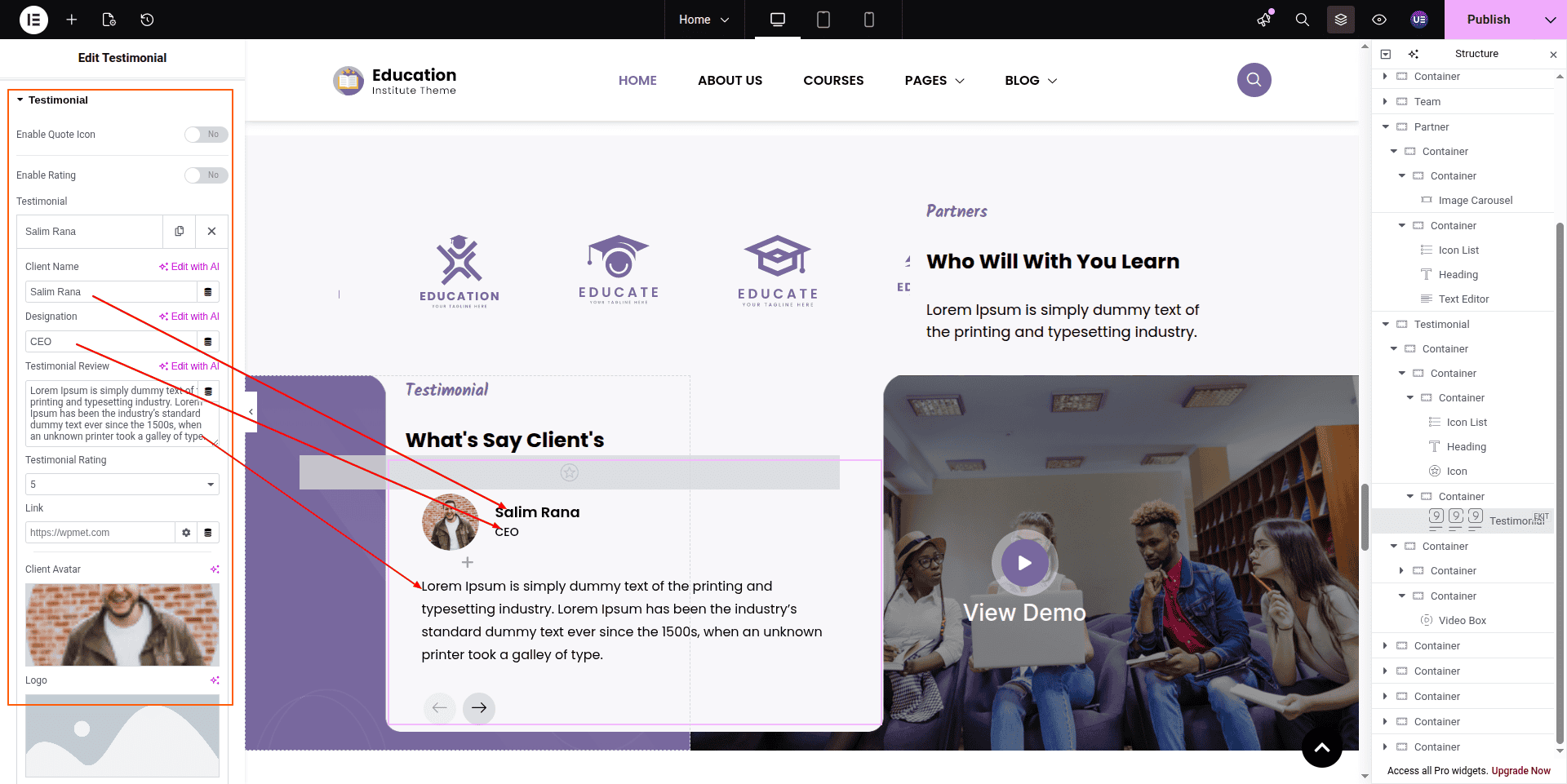
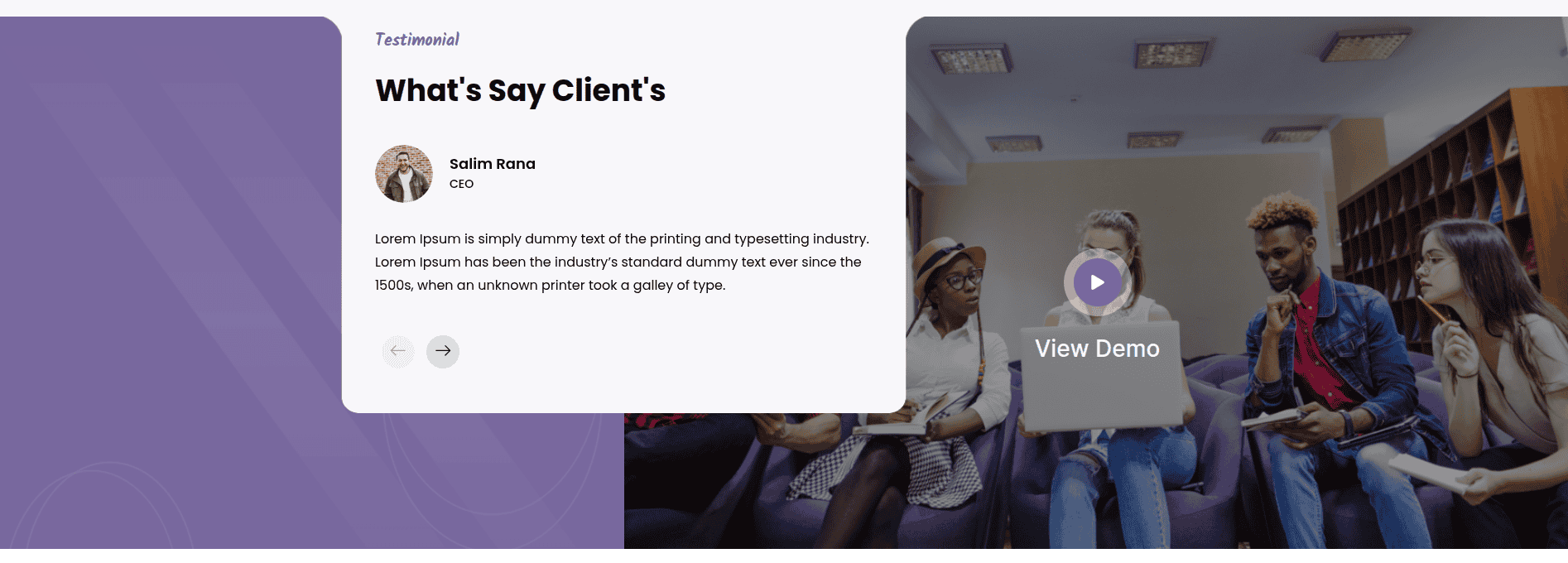
To configure the Partners & Testimonial section
Set up the Partners & Testimonial Section according to the instructions below.
To Edit this Section, Click On the "Edit With Elementor" Button which will open the Elementor Widget editor.
This represents how a Partners & Testimonial section can be added and set up.
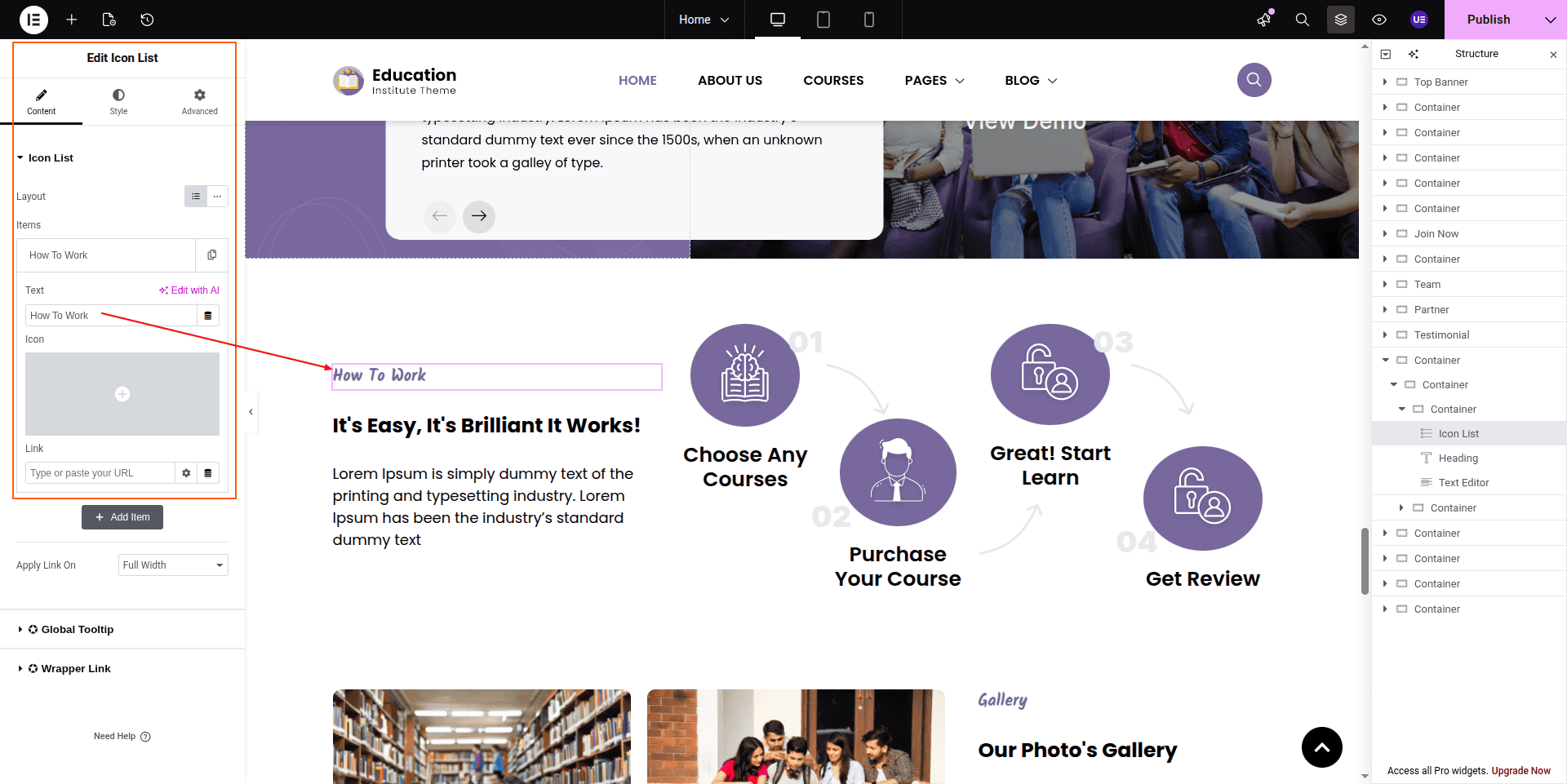
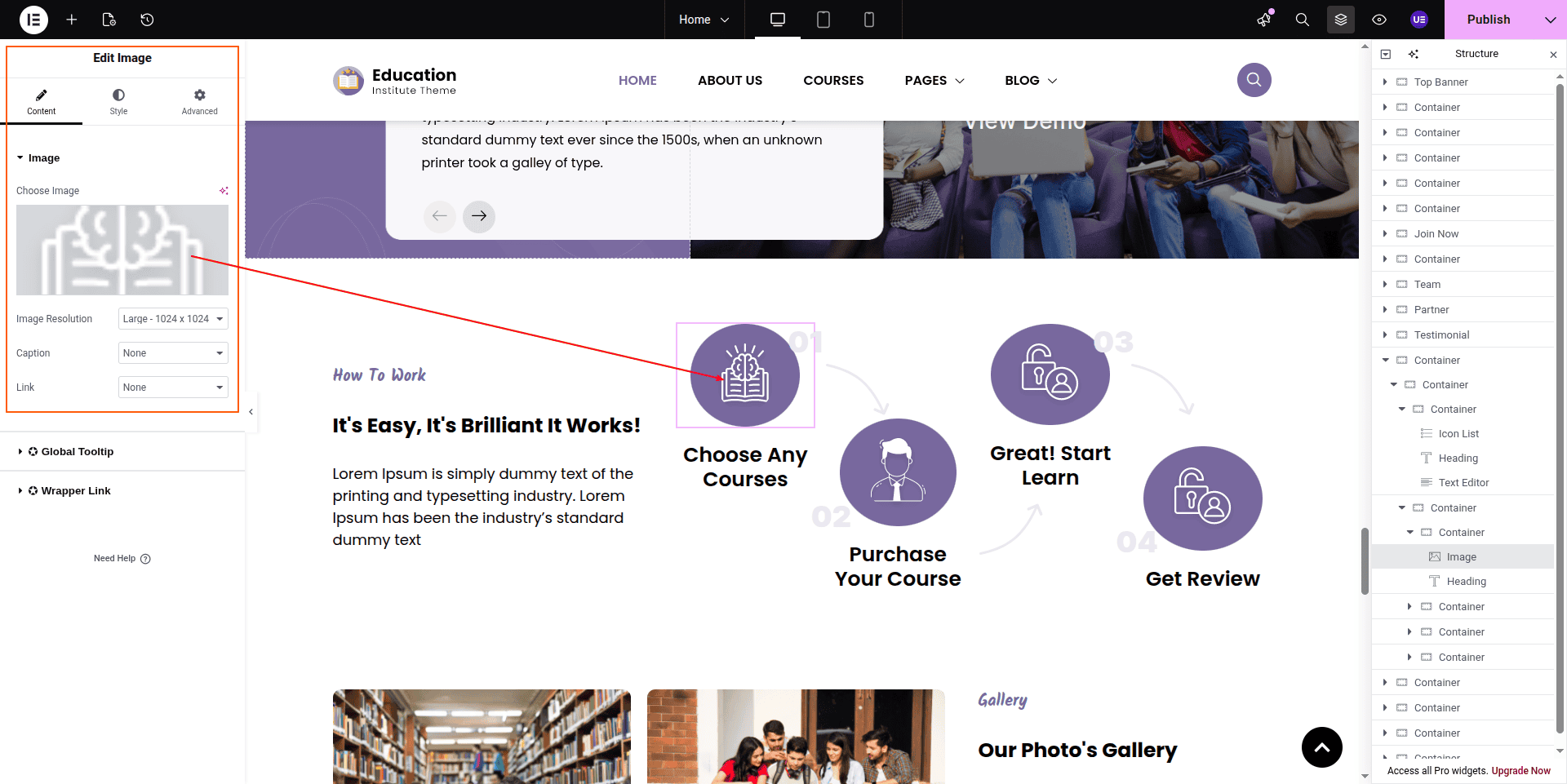
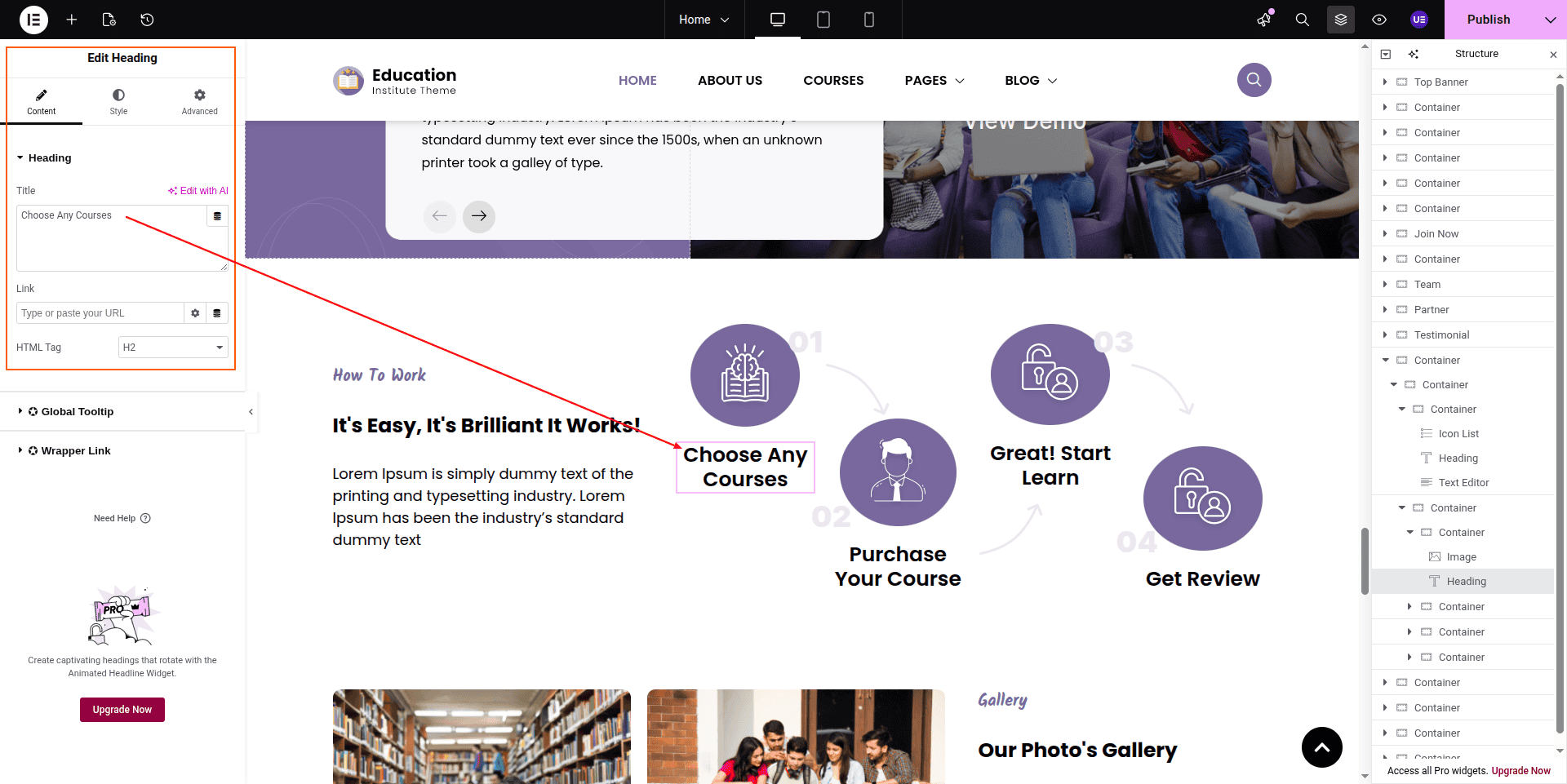
To configure the How To Work section
Set up the How To Work Section according to the instructions below.
To Edit this Section, Click On the "Edit With Elementor" Button which will open the Elementor Widget editor.
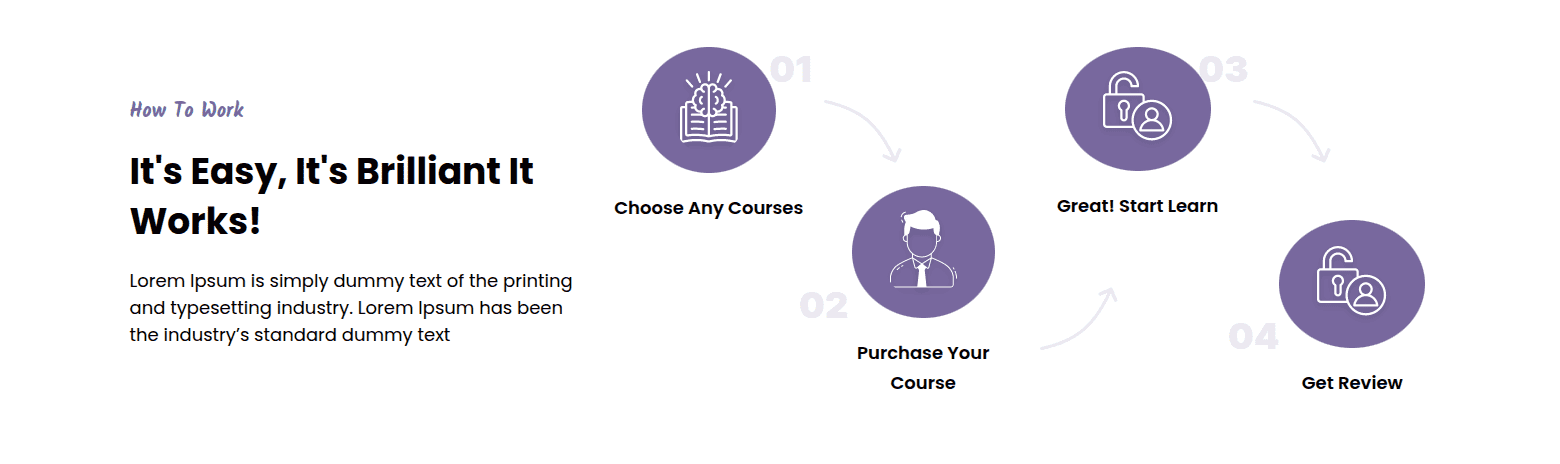
This represents how a How To Work section can be added and set up.
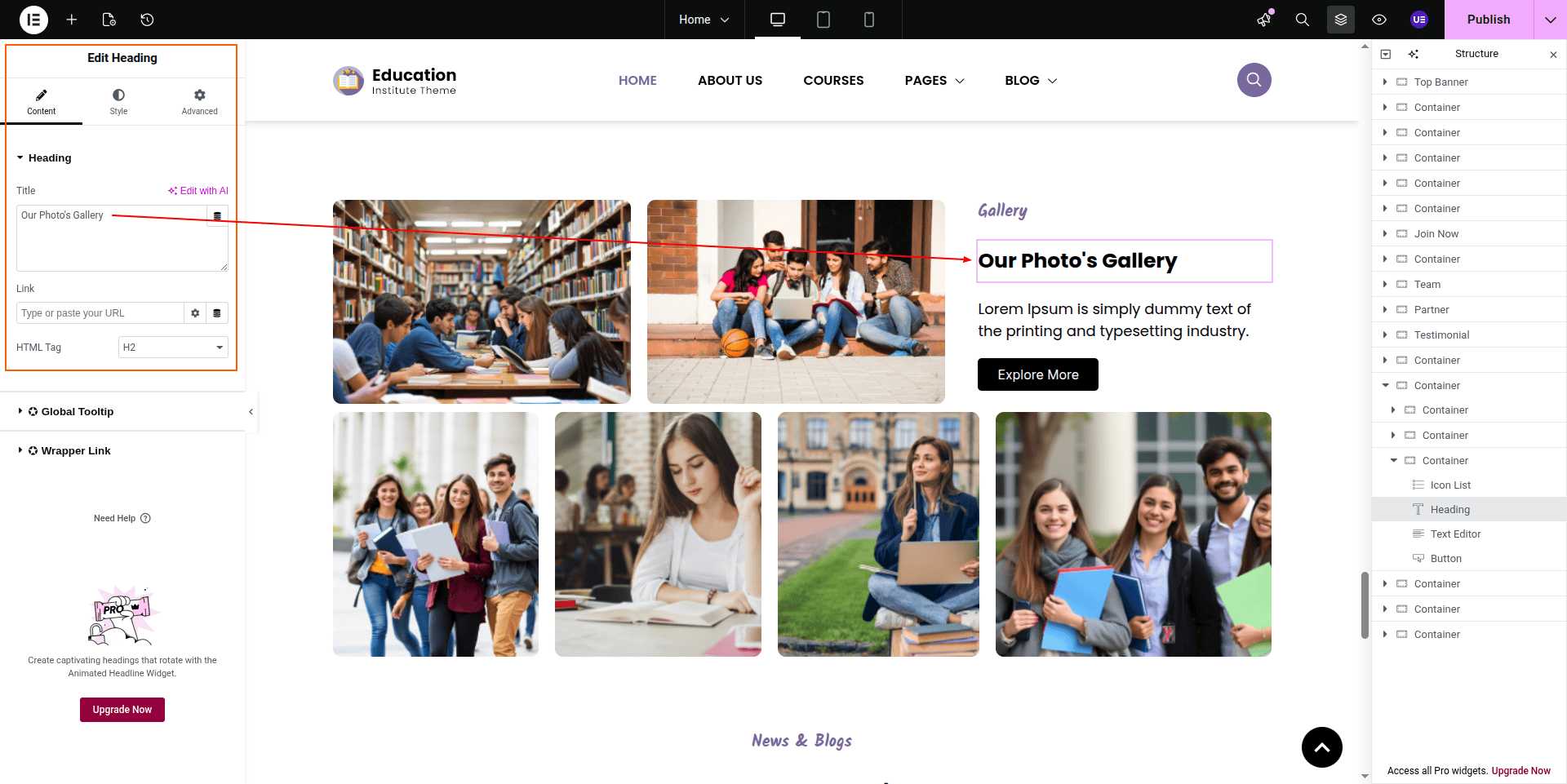
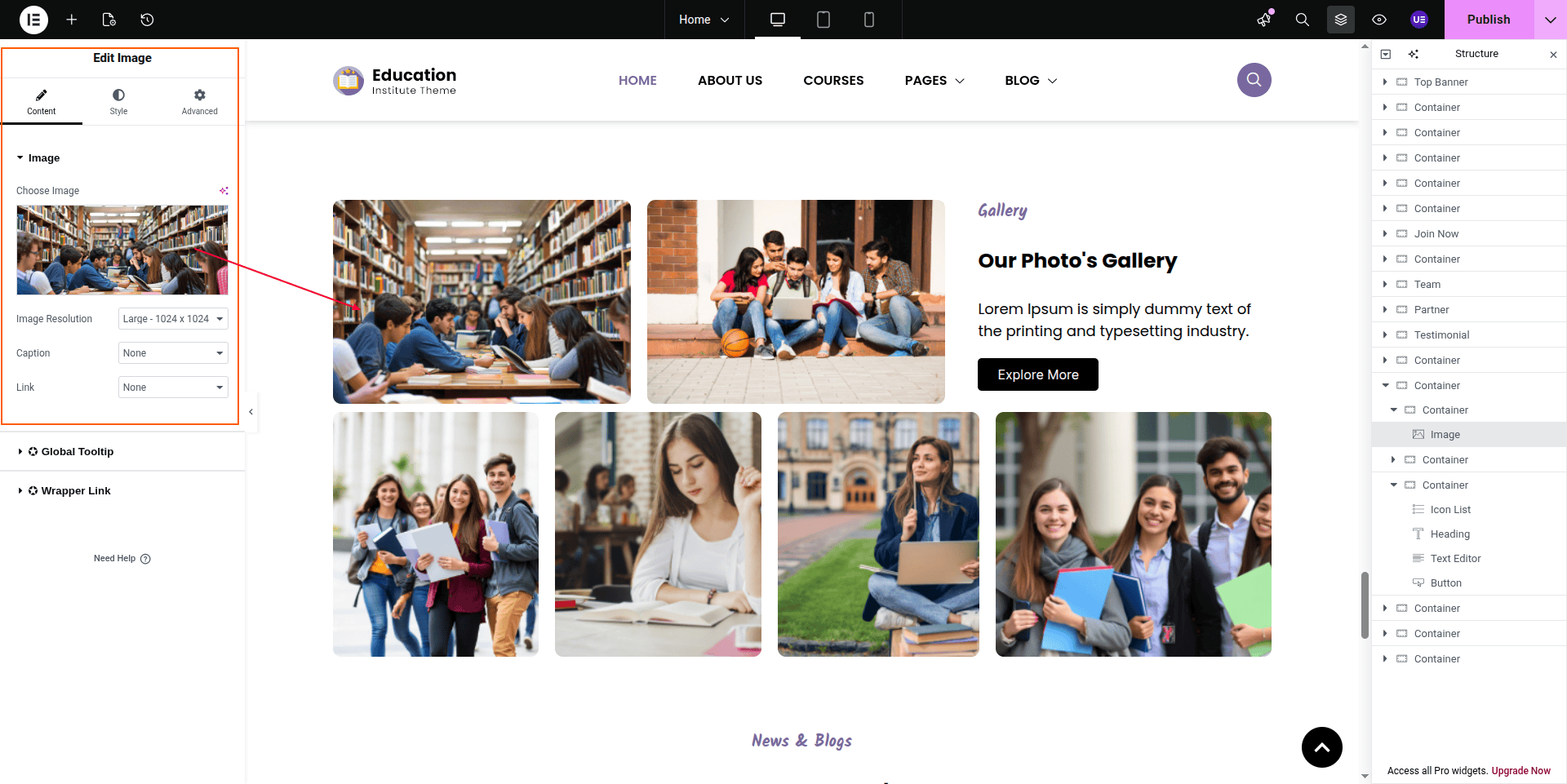
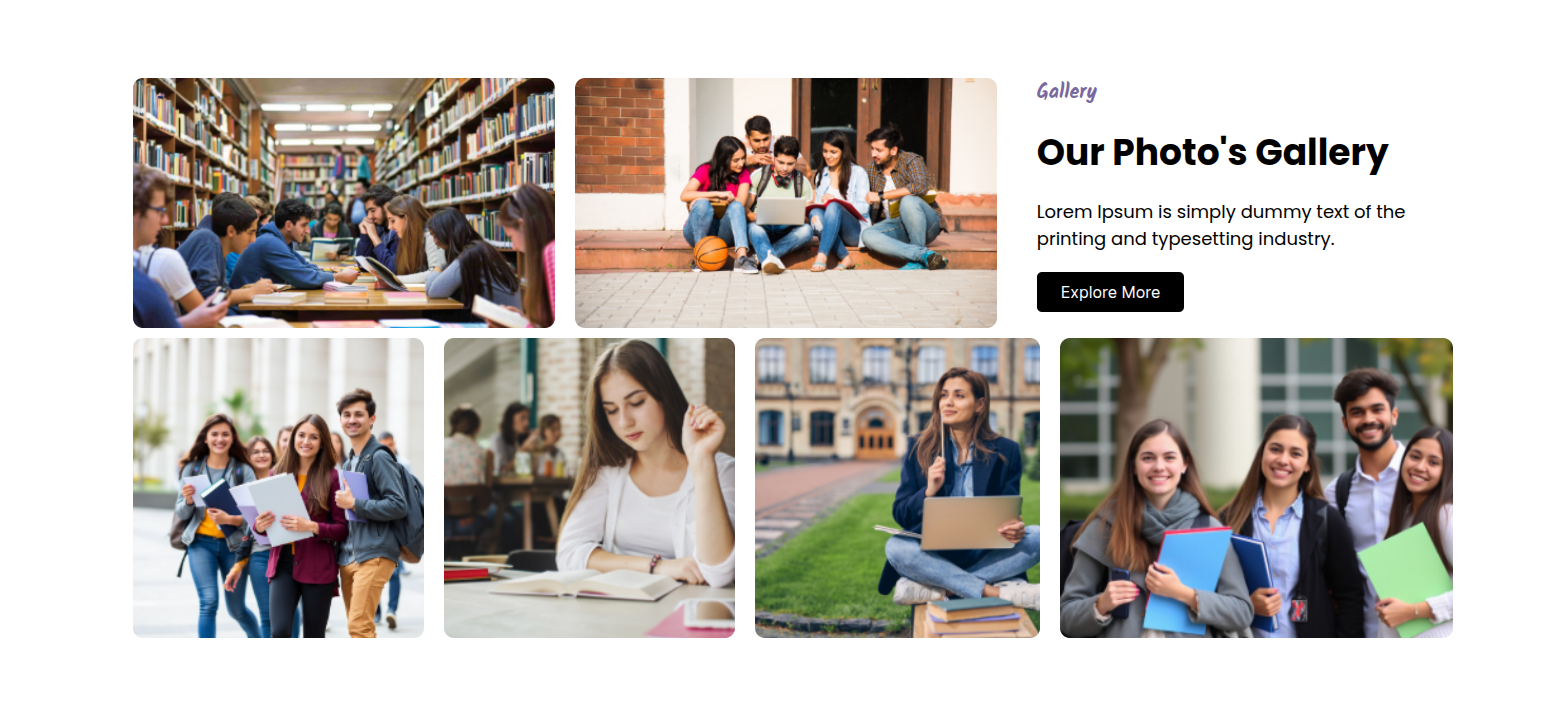
To configure the Gallery section
Set up the Gallery Section according to the instructions below.
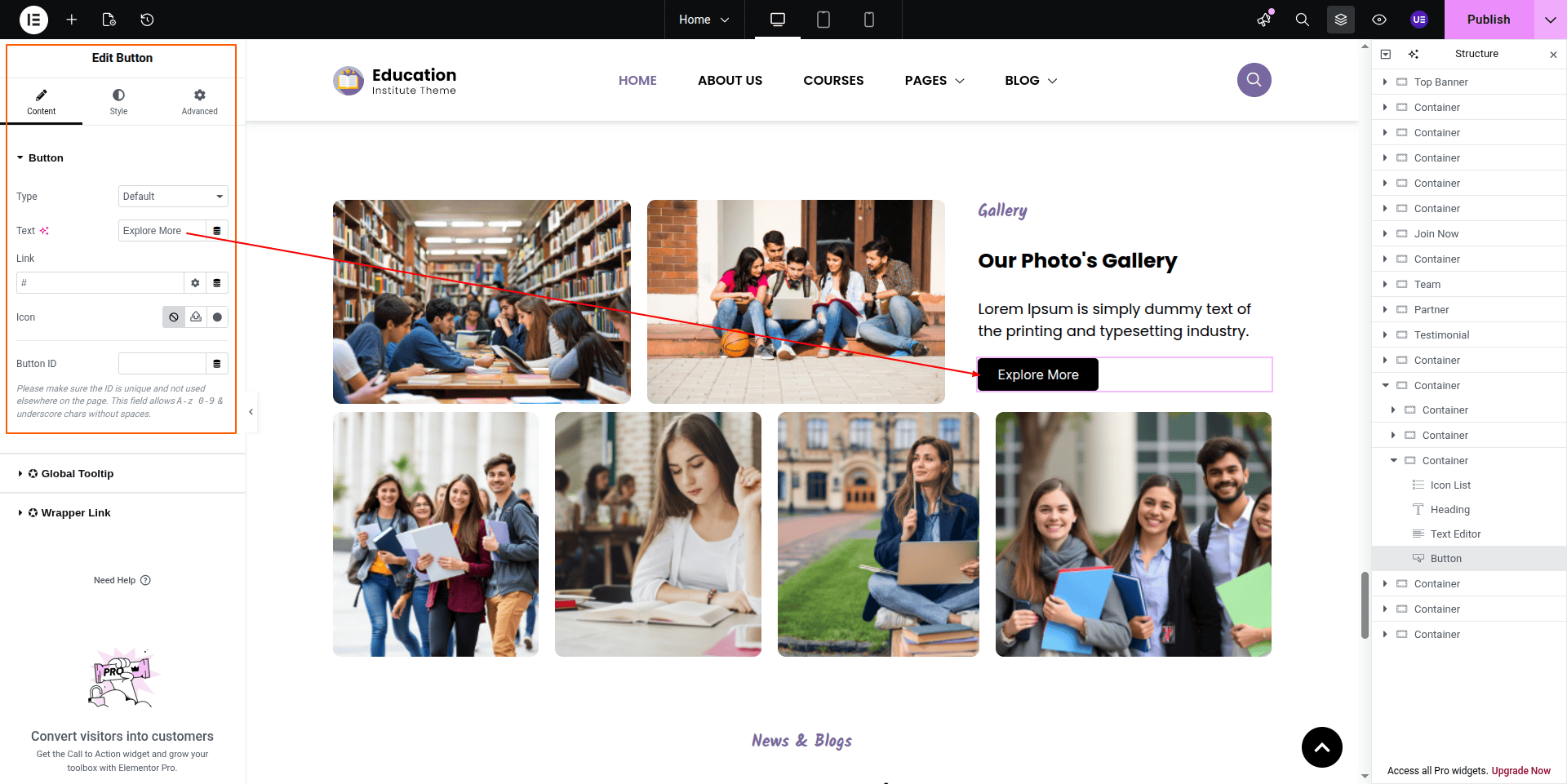
To Edit this Section, Click On the "Edit With Elementor" Button which will open the Elementor Widget editor.
This represents how a Gallery section can be added and set up.
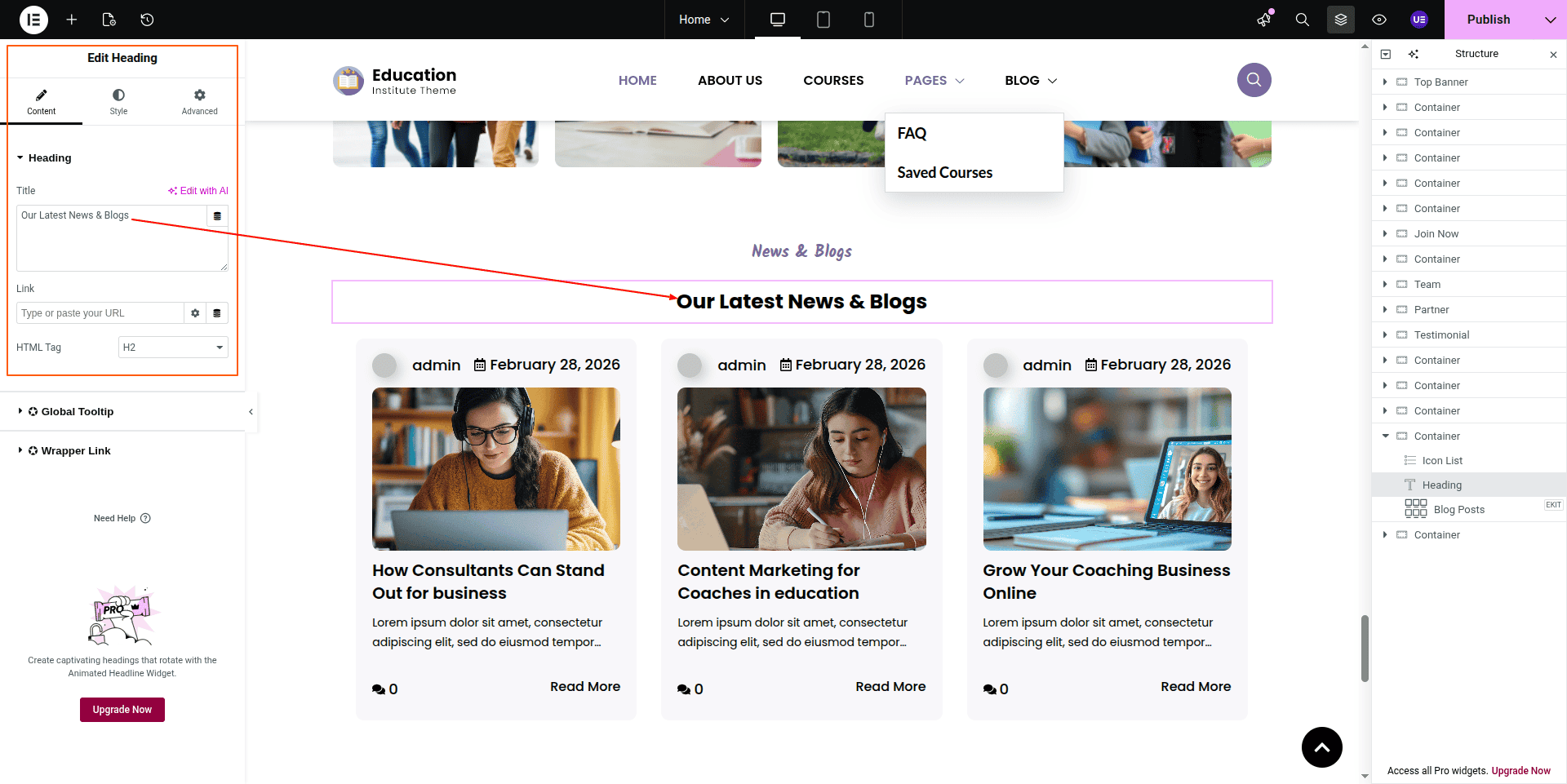
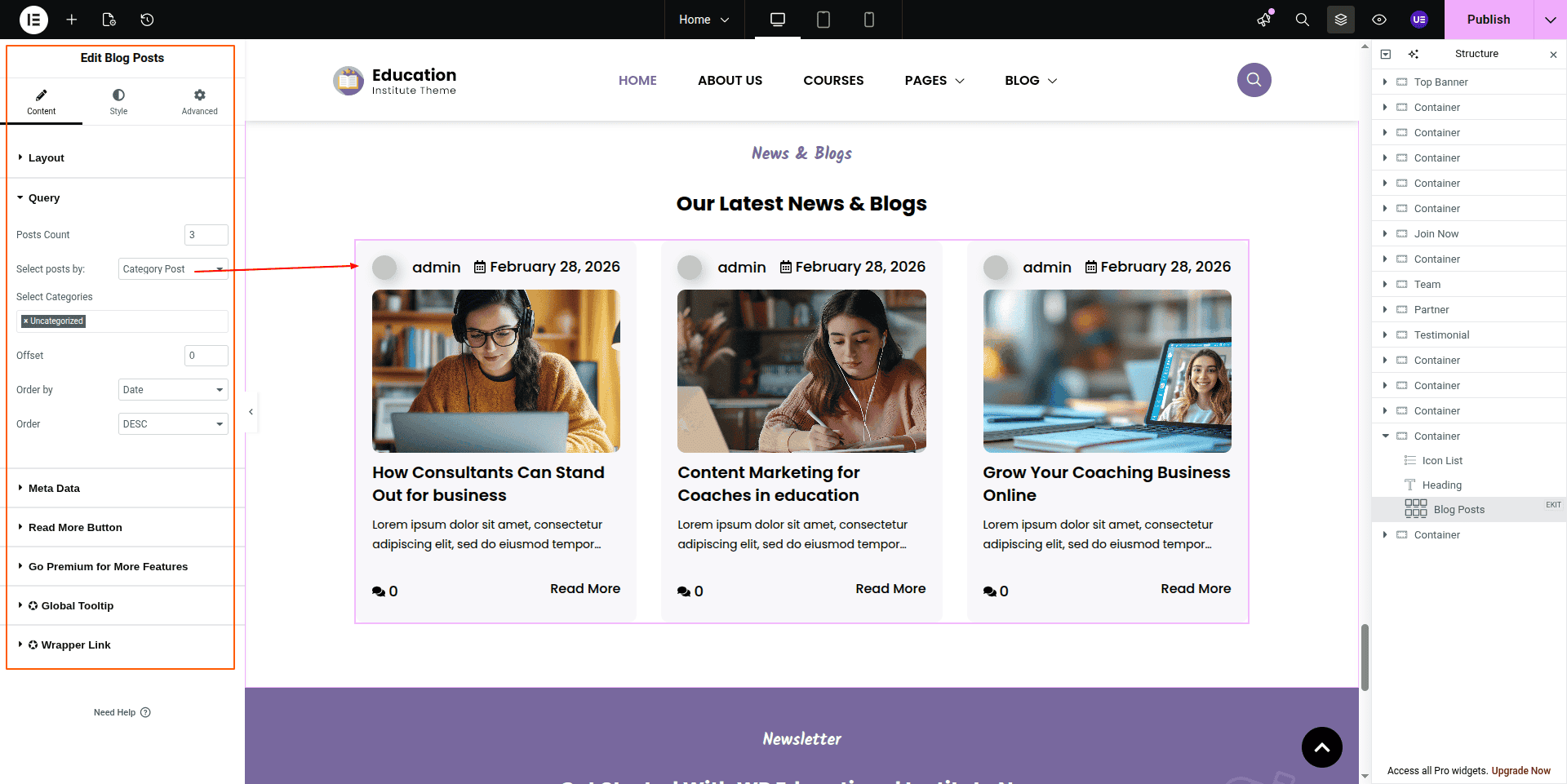
To configure the News & Blogs section
Set up the News & Blogs Section according to the instructions below.
To Edit this Section, Click On the "Edit With Elementor" Button which will open the Elementor Widget editor.
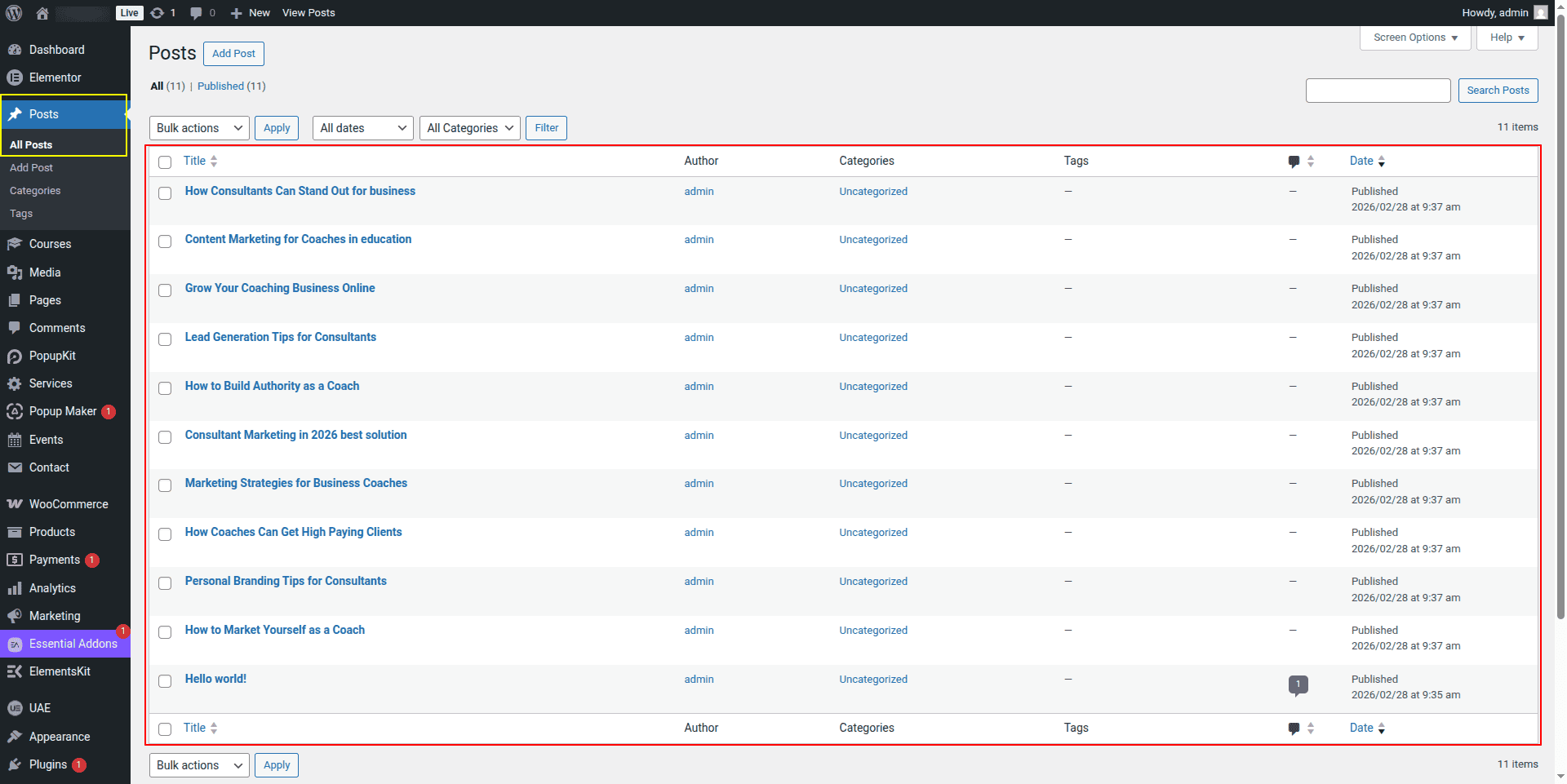
The post comes from the dashboard.
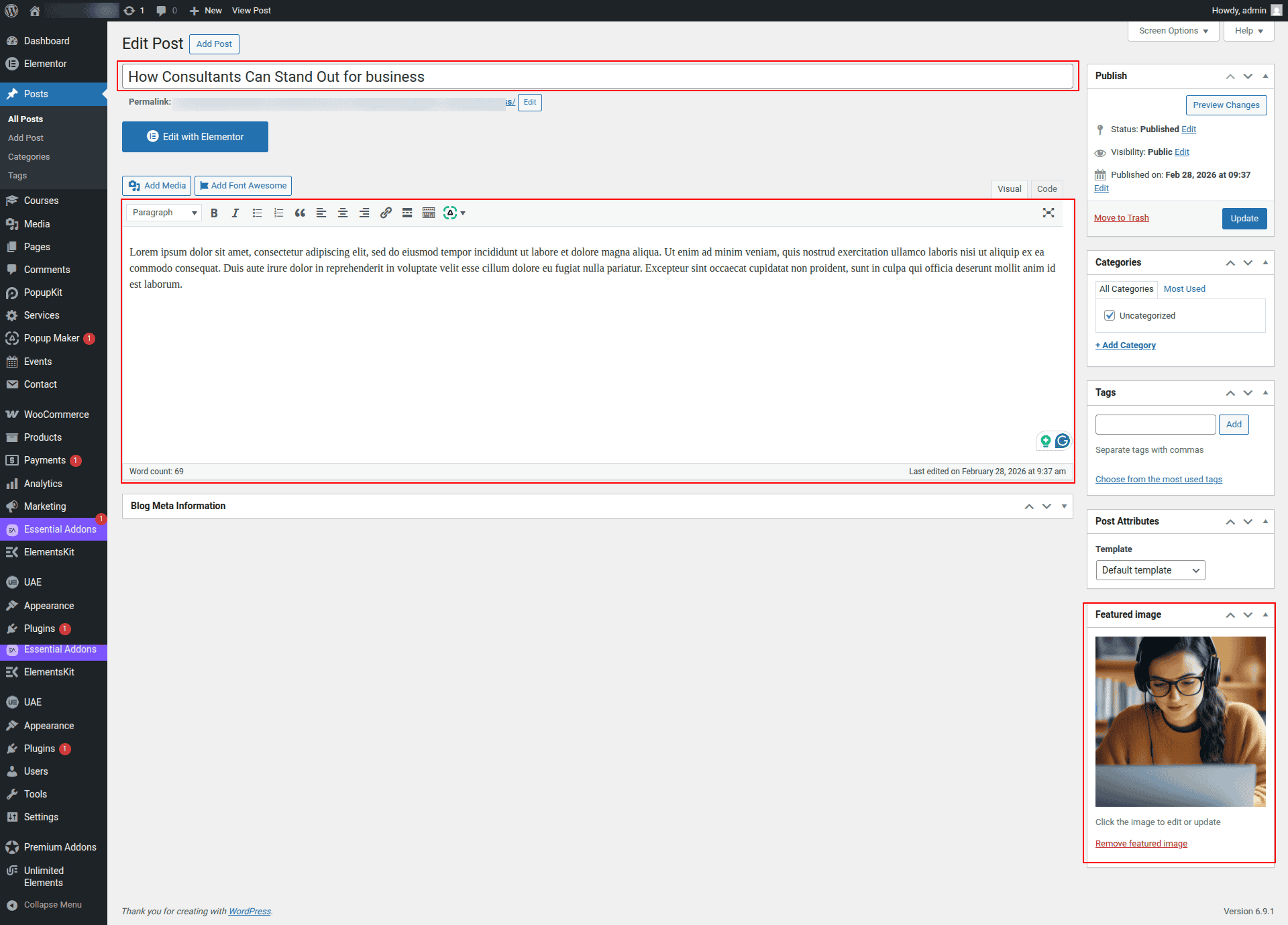
Here you can edit the post from the dashboard.
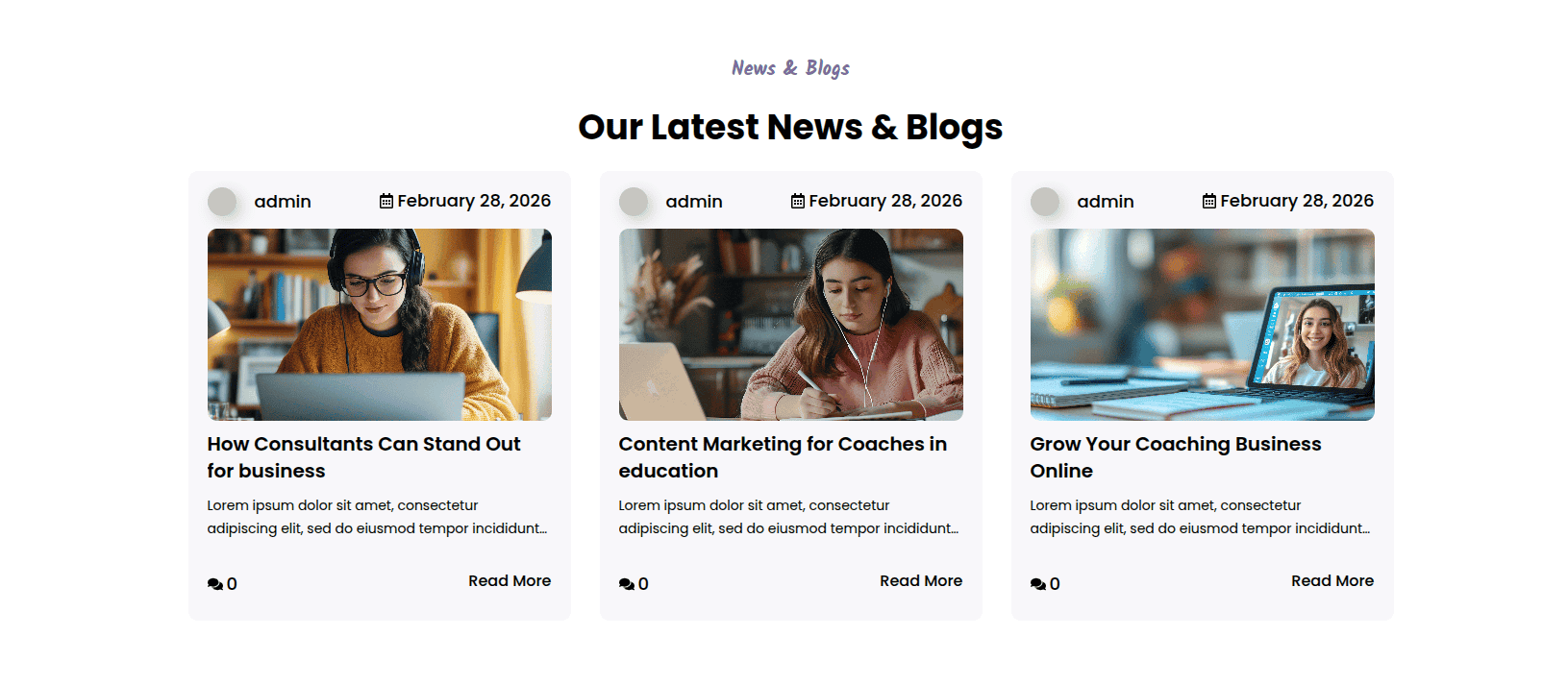
This represents how a News & Blogs section can be added and set up.
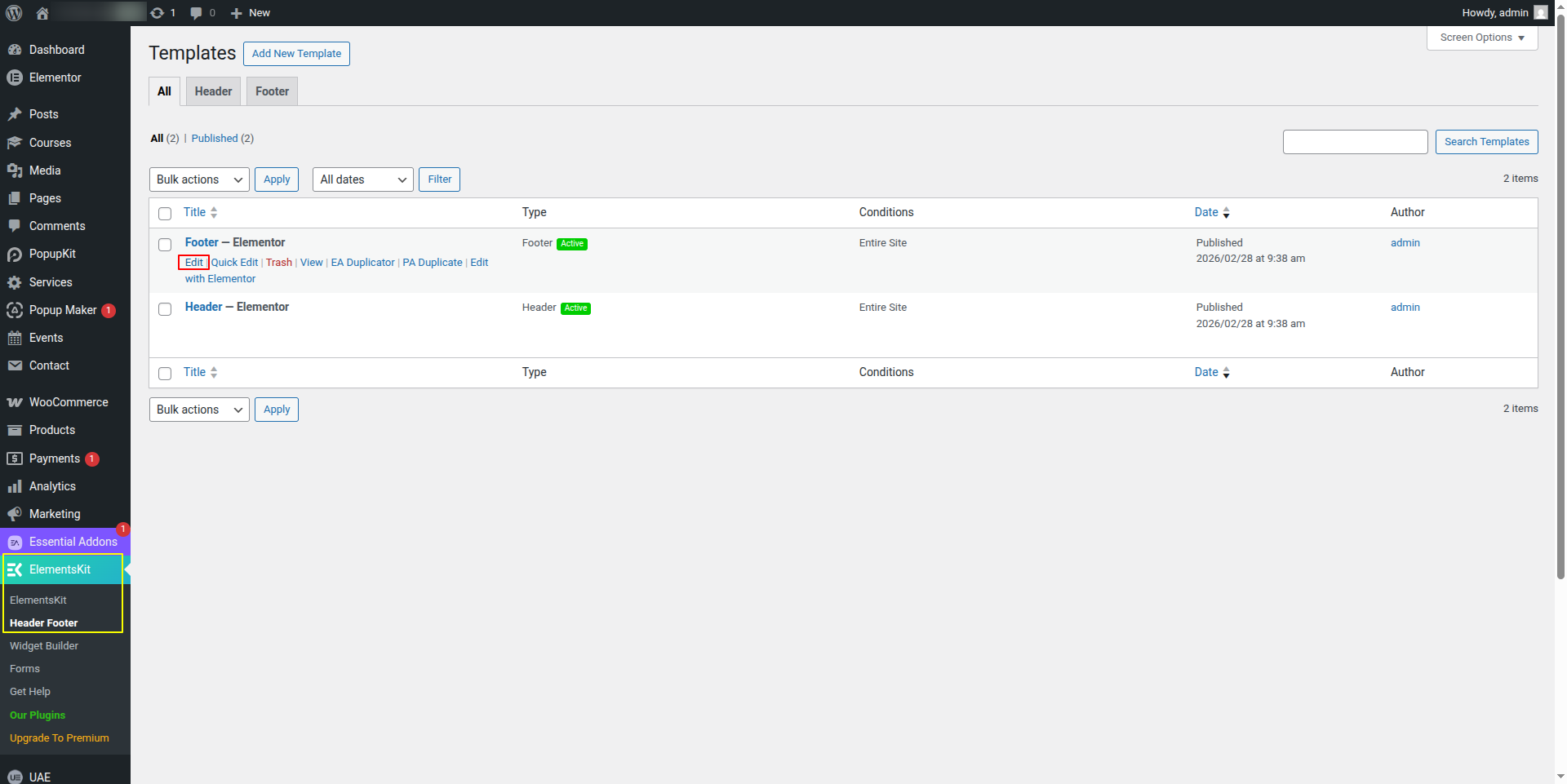
To configure the Newsletter section
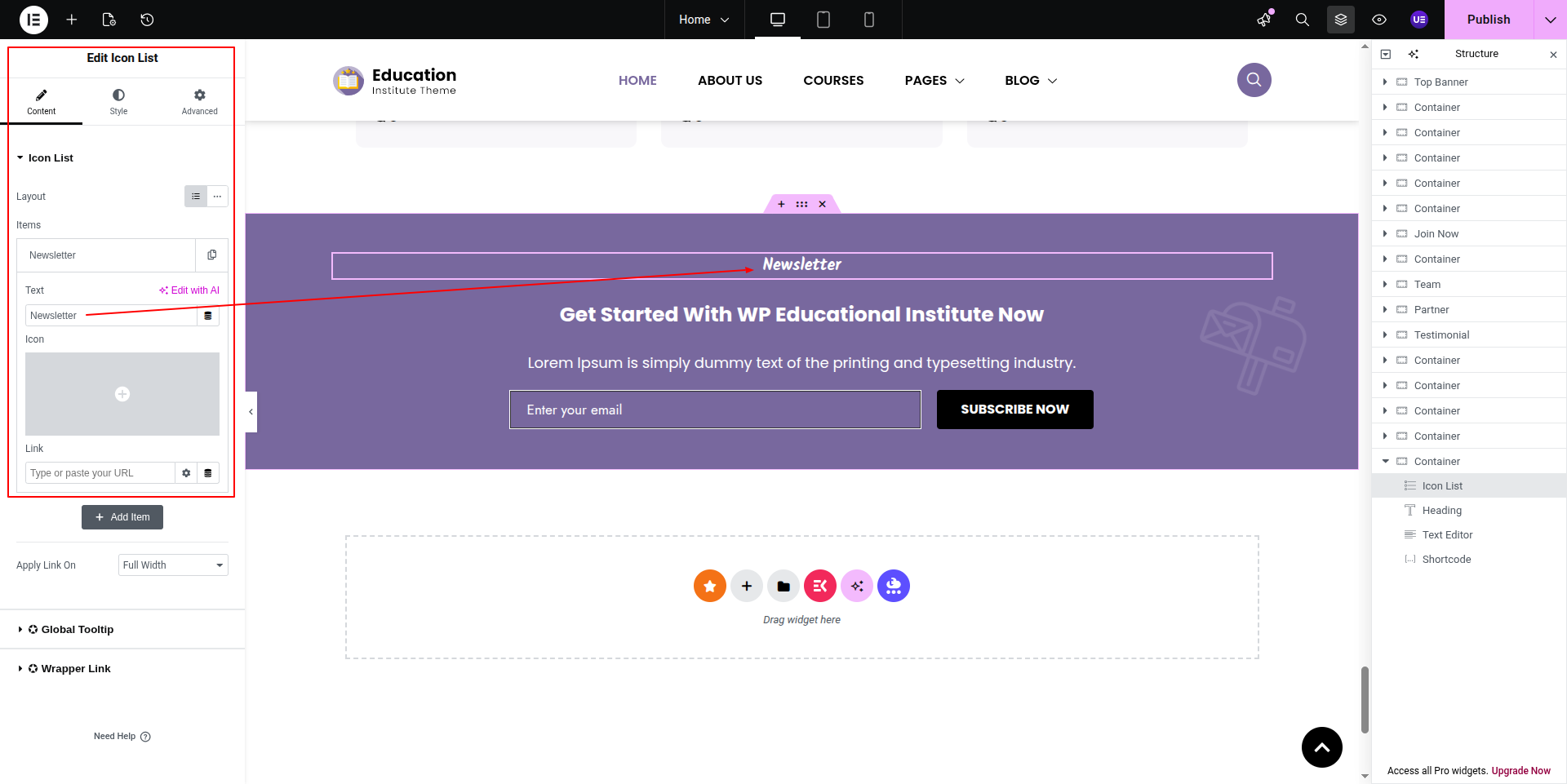
Set up the Newsletter Section according to the instructions below.
To Edit this Section, Click On the "Edit With Elementor" Button which will open the Elementor Widget editor.
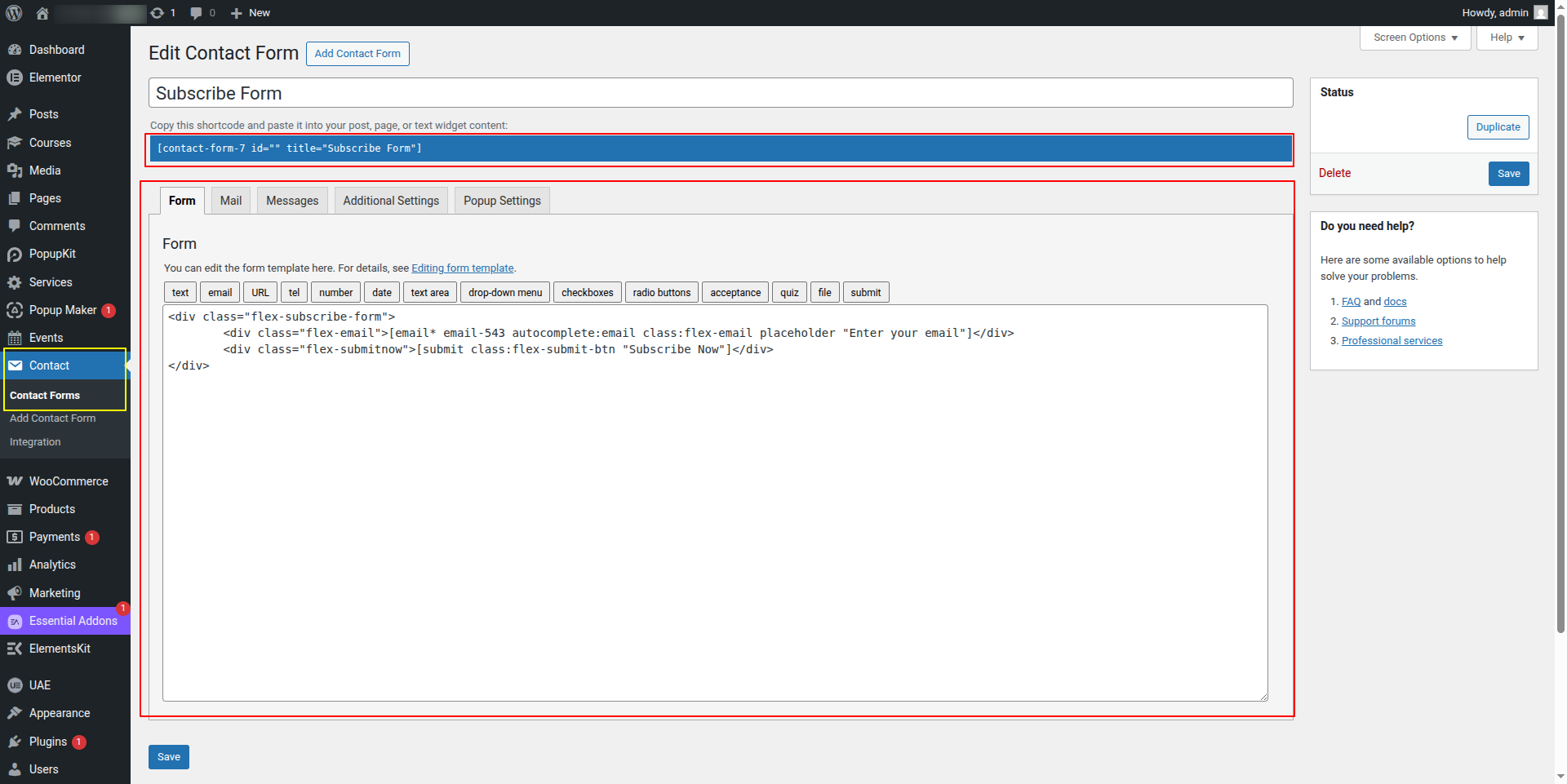
The contact forms comes from the dashboard.
This represents how a Newsletter section can be added and set up.