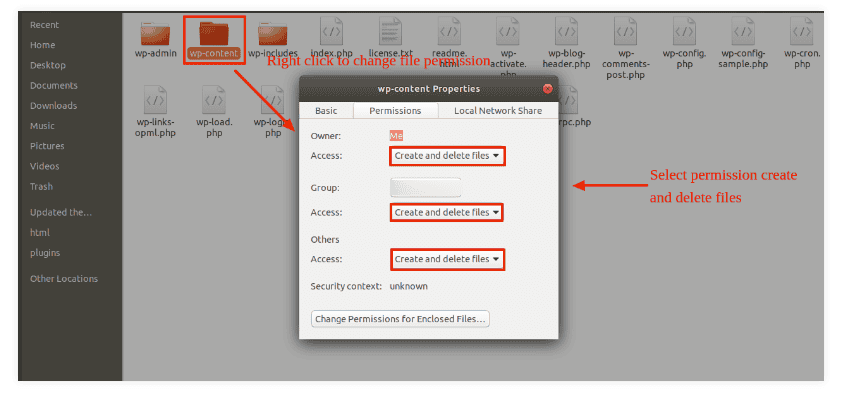
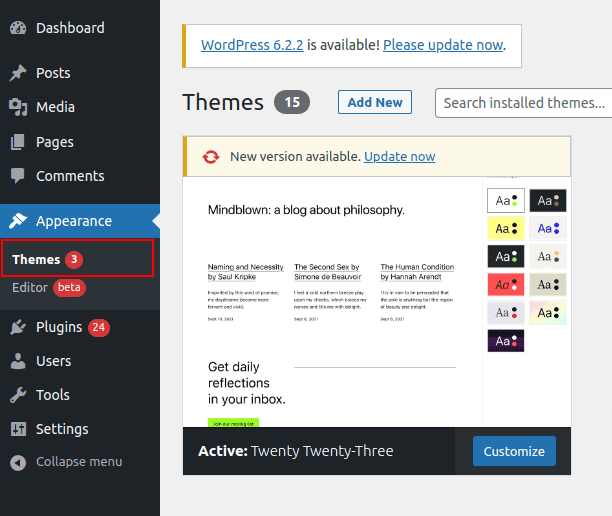
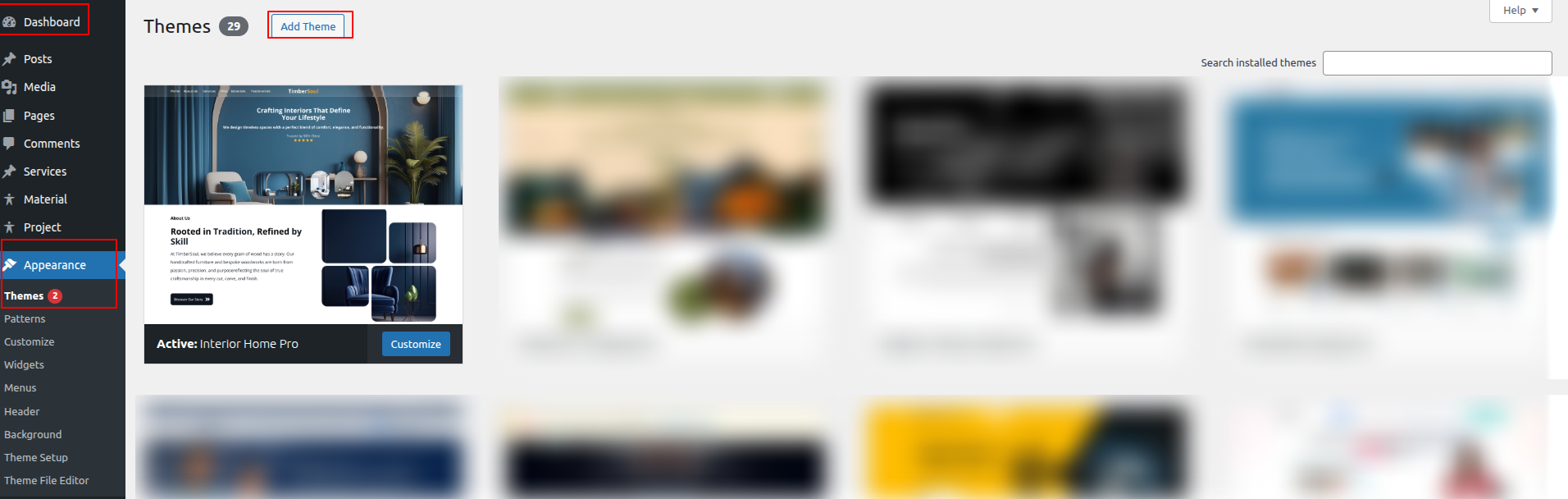
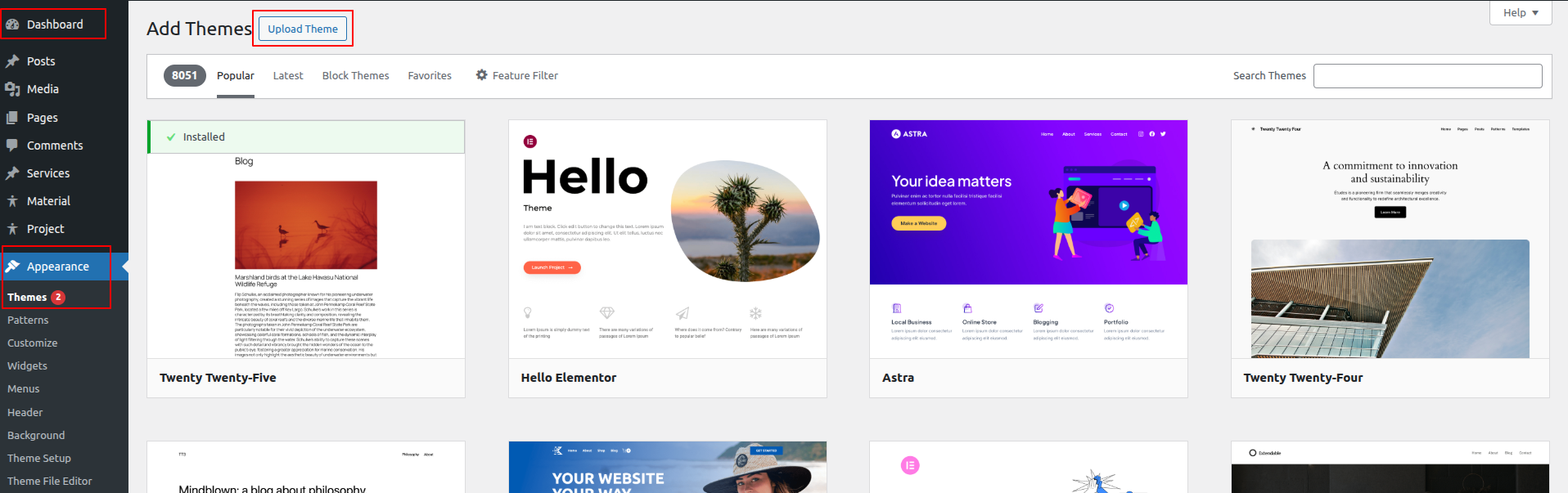
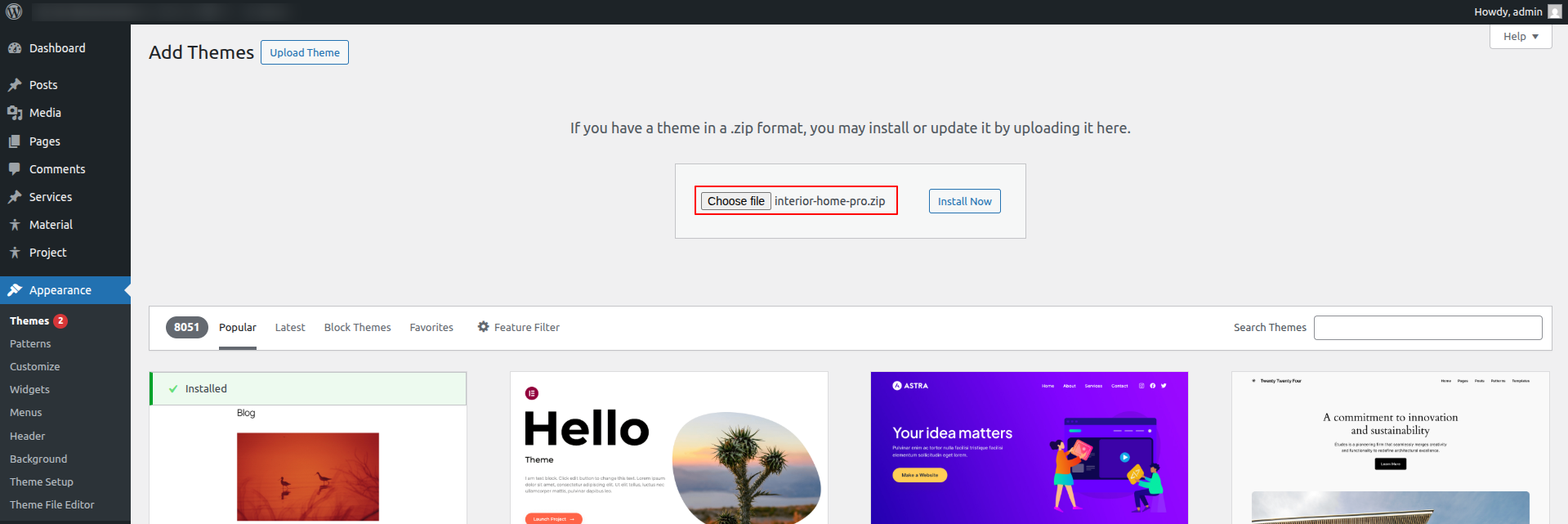
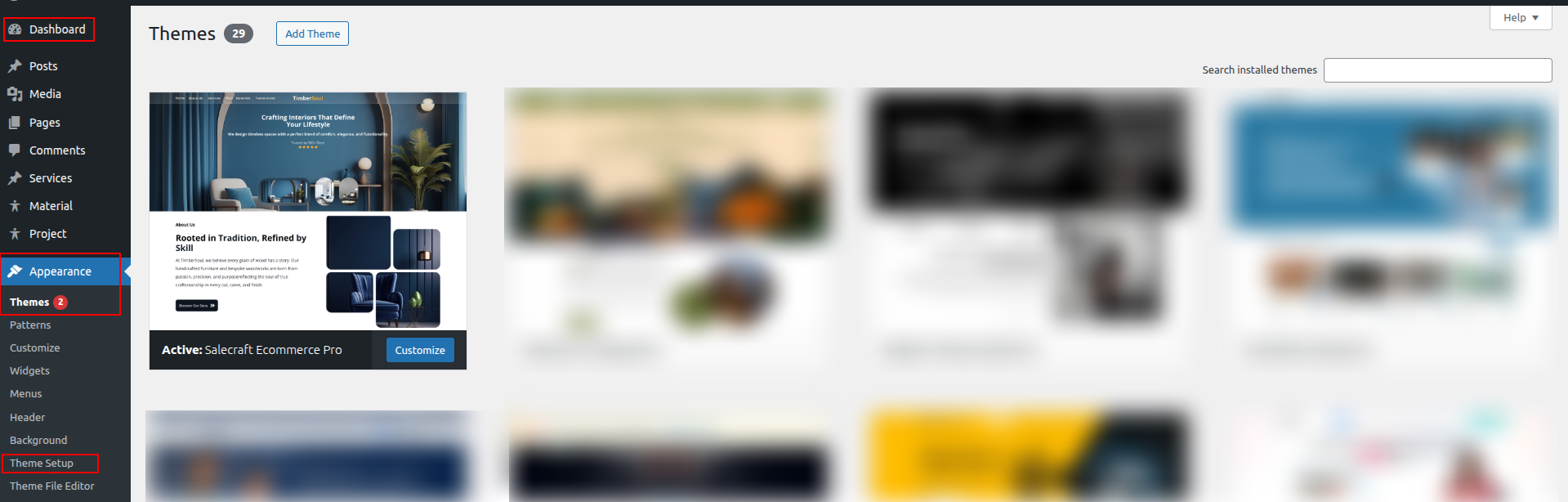
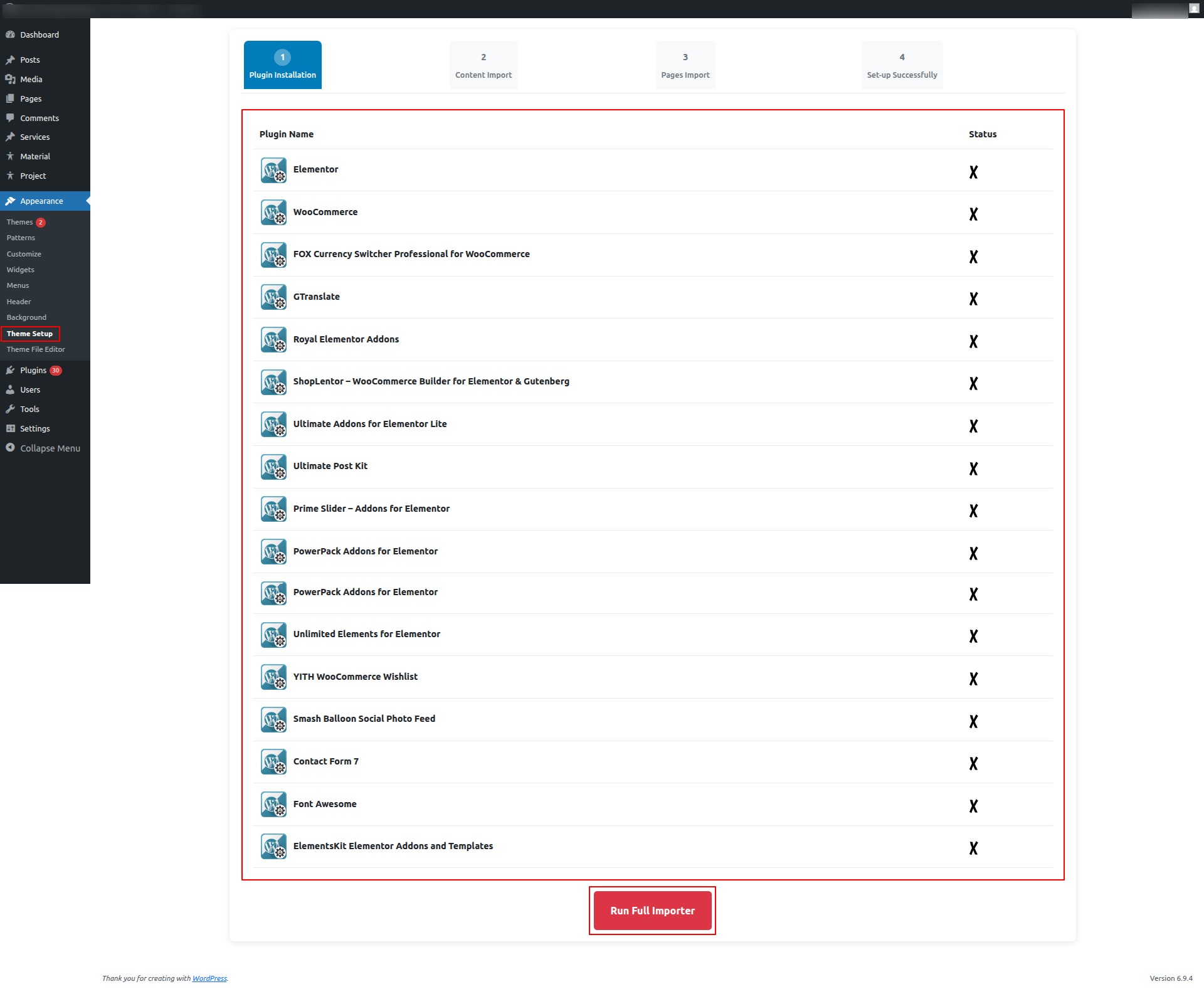
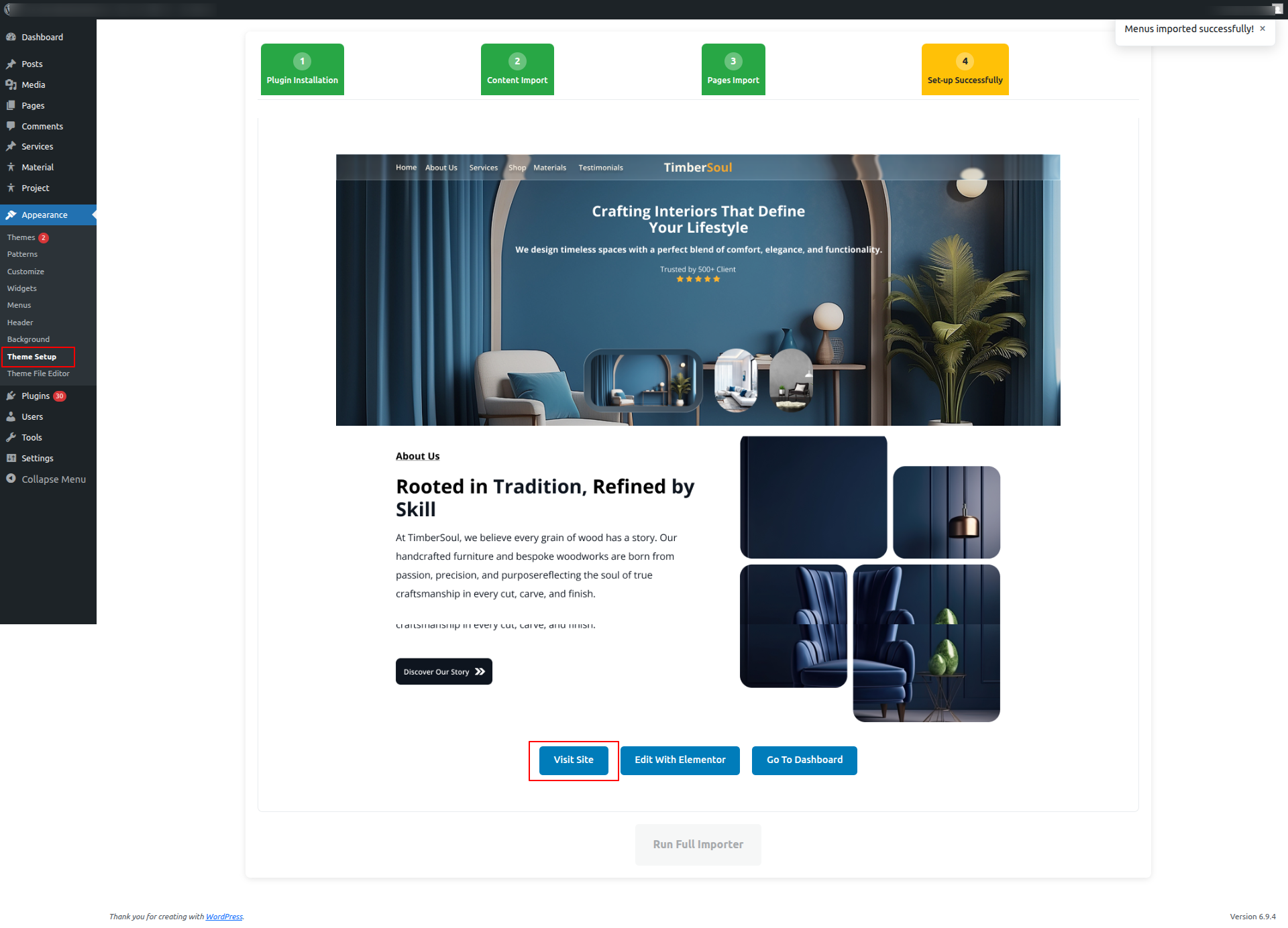
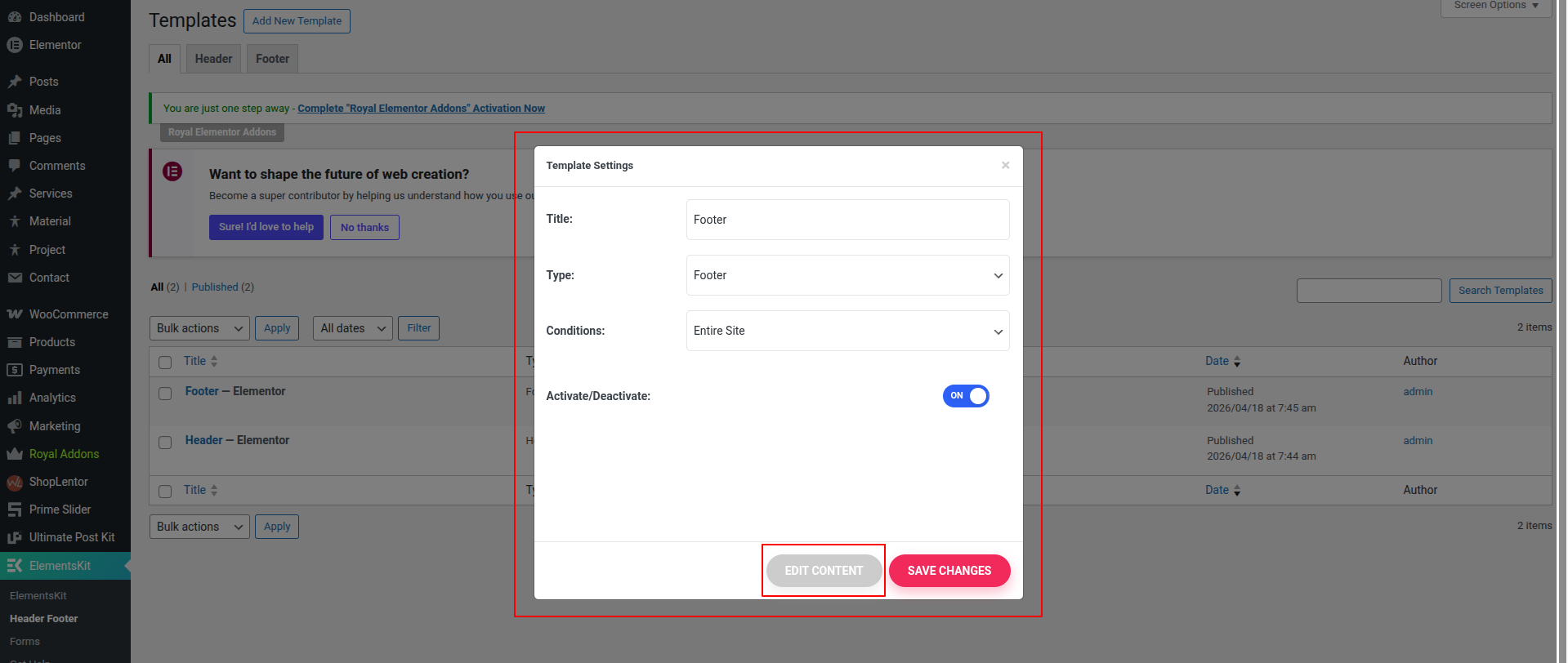
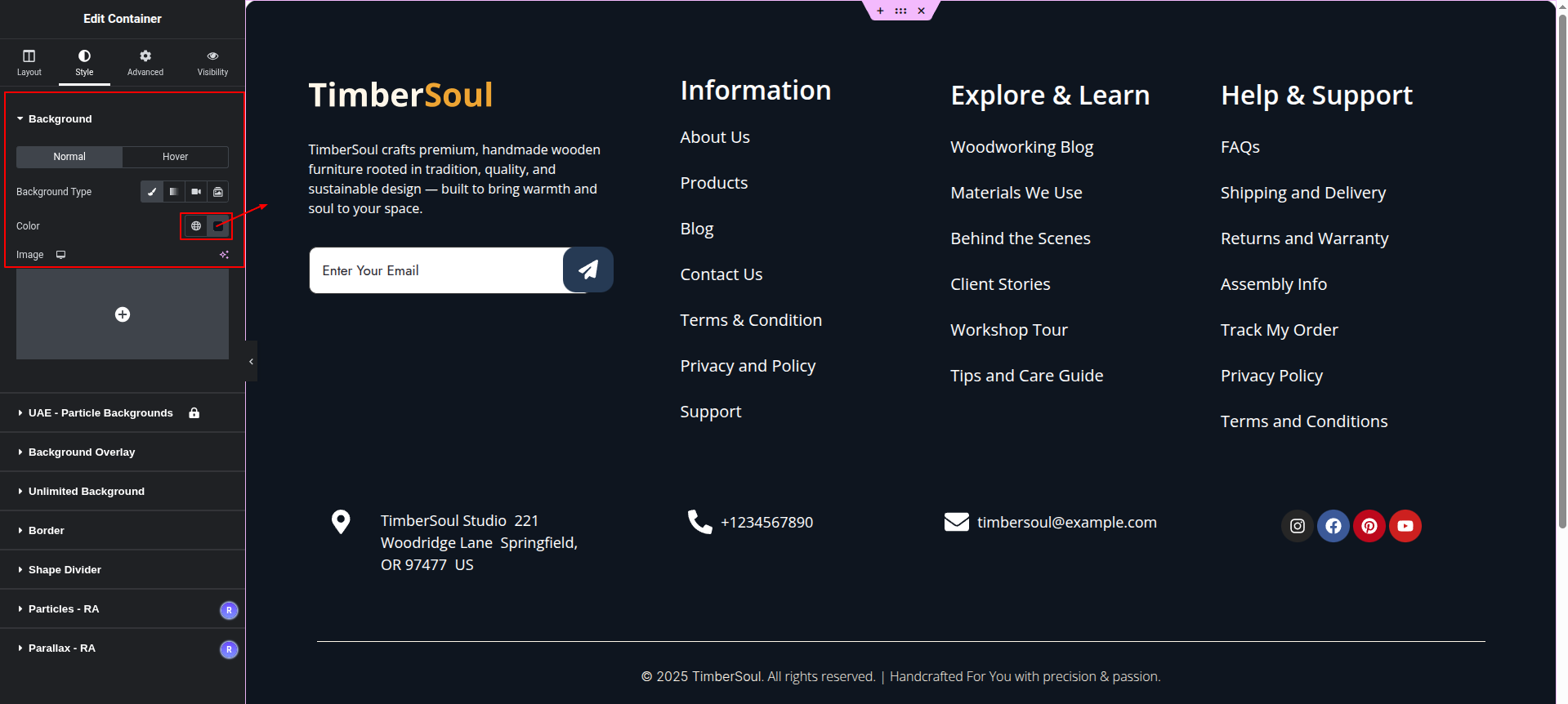
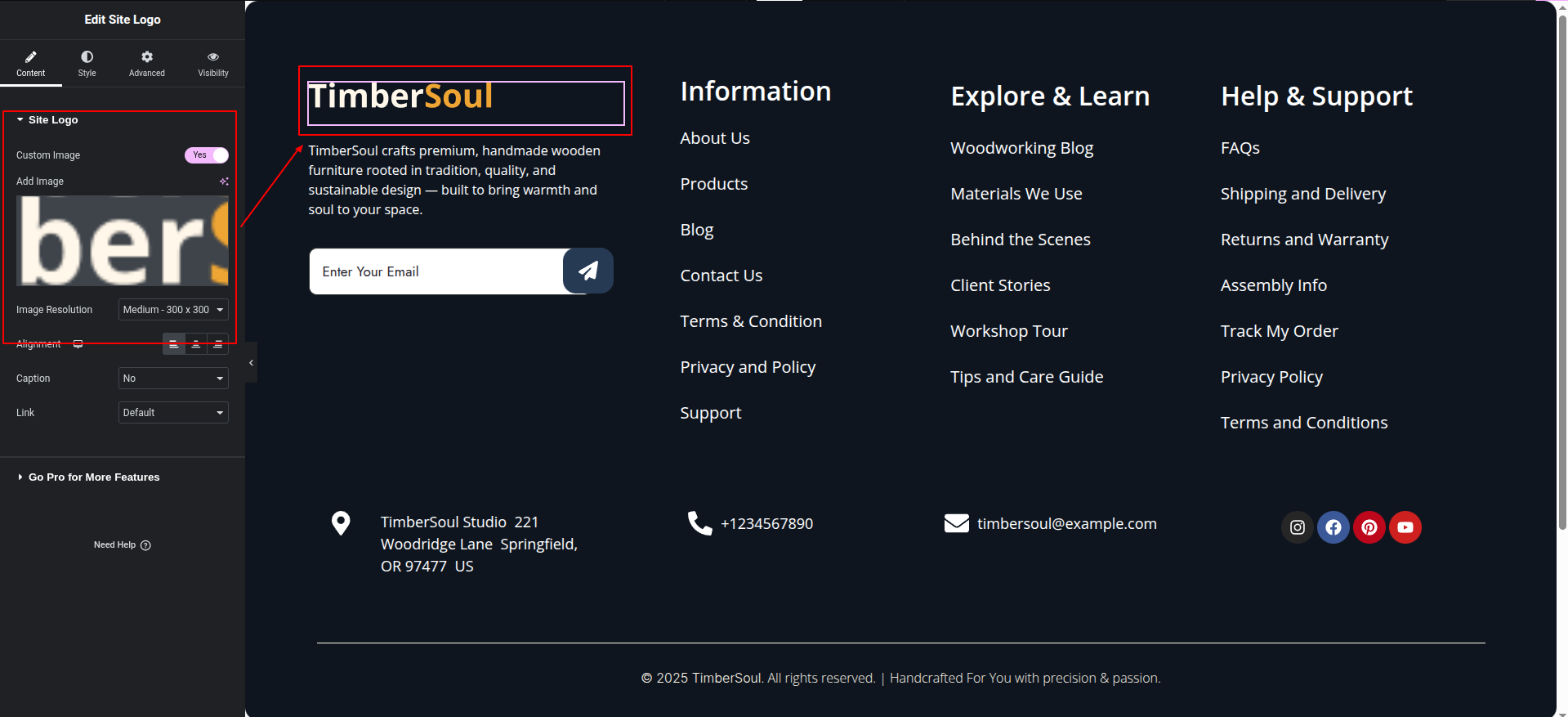
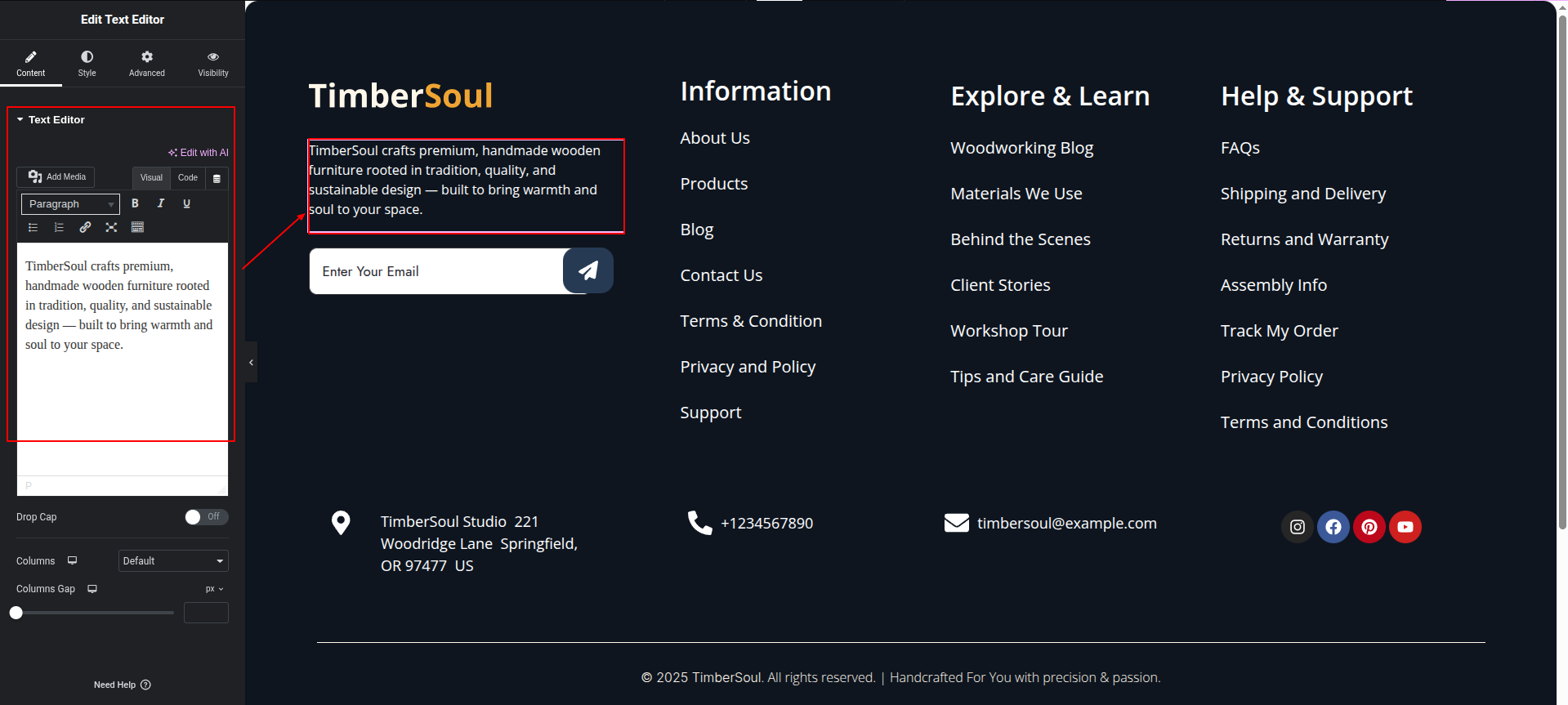
The process of establishing a template is quick.
The installation can be finished via the WordPress interface. As a result,
the process is speedier and more comfortable.
Two methods of implementation are available.
The Utilization Regarding A Theme
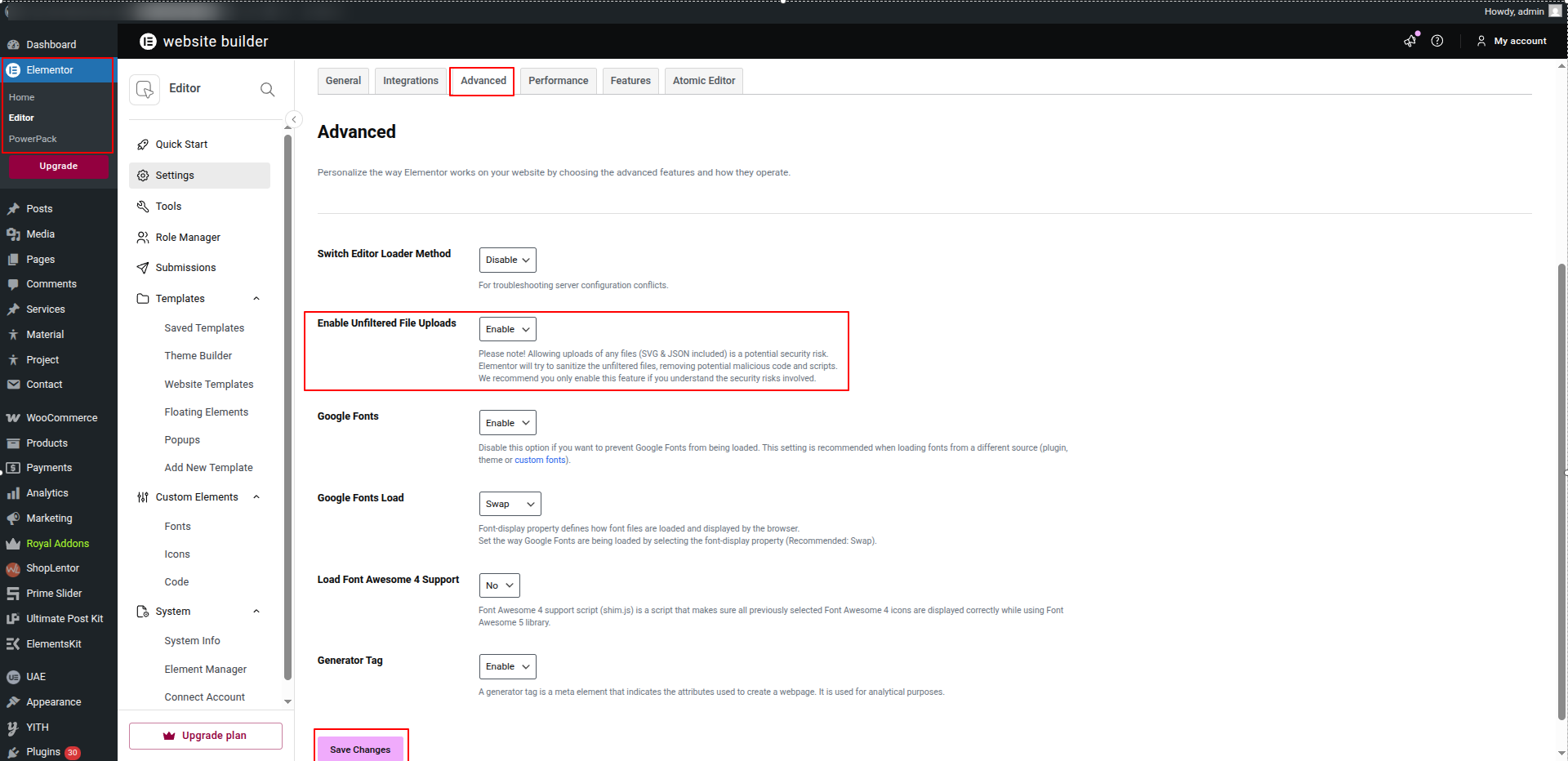
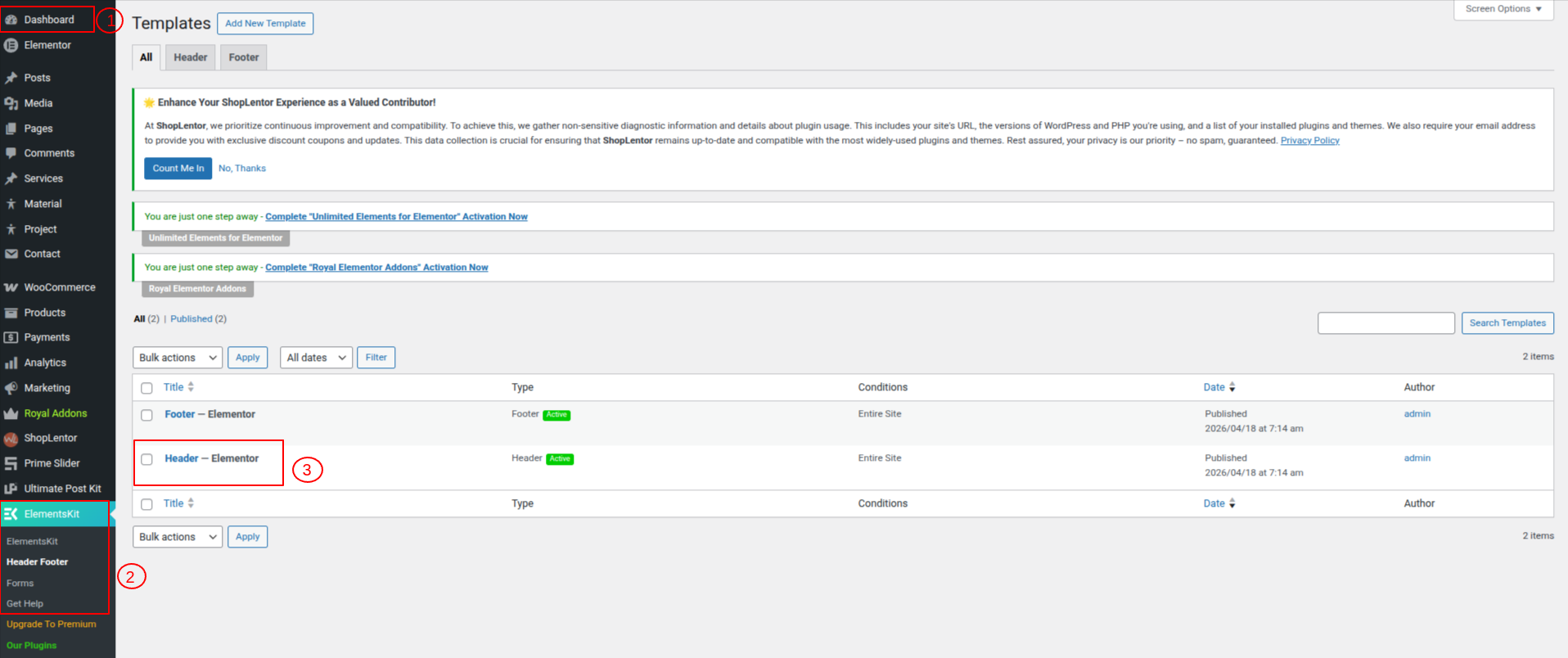
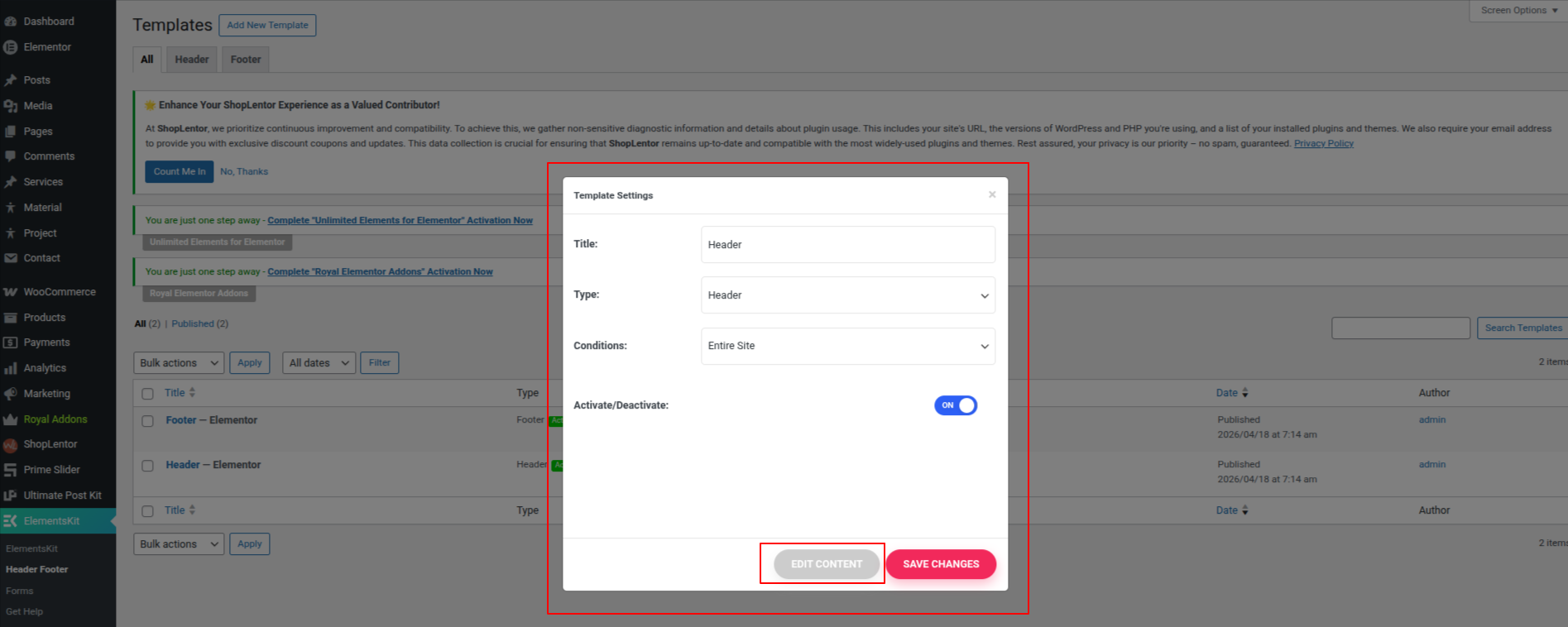
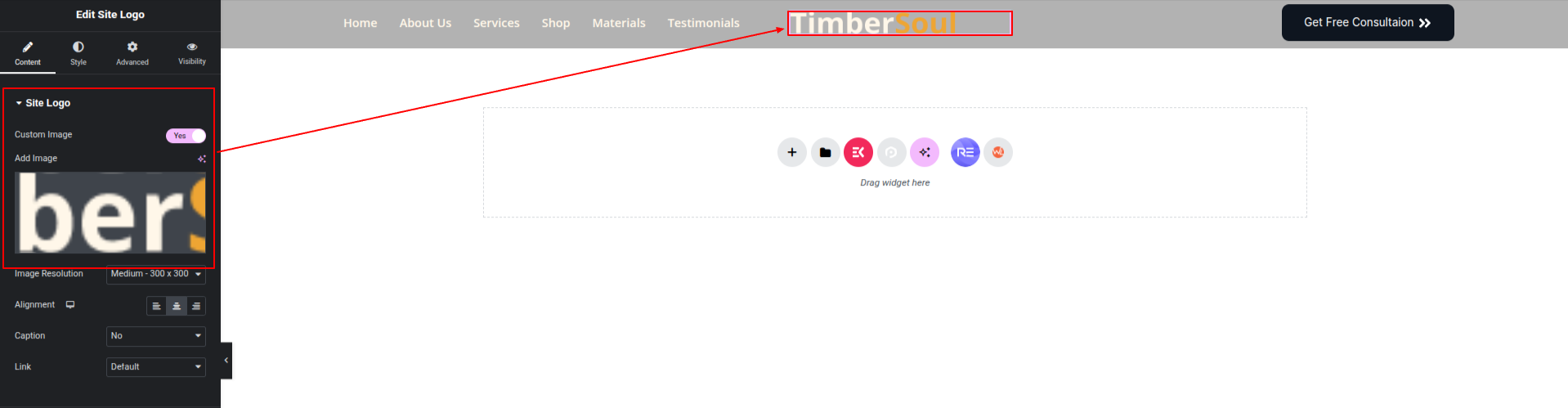
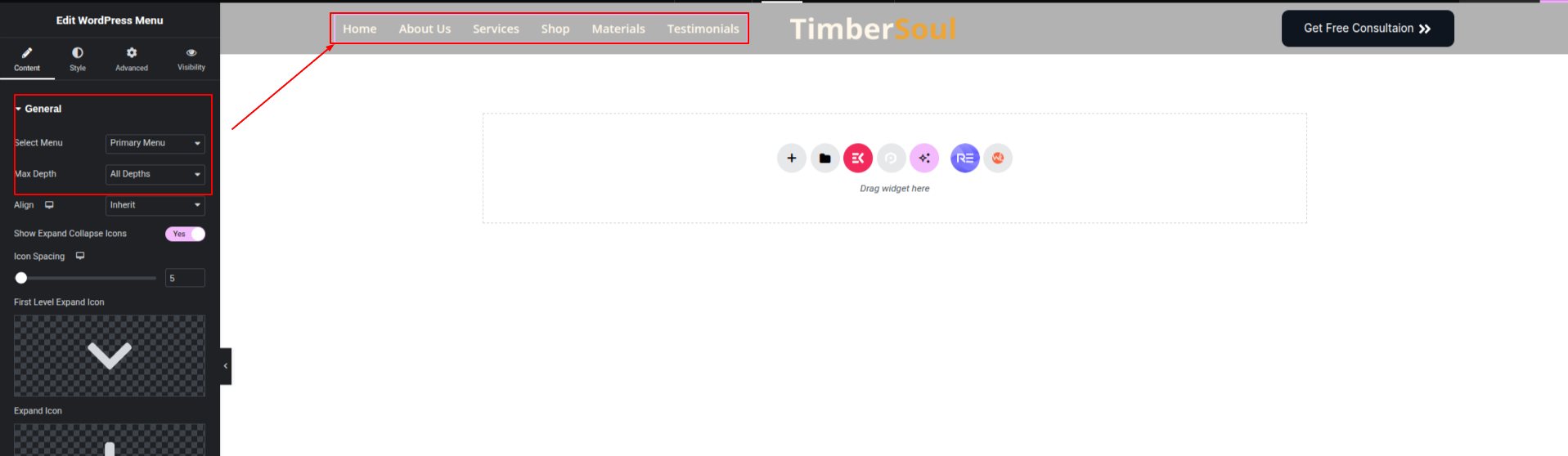
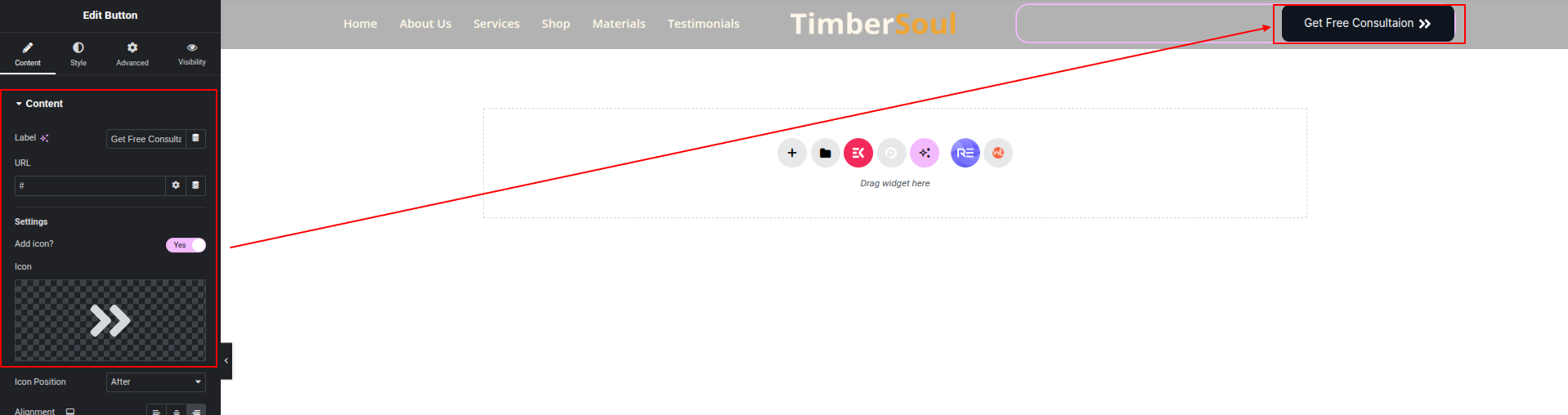
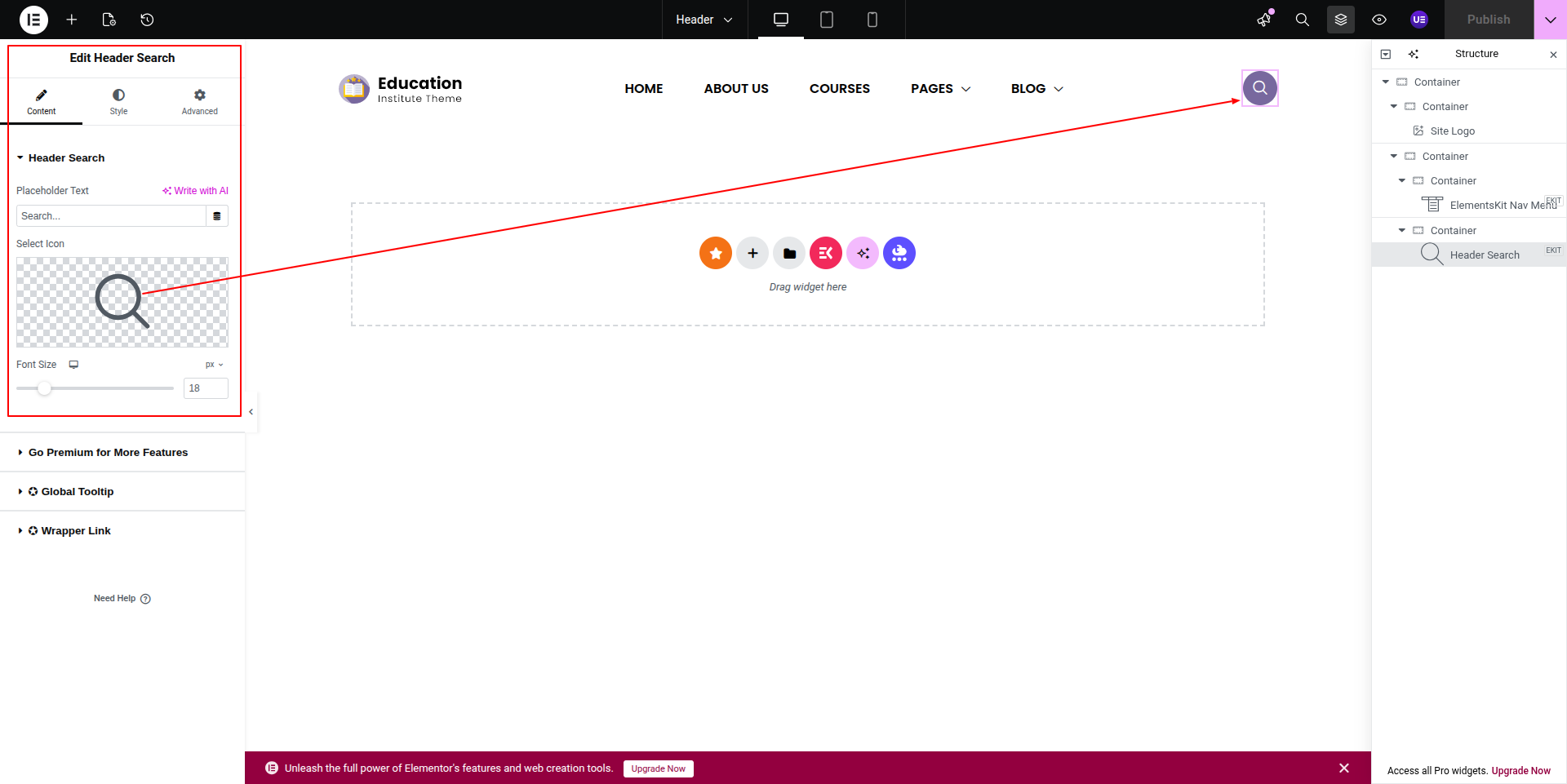
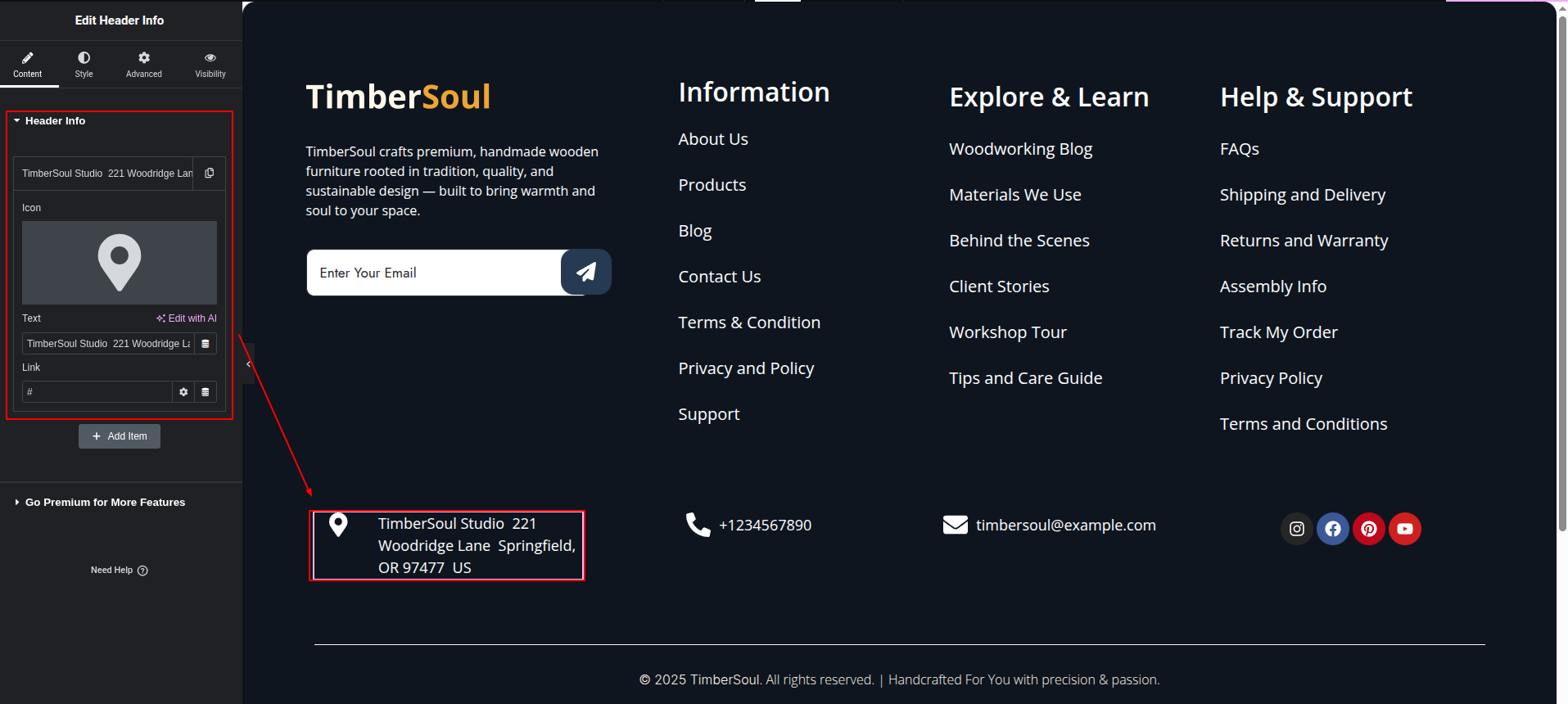
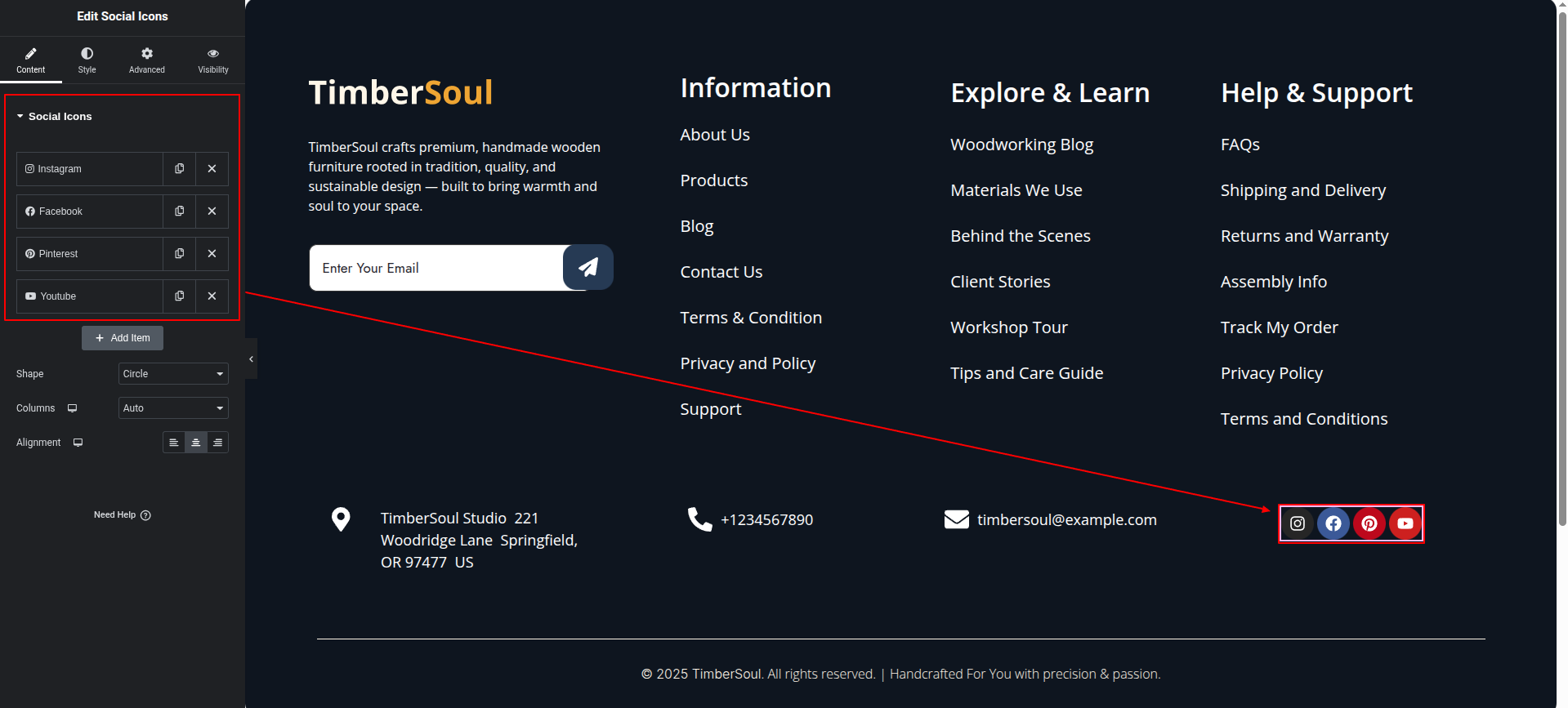
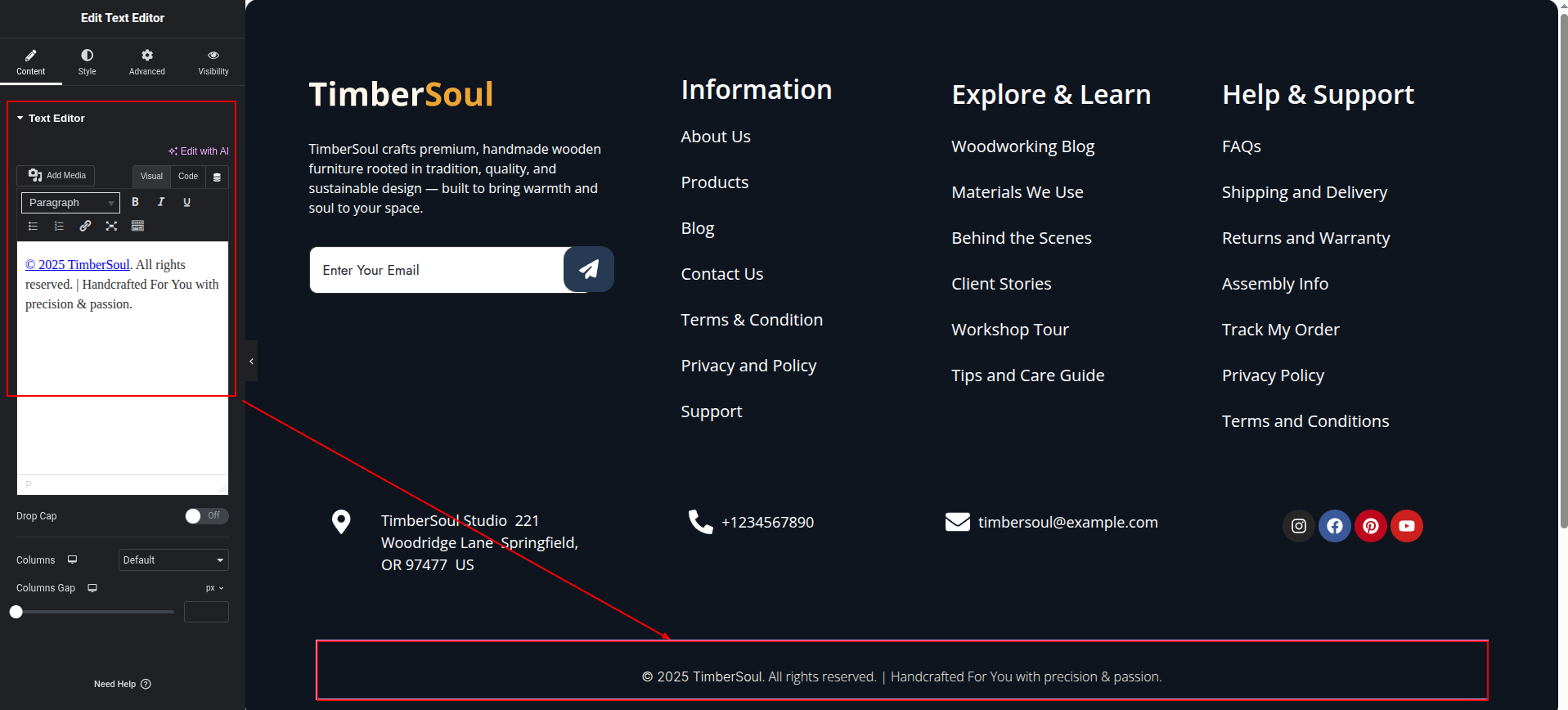
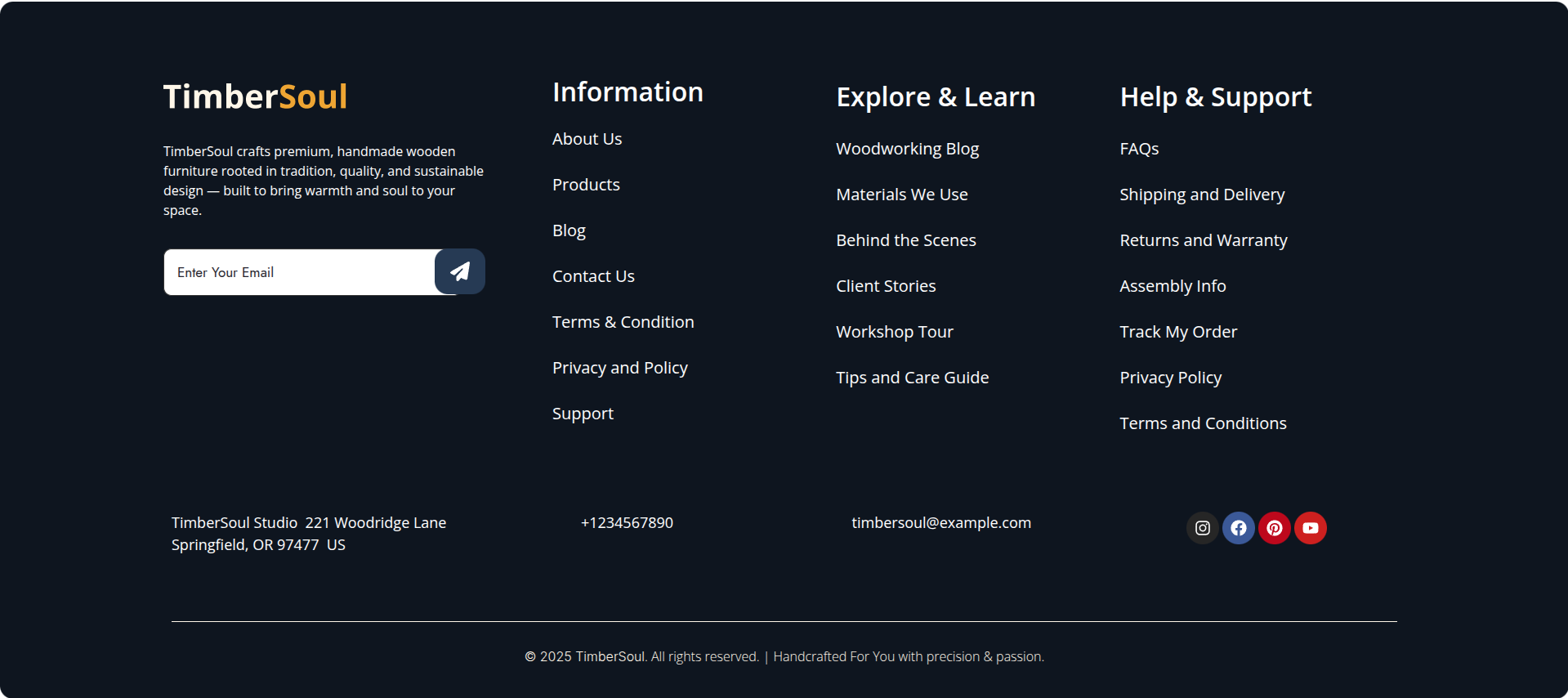
This represents how a header can be added and set up.
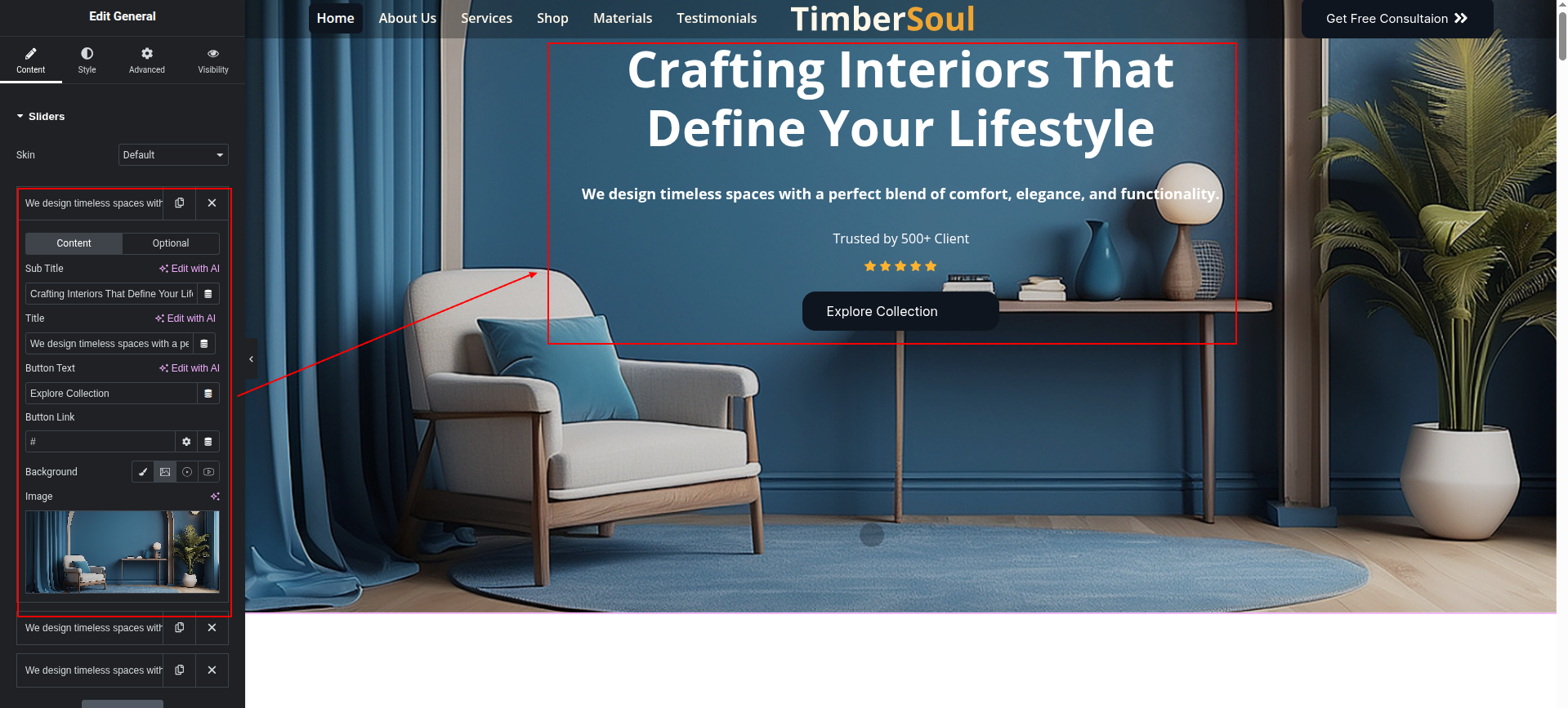
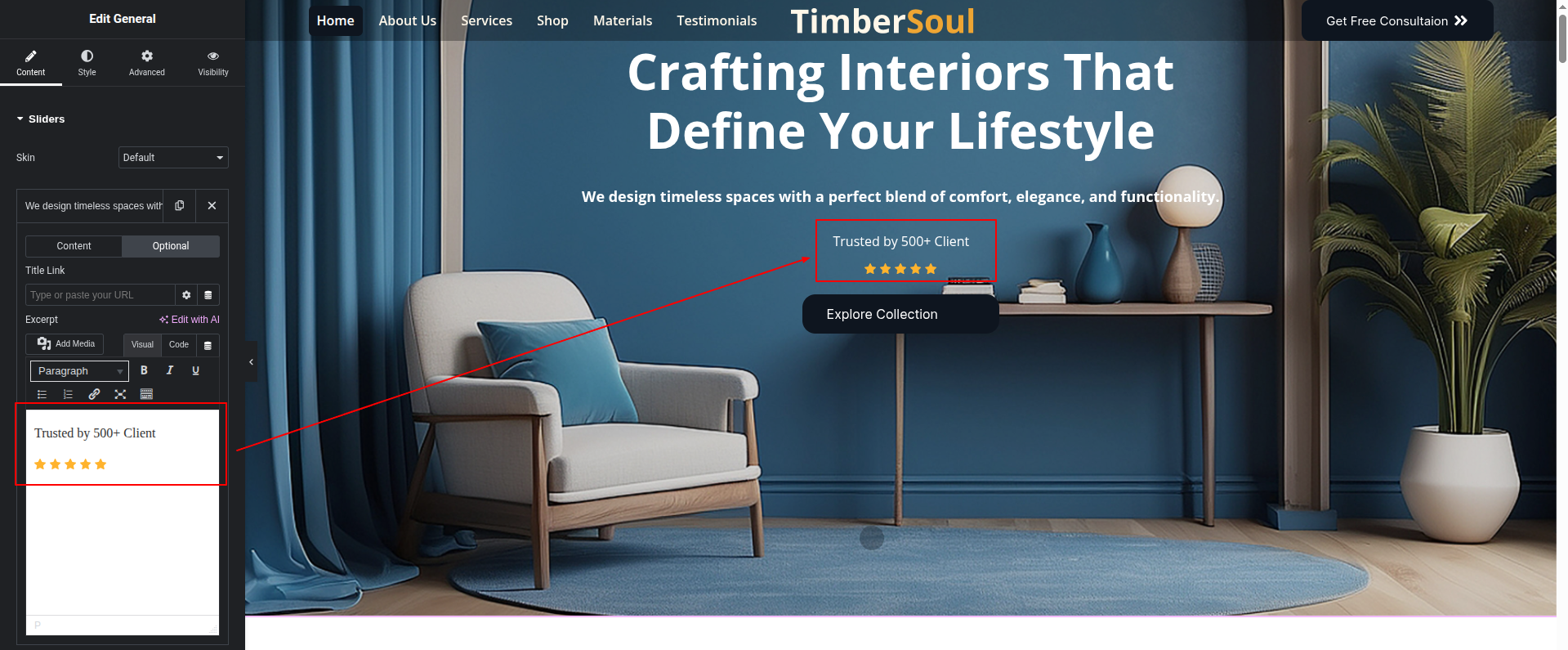
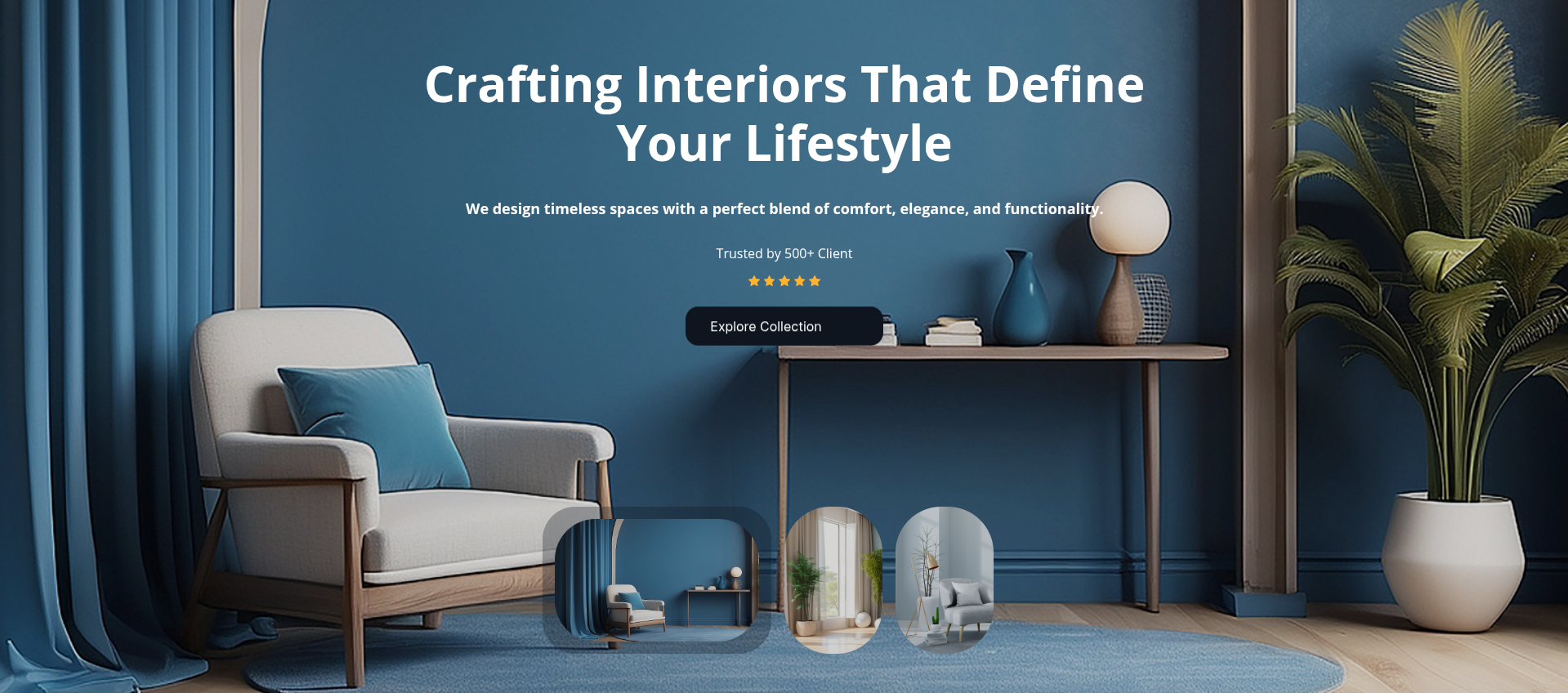
Here you can edit the top Banner section
This represents how a top banner section can be added and set up.
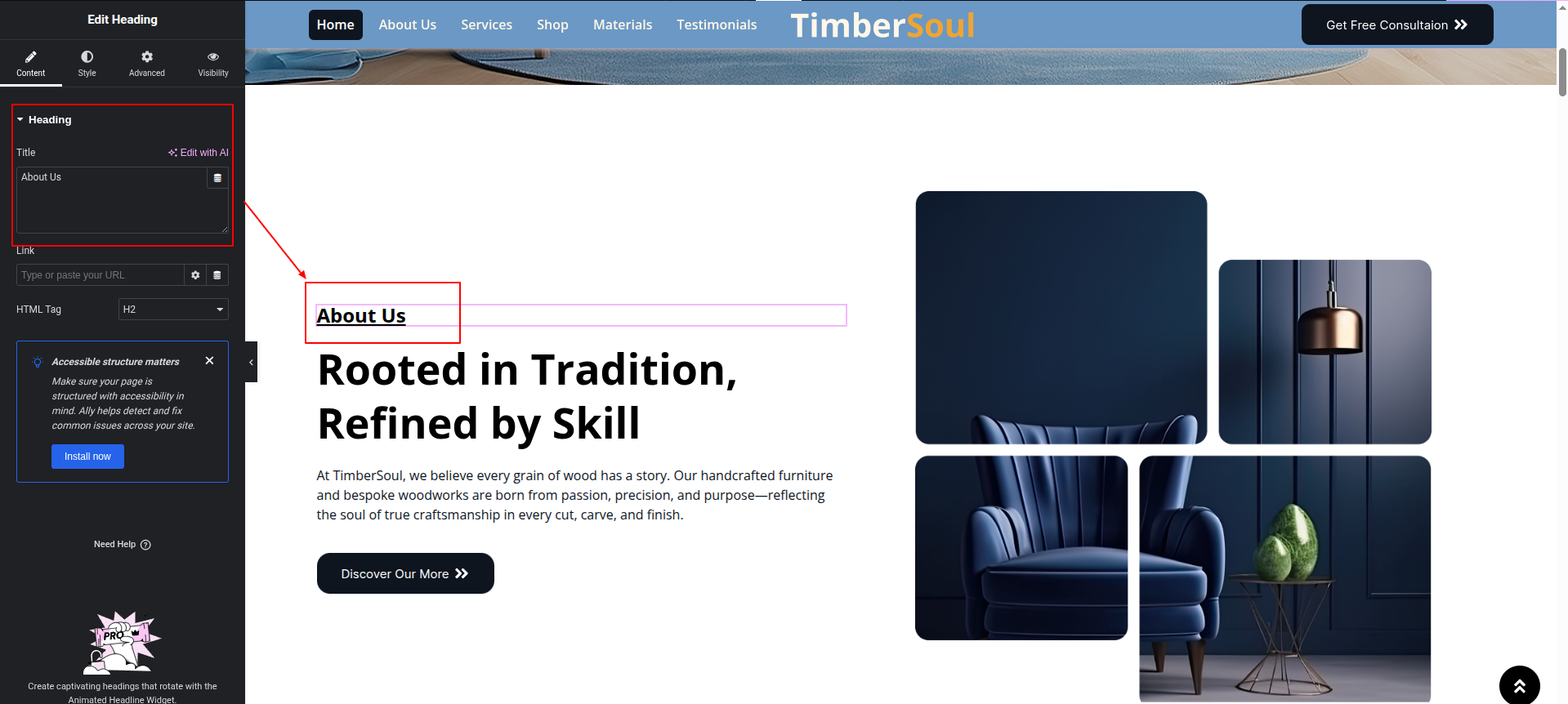
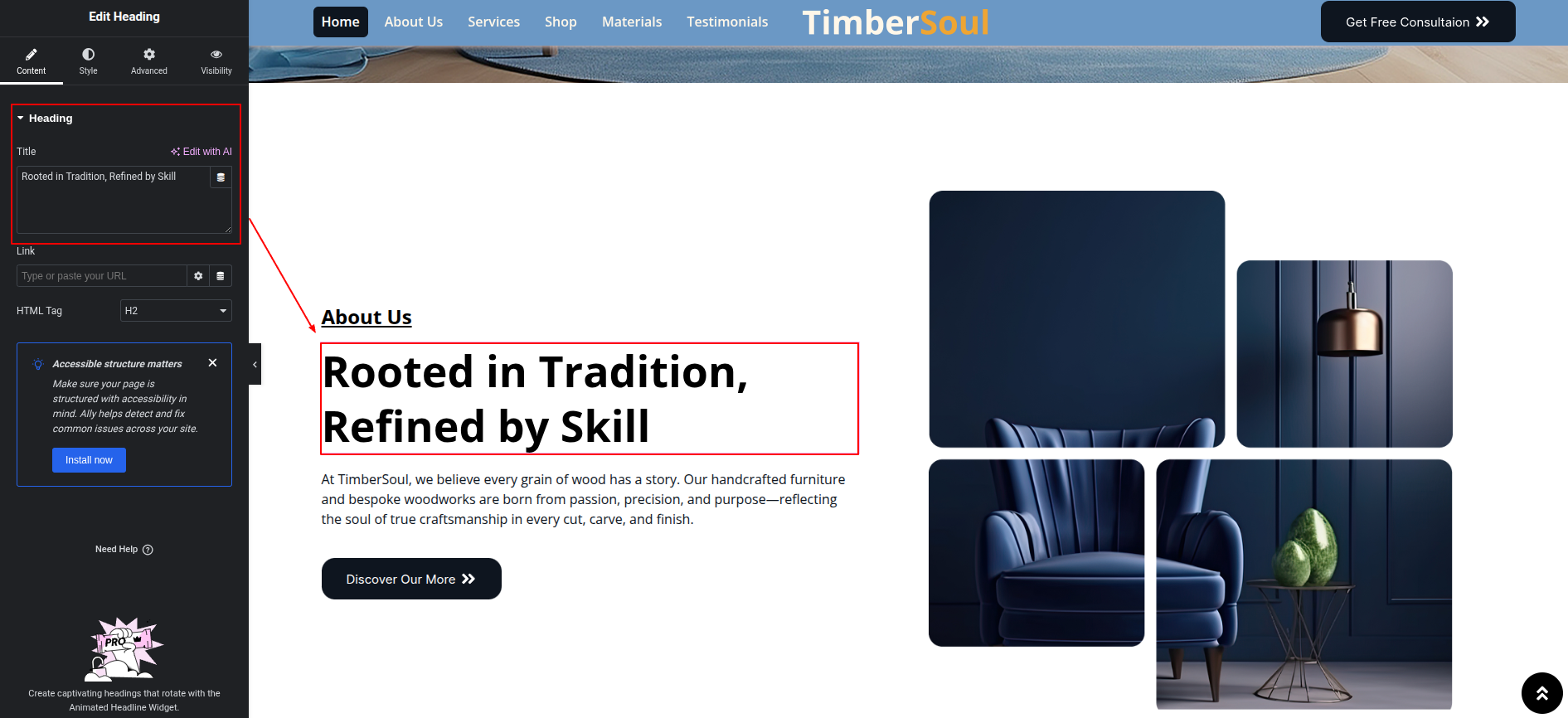
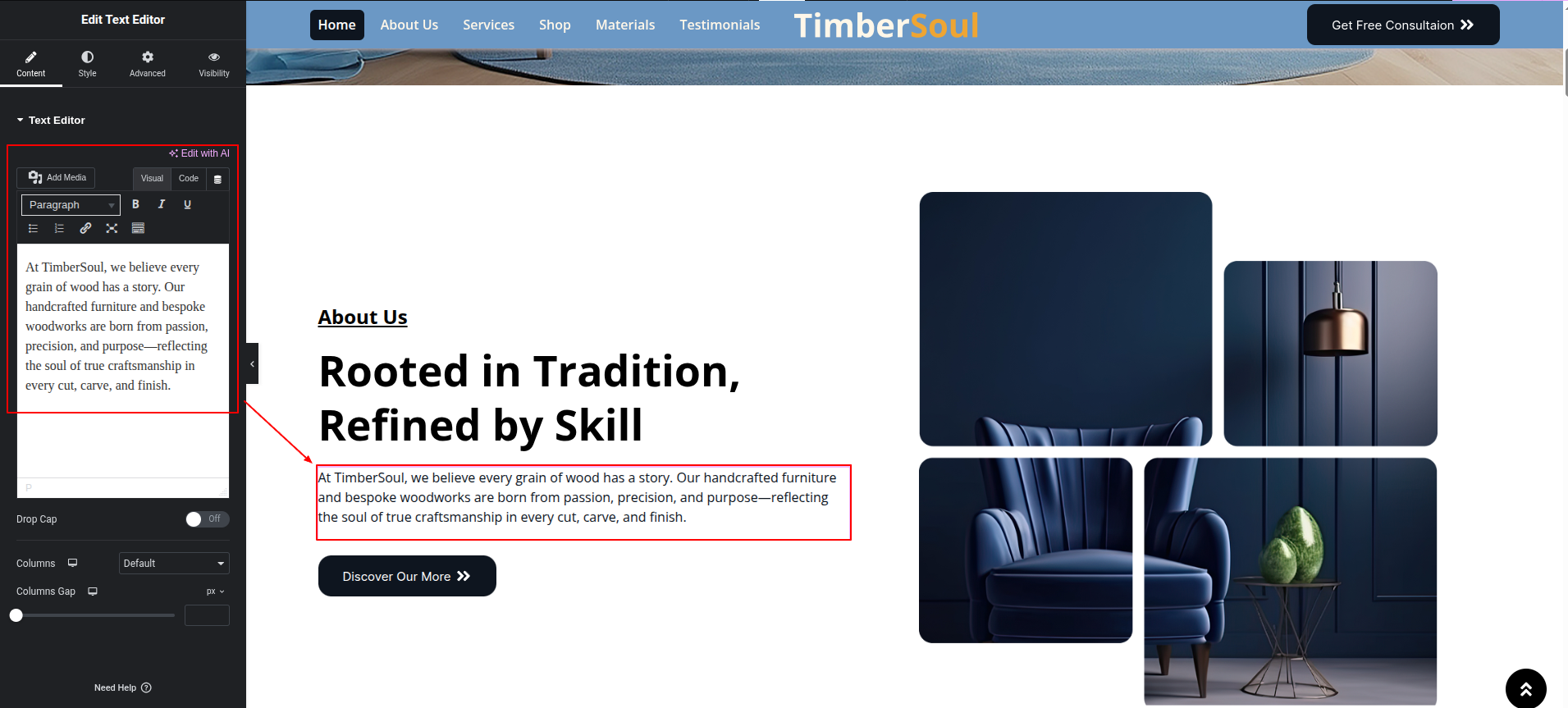
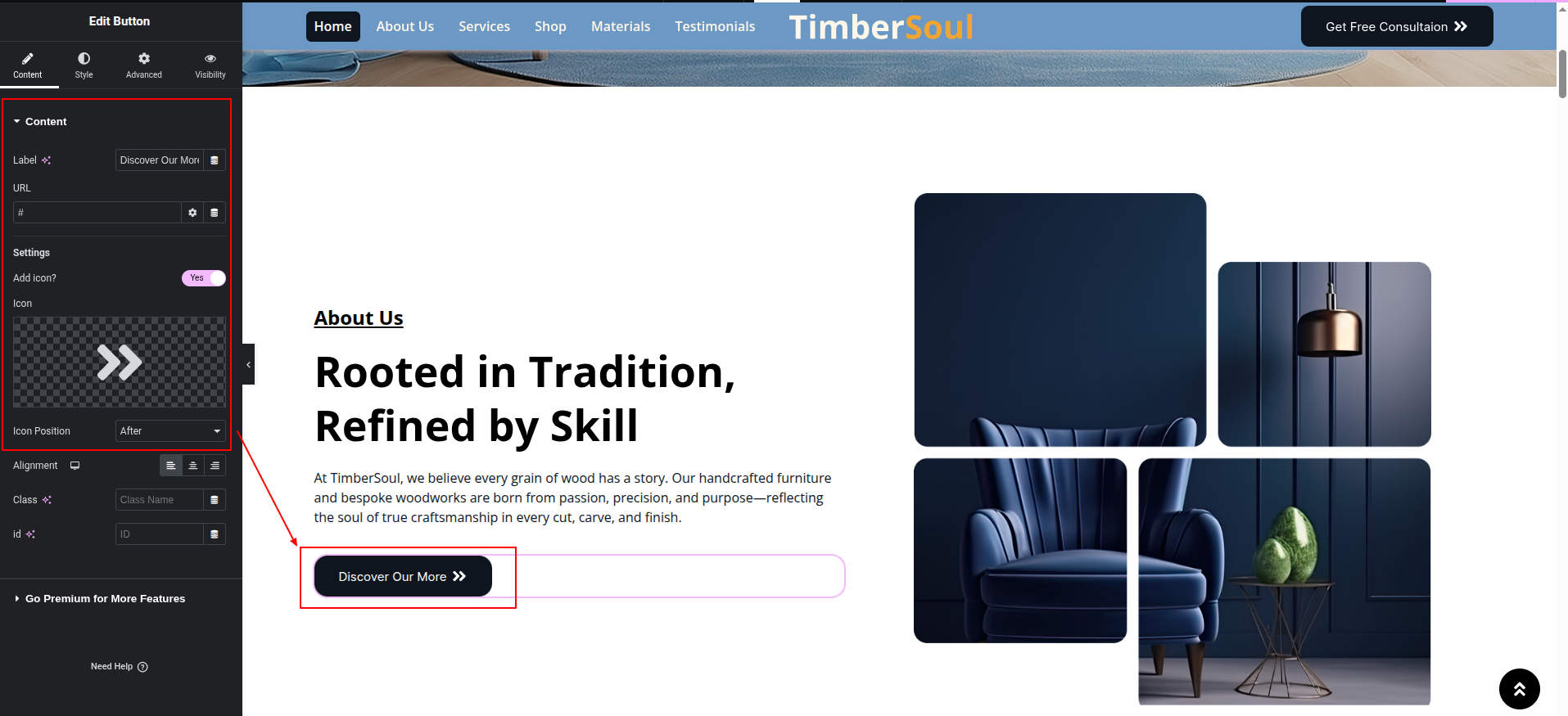
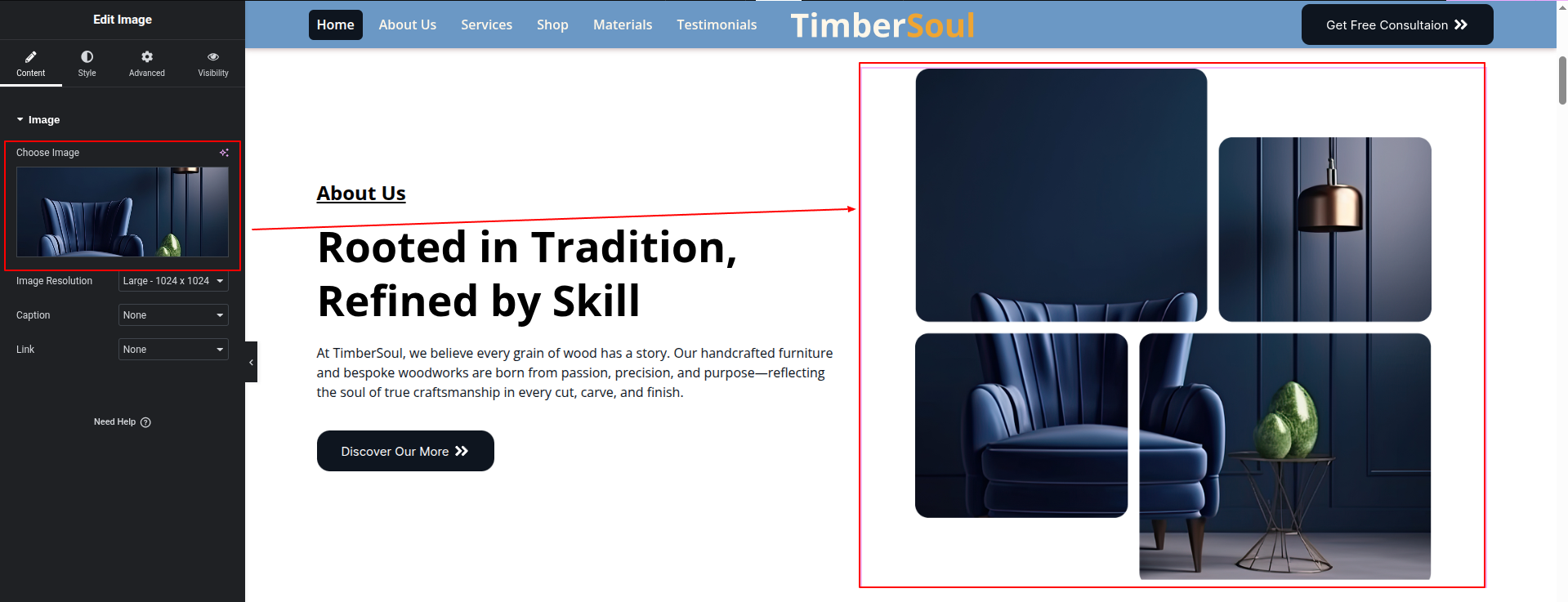
To configure the About Us section
Set up the About Us Section according to the instructions below.
To Edit this Section, Click On the "Edit With Elementor" Button which will open the Elementor Widget editor.
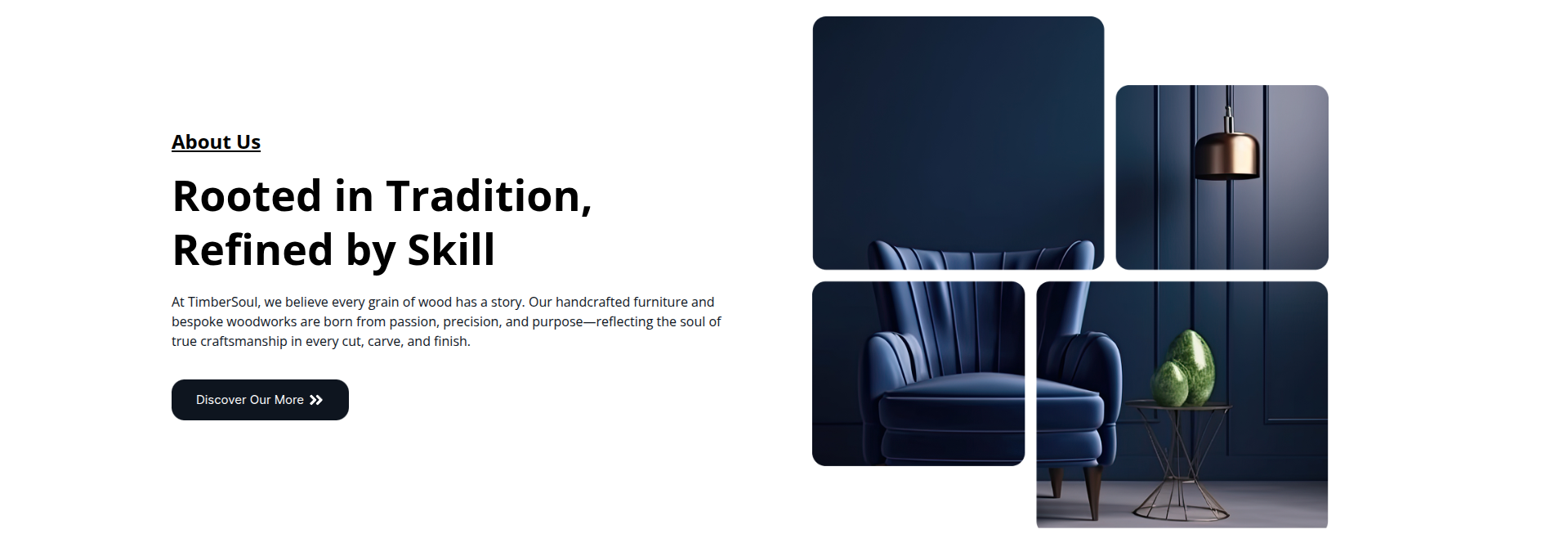
This represents how a About Us section can be added and set up.
To configure the Our Services section
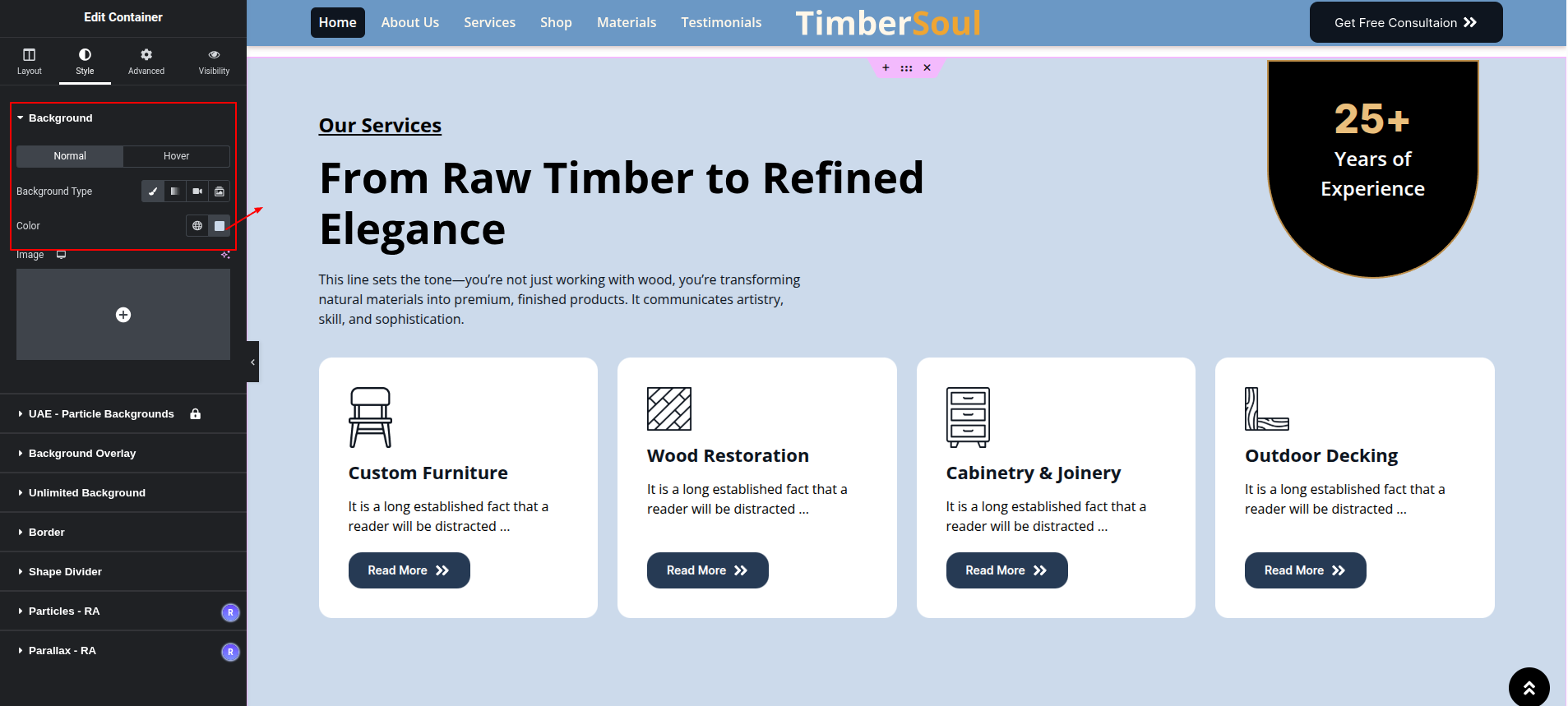
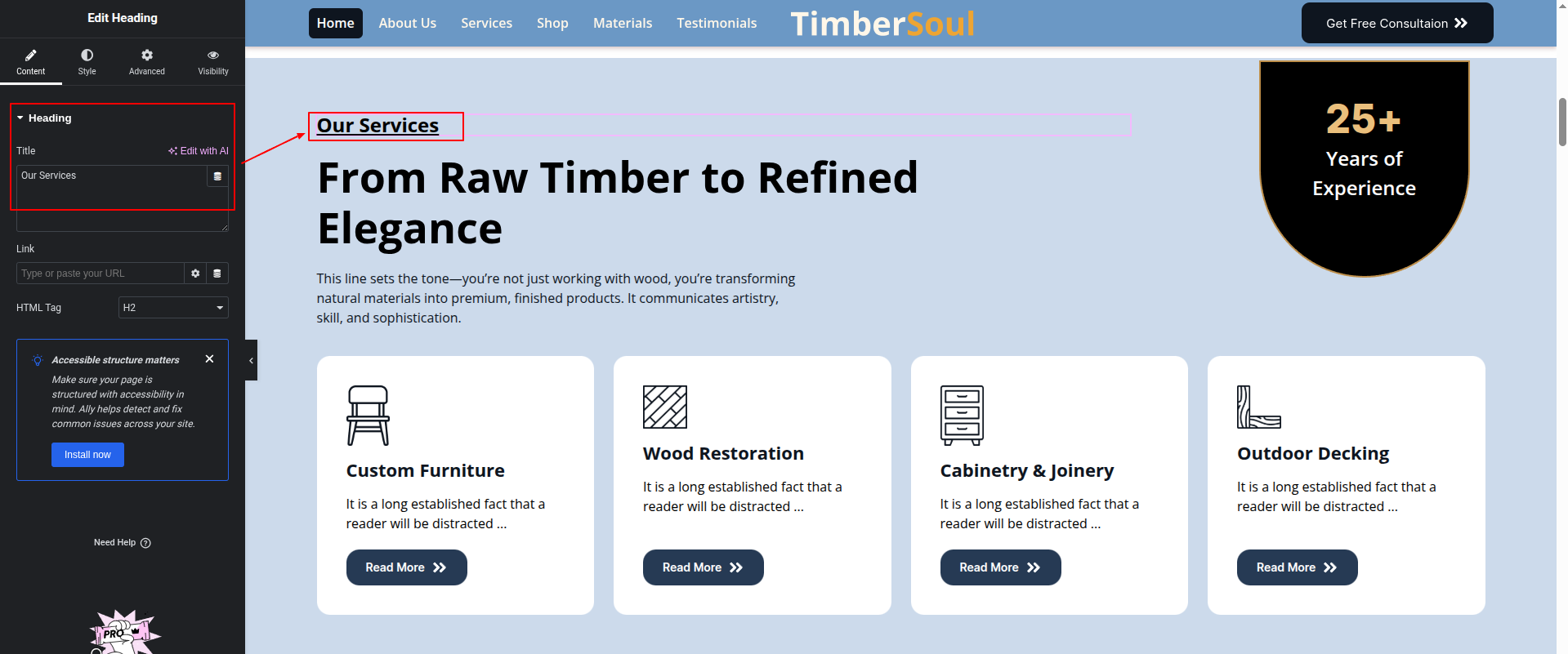
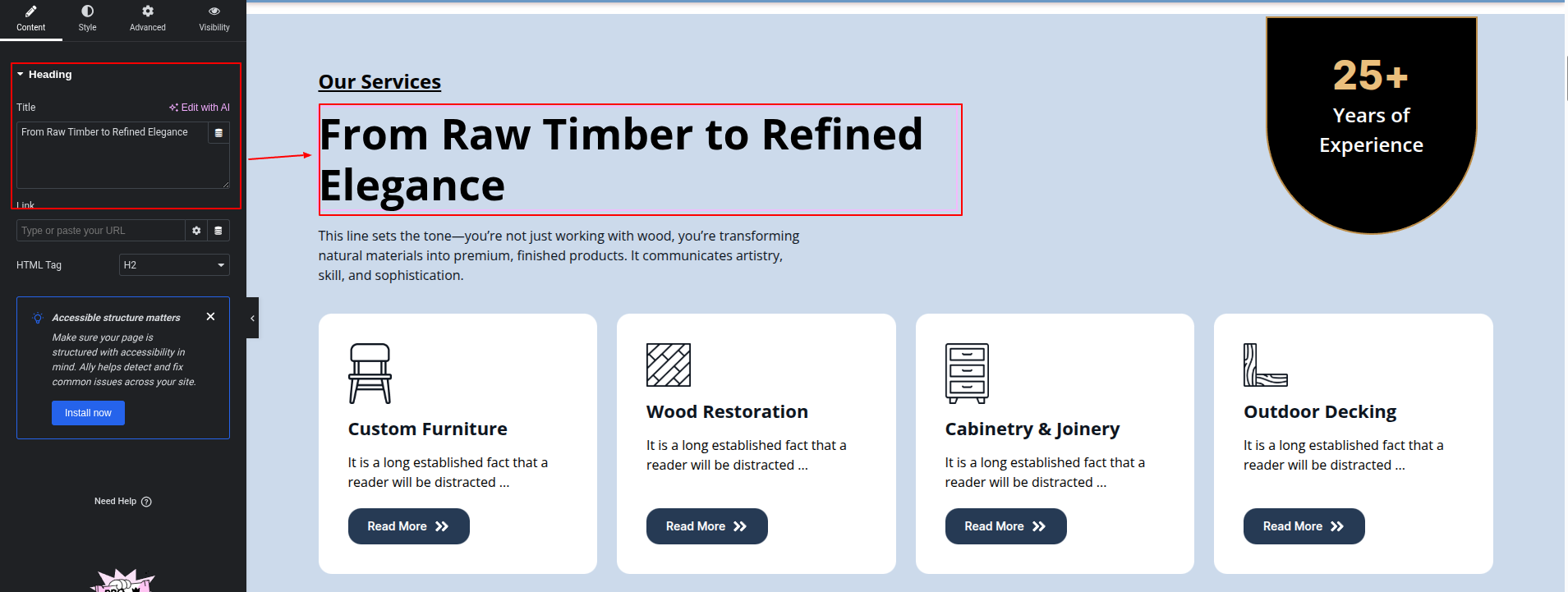
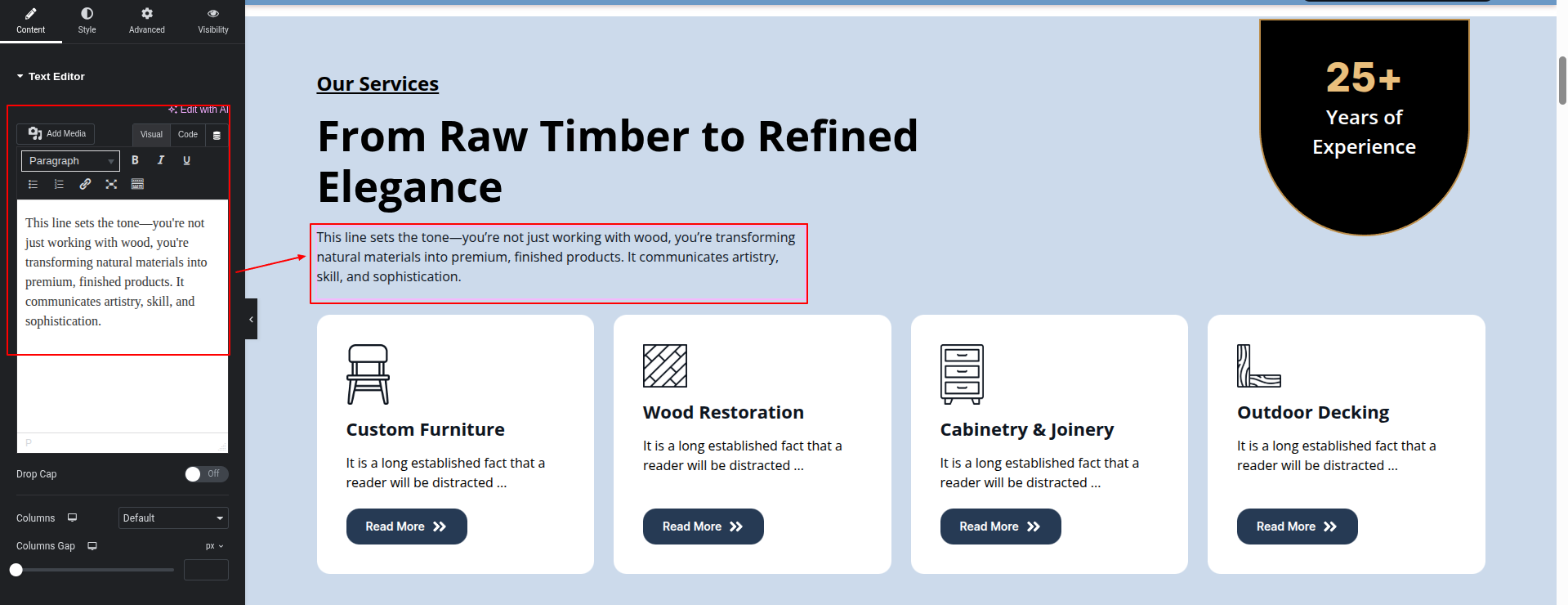
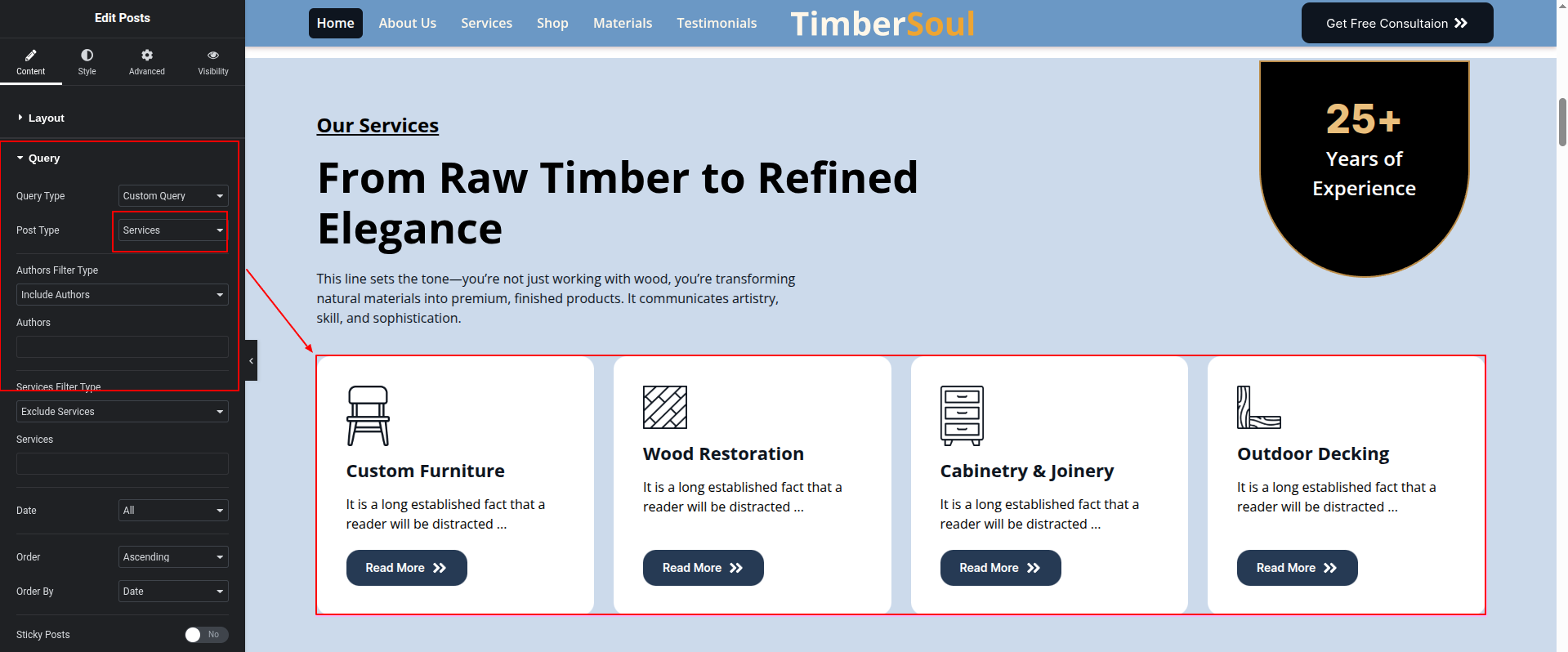
Set up the Our Services Section according to the instructions below.
To Edit this Section, Click On the "Edit With Elementor" Button which will open the Elementor Widget editor.
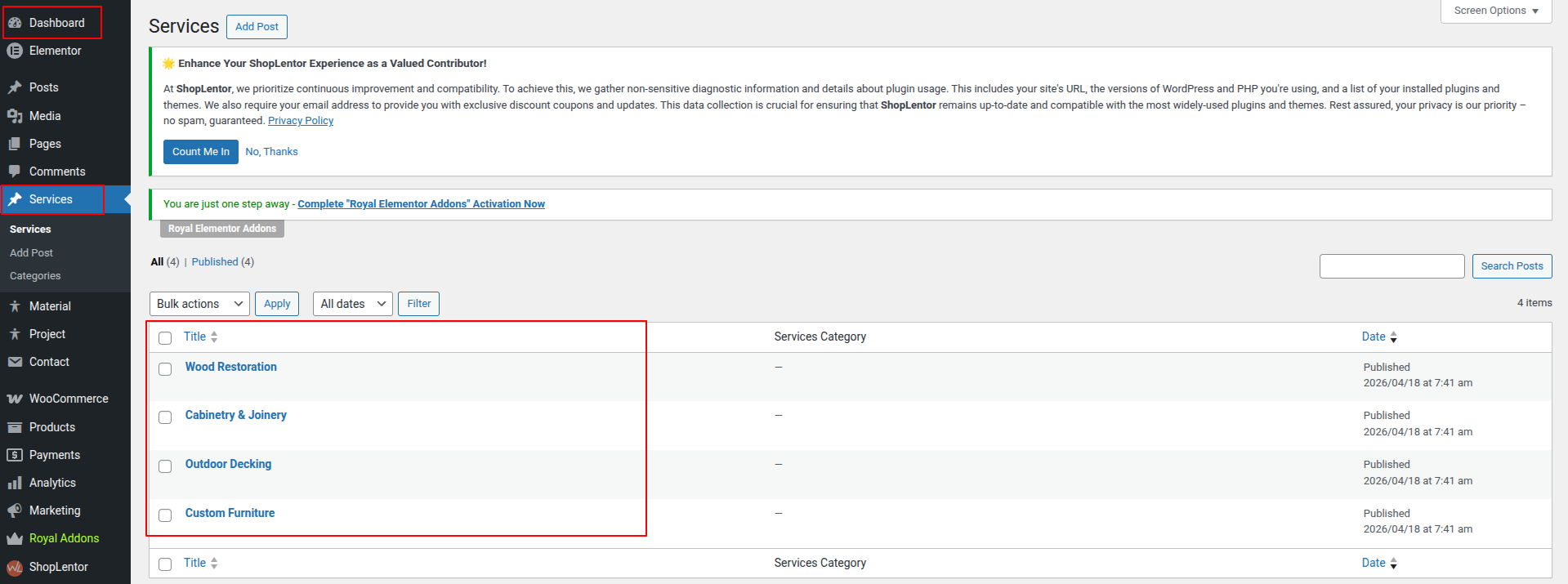
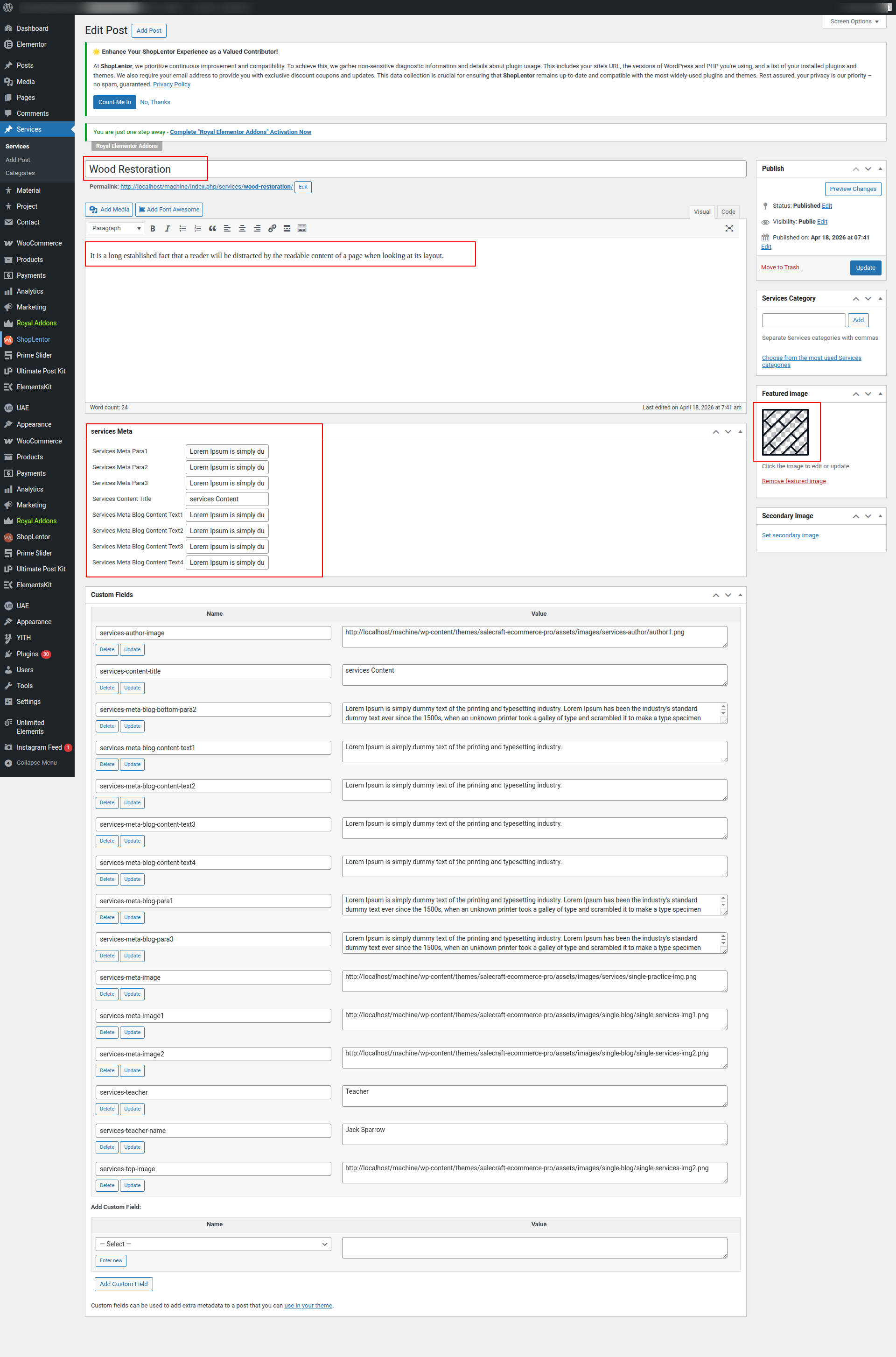
Set up the Our Services Section according to the instructions below.
Go To Dashboard >> Services
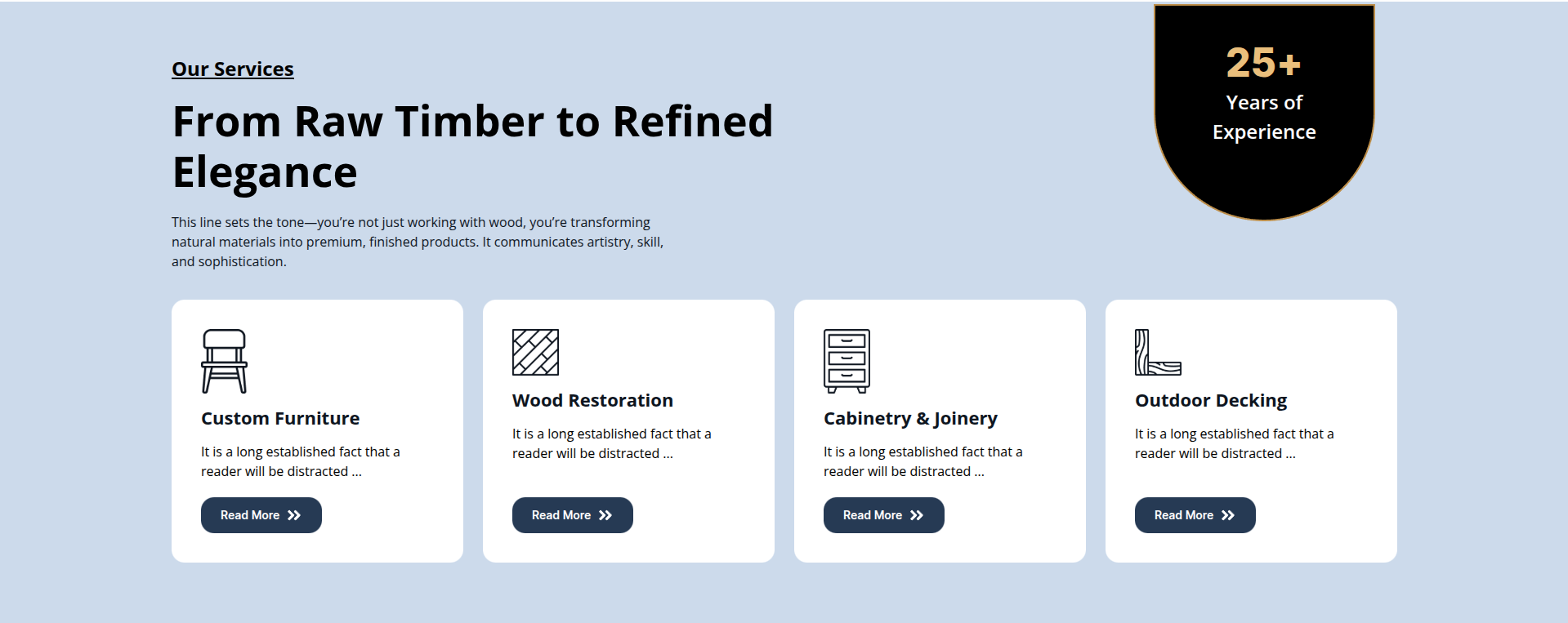
This represents how a Our Services section can be added and set up.
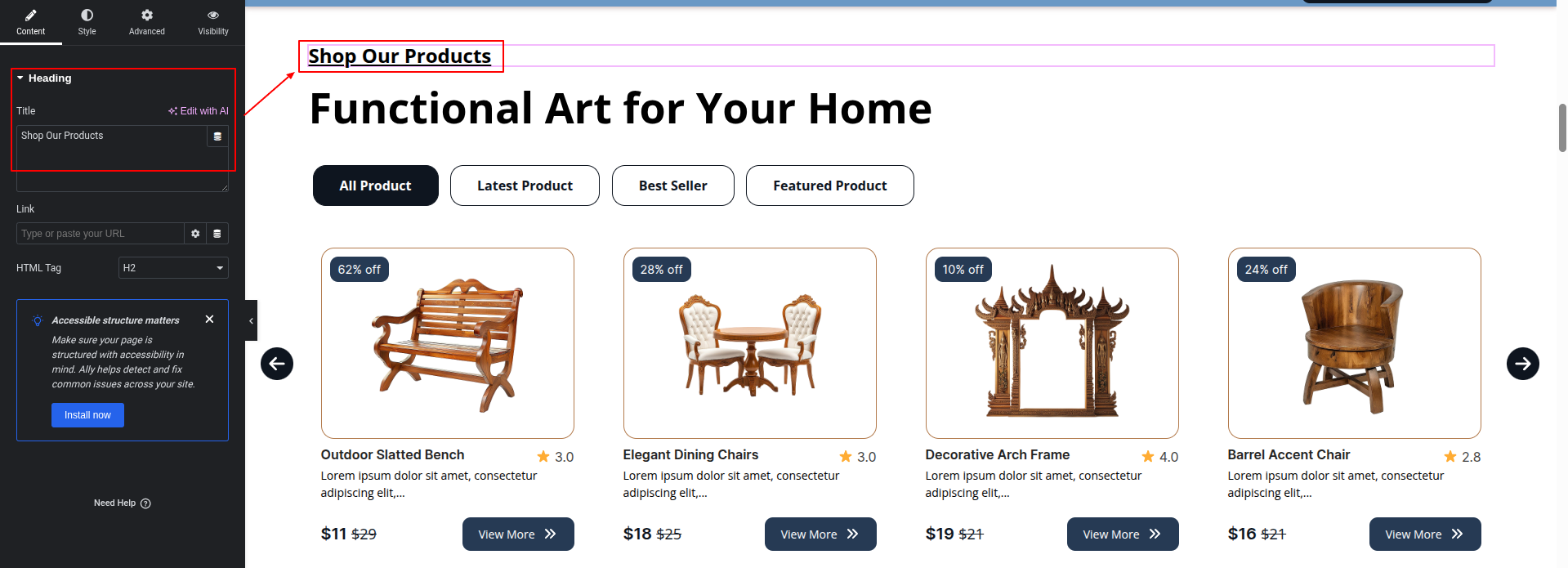
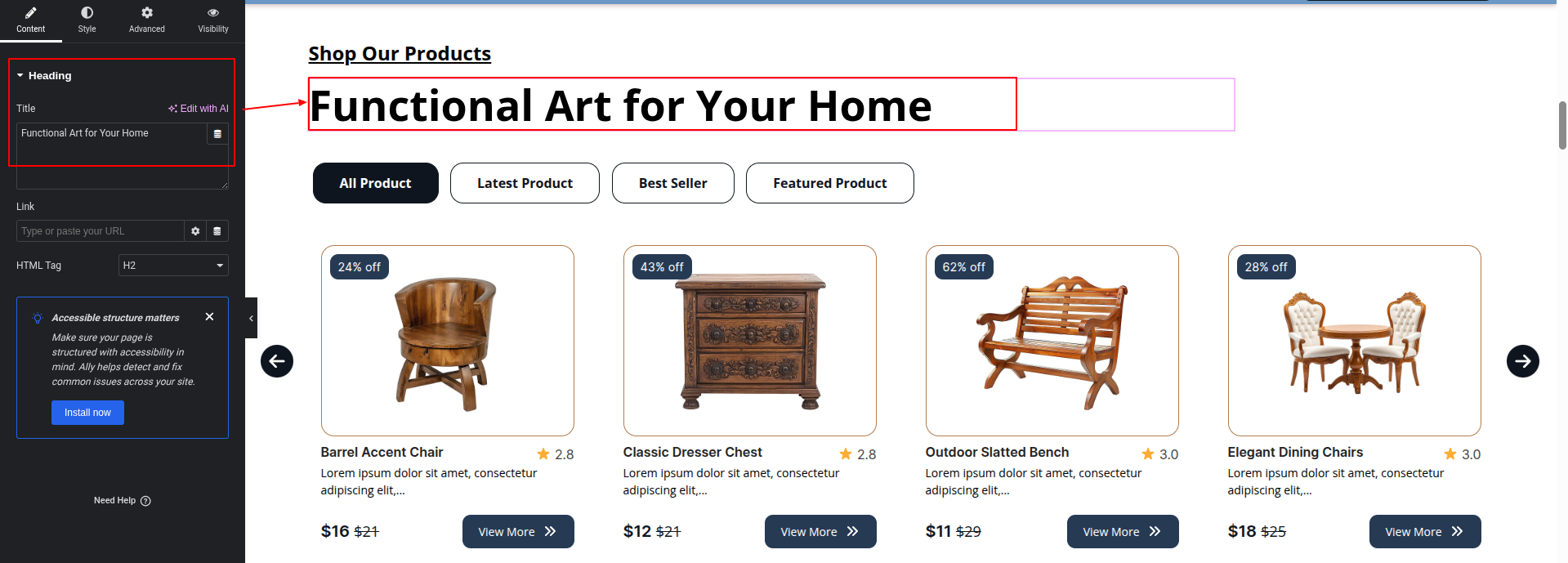
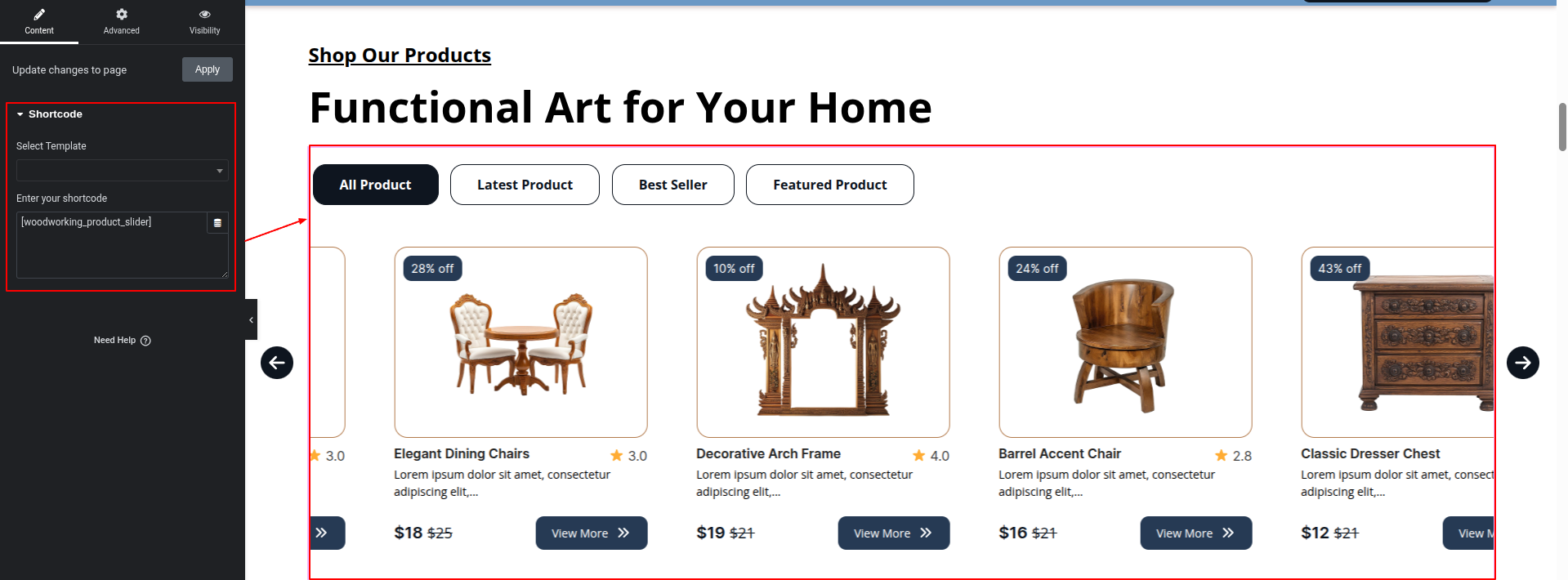
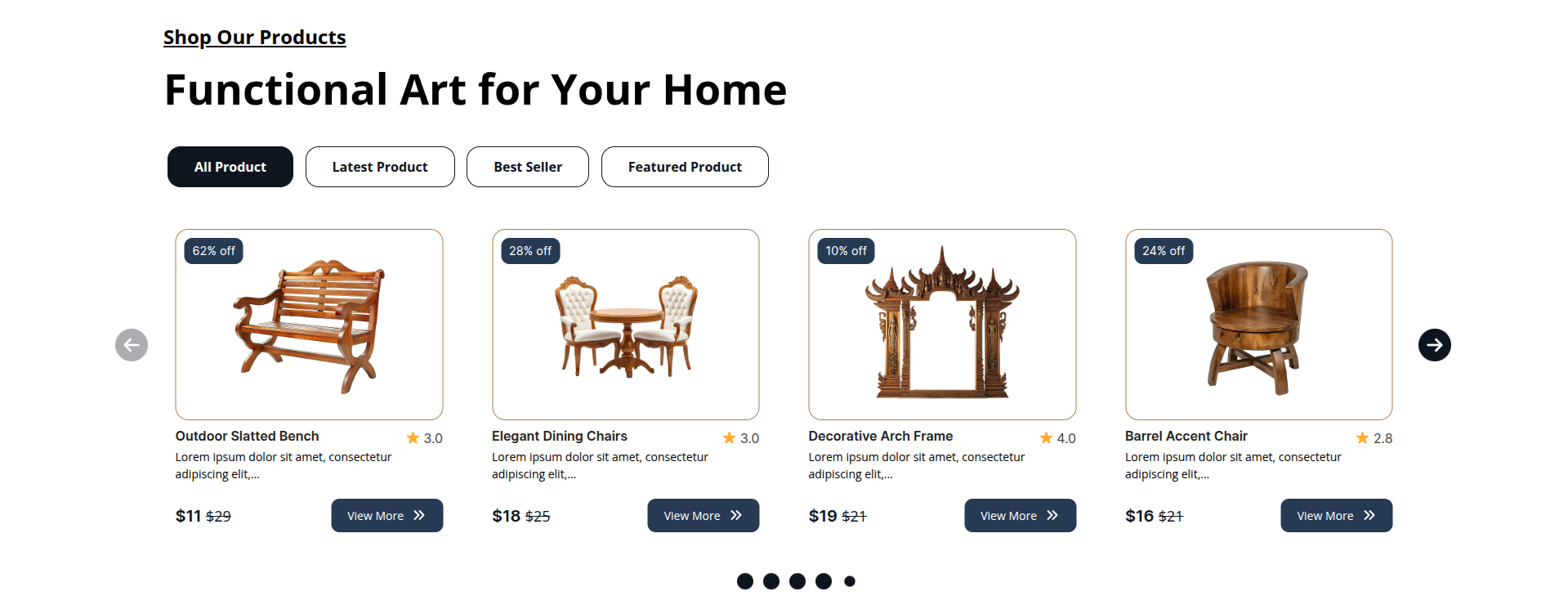
To configure the Our Products Section
Set up the Our Products Section according to the instructions below.
To Edit this Section, Click On the "Edit With Elementor" Button which will open the Elementor Widget editor.
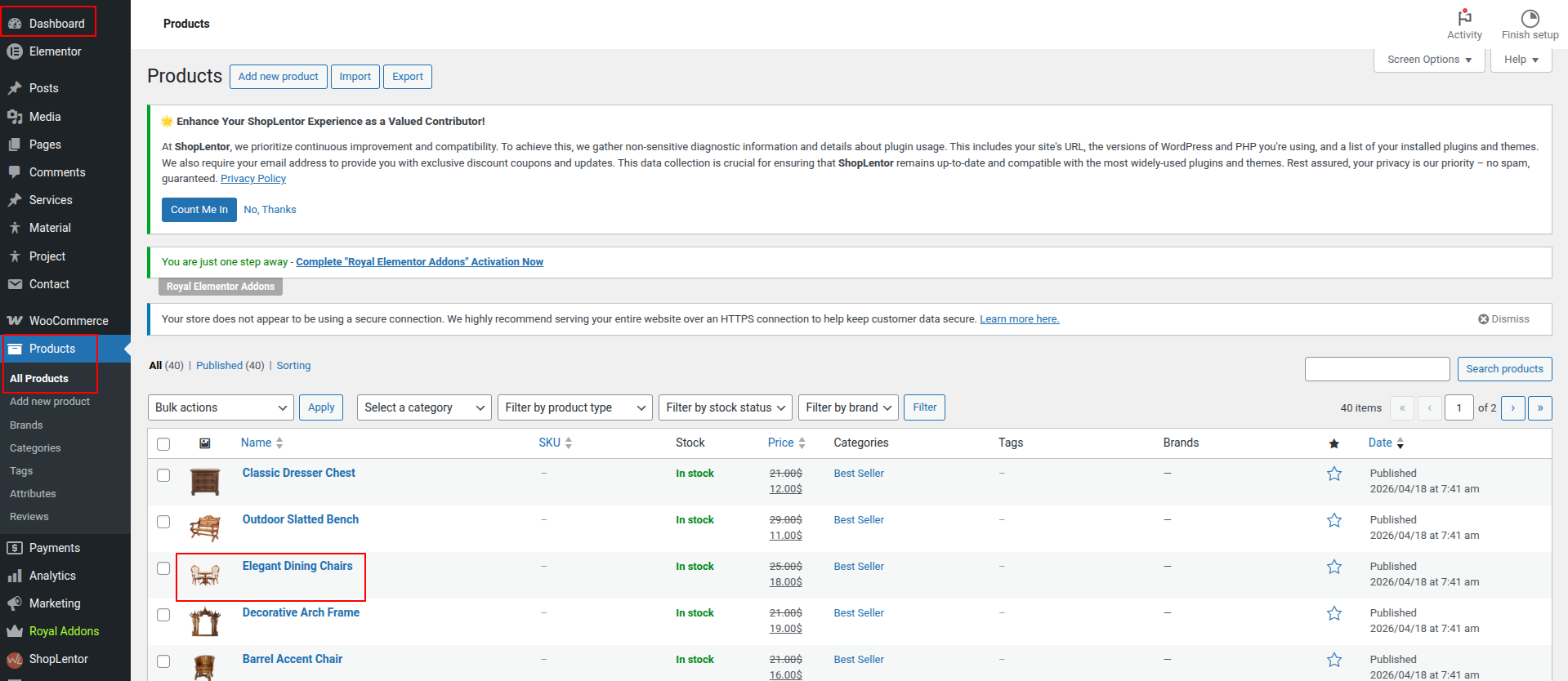
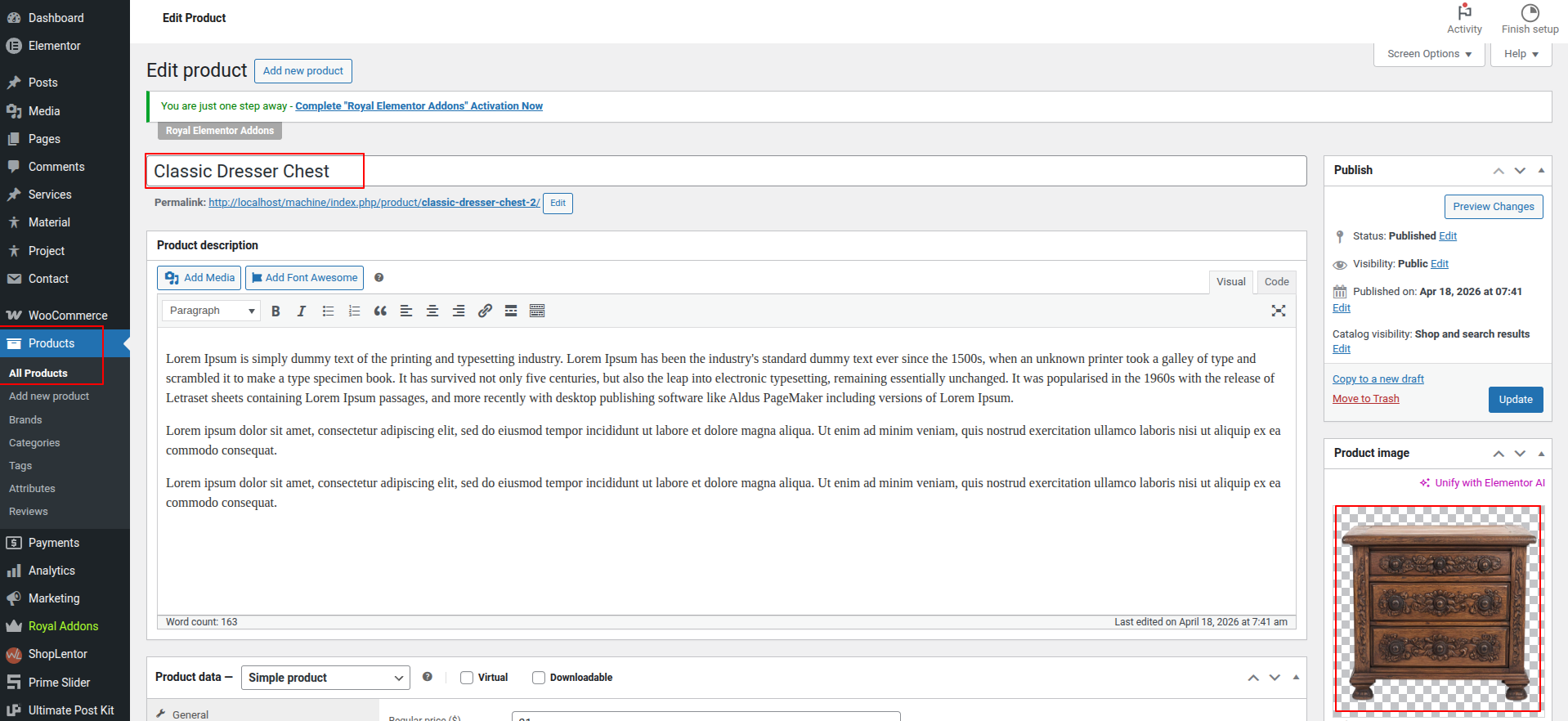
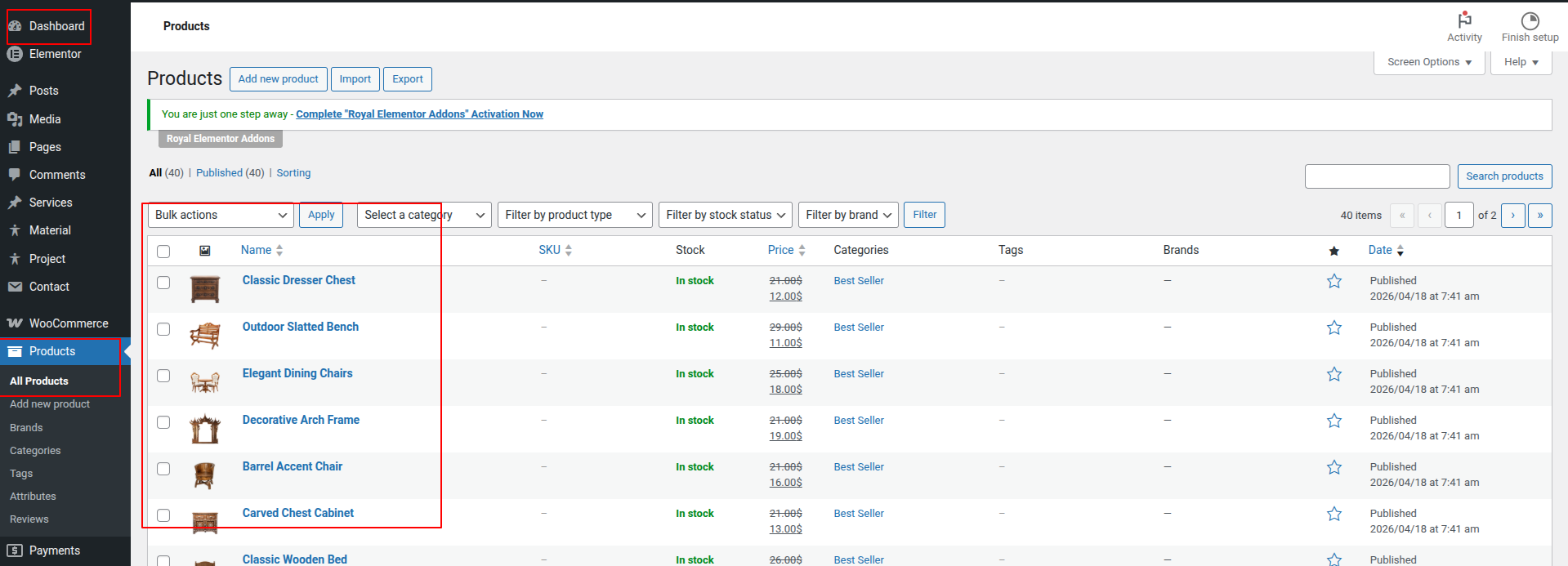
The Products Are comes from the dashboard.
Go To Dashboard > Products > All Products
Here you can edit the Courses from the dashboard.
This represents how a Our Products Section can be added and set up.
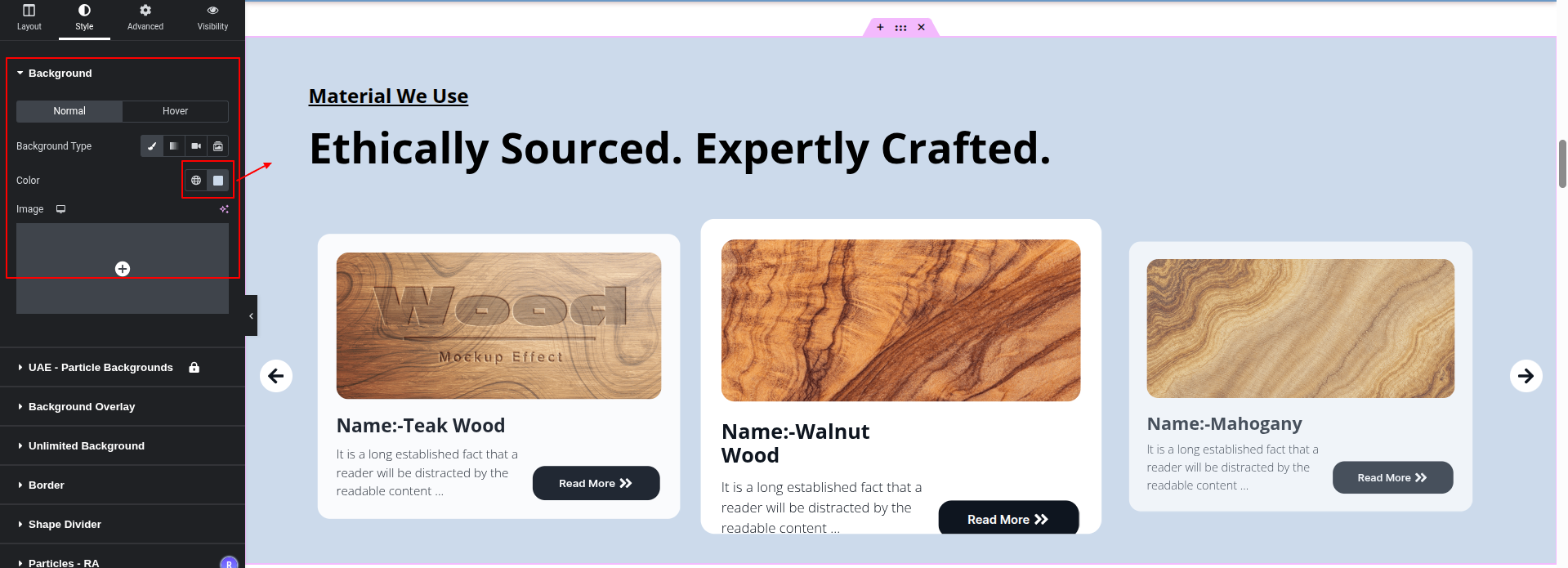
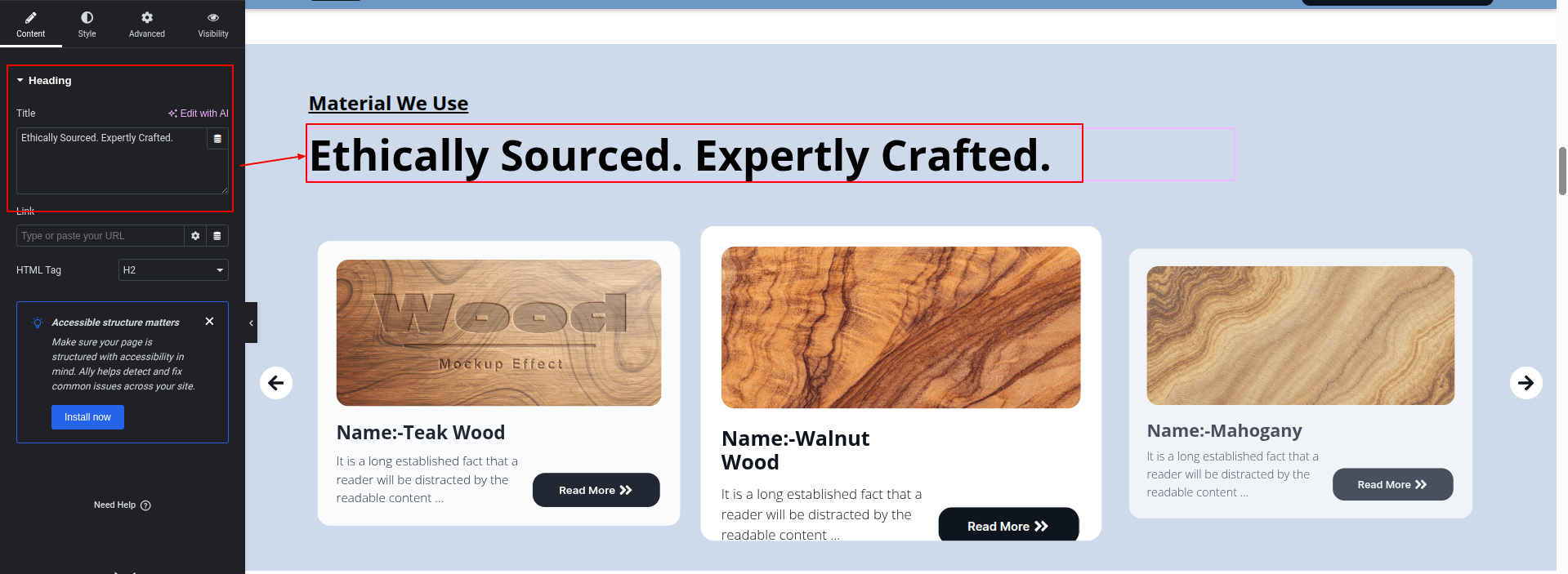
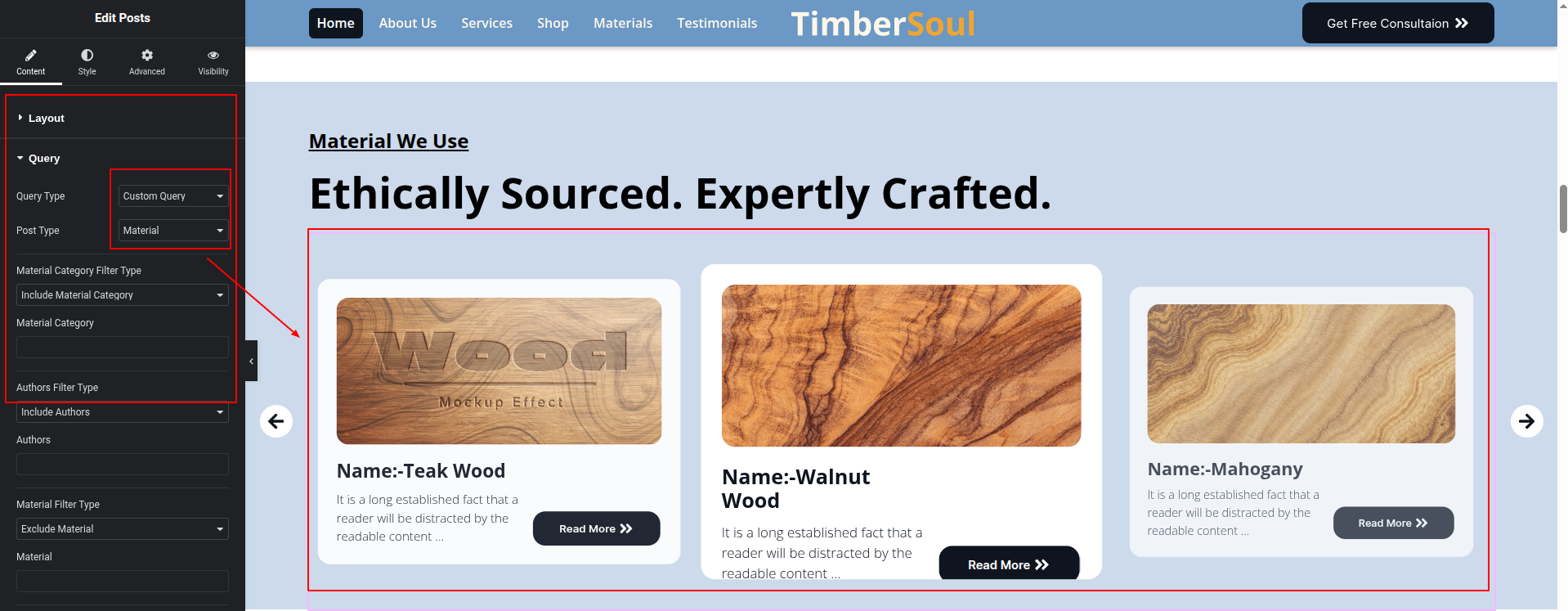
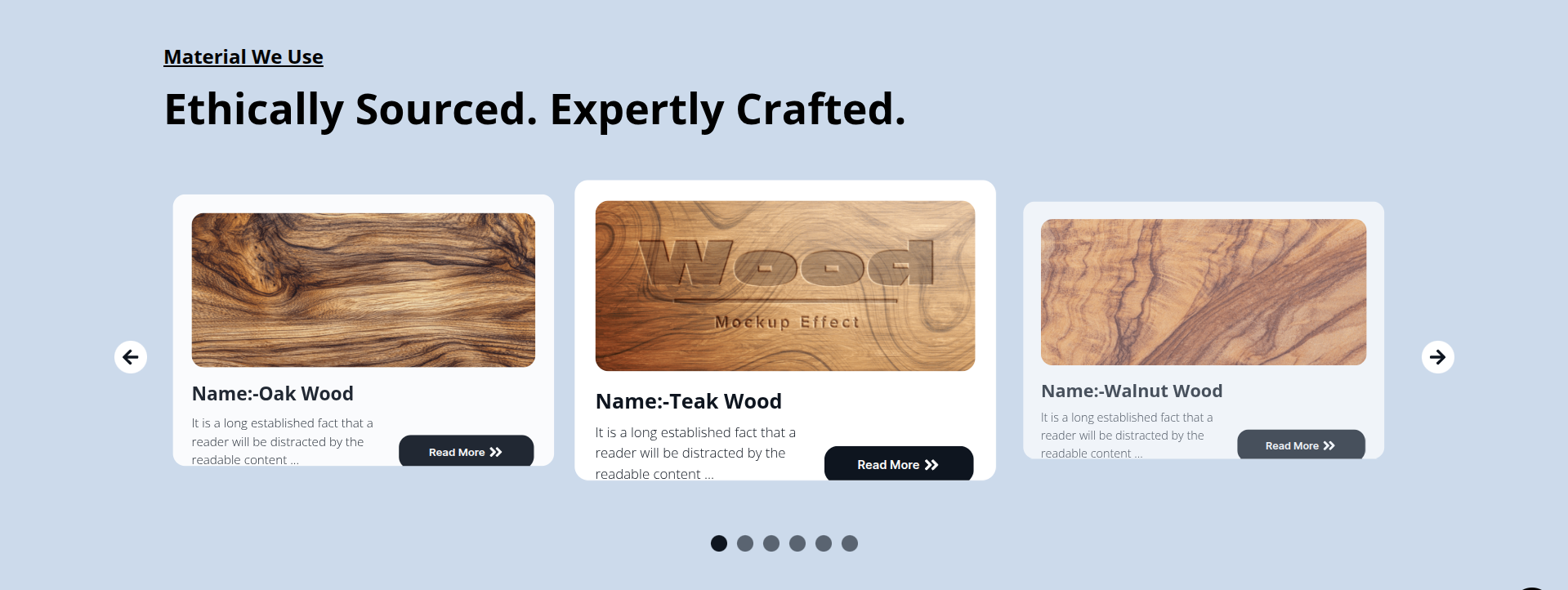
To configure the Materials Section
Set up the Materials Section according to the instructions below.
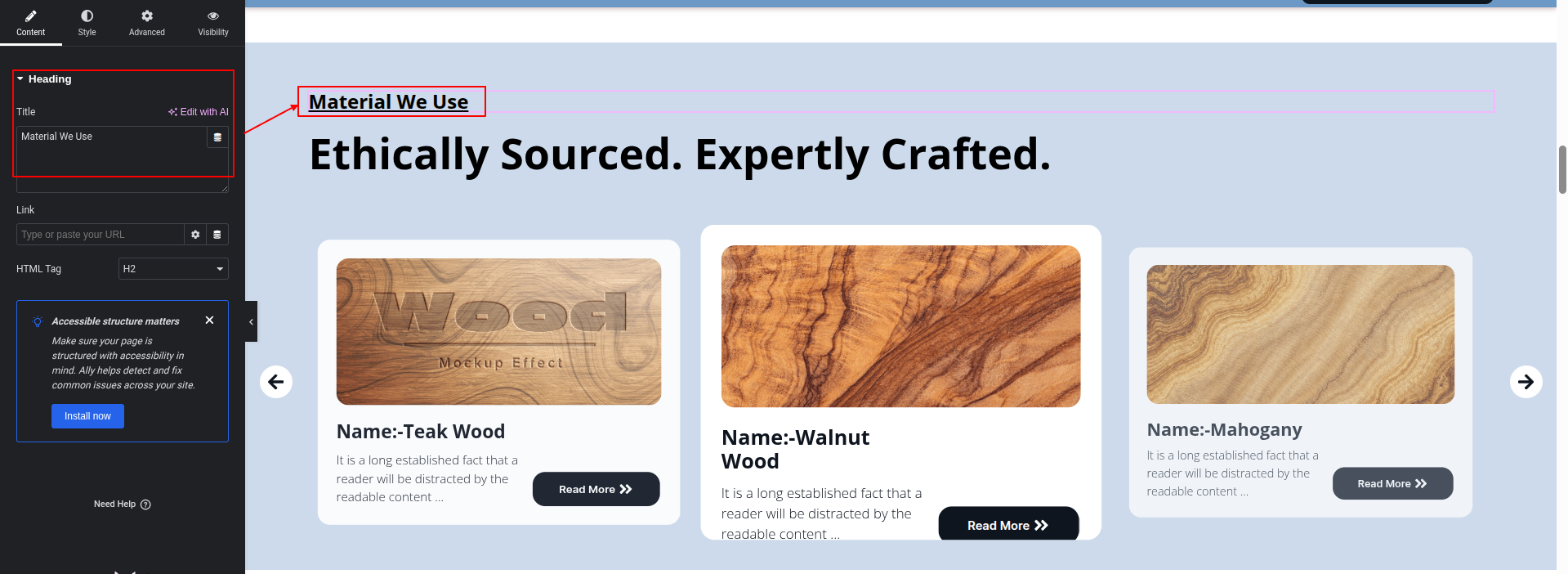
To Edit this Section, Click On the "Edit With Elementor" Button which will open the Elementor Widget editor.
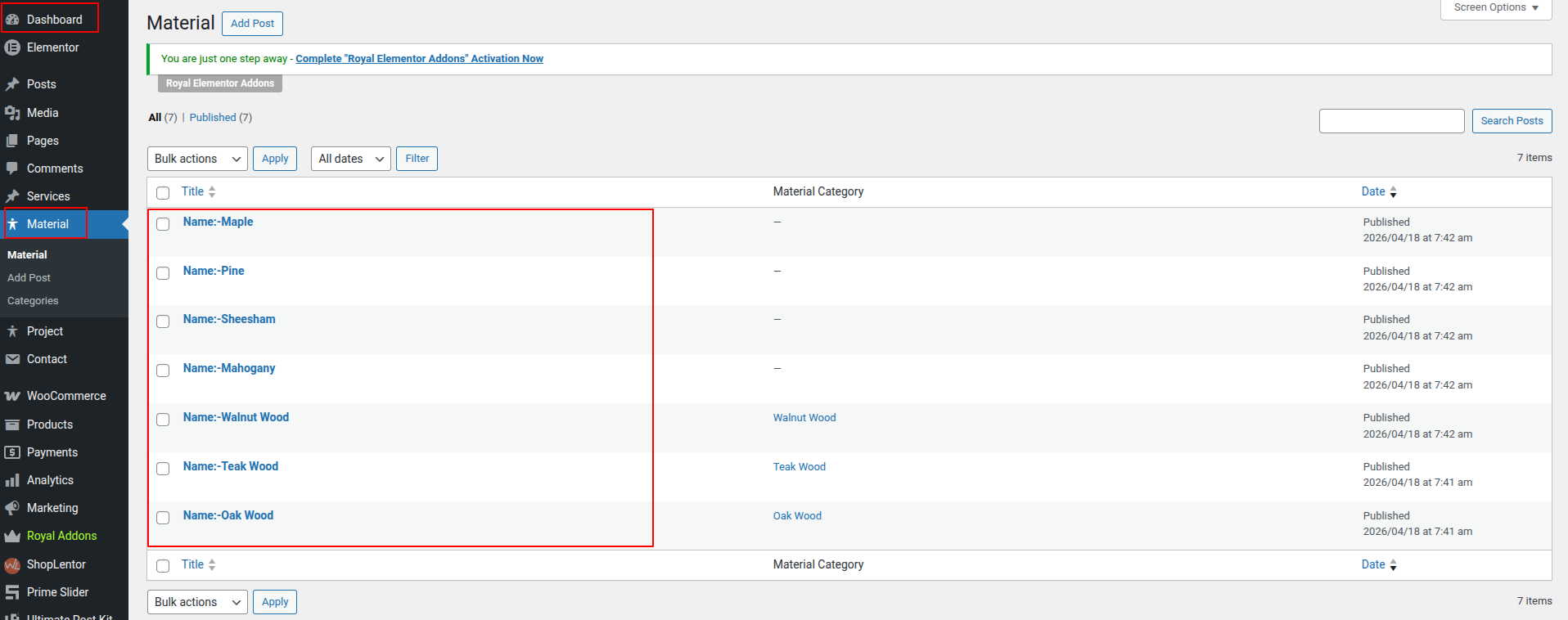
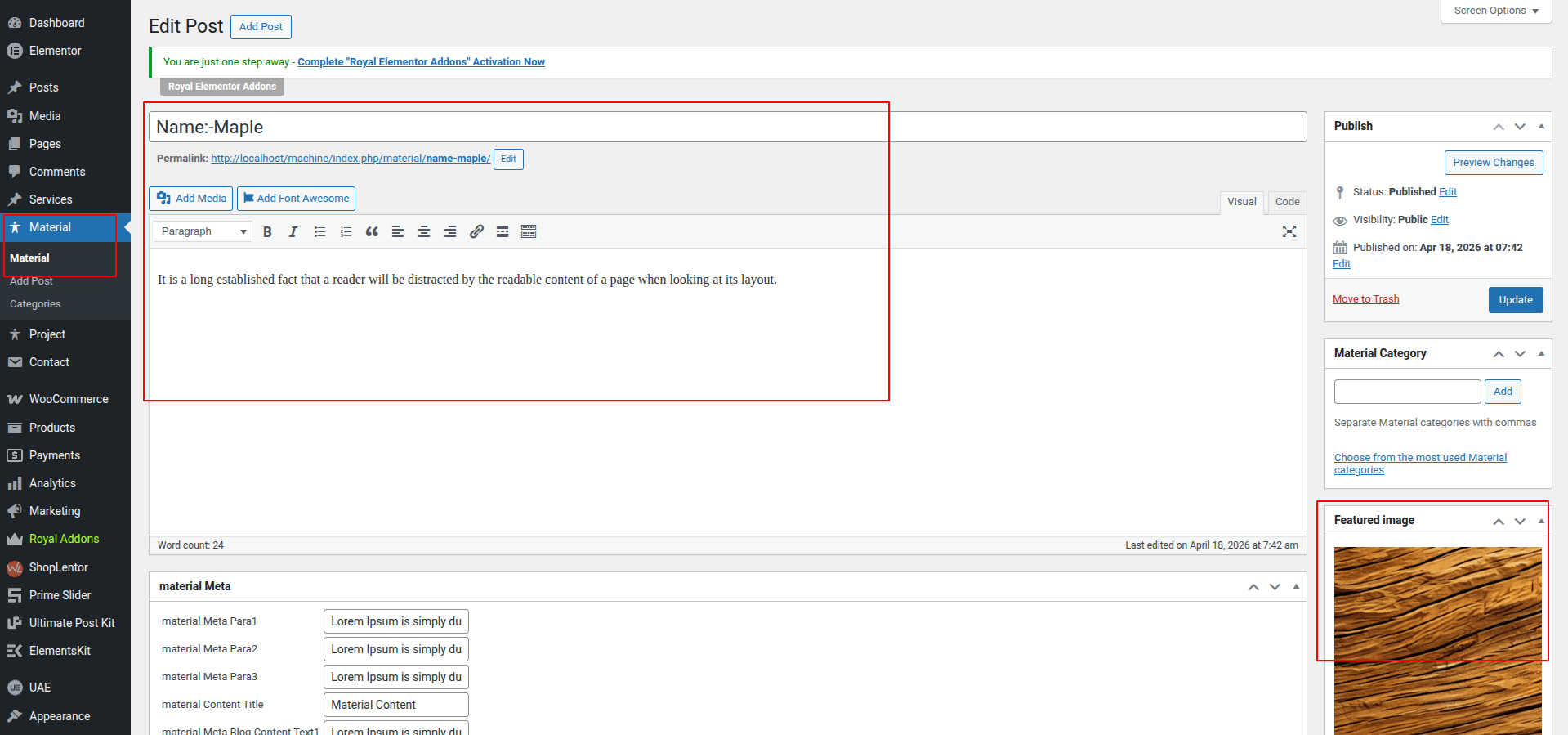
Here you can edit the Materials from the dashboard.
This represents how a Materials Section can be added and set up.
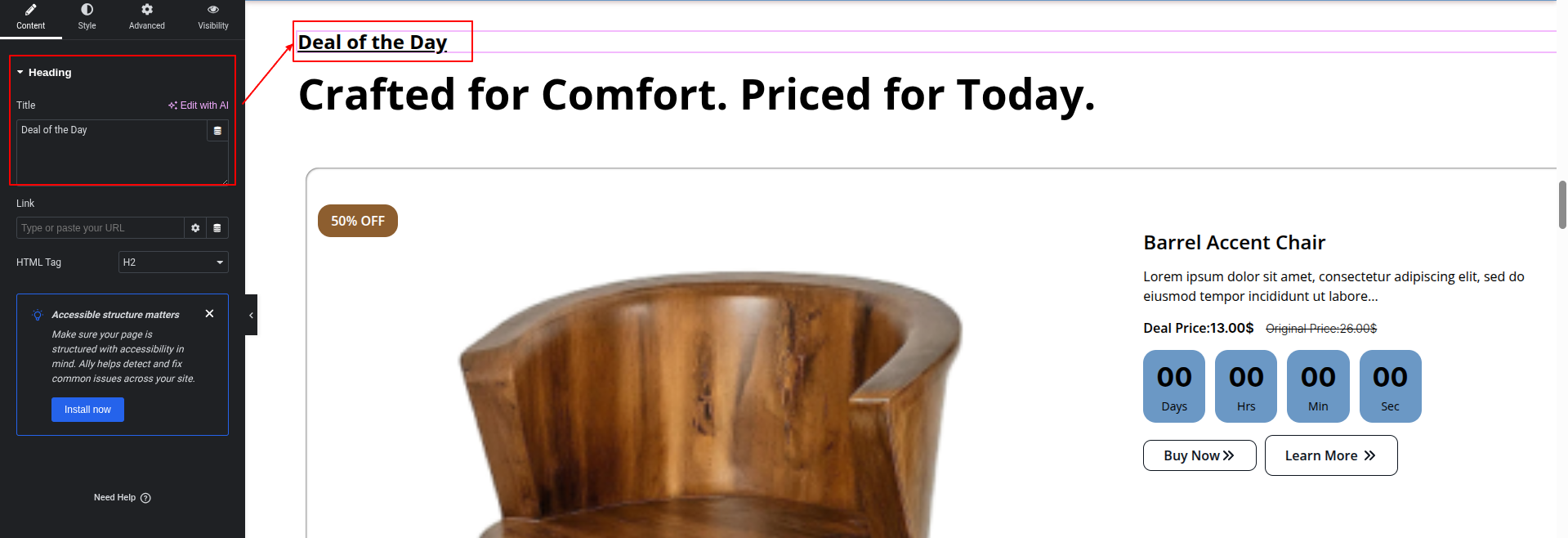
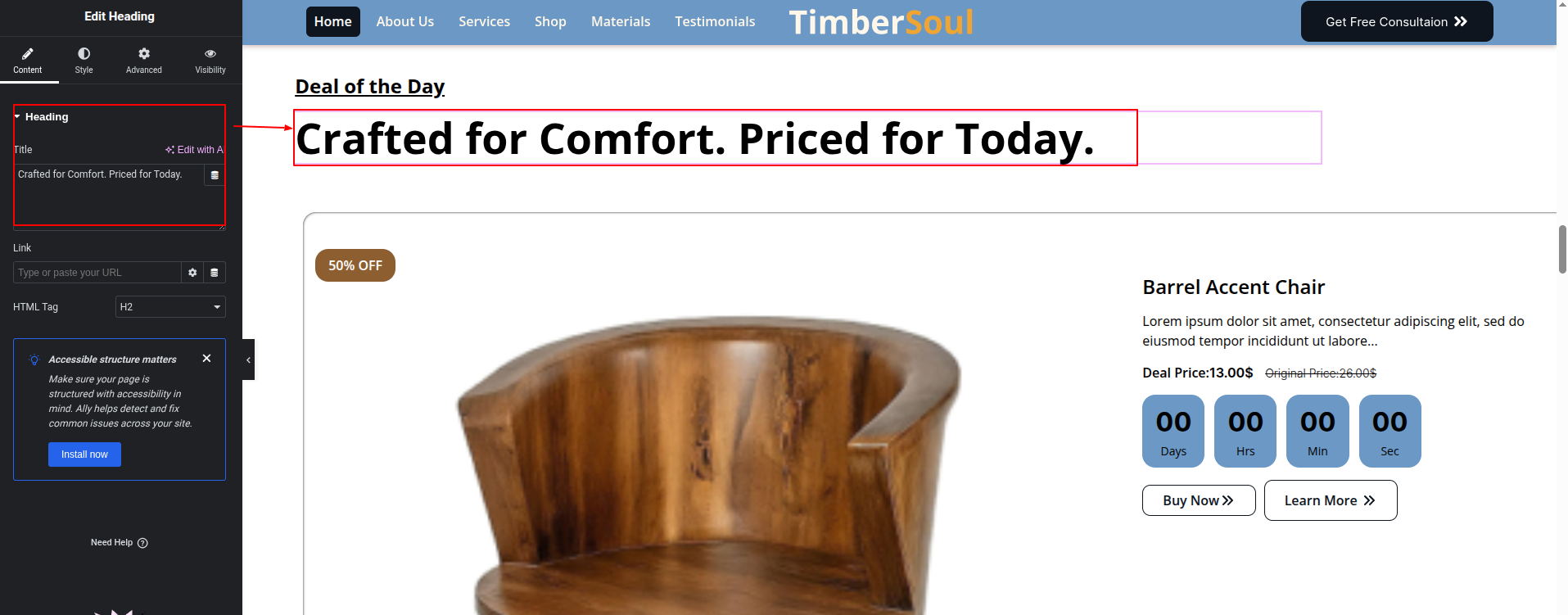
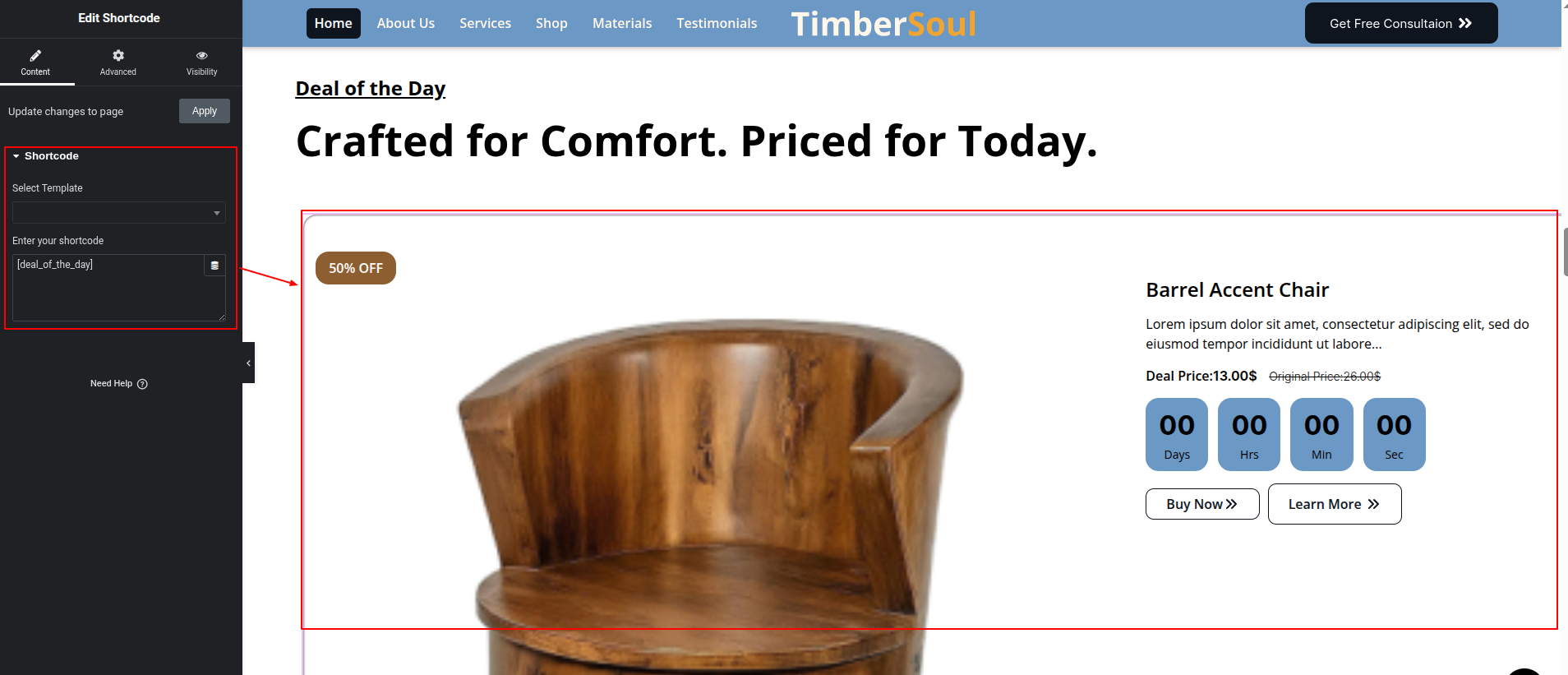
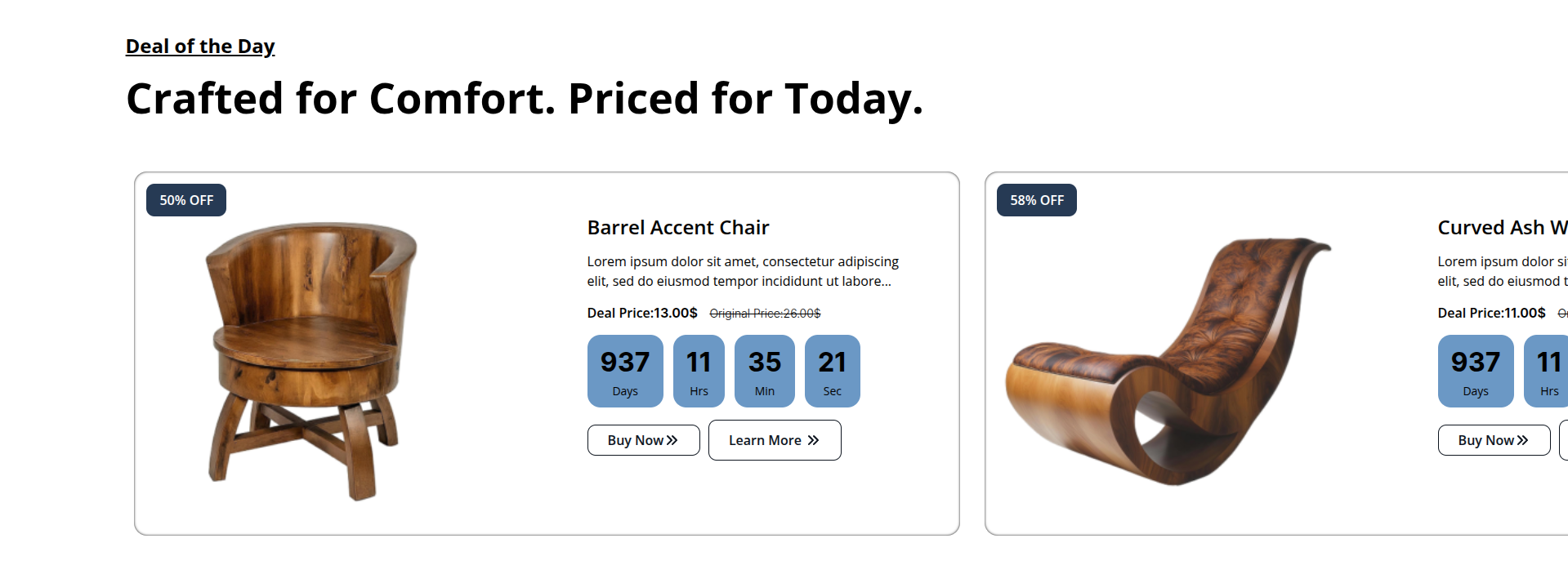
To configure the Deal Of The Day Section
Set up the Deal Of The Day Section according to the instructions below.
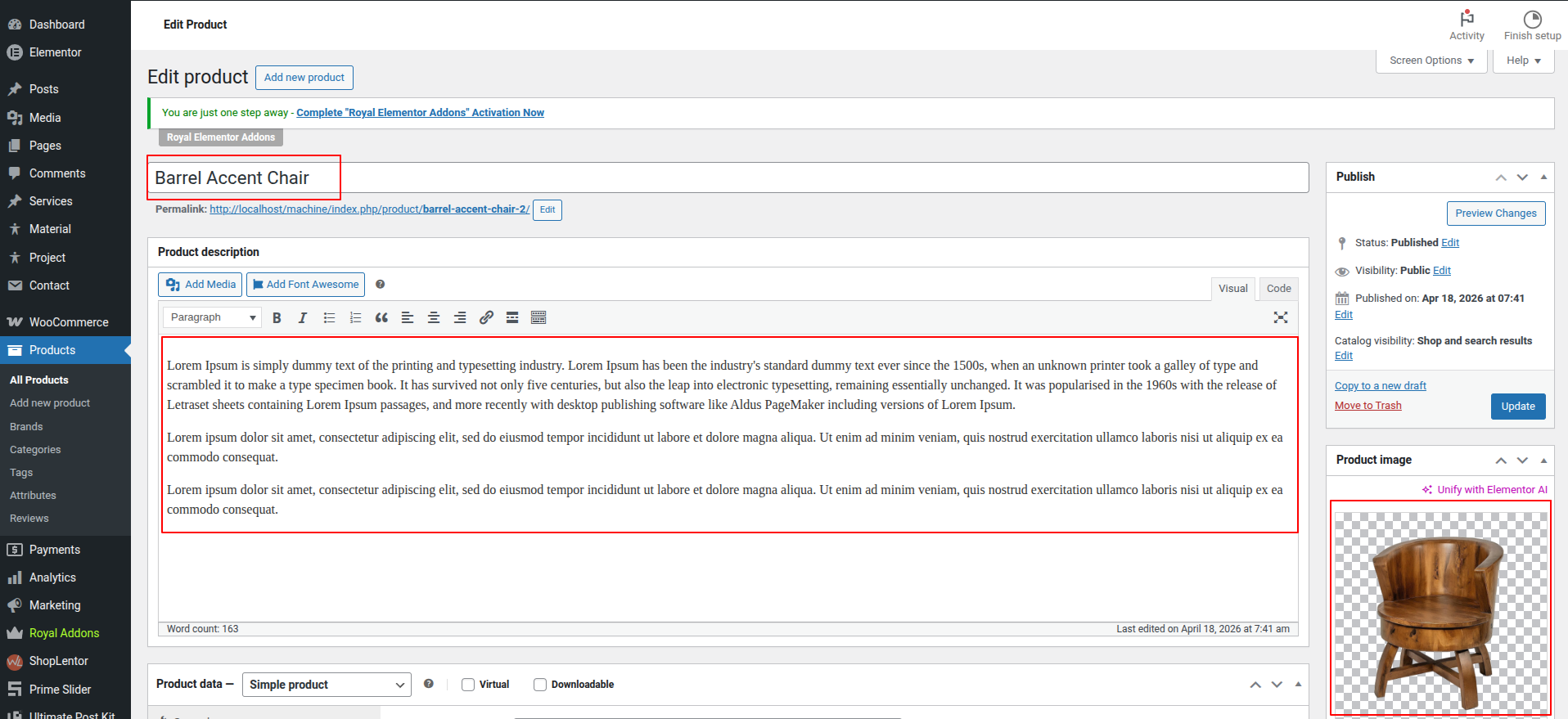
To Edit this Section, Click On the "Edit With Elementor" Button which will open the Elementor Widget editor.
Go To Dashboard > Products > All Products
This represents how a Deal Of The Day Section can be added and set up.
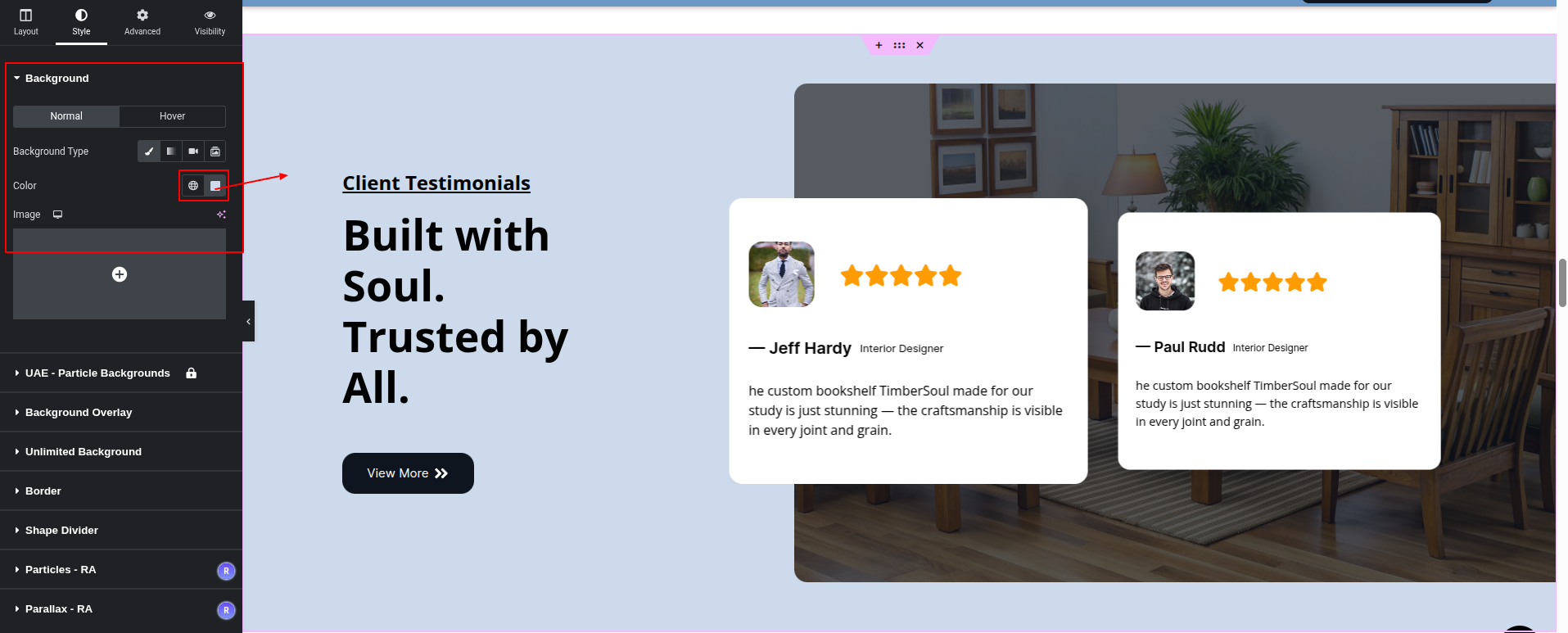
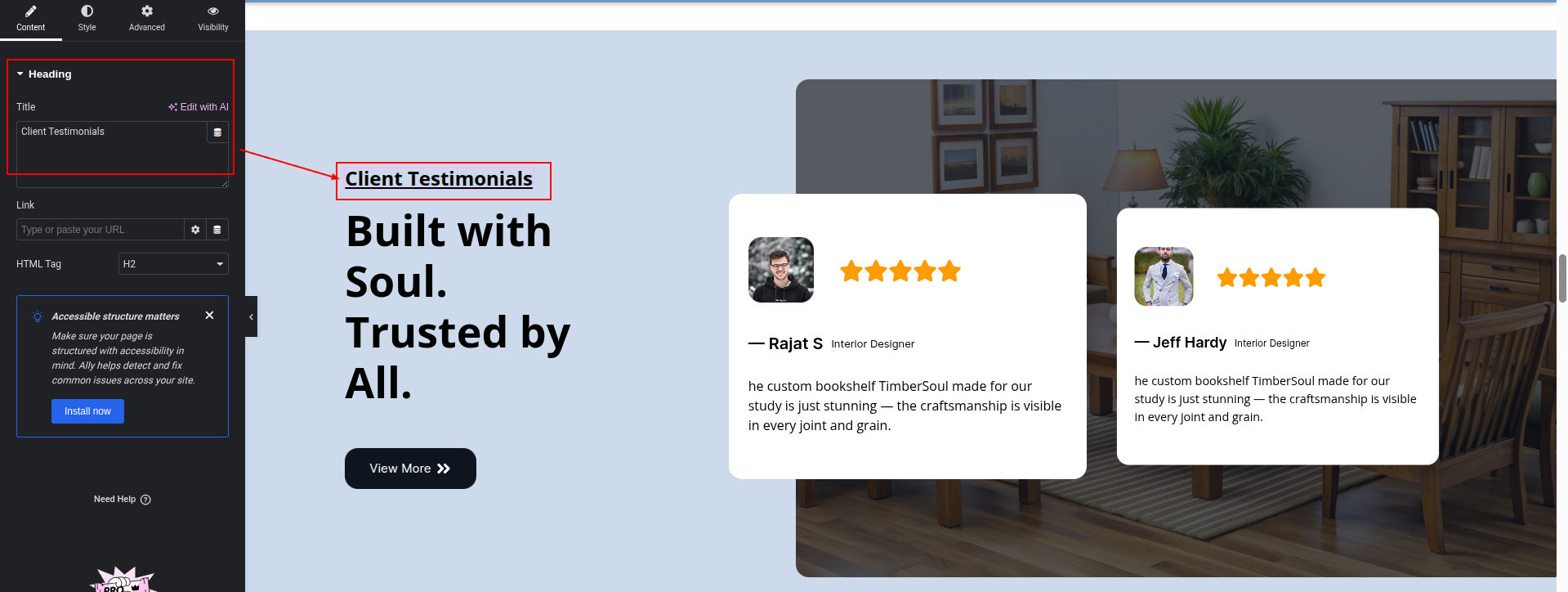
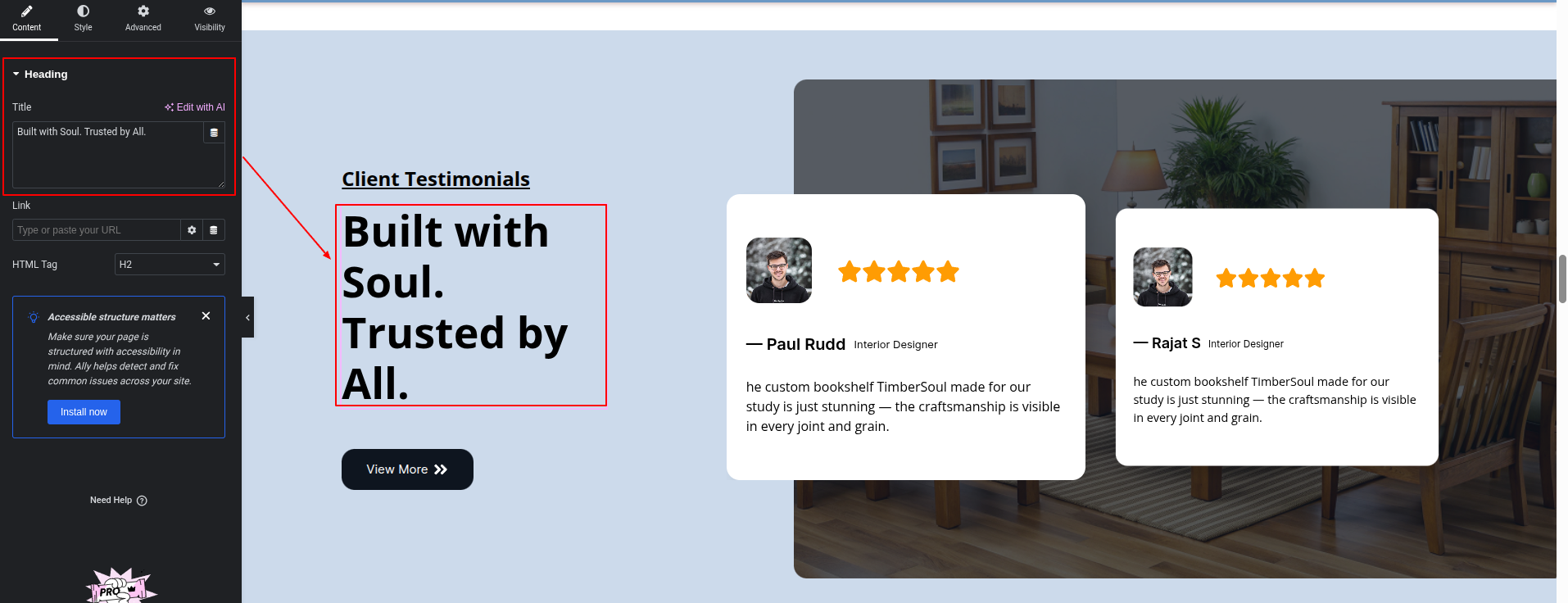
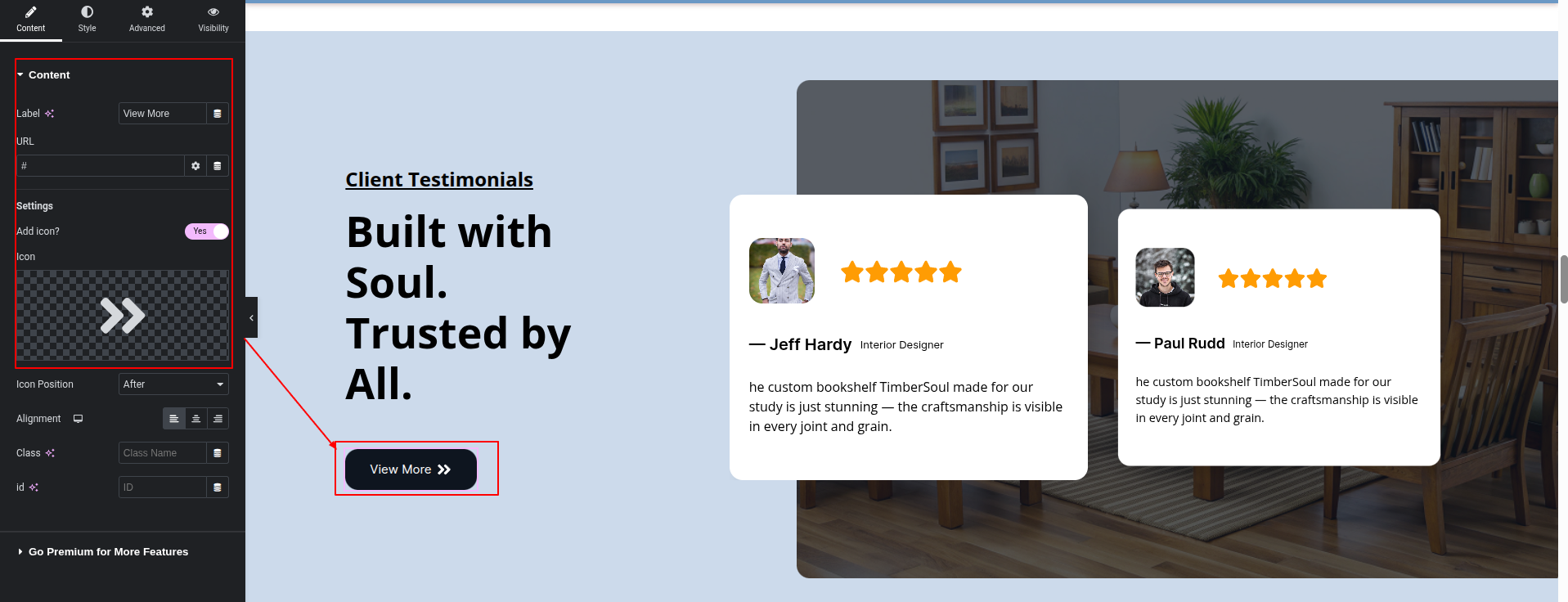
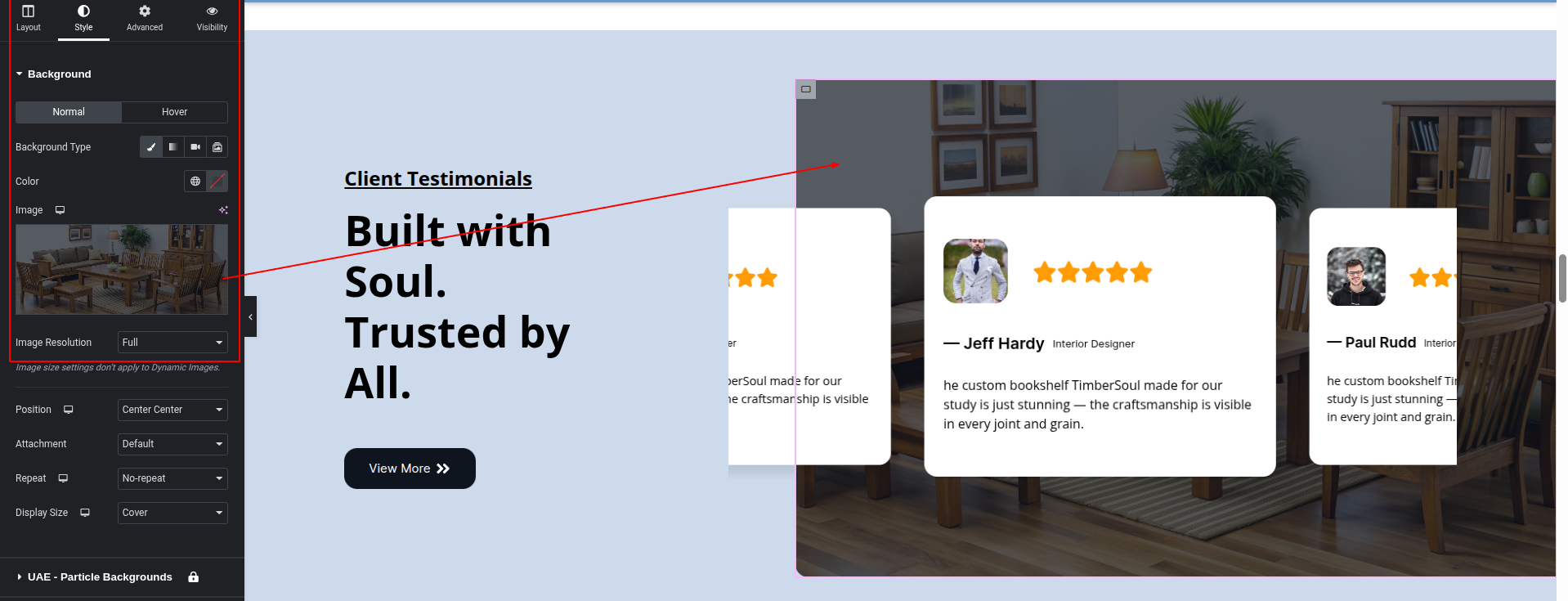
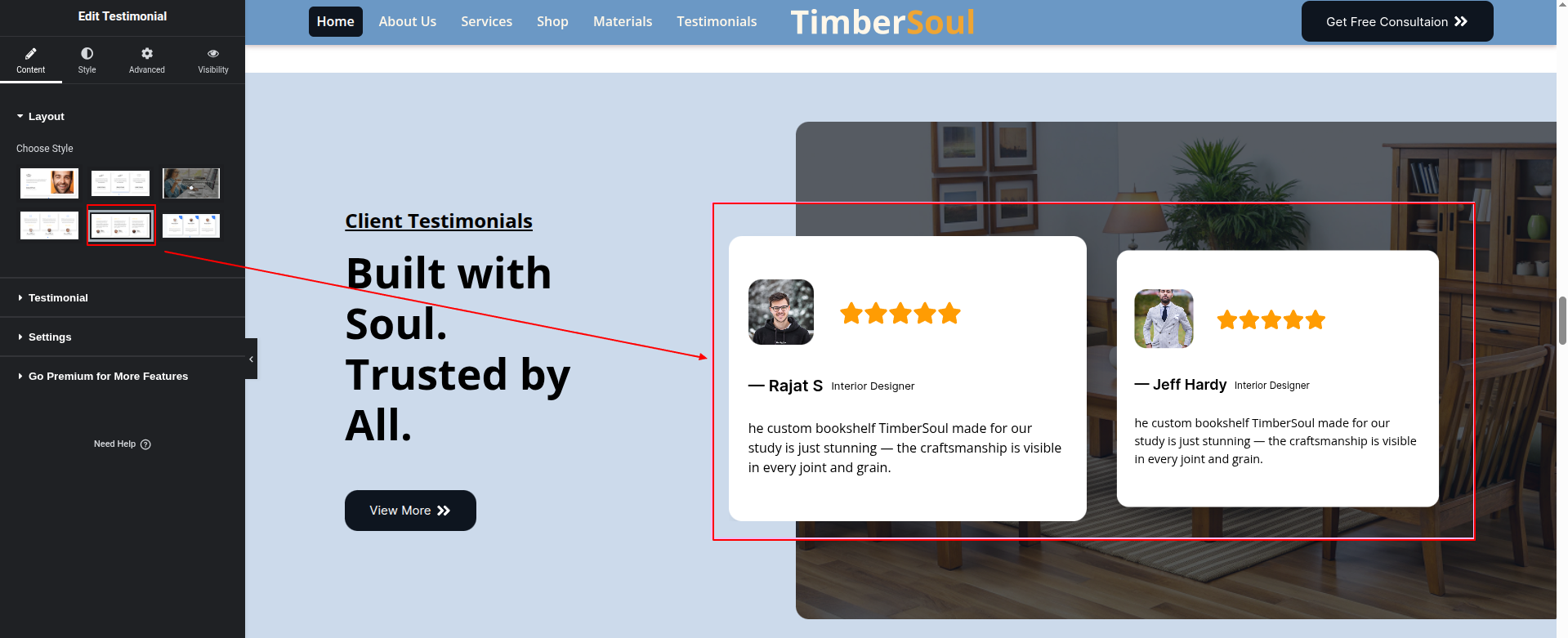
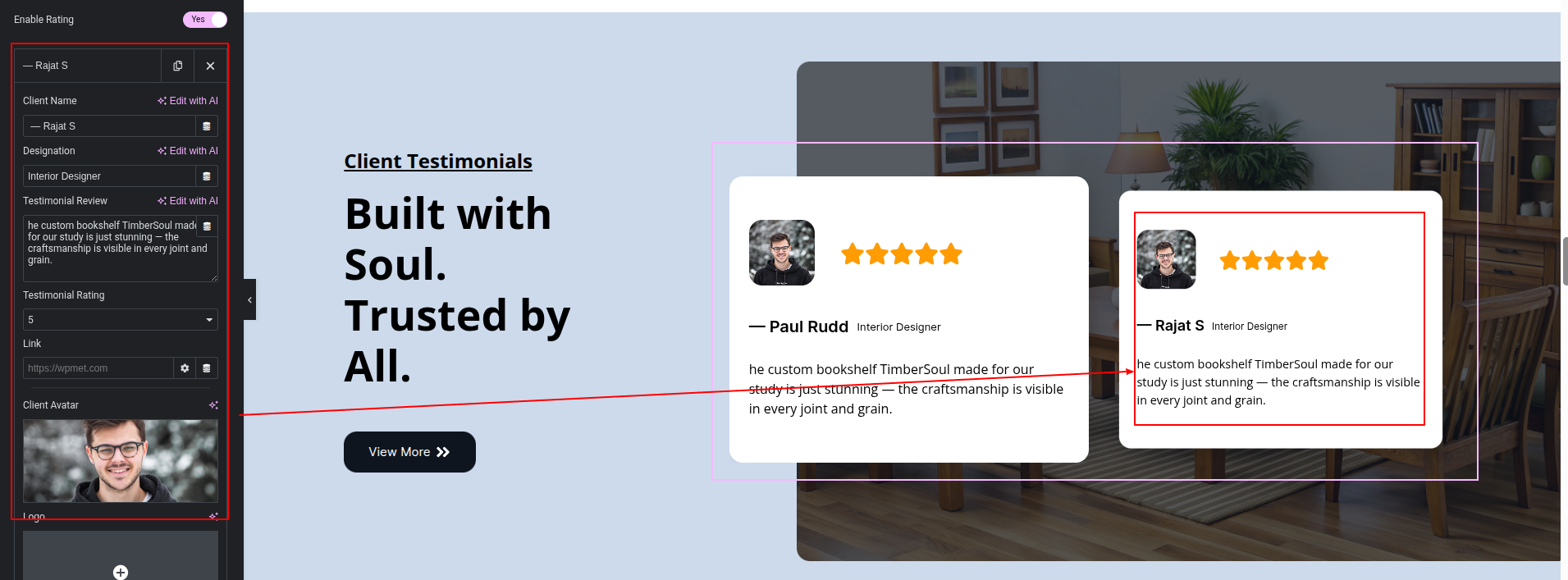
To configure the Testimonials Section
Set up the Testimonials Section according to the instructions below.
To Edit this Section, Click On the "Edit With Elementor" Button which will open the Elementor Widget editor.
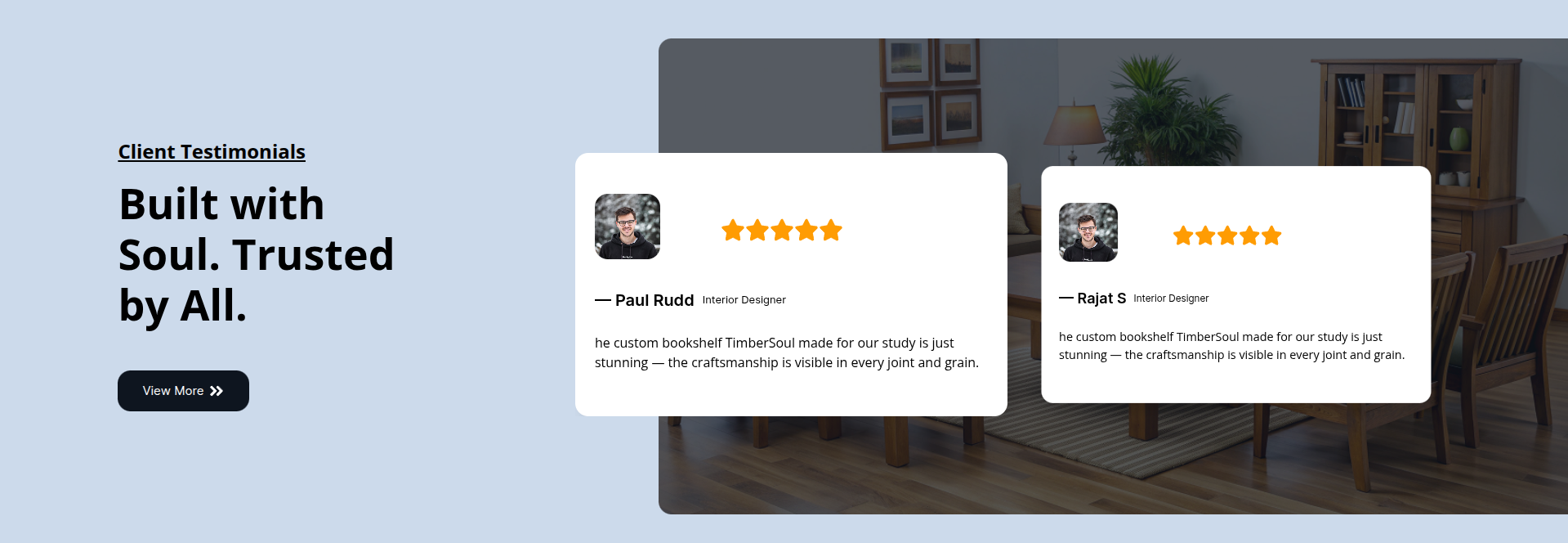
This represents how a Testimonials Section can be added and set up.
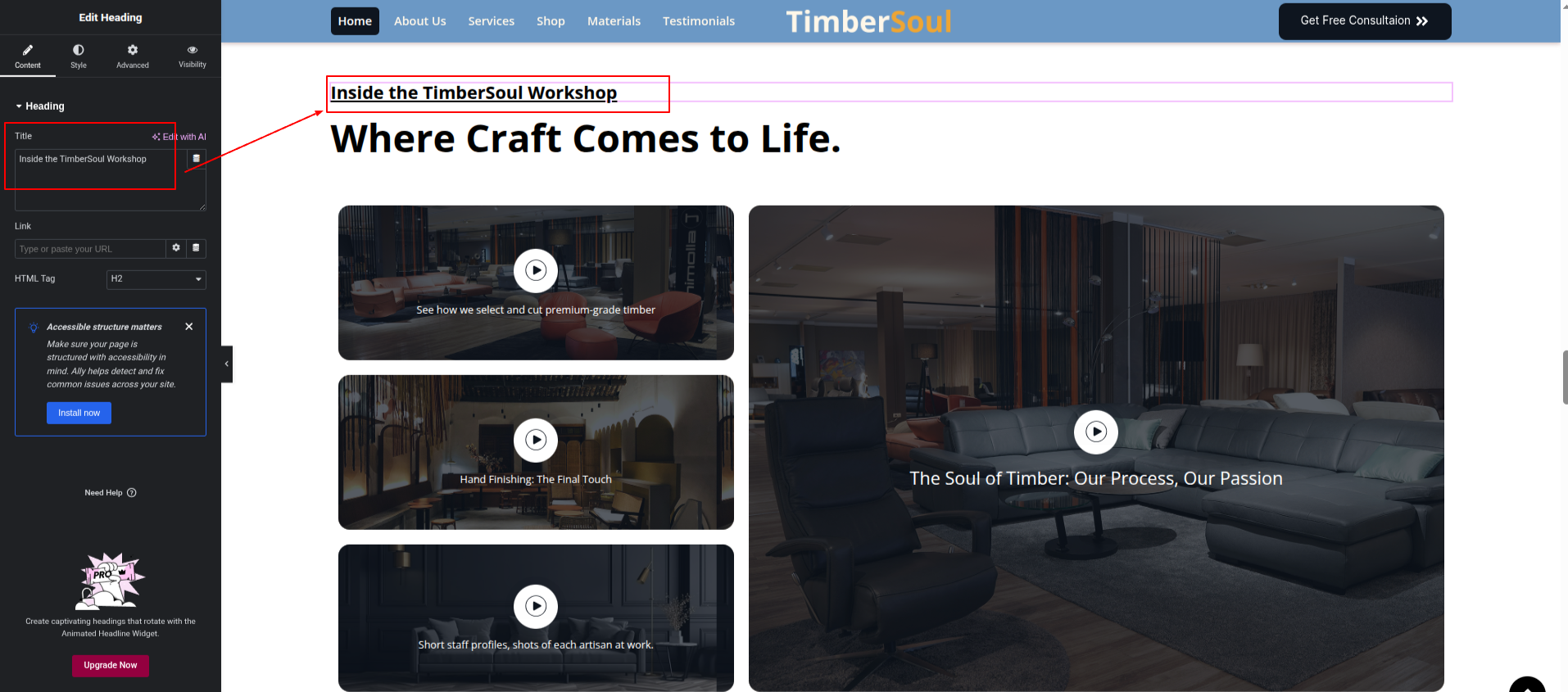
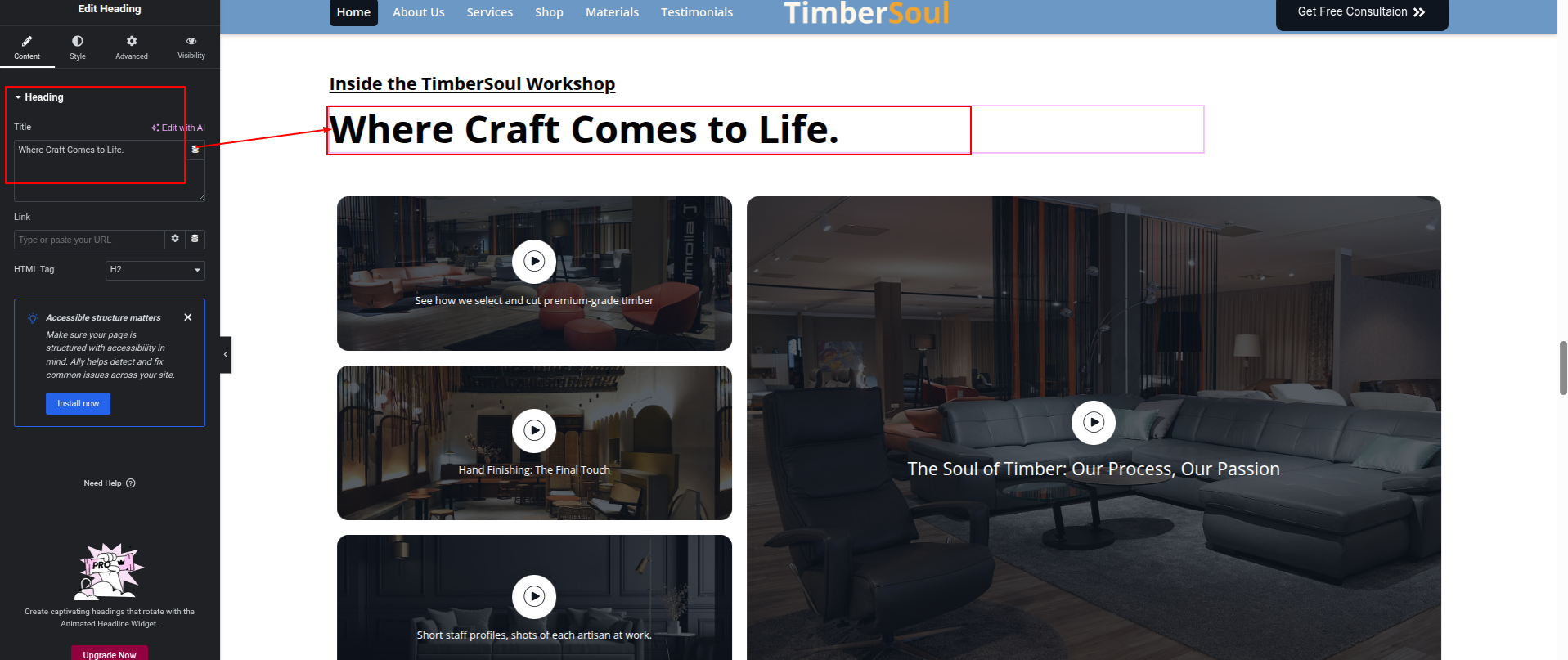
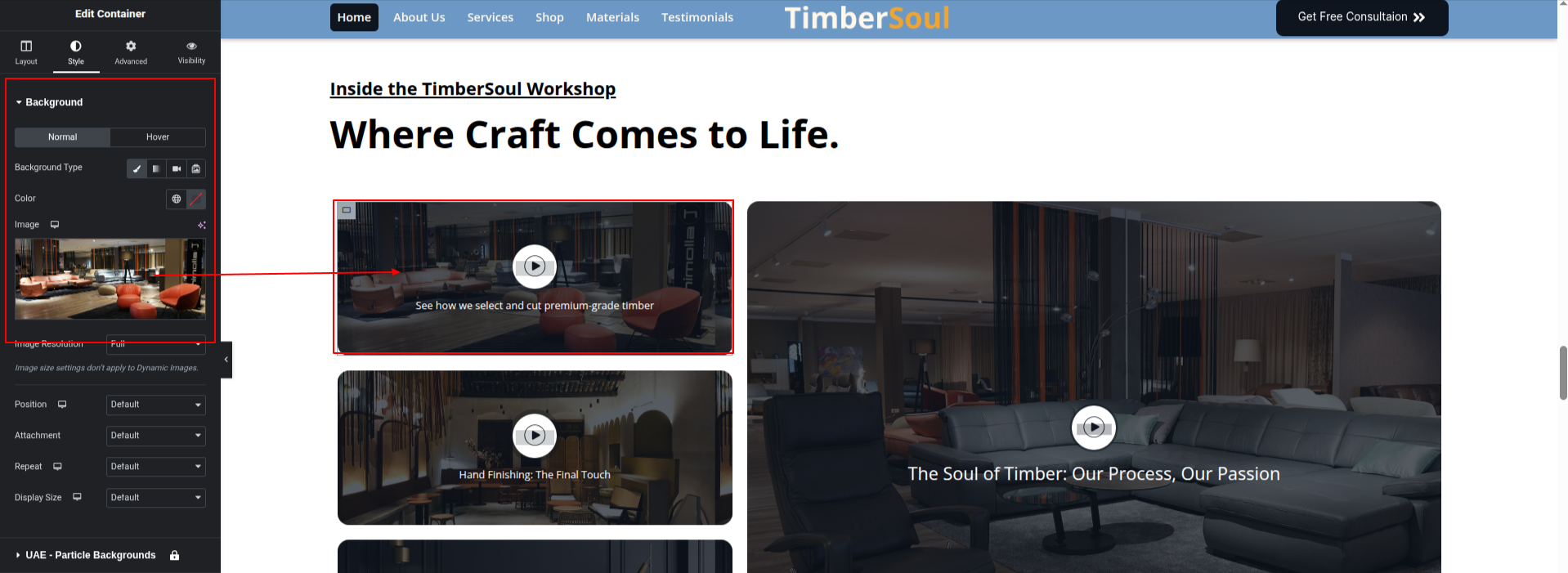
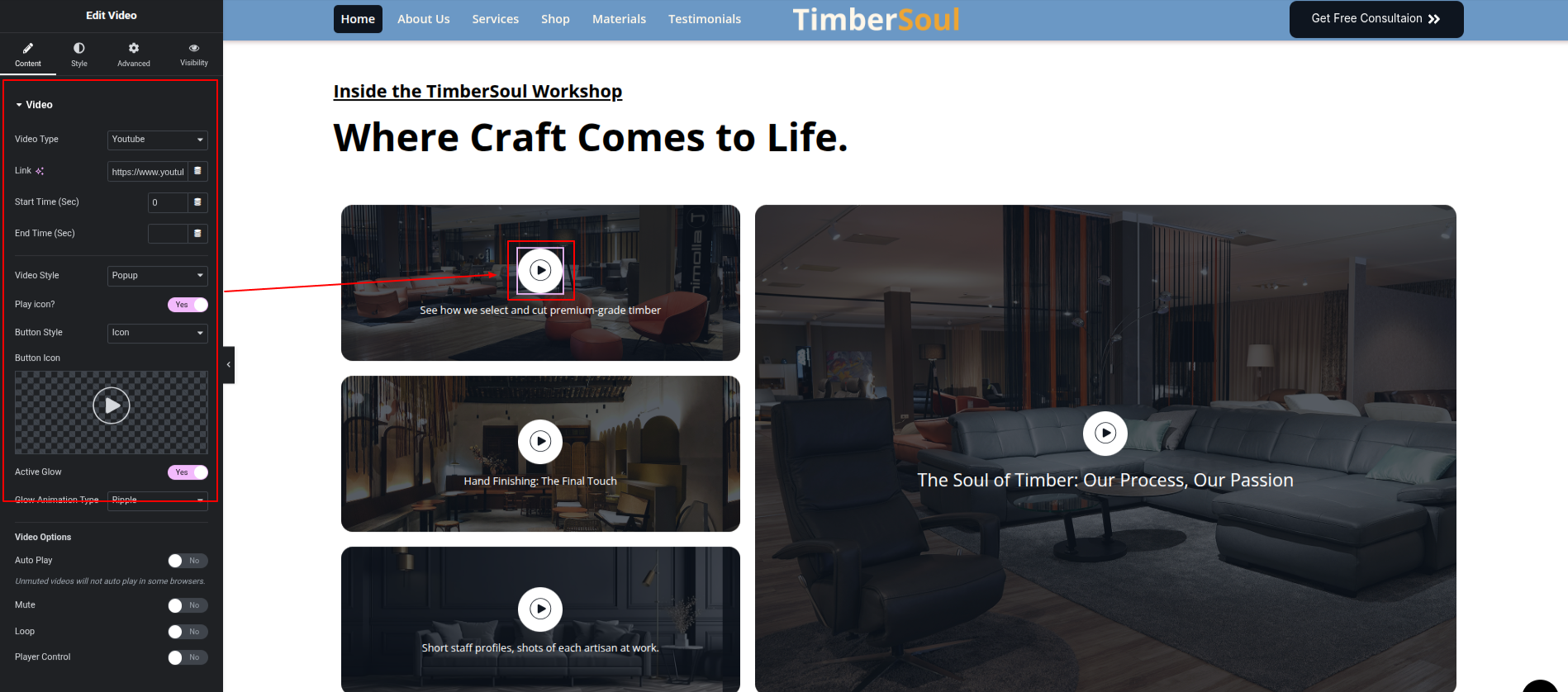
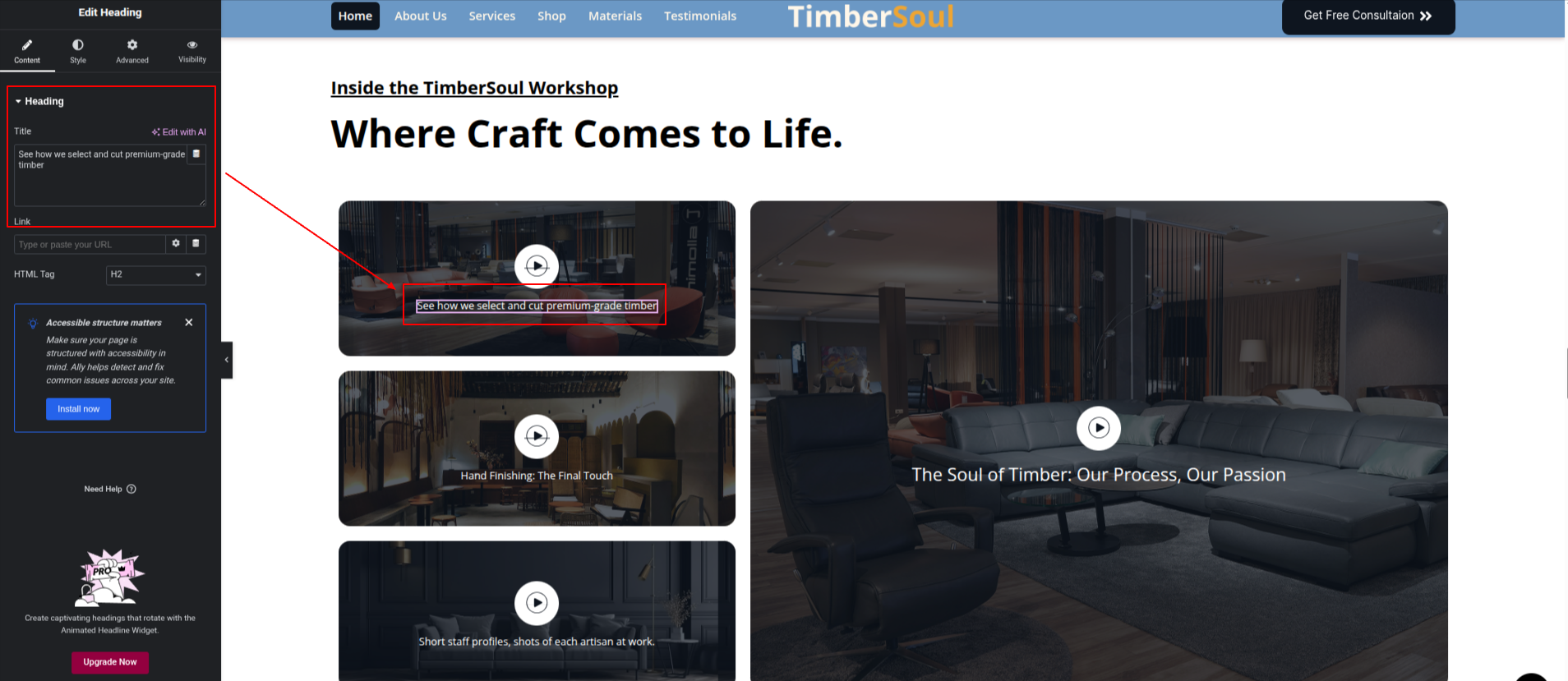
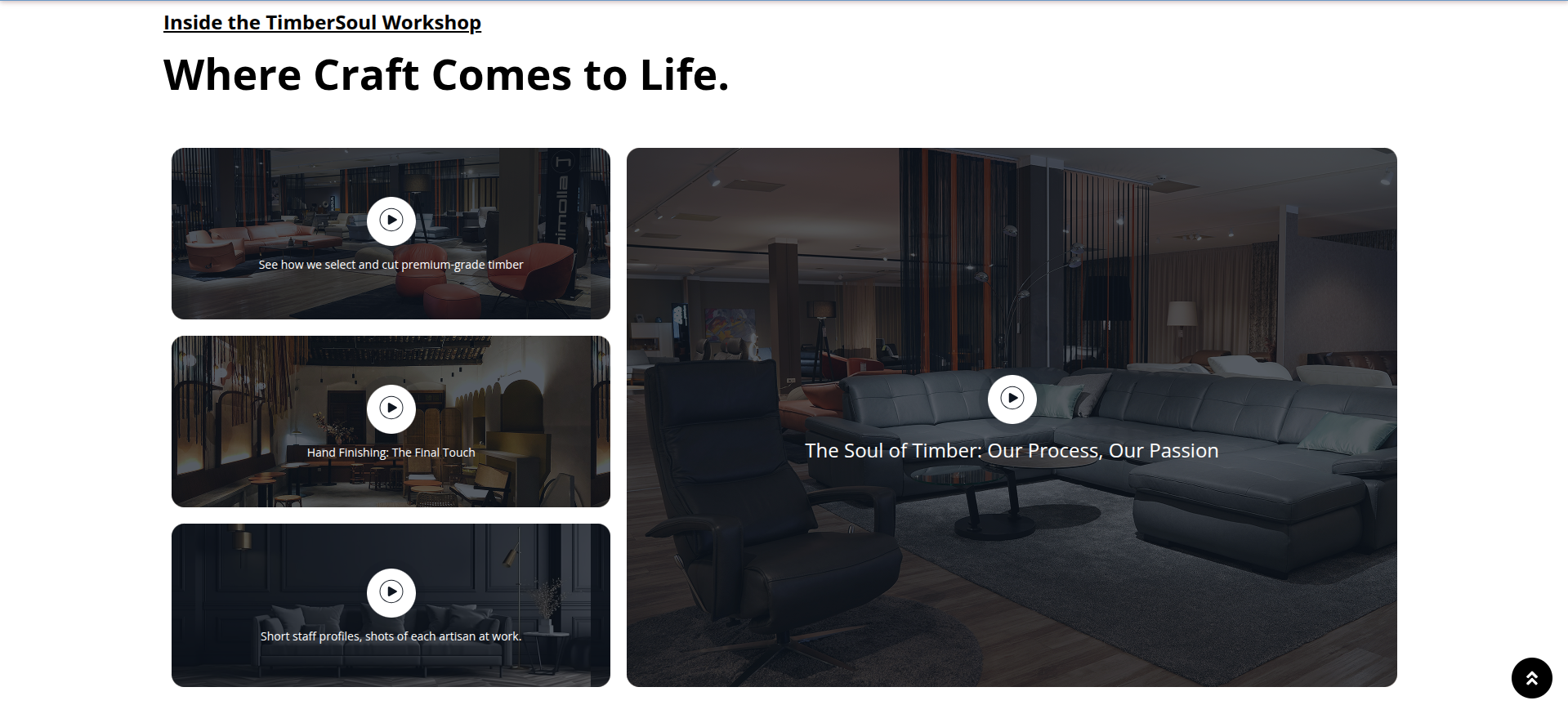
To configure the Workshop Section
Set up the Workshop Section according to the instructions below.
To Edit this Section, Click On the "Edit With Elementor" Button which will open the Elementor Widget editor.
This represents how a Workshop Section can be added and set up.
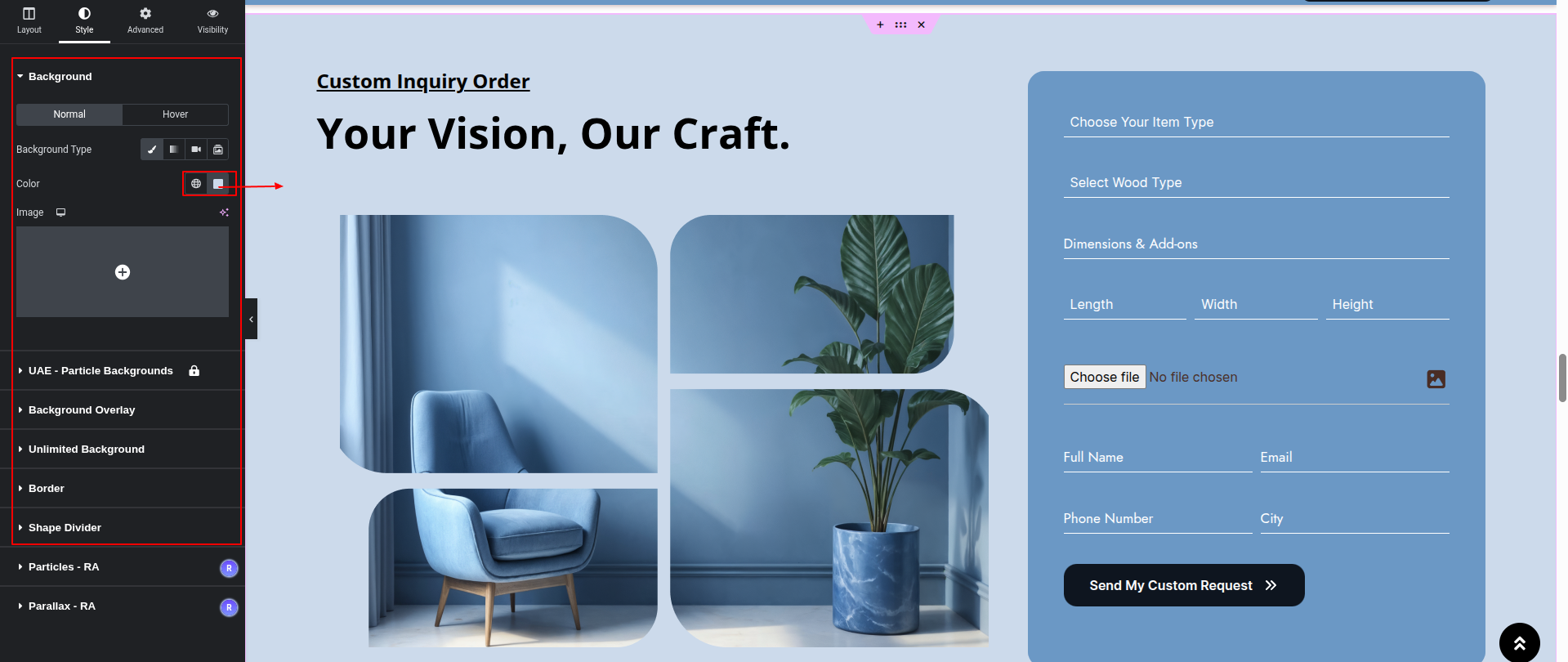
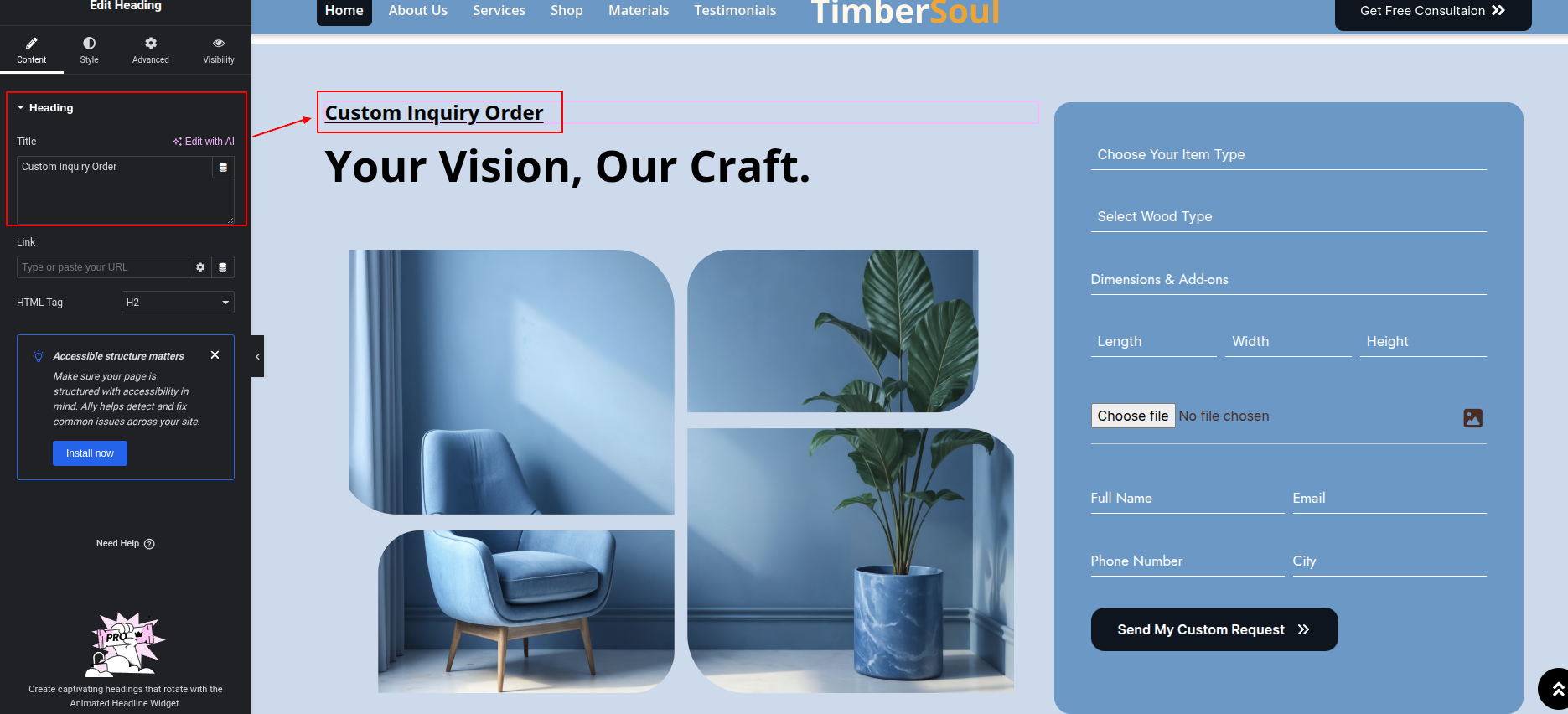
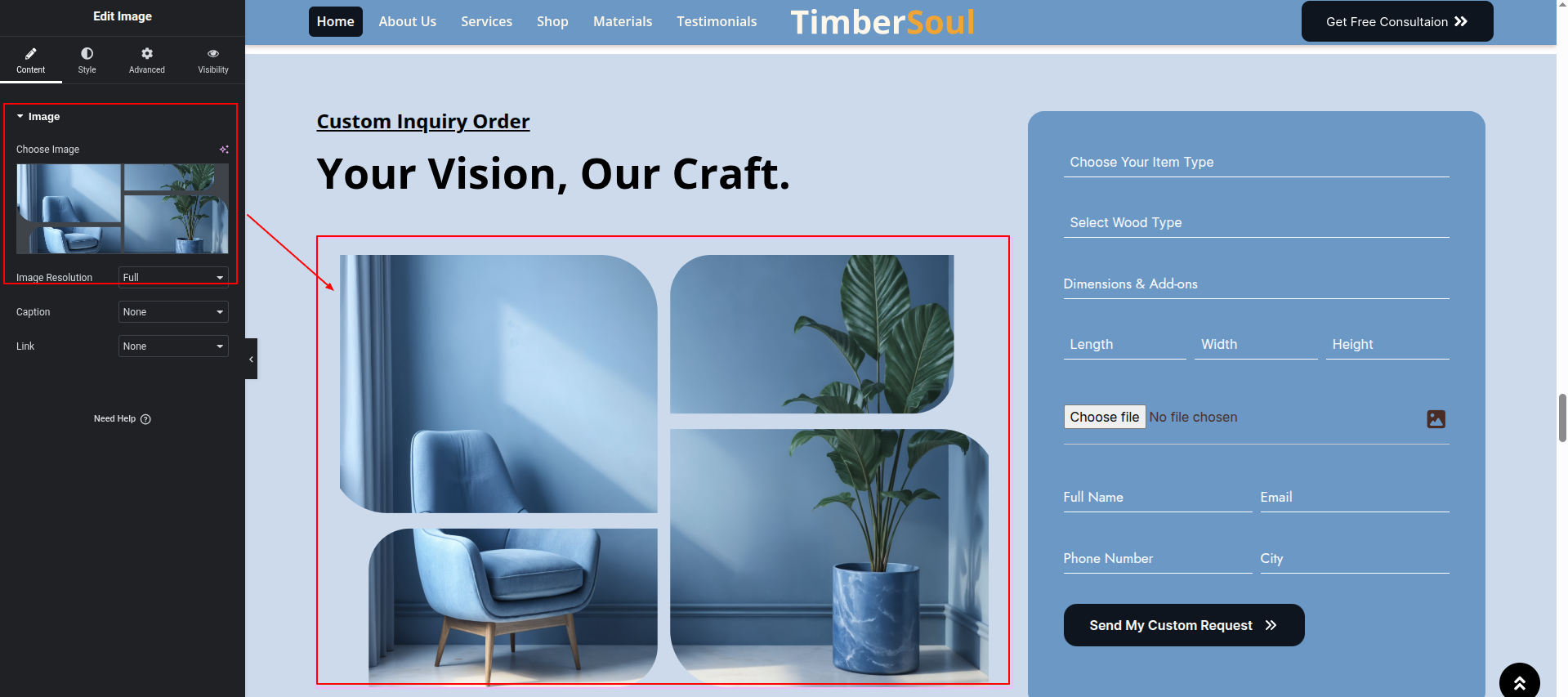
To configure the Customer Enquiry
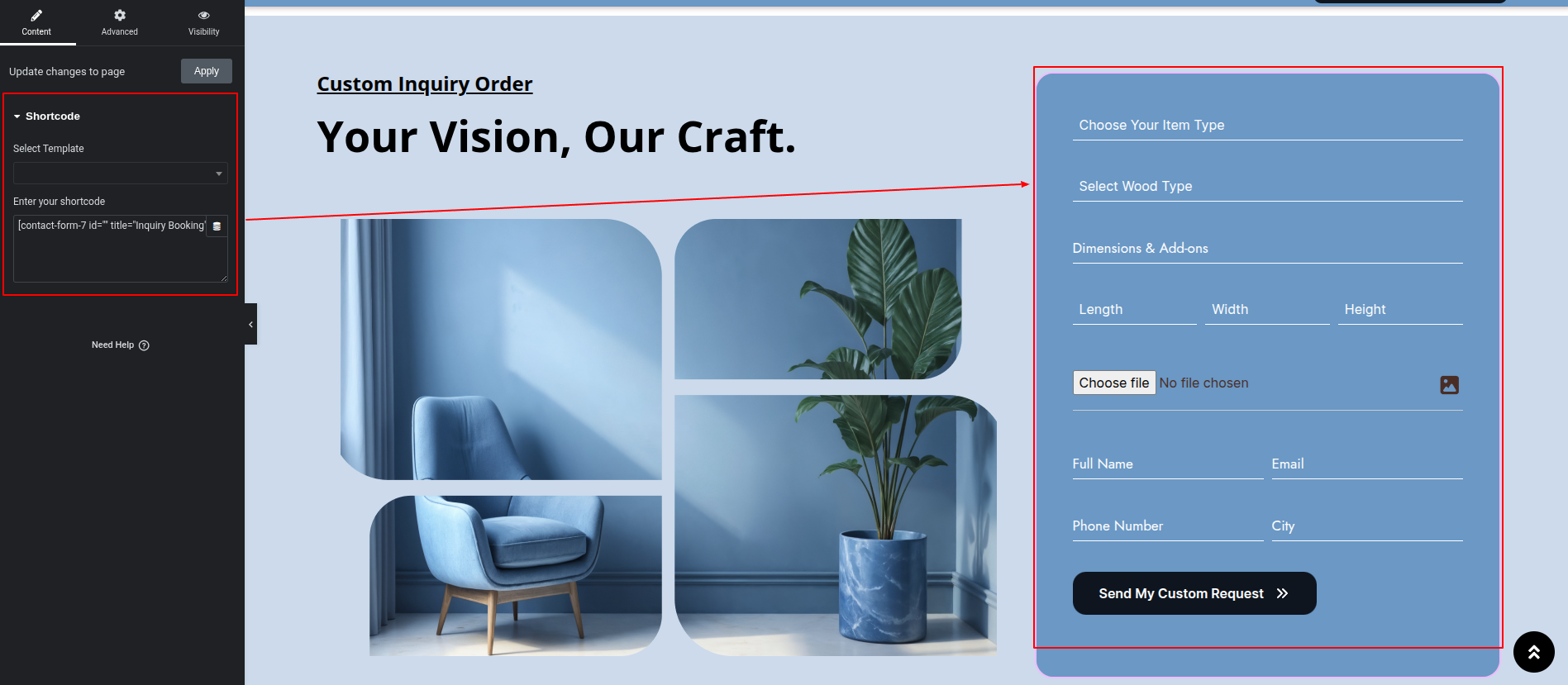
Set up the Customer Enquiry according to the instructions below.
To Edit this Section, Click On the "Edit With Elementor" Button which will open the Elementor Widget editor.
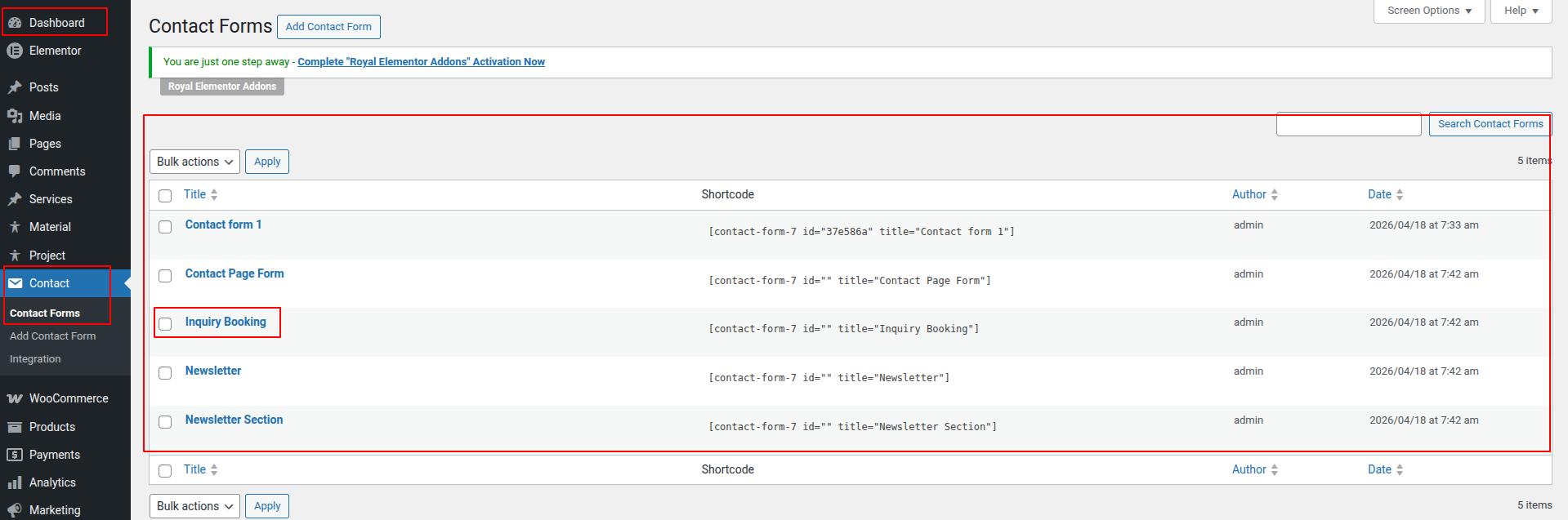
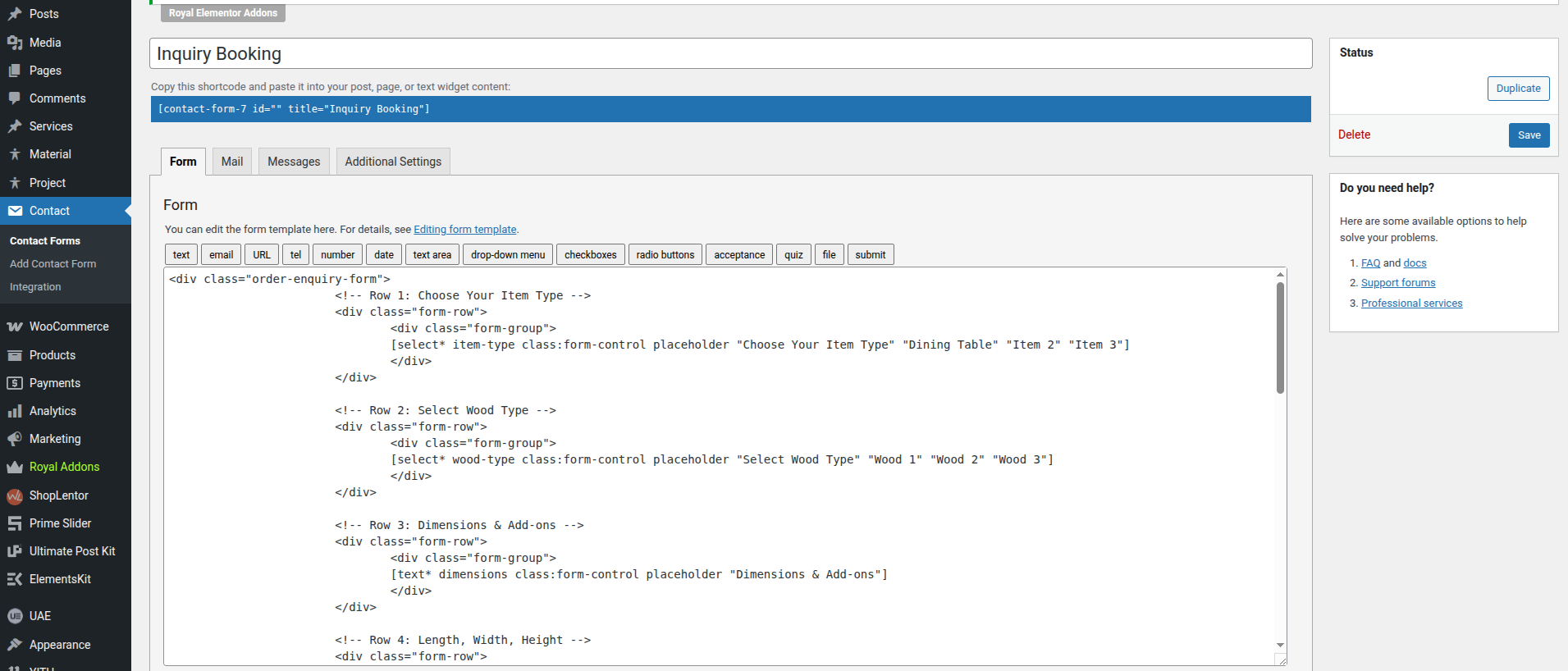
This To Edit This Form Go to Dashboard > Contact
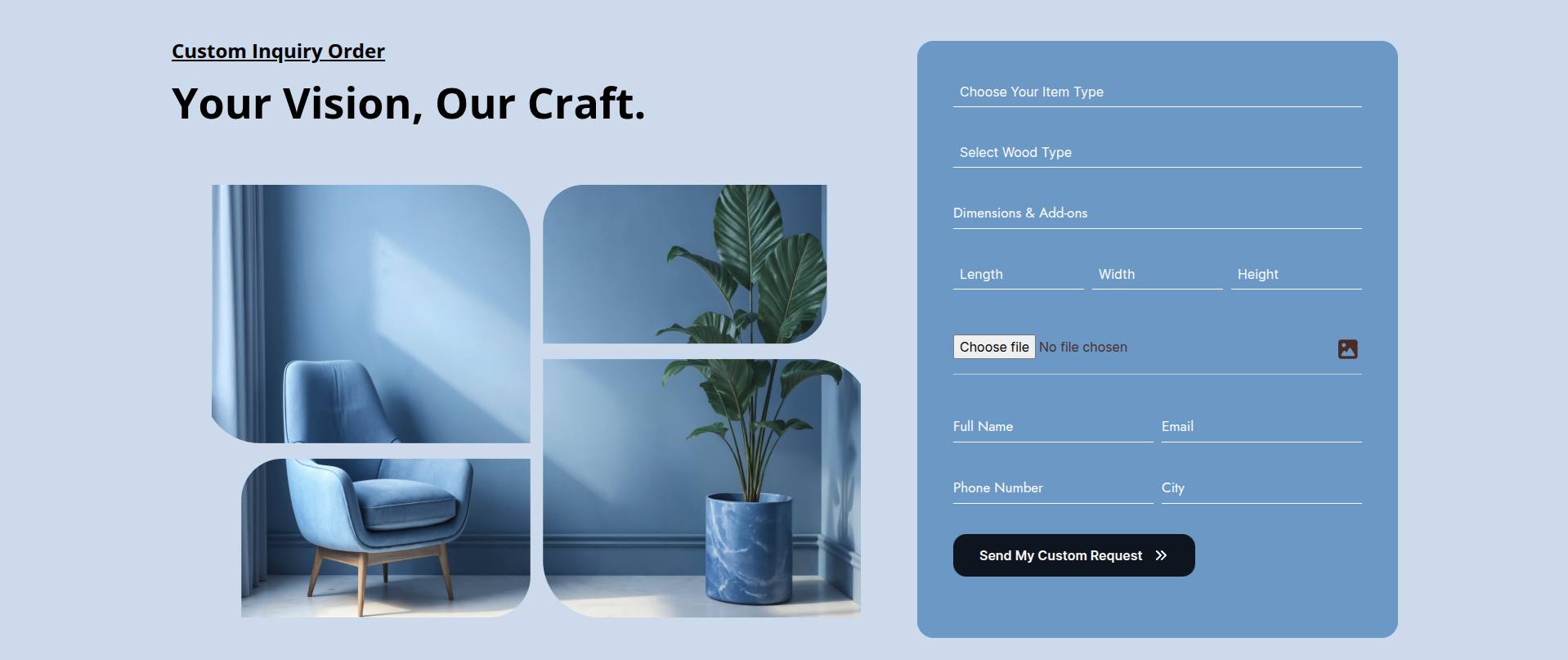
This represents how a Customer Enquiry can be added and set up.
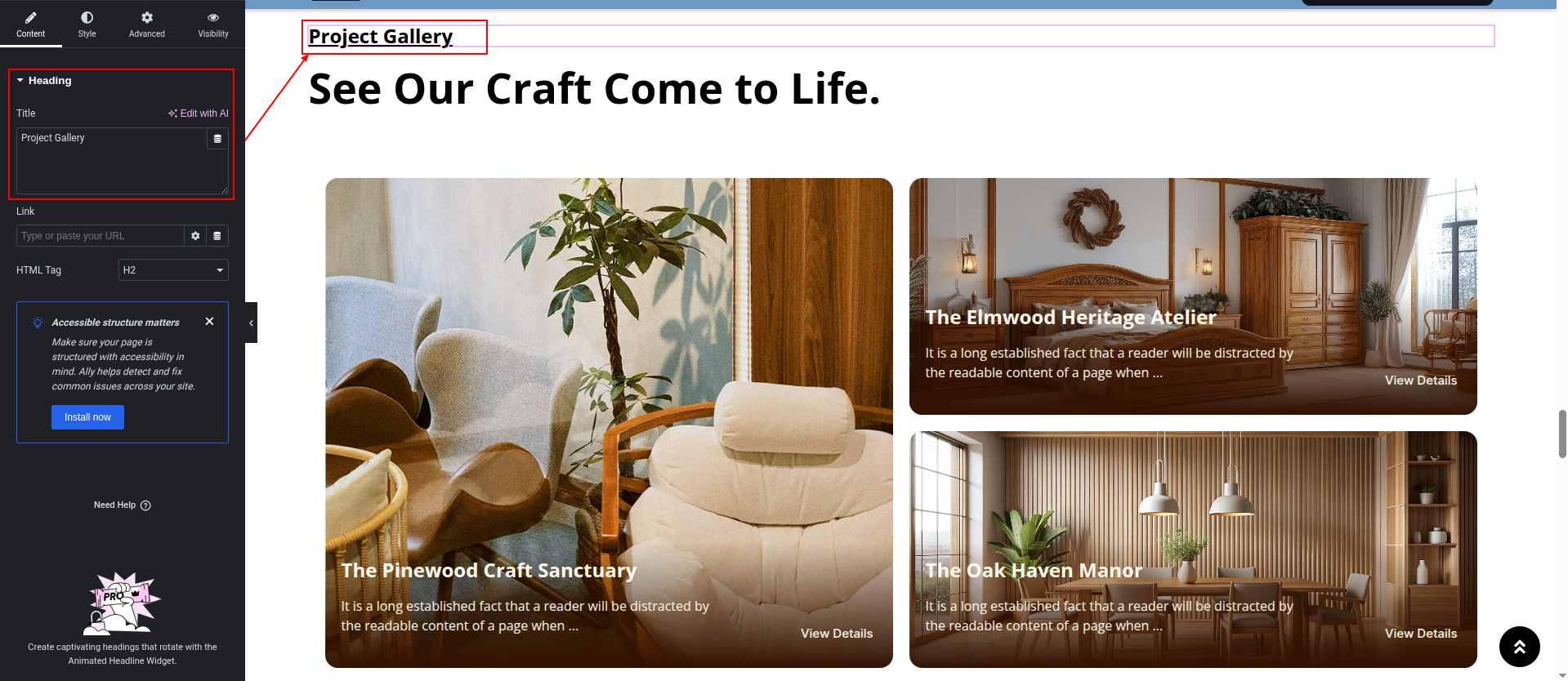
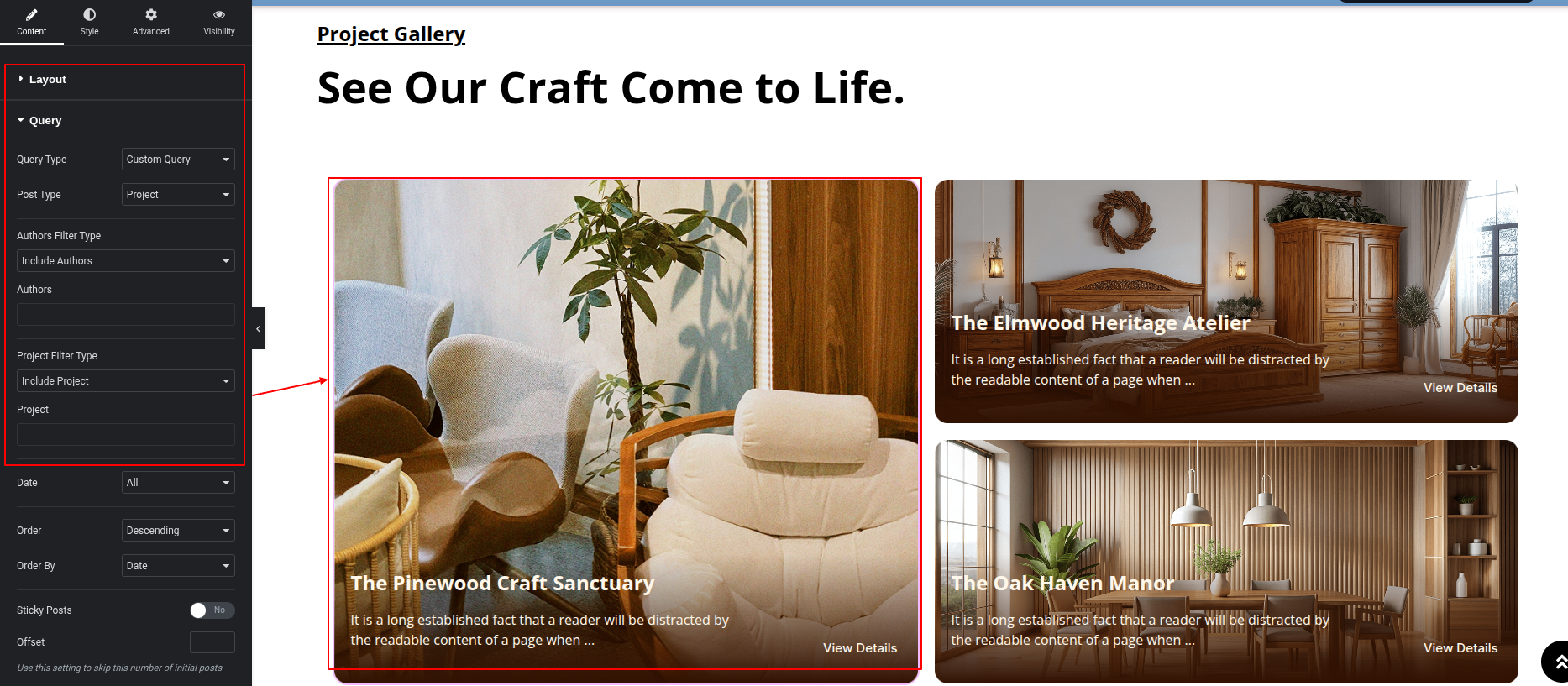
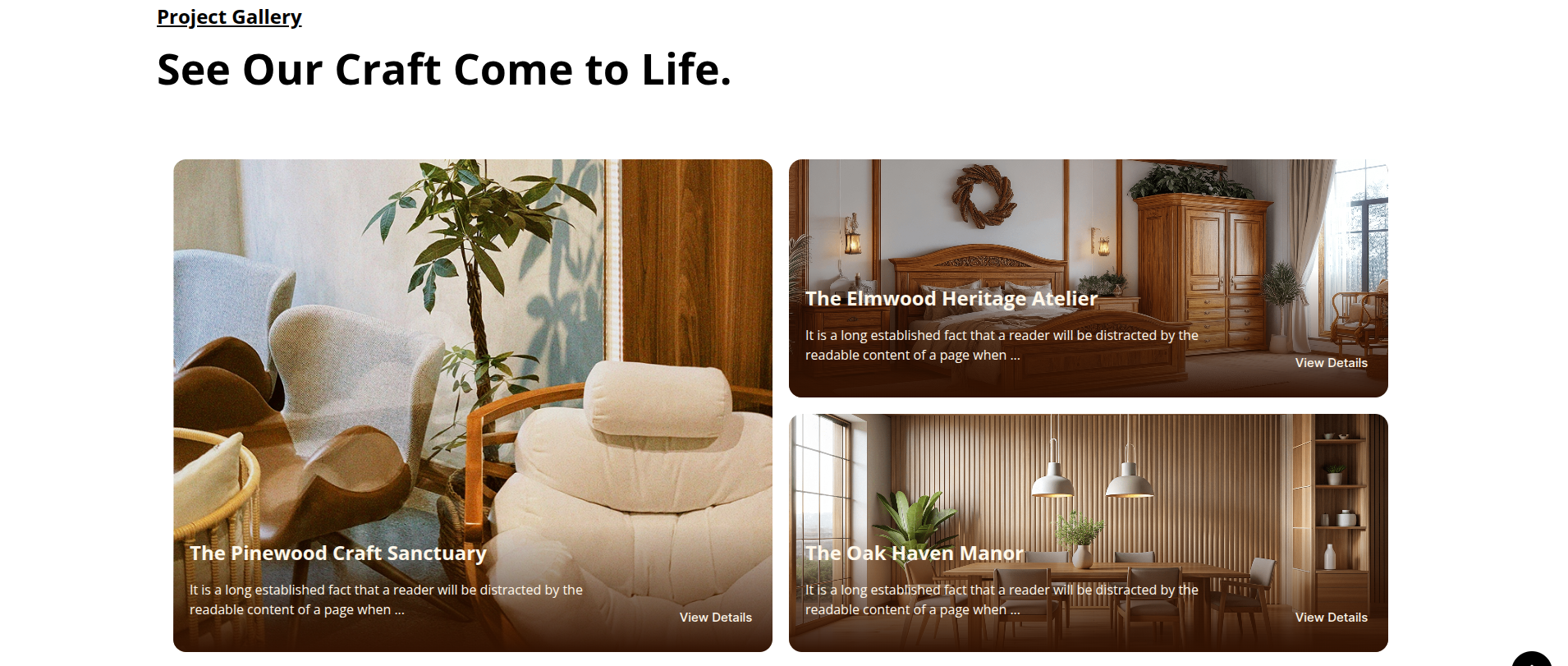
To configure the Project Gallery Section
Set up the Project Gallery Section according to the instructions below.
To Edit this Section, Click On the "Edit With Elementor" Button which will open the Elementor Widget editor.
This represents how a Project Gallery Section can be added and set up.
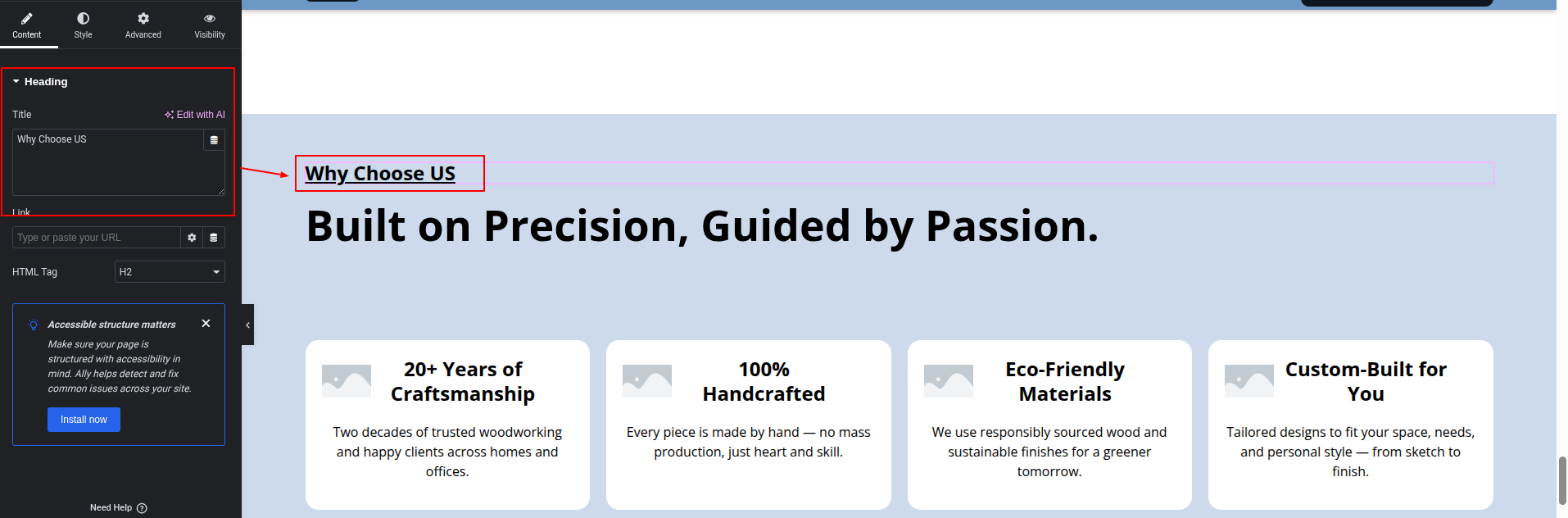
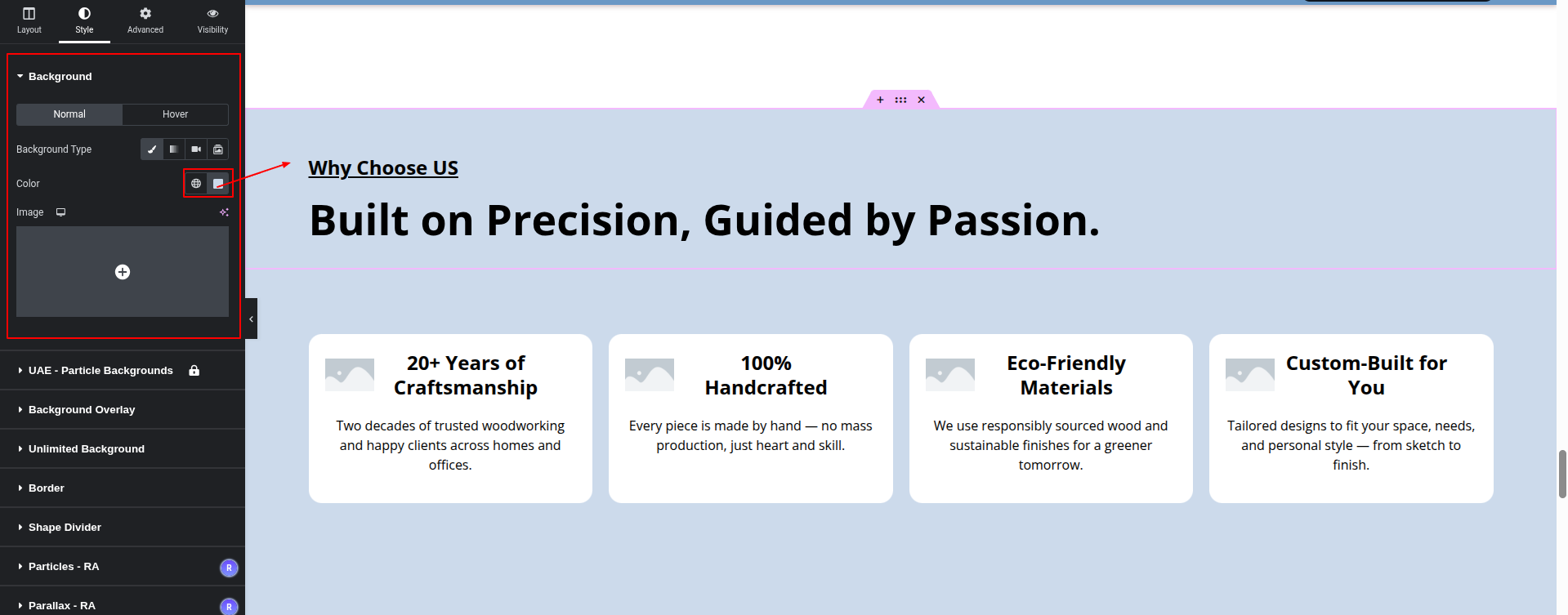
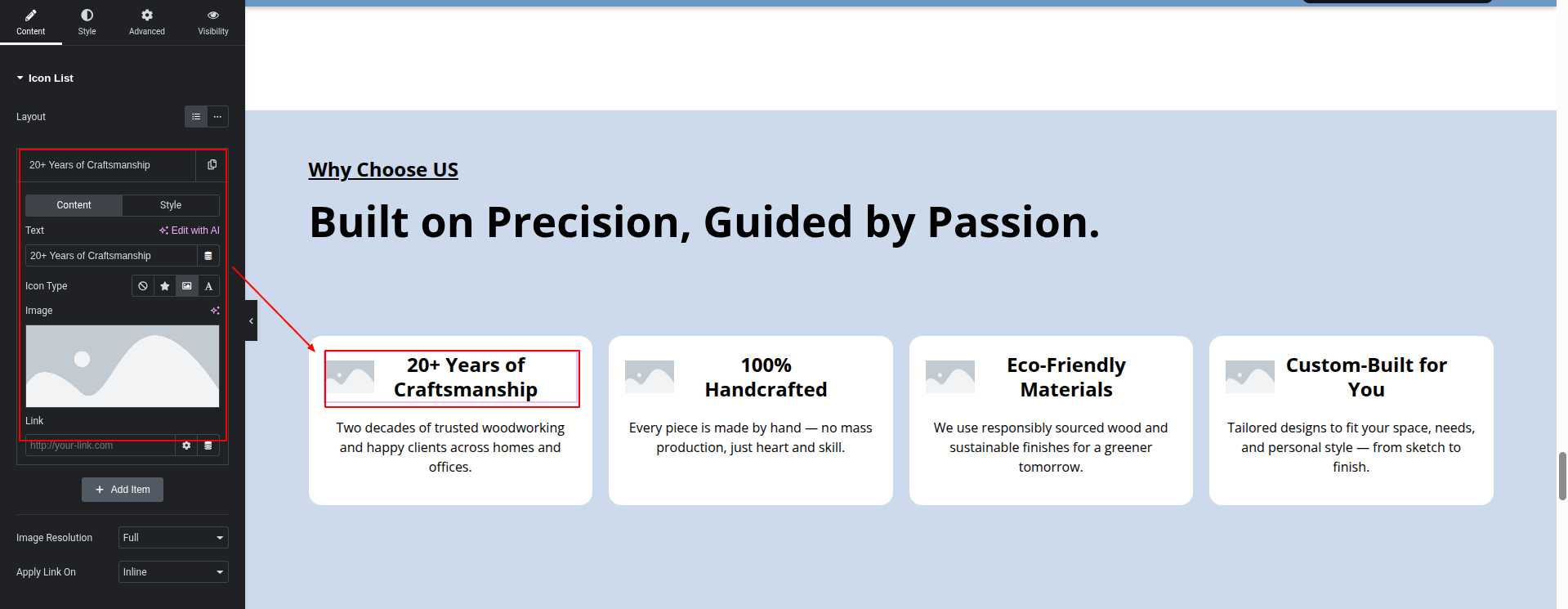
To configure the Why Choose Us Section
Set up the Why Choose Us Section according to the instructions below.
To Edit this Section, Click On the "Edit With Elementor" Button which will open the Elementor Widget editor.
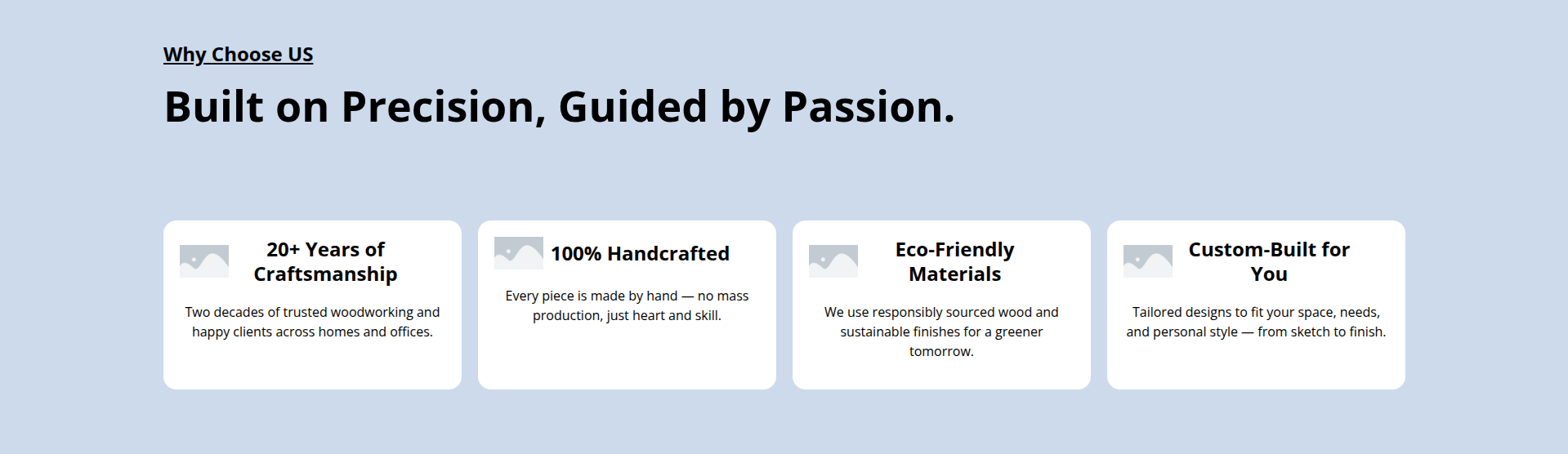
This represents how a Why Choose Us Section can be added and set up.
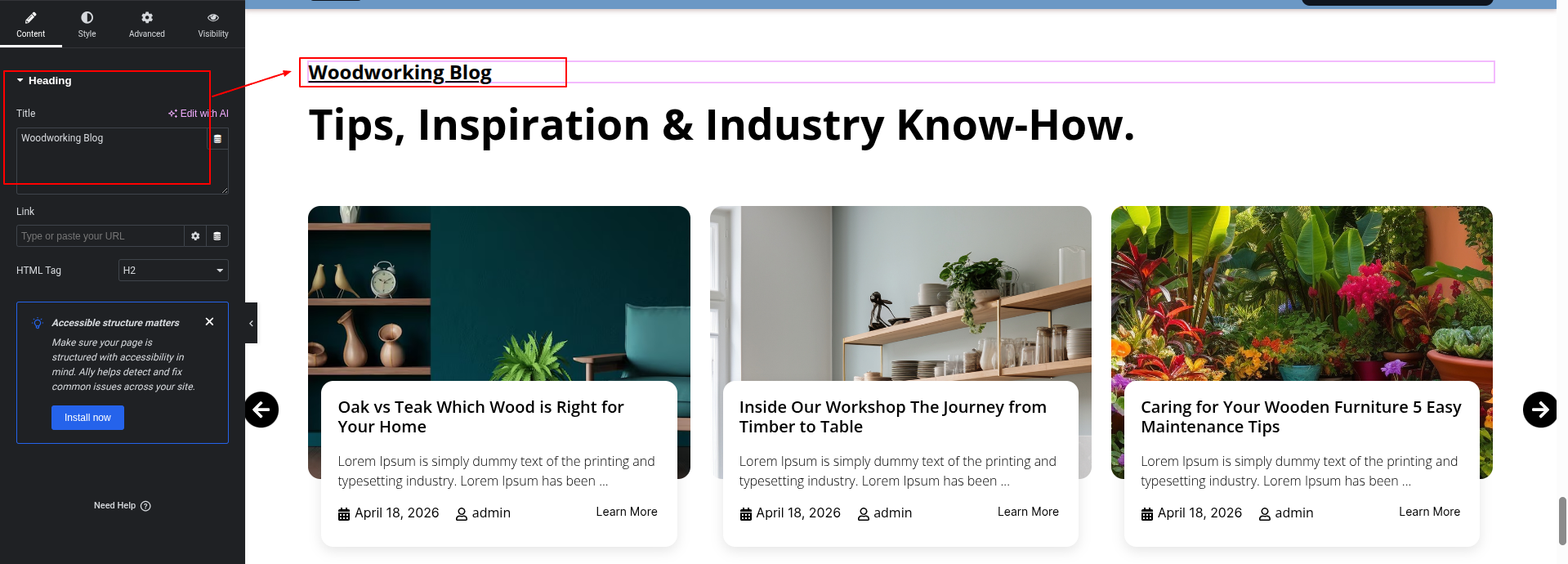
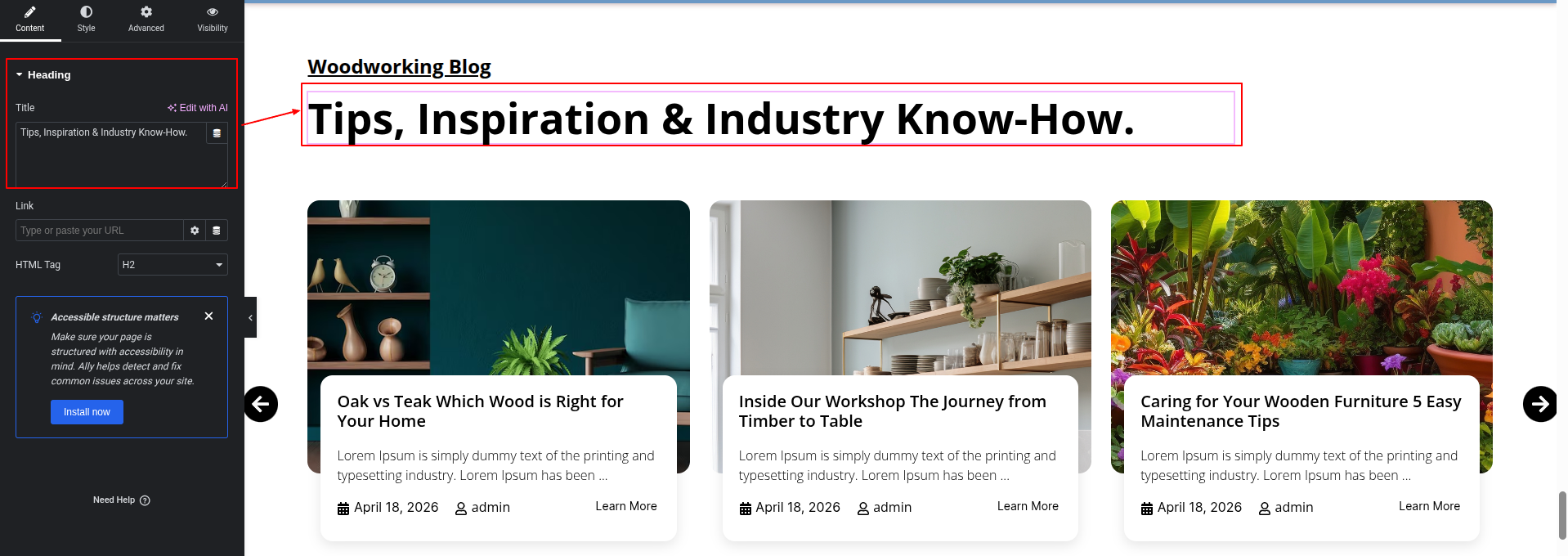
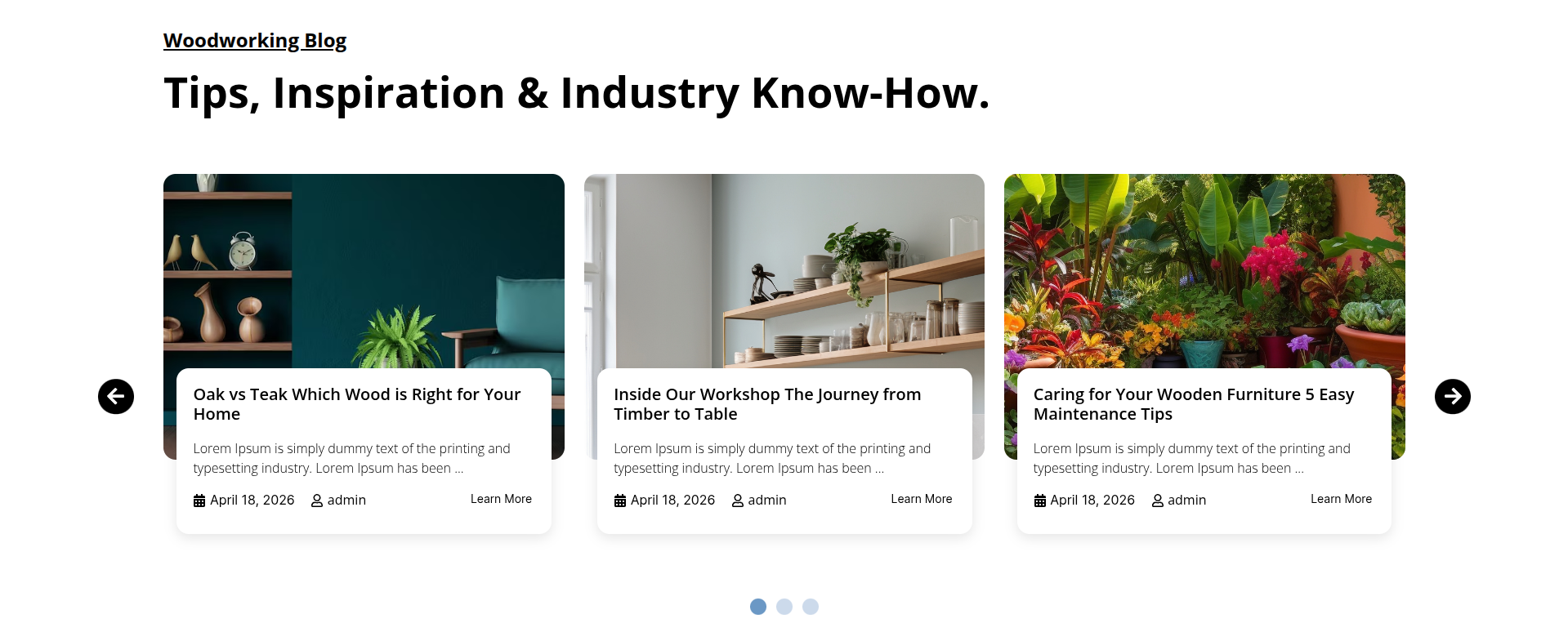
To configure the News & Blogs section
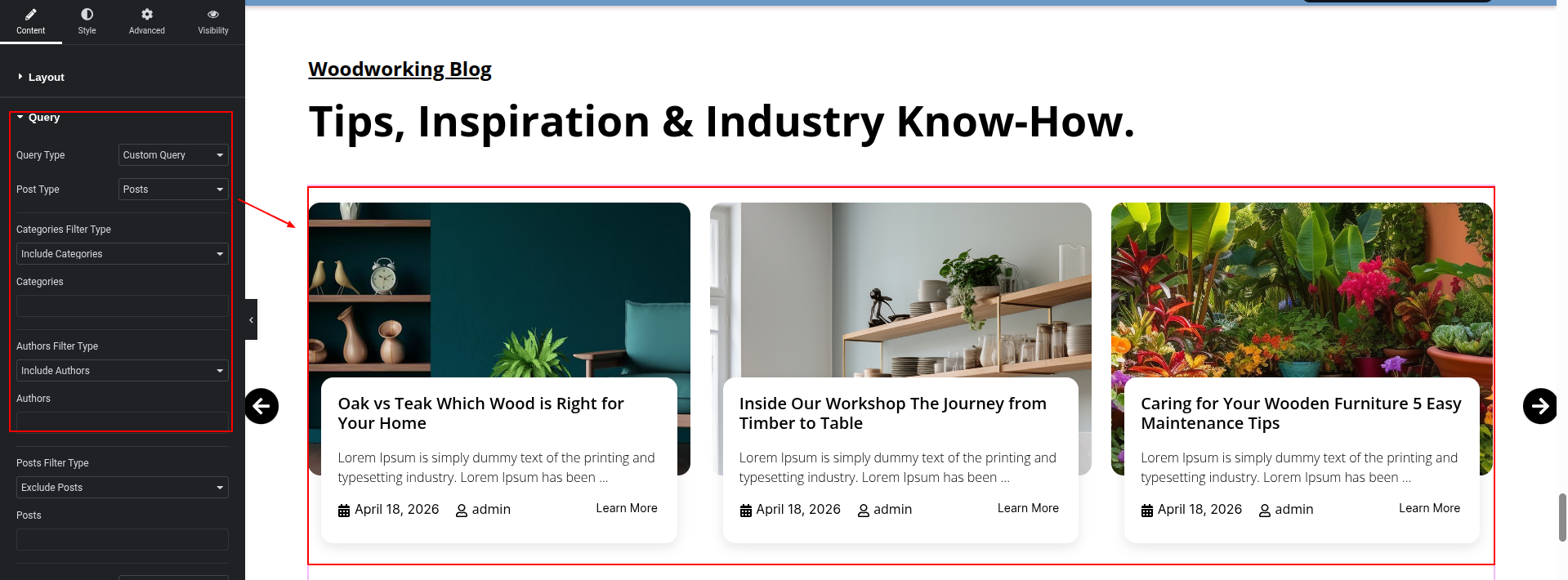
Set up the News & Blogs Section according to the instructions below.
To Edit this Section, Click On the "Edit With Elementor" Button which will open the Elementor Widget editor.
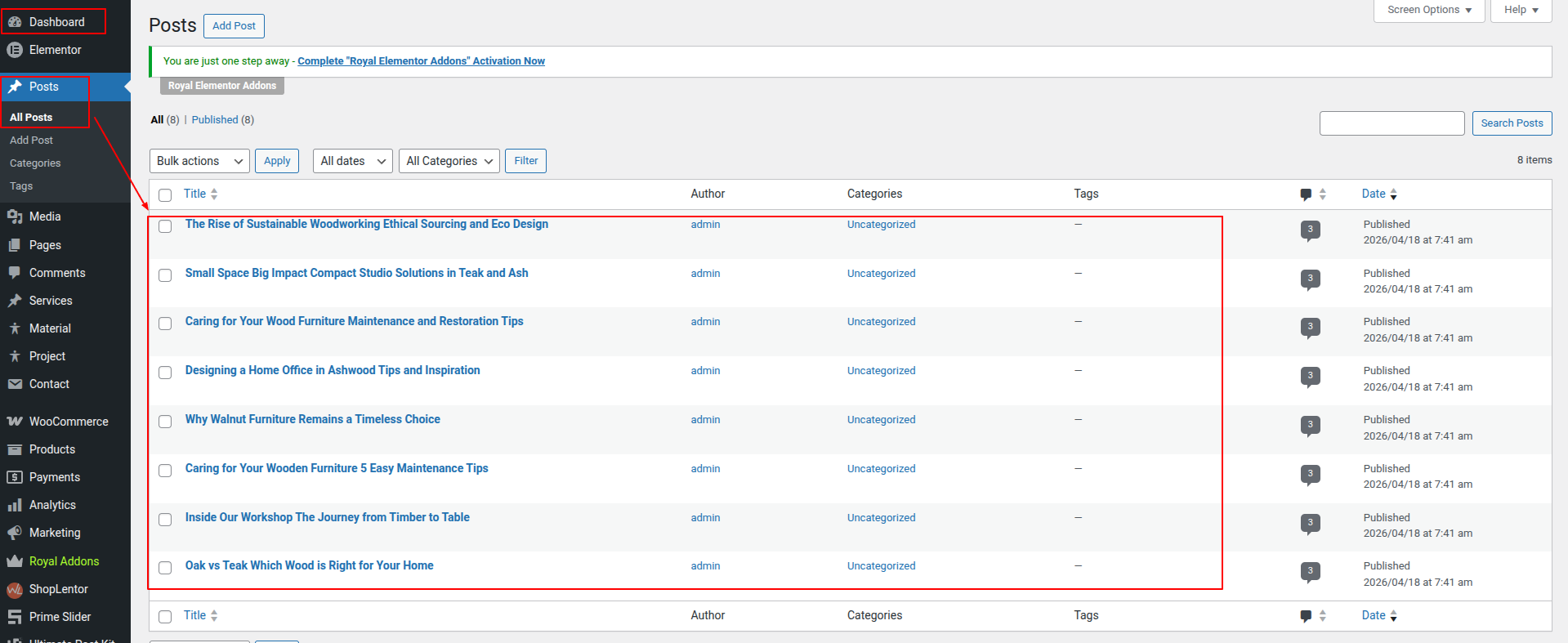
The post comes from the dashboard.
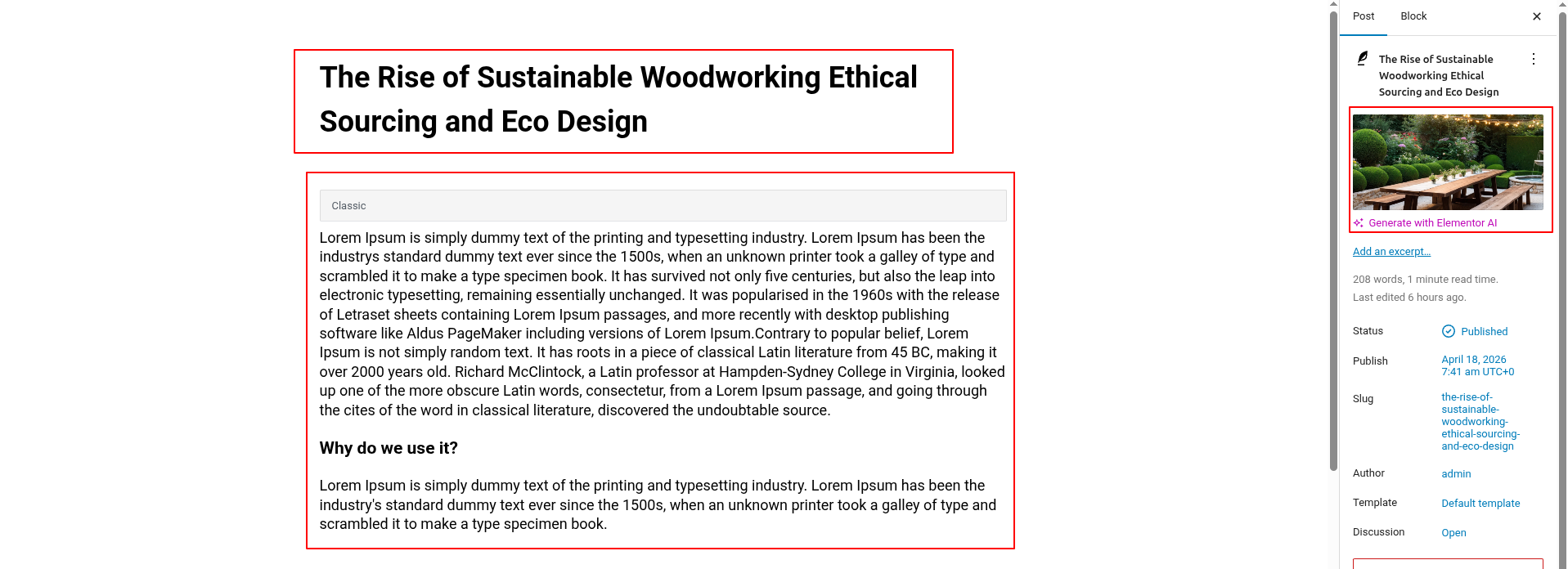
Here you can edit the post from the dashboard.
Here you can edit the post from the dashboard.
This represents how a News & Blogs section can be added and set up.
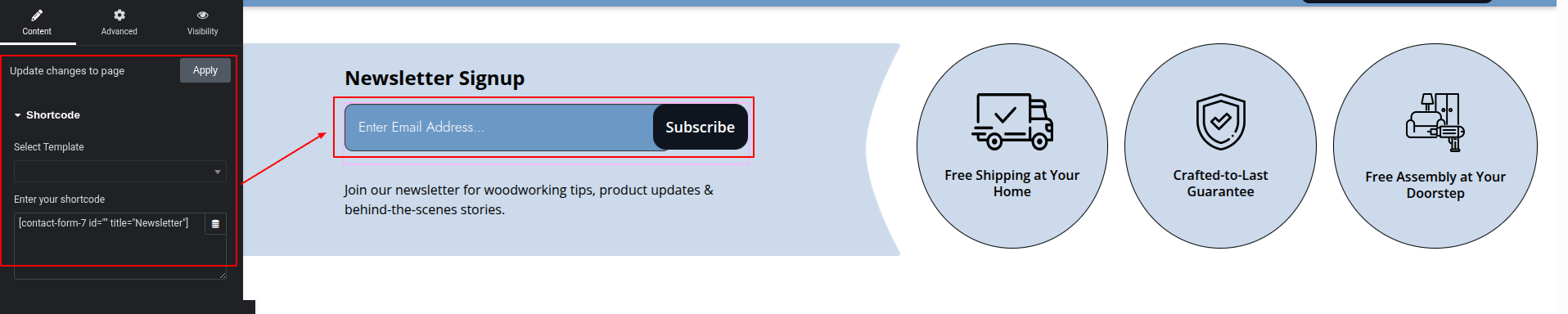
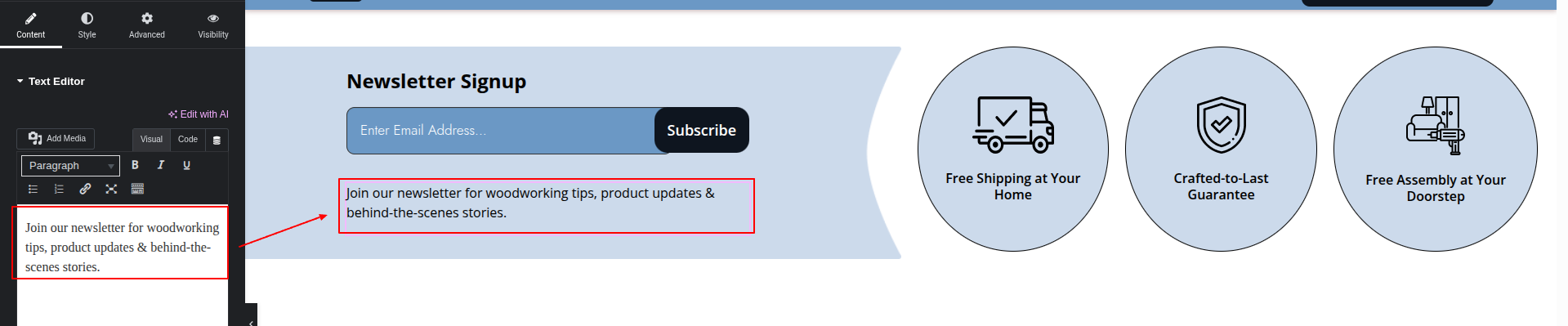
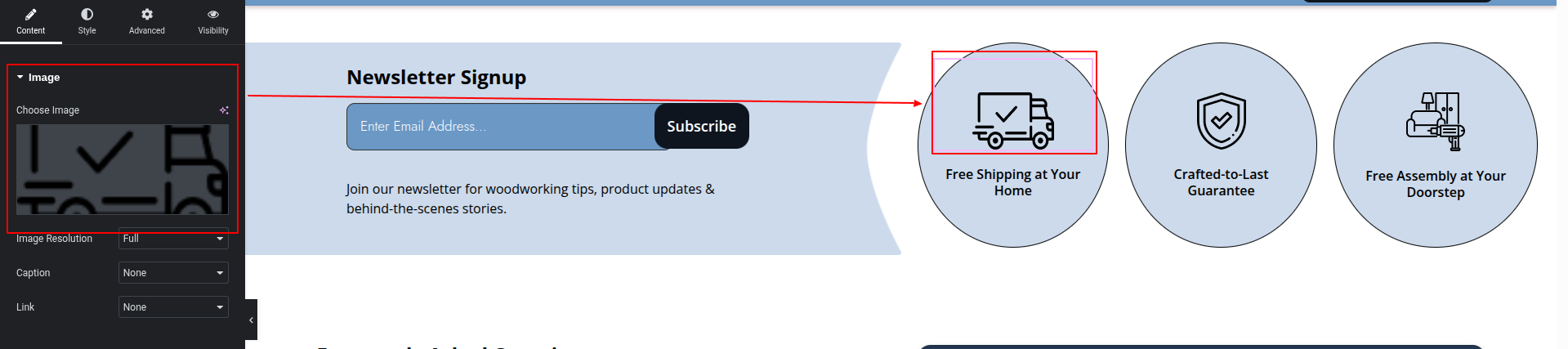
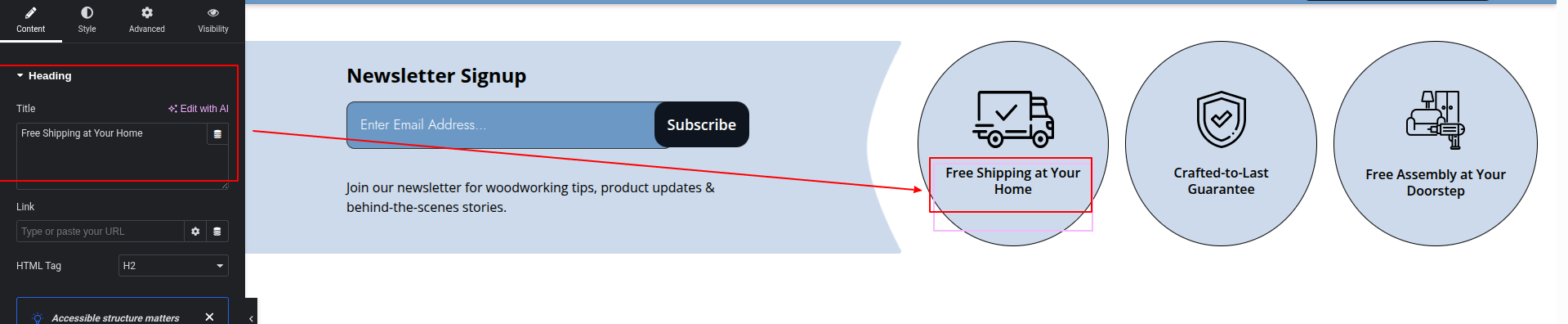
To configure the Newsletter section
Set up the Newsletter Section according to the instructions below.
To Edit this Section, Click On the "Edit With Elementor" Button which will open the Elementor Widget editor.
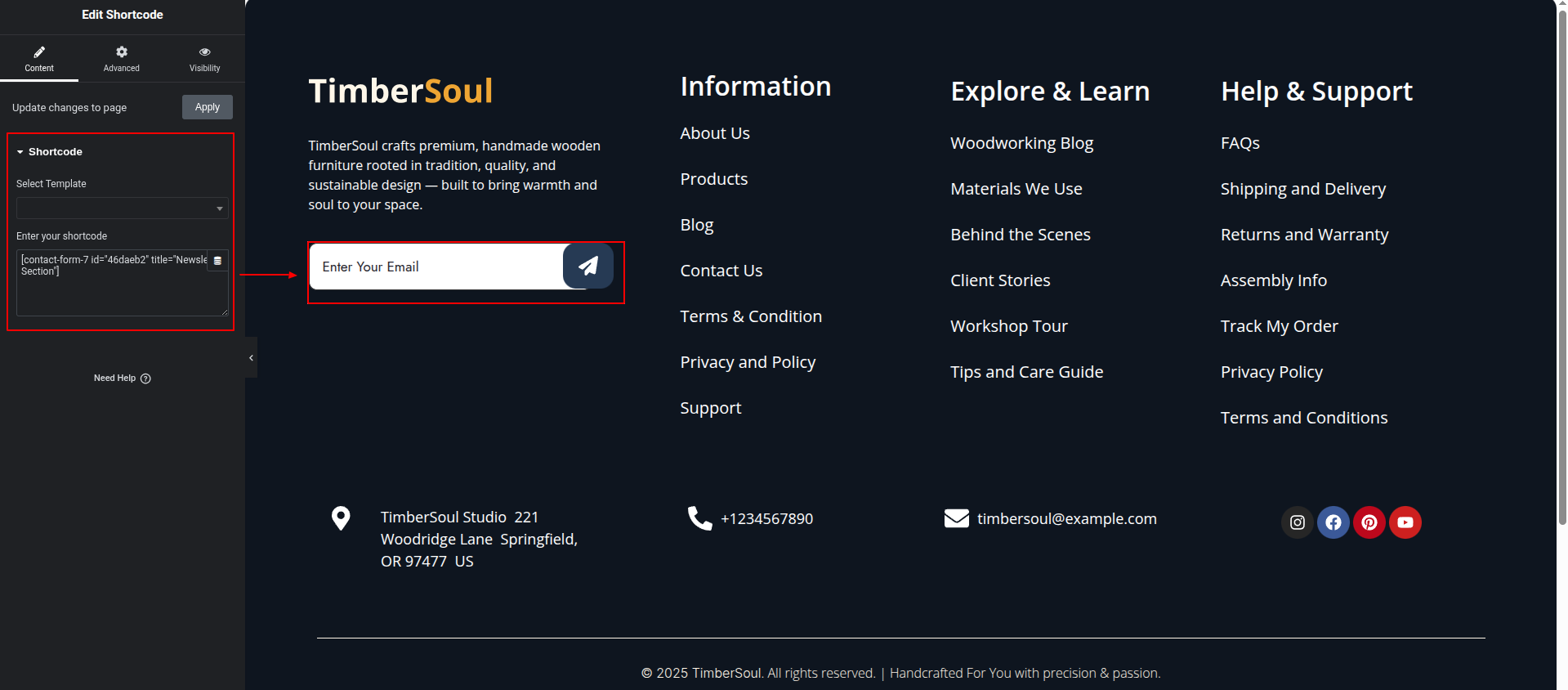
The contact forms comes from the dashboard.
The contact forms comes from the dashboard.
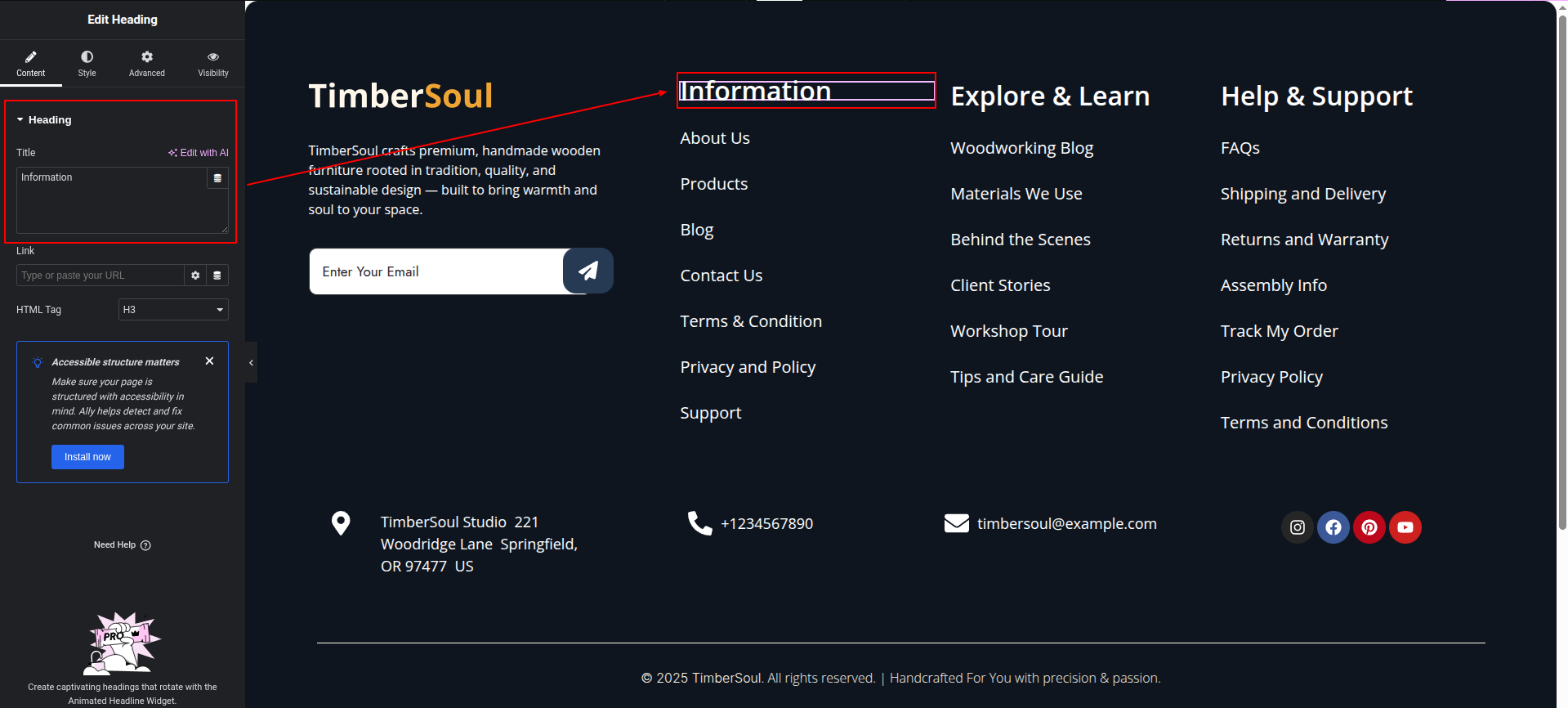
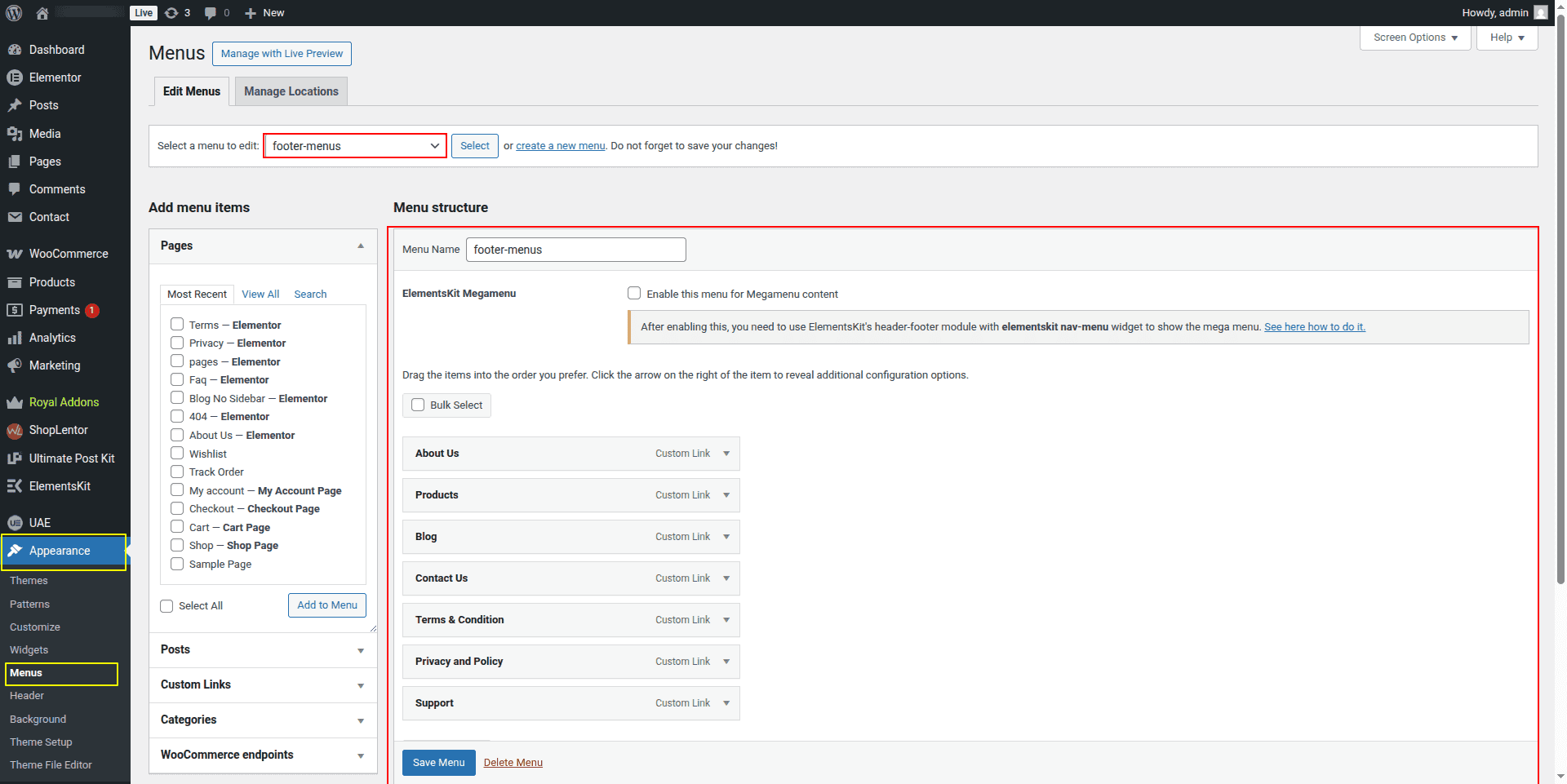
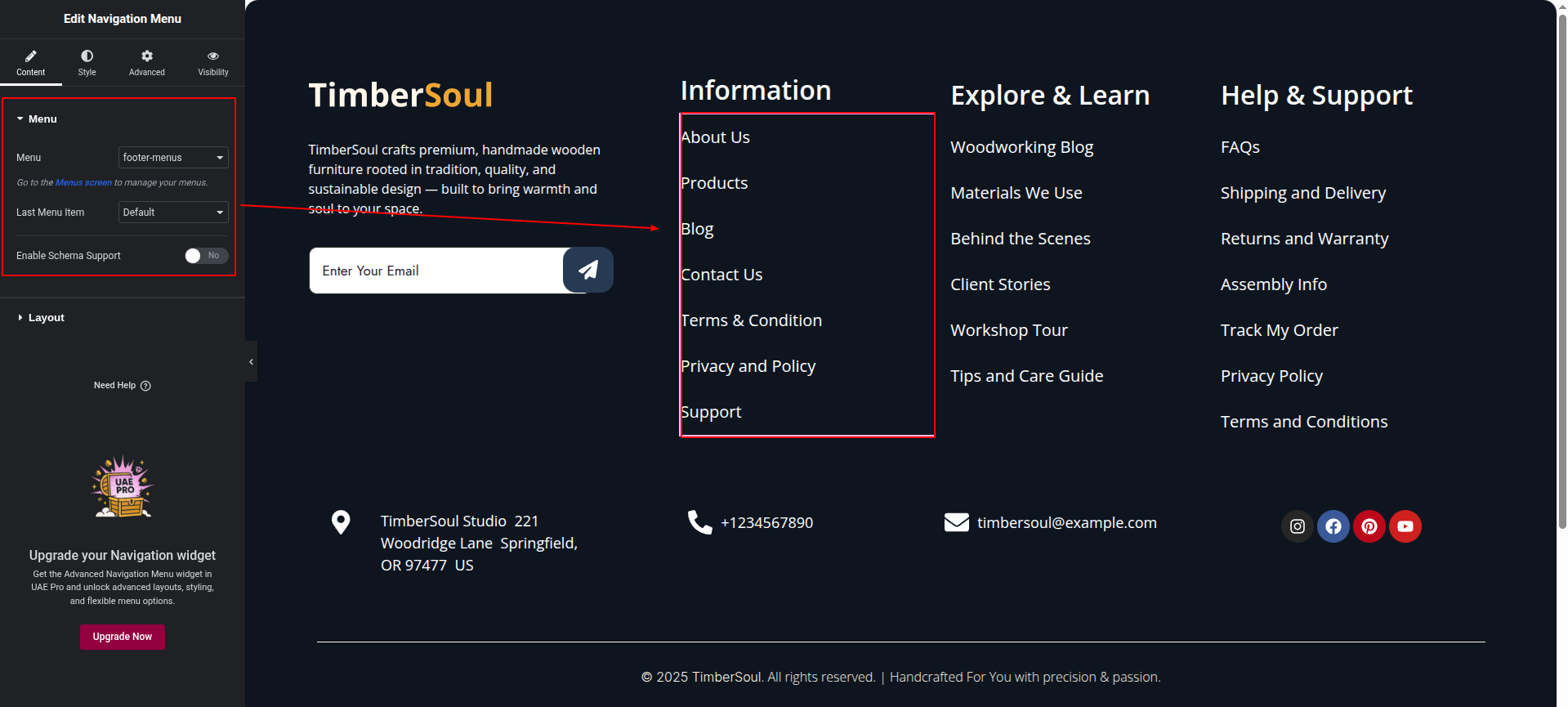
This represents how a Newsletter section can be added and set up.
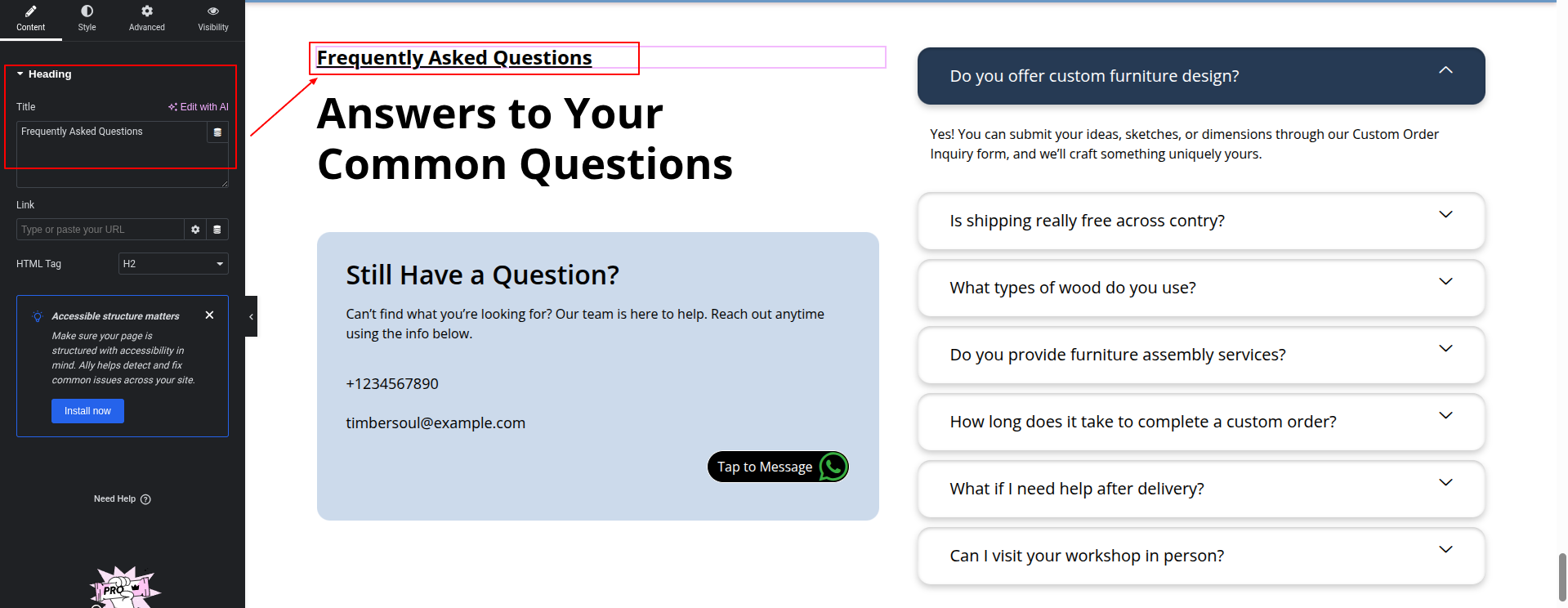
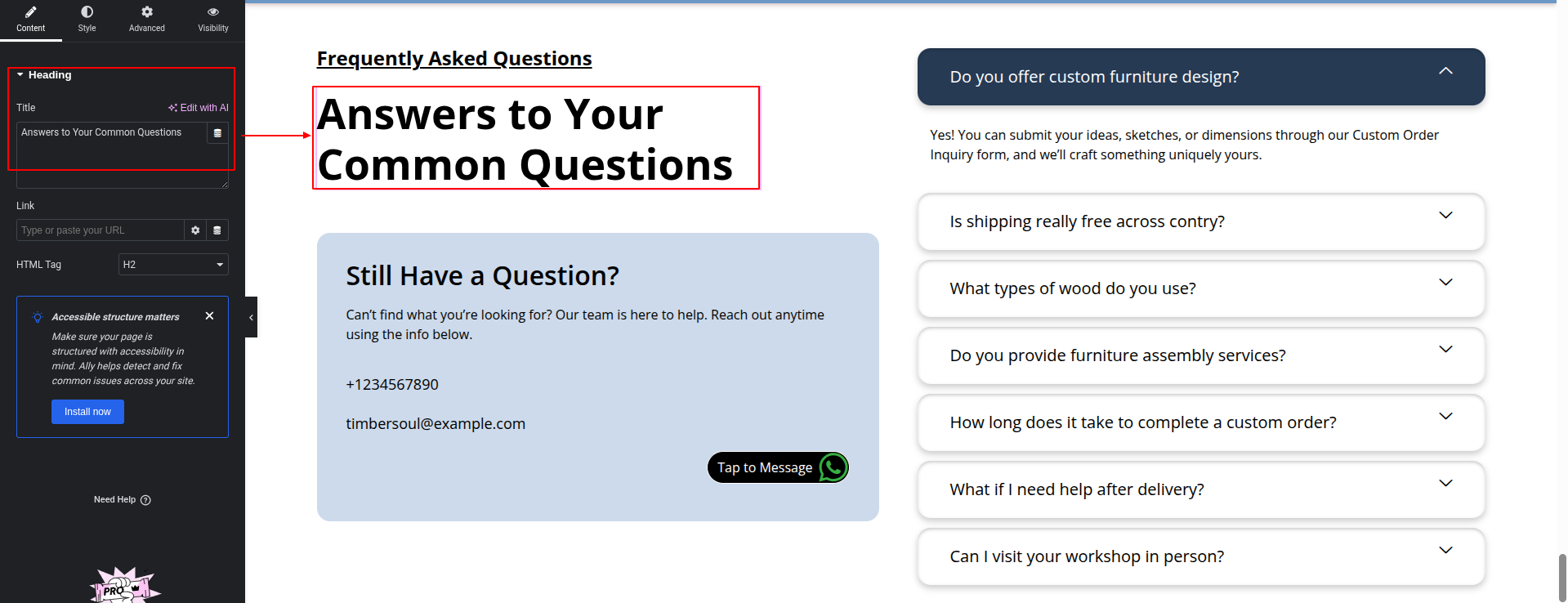
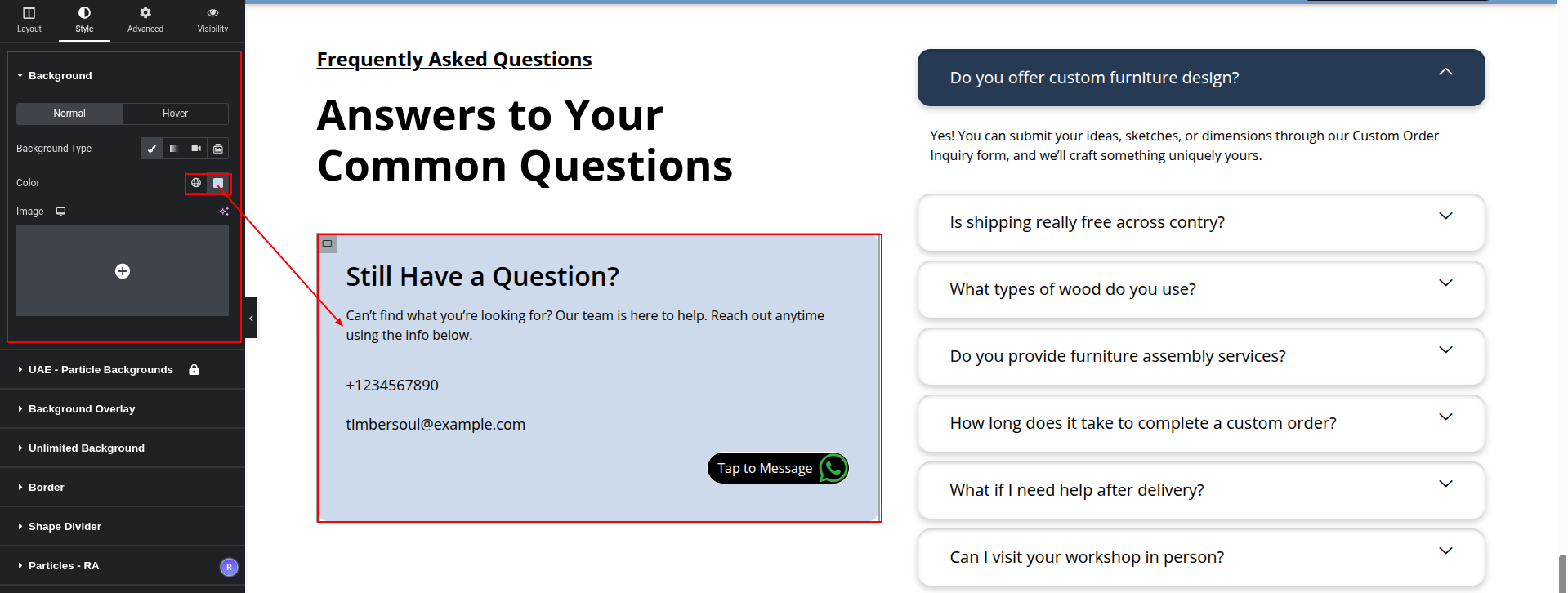
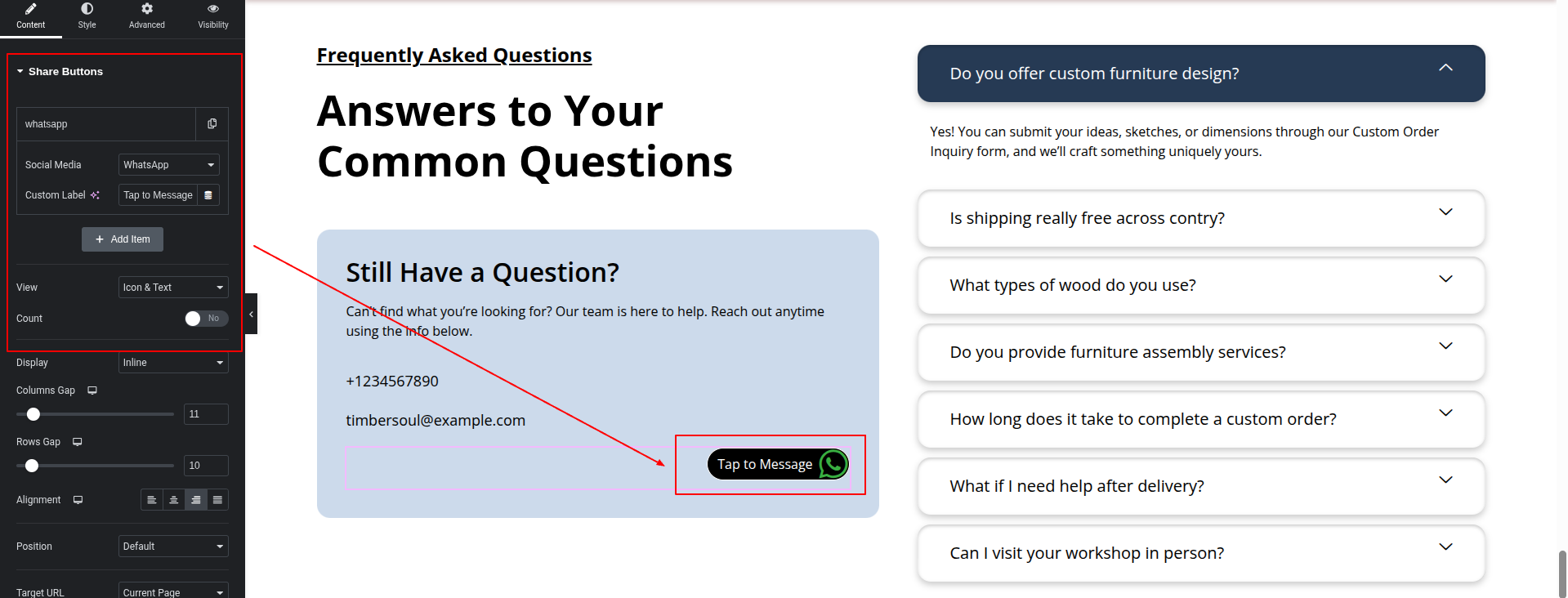
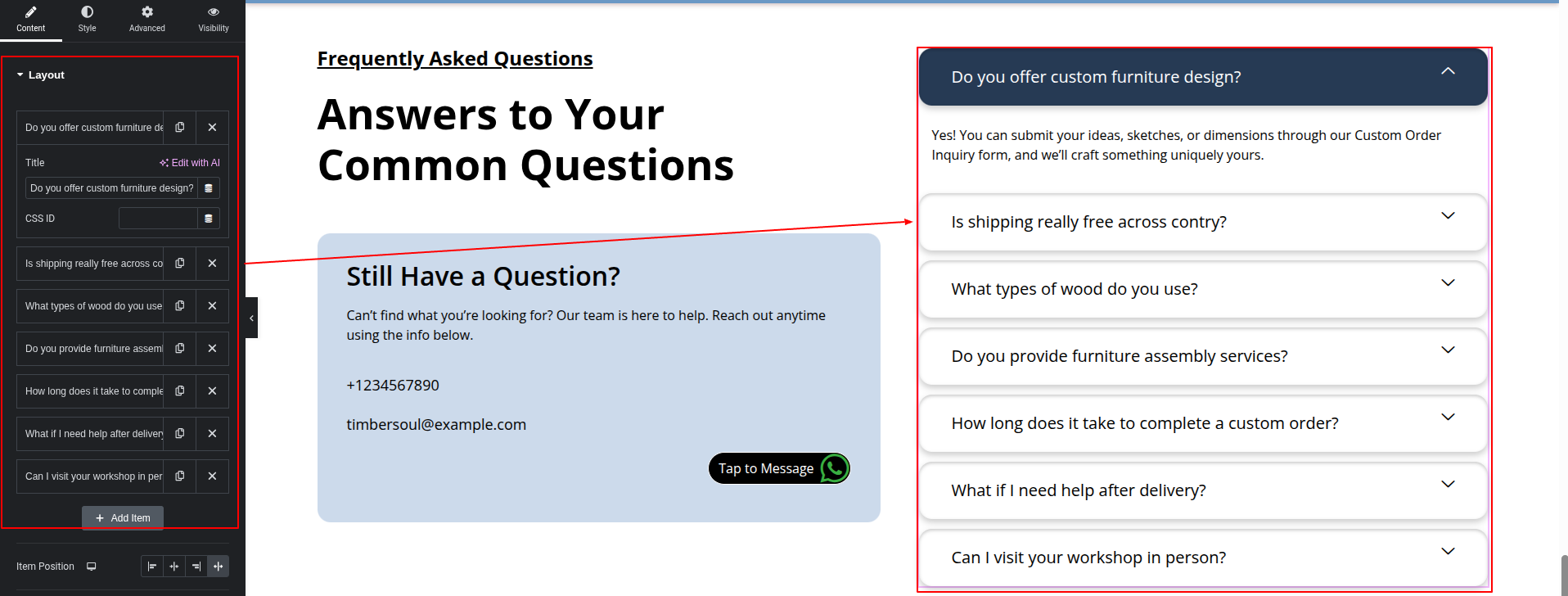
To configure the FAQ section
Set up the FAQ Section according to the instructions below.
To Edit this Section, Click On the "Edit With Elementor" Button which will open the Elementor Widget editor.
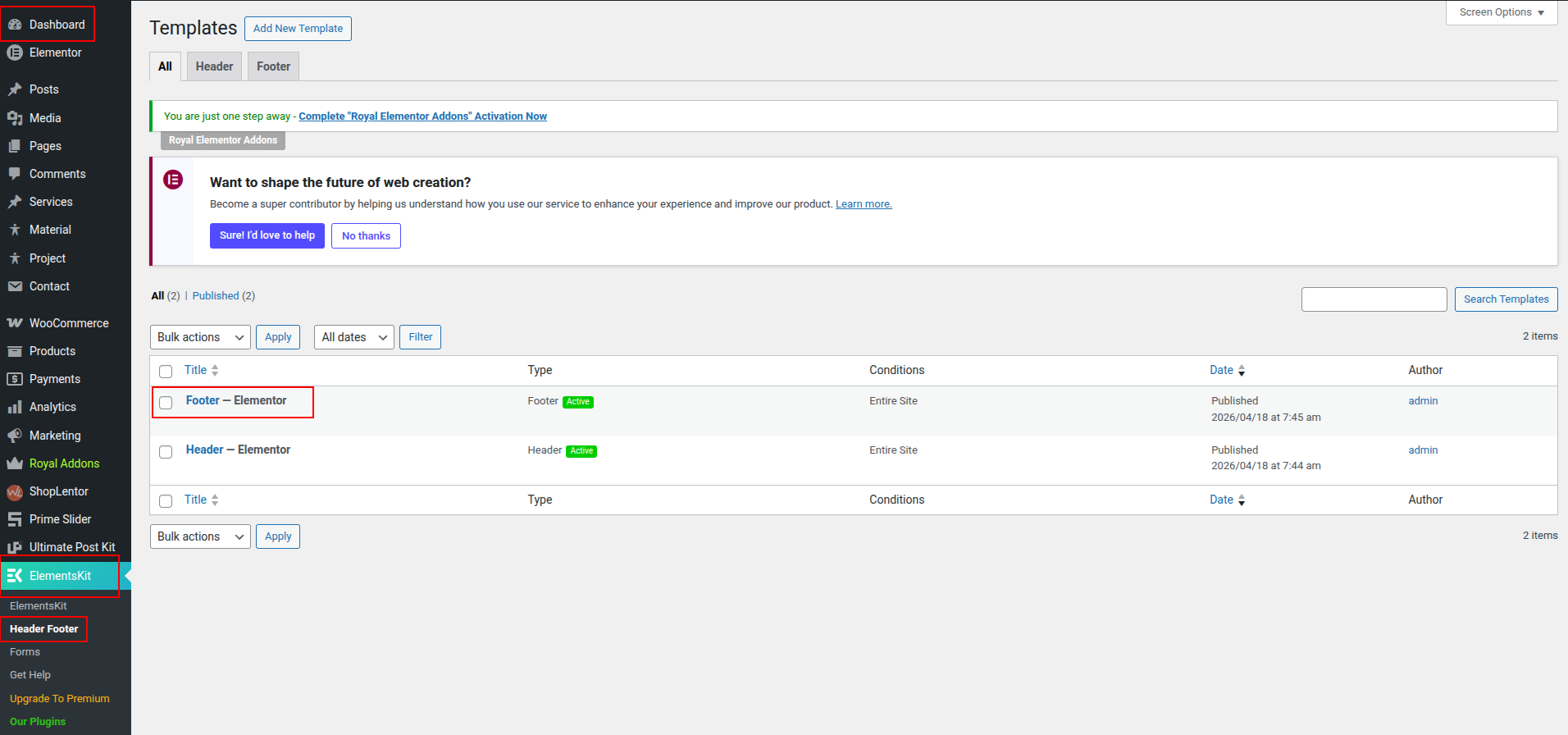
The contact forms comes from the dashboard.
The contact forms comes from the dashboard.
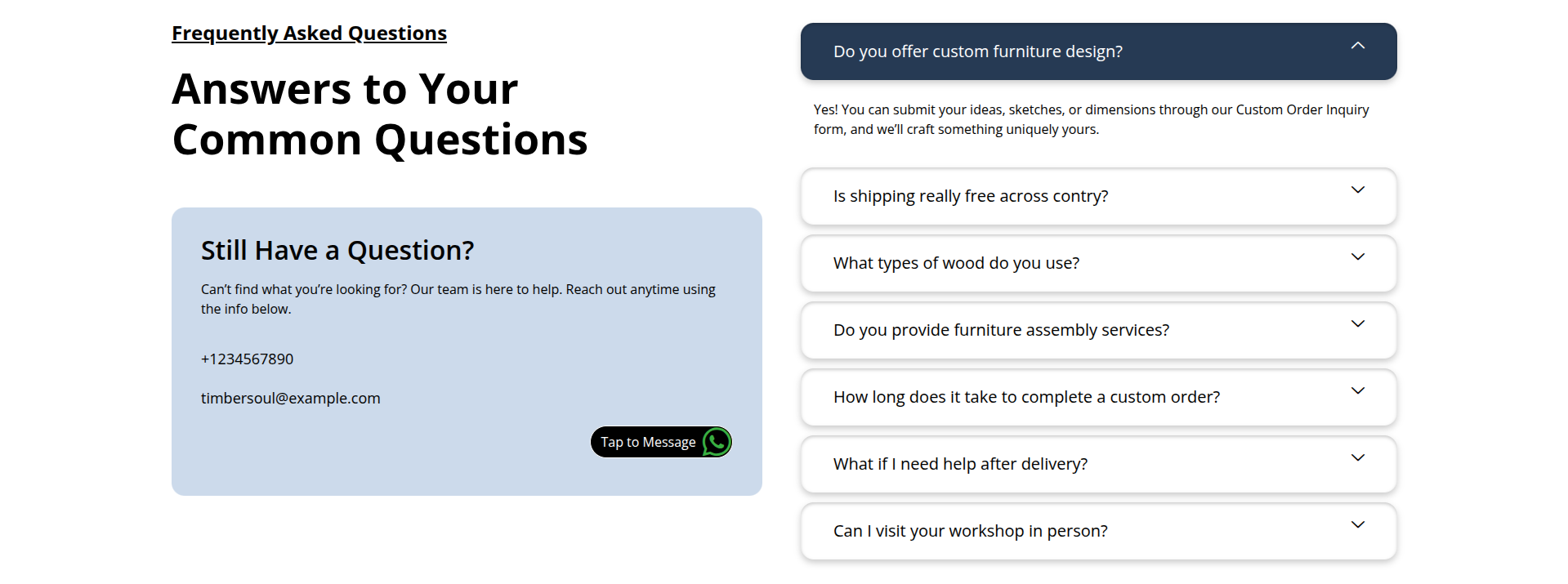
This represents how a FAQ section can be added and set up.